Roblox thumbnail templates for stories, challenges and flexes
Seven looks for how Roblox YouTube really packages videos: Brookhaven stories, rich vs poor, horror, top 10 lists, anime combat, pet flexes and 24 hour challenges.
Pick a look to open it in the Roblox studio with the style already loaded.
 Before
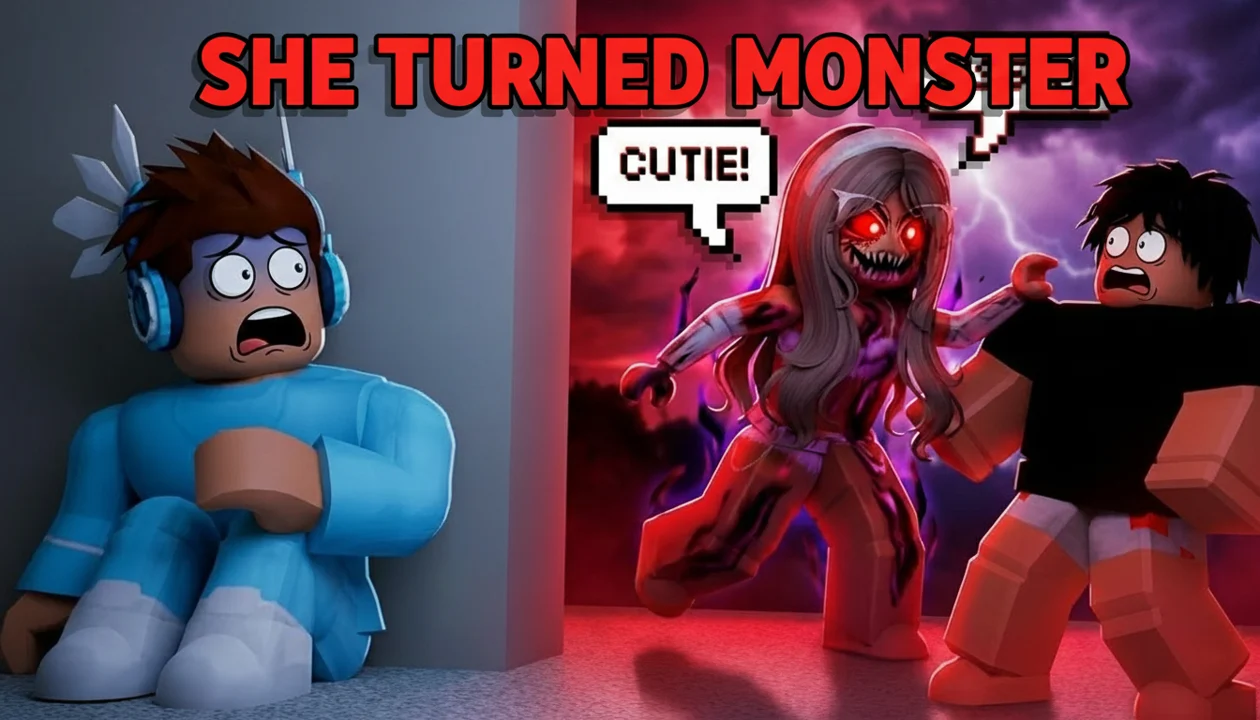 After
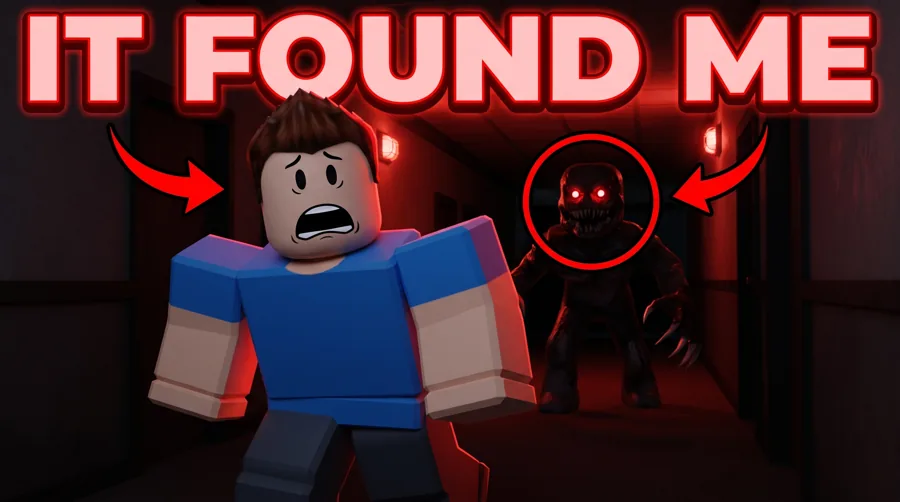
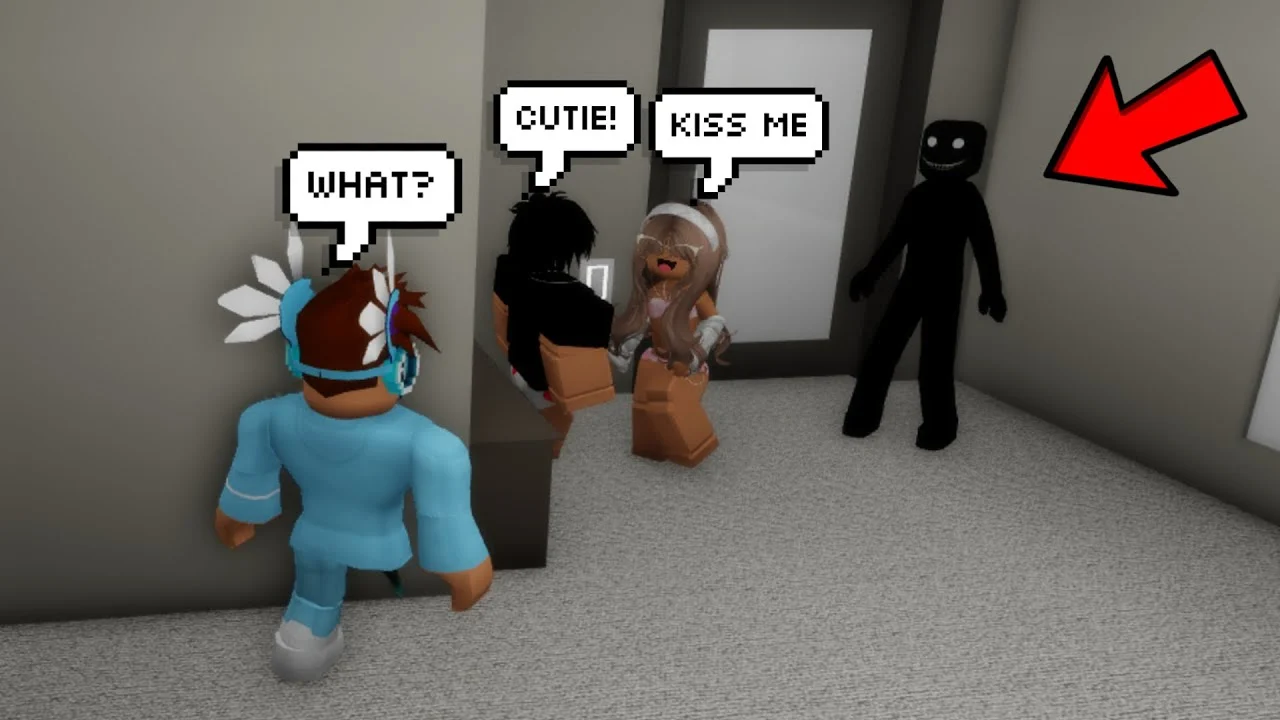
AfterReal Remaster output. Brookhaven horror story, one pass, April 2026.
By format
A look for each Roblox video type
Roblox is a thumbnail-first feed. The frame has to tell the story before the title does, and each format tells it a different way.
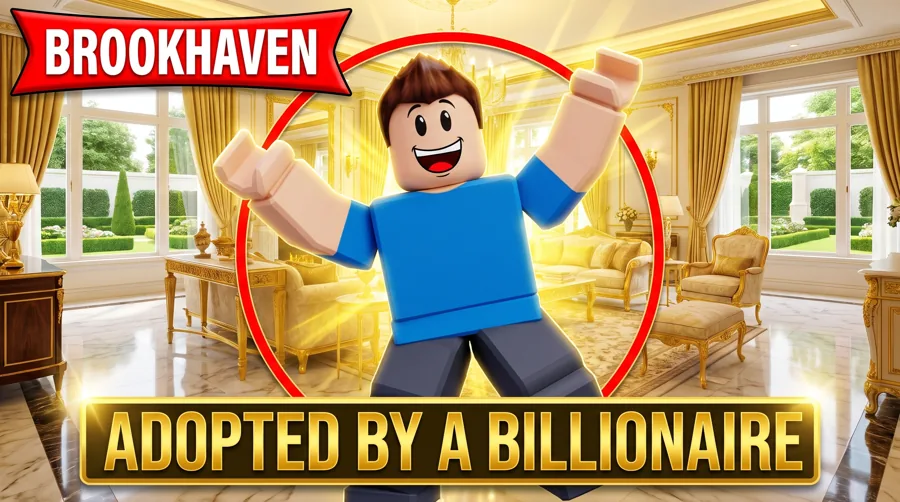
- +Brookhaven Drama: the twist, the reveal, the face in the middle
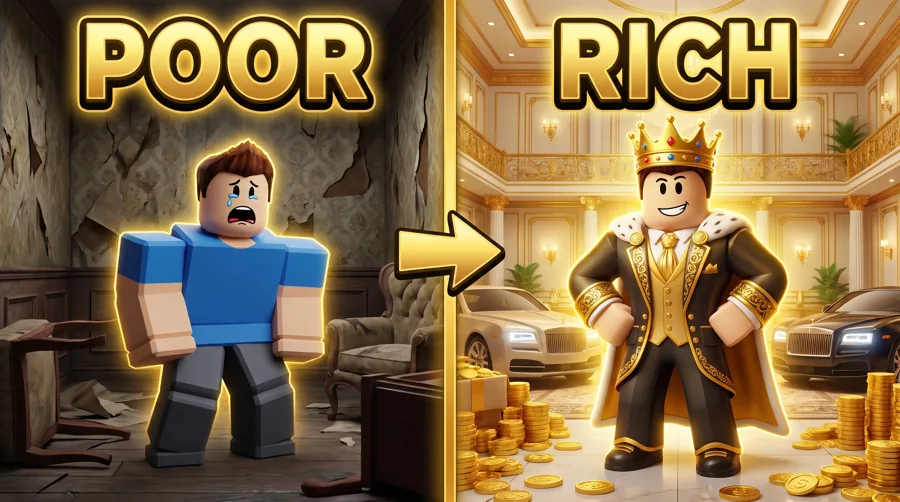
- +Rich vs Poor: two sides of the screen, one obvious contrast
- +Roblox Horror: one threat, lots of dark, a scared reaction
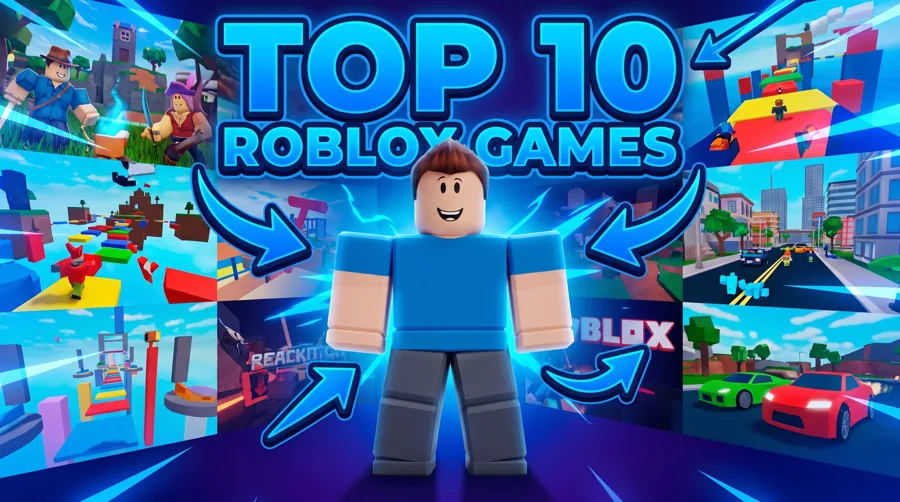
- +Top 10 / List: the number, the ranking, the winner on top
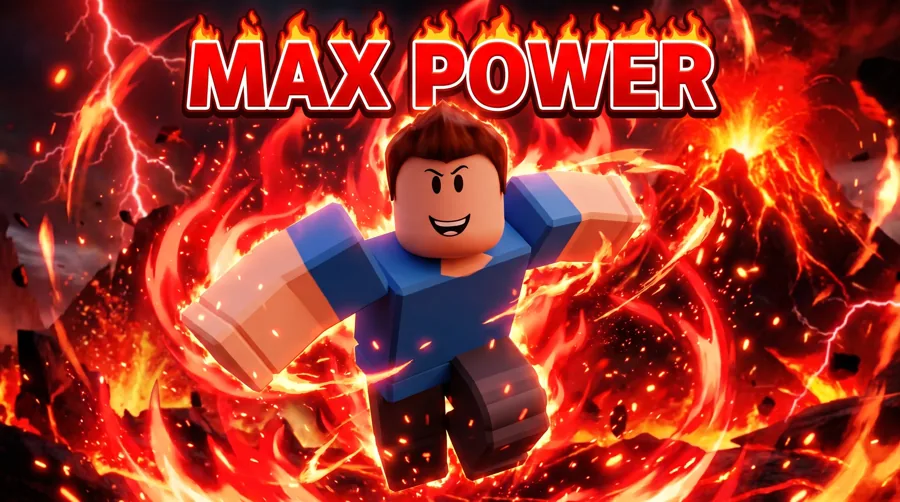
- +Blox Fruits / Anime Combat: hero pose and a big hit of impact
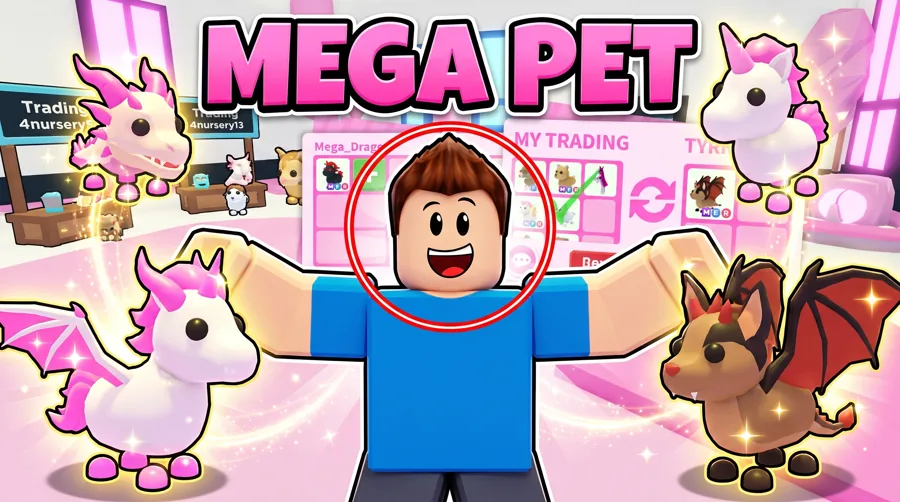
- +Pet / Adopt Me Flex: the rare pet, up close
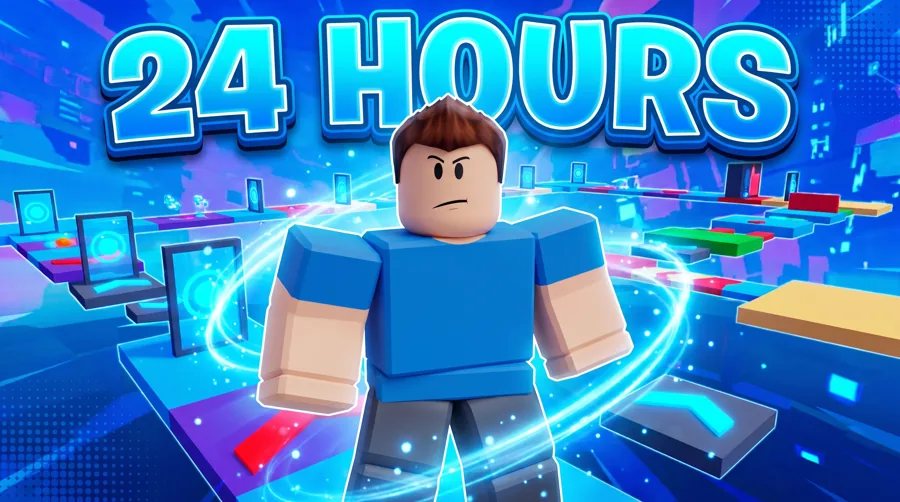
- +I Spent X Challenge: the time or the money, as big as the player
Your avatar
Your avatar, your game, your story
Bring your avatar and a frame from the game. The look builds the thumbnail around them. Plenty of Roblox channels never show a face, and the studio works the same for them. If you want a real reaction, Characters places your face and Expression sets the mood.
- +Start from a look or describe the scene yourself
- +Add screenshots from the game as references
- +Fix a face, the lighting or a messy background without redoing the rest
- +Remaster a thumbnail you already posted
Brookhaven
Brookhaven stories need one clear beat
The best Brookhaven thumbnails show a single moment: the transformation, the jumpscare, the family fight. Pick the beat, put it in the frame and give it two or three words.
- +One beat per thumbnail, not the whole plot
- +The reaction face carries it (yours or your avatar's)
- +Short text in caps, not a sentence
- +Contrasting colors to split the good side from the bad
Keep it loud
Roblox thumbnails can be loud on purpose
Bright colors, big shapes and exaggerated faces are the norm in this feed. Keep it simple so it still reads small.
- +Big avatar, big face, big text
- +High contrast between subject and background
- +One number at most, and only if it's the hook
- +Don't bury the game name in a corner
The spec
Size and format
Every Roblox thumbnail ends up in the same YouTube box. Build at full size, then check it at sidebar size, where detail disappears first.
| Recommended size | 3840 x 2160 px |
|---|---|
| Aspect ratio | 16:9 |
| Minimum width | 640 px |
| File types | JPG or PNG |
| Max file size | 2 MB from mobile, 50 MB from desktop |
On Roblox itself
Game icon and game thumbnail sizes
If you also publish a Roblox experience, its listing has its own sizes, separate from YouTube.
| Game icon | 512 x 512 px, square |
|---|---|
| Game thumbnail | 1920 x 1080 px, 16:9, under 3 MB |
| Accepted file types | .jpg .gif .png .tga .bmp |
Templates
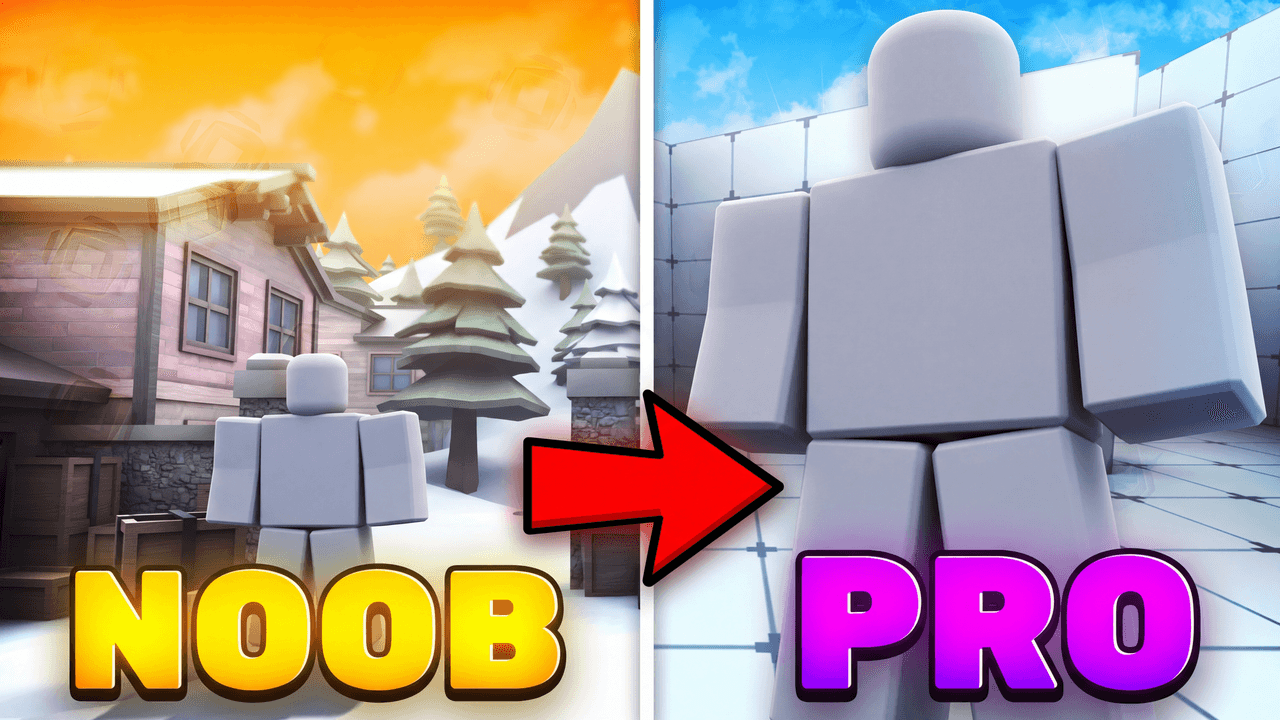
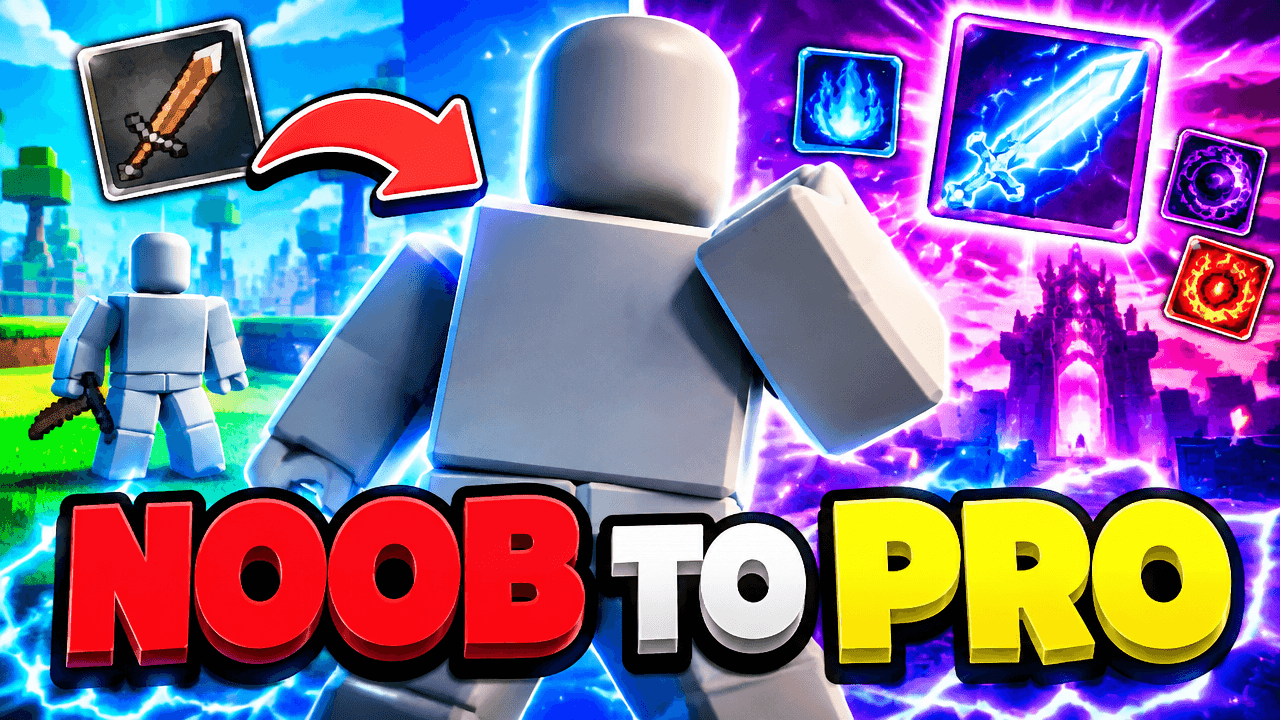
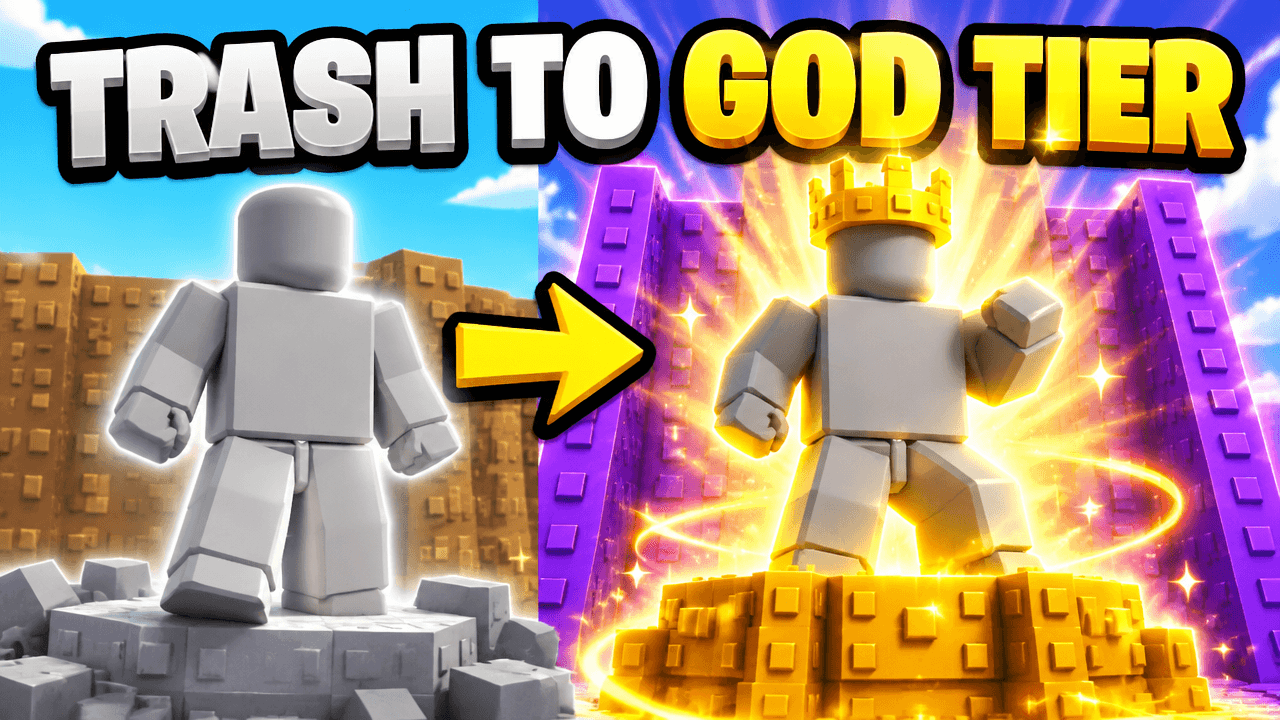
Start from a ROBLOX layout that already works
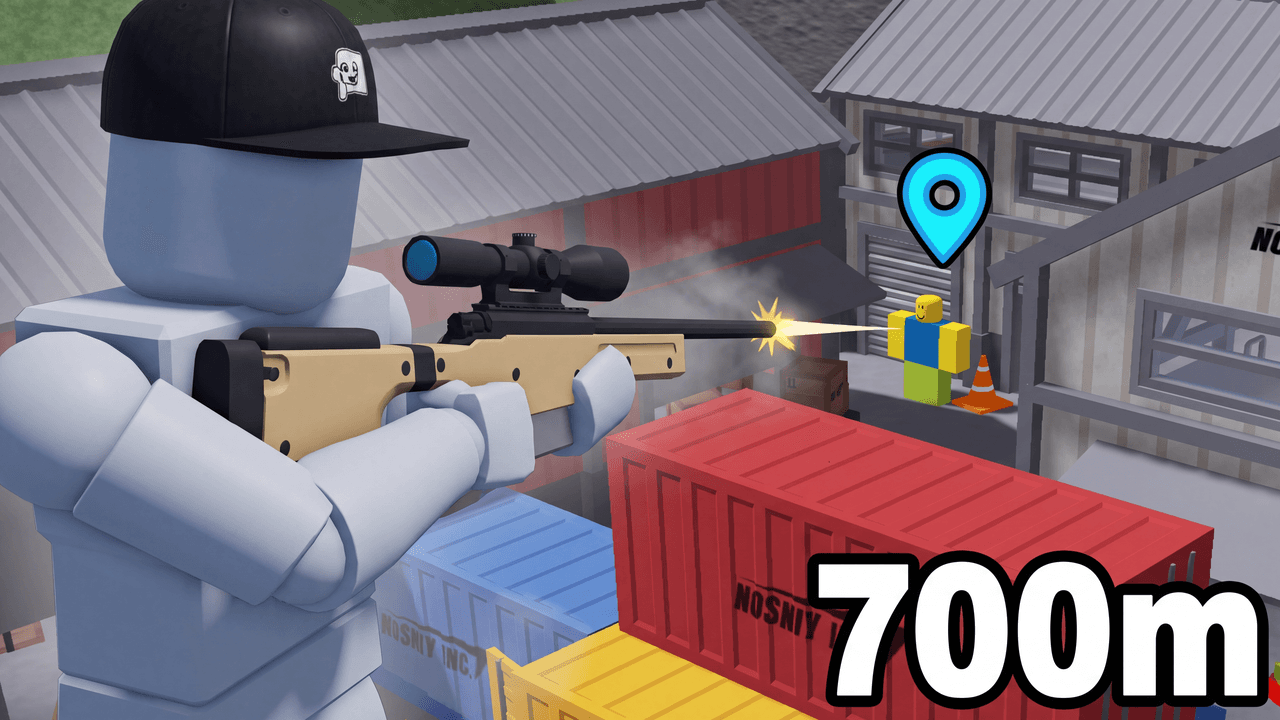
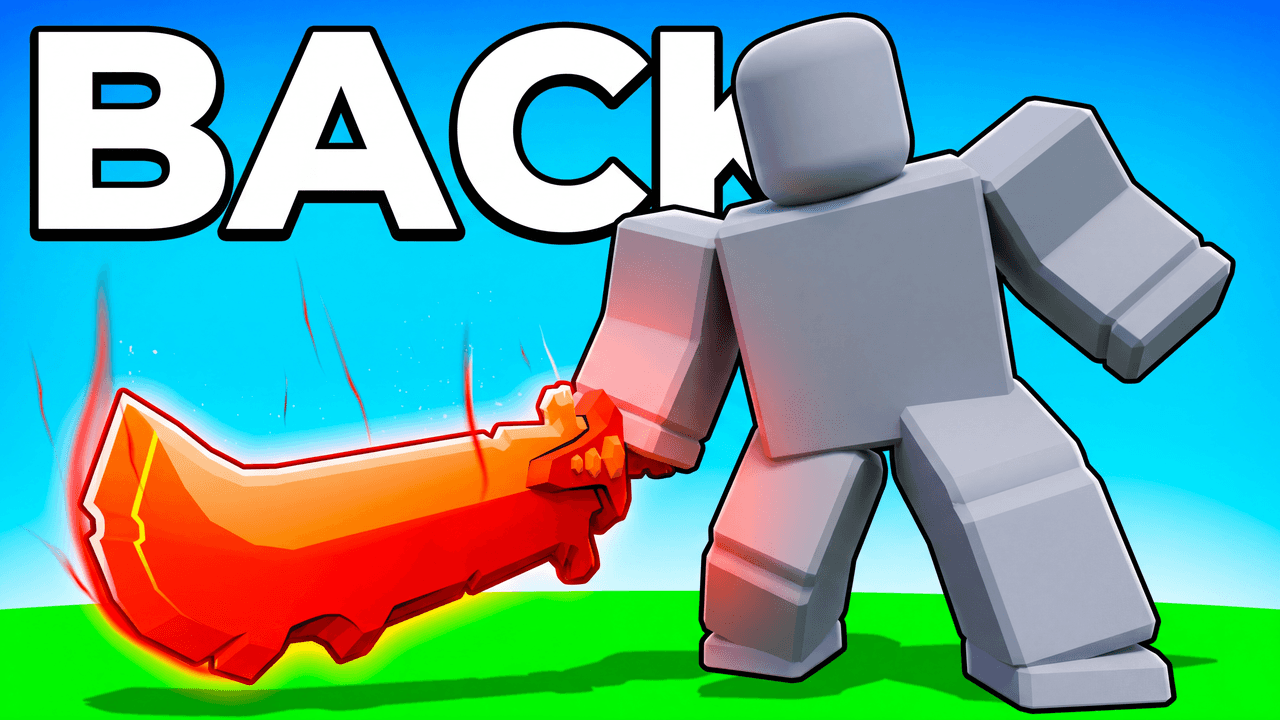
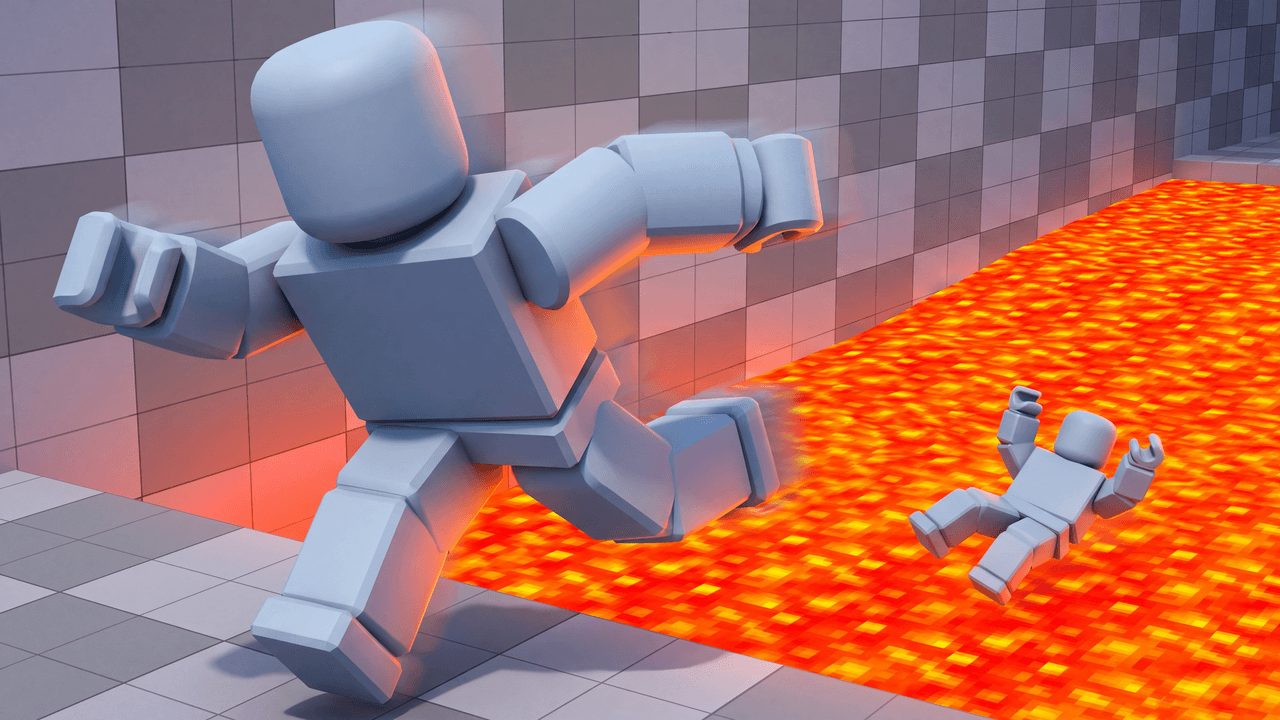
Every one opens straight in the studio. Swap the grey stand-in for yourself and change anything by typing.
Creator reviews
18,000+ creators have signed up and made 30,000+ thumbnails. Real reviews, collected through Senja.
"I used to pay for these on Fiverr. LaunchLens is way cooler."
"It's so easy to use. Honestly, just really good."
"I love how fast it is."
Questions, answered straight.
What's the best thumbnail for a Brookhaven story?+
Start from the Brookhaven Drama look. Show one moment, like the reveal or the transformation, with a clear reaction face and two or three words of text.
Do you have Blox Fruits and Adopt Me templates?+
Yes. Blox Fruits / Anime Combat is made for battle and fruit videos, and Pet / Adopt Me Flex is made for rare pet showcases. For any other game, describe the scene and add your own screenshots.
Are these Roblox thumbnail templates free?+
You can open any look and make your first thumbnails on the free credits you get at signup. No card is needed, and nothing is held back until you pay.
Can I use my own Roblox avatar?+
Yes. Drop in a render or screenshot of your avatar and the look builds around it. Characters can place your real face too if you want one.
Can I make a top 10 Roblox games thumbnail?+
Yes. The Top 10 / List look puts the number and the winner up front. Add screenshots of the games you're ranking as references.
What size is a Roblox game thumbnail?+
Roblox game thumbnails are 1920 x 1080 pixels (16:9) and under 3 MB. The game icon is 512 x 512 pixels. Accepted types are .jpg, .gif, .png, .tga and .bmp.
What size should a Roblox thumbnail be?+
YouTube Help recommends 3840 x 2160 pixels at 16:9, with a minimum width of 640 pixels. Use JPG or PNG, under 2 MB from mobile or 50 MB from desktop.
Pick a look and make your Roblox thumbnail
Free credits on signup. No card. Your first thumbnail is on us.
Keep exploring
LaunchLens is an independent tool and is not affiliated, associated, authorized, endorsed by, or in any way officially connected with Mojang, Microsoft, Roblox Corporation, Epic Games, Take-Two Interactive, Rockstar Games, 2K, Riot Games, Activision Blizzard, Valve Corporation, Supercell, Electronic Arts, EA Sports, the Collegiate Licensing Company, TVGS, Arrowhead Game Studios, Sony Interactive Entertainment, or any of their subsidiaries. All game titles, logos, and characters are trademarks of their respective owners. College team names, marks, and college athlete names and likenesses are the property of their respective rights holders; build thumbnails from your own references and keep athlete and team art generic.