Minecraft Thumbnail Maker with your own skin
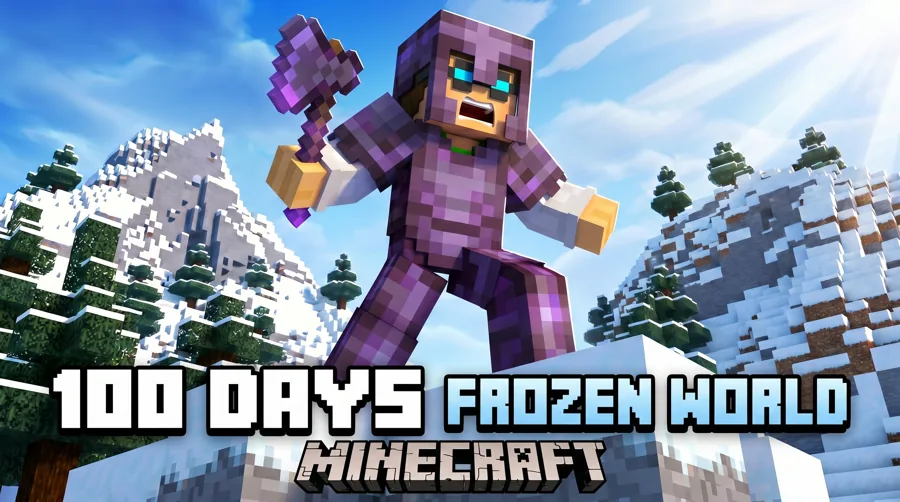
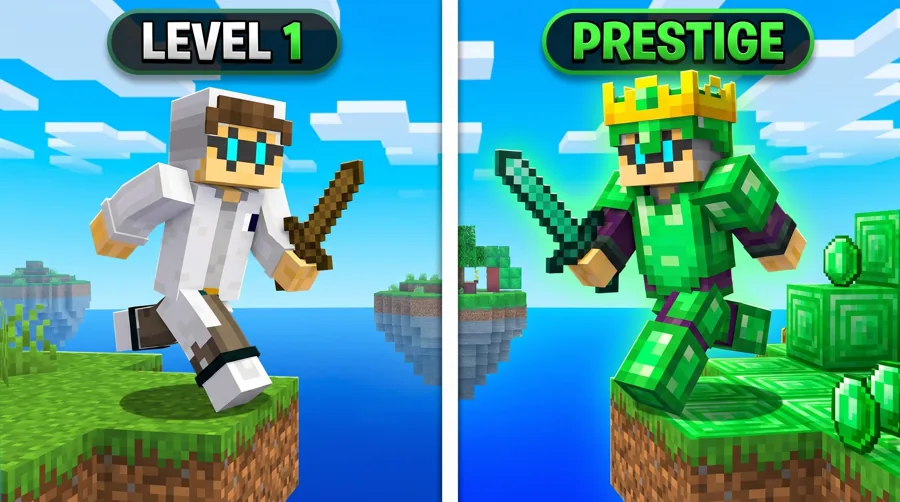
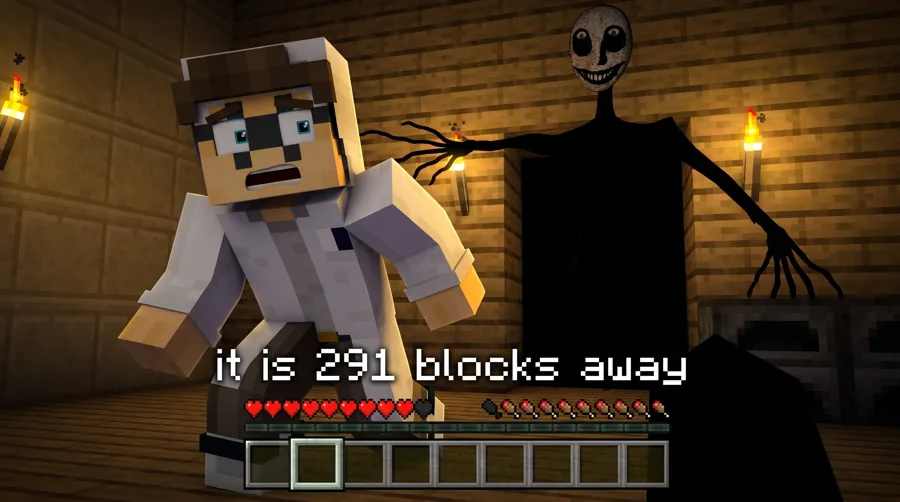
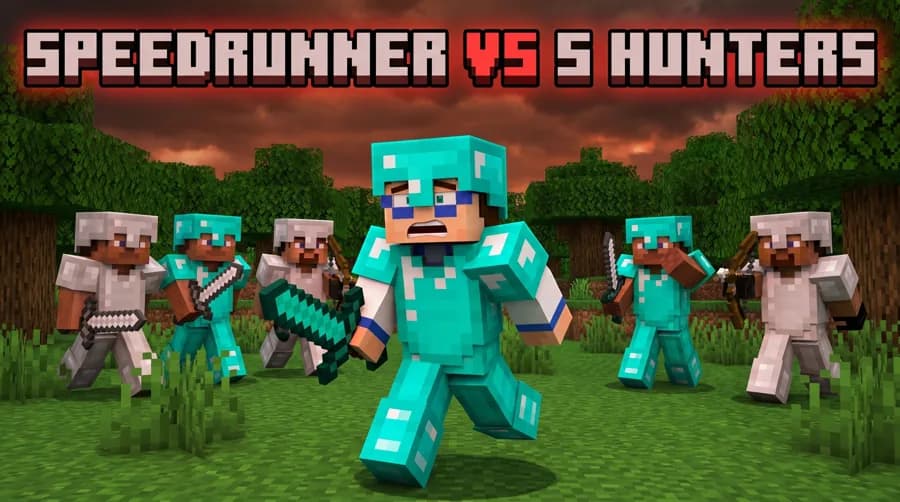
Type your Minecraft username and the studio puts your skin into proven looks: 100 Days, Hardcore, SMP, Bedwars, Manhunt, horror and modpacks. Pick one, generate in about 30 seconds, and get a YouTube-ready 16:9 thumbnail. 90 free credits, no card.
One account and one credit balance across every game studio.
What are you making?
Pick the job. Every tile opens LaunchLens on it.
Minecraft YouTubers
Server and pack makers
See your skin in it first
Type your username. This is the skin the studio puts in every thumbnail you make, no upload needed.
Free, no account needed to look. Only public game profiles are used.
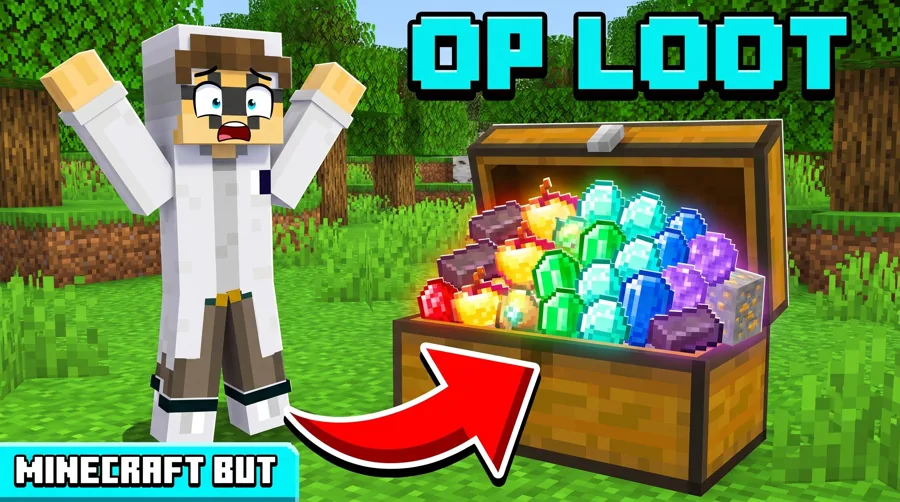
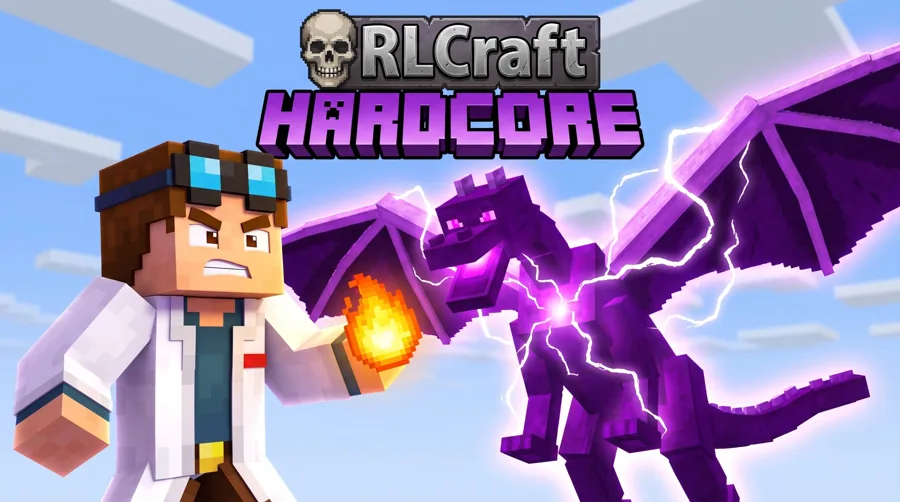
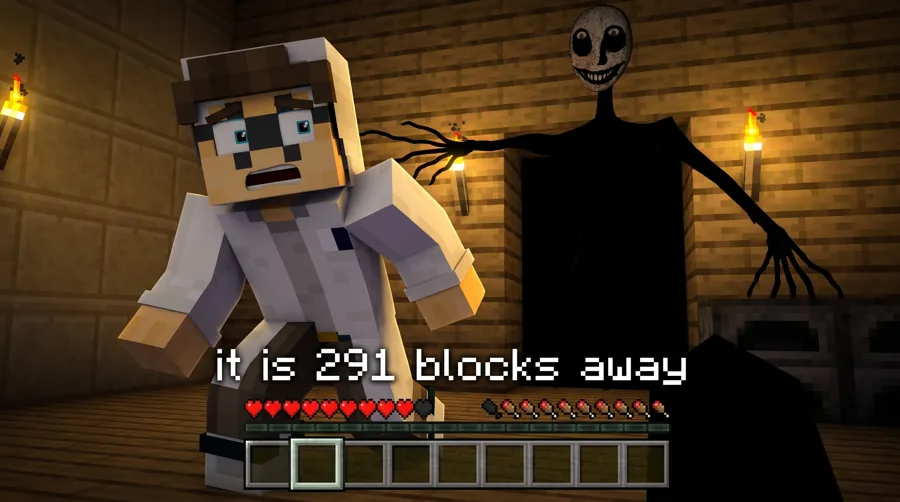
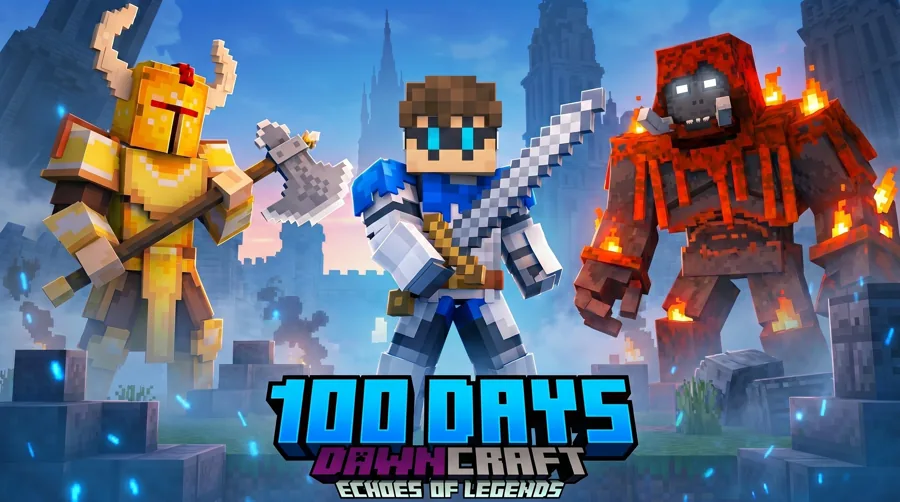
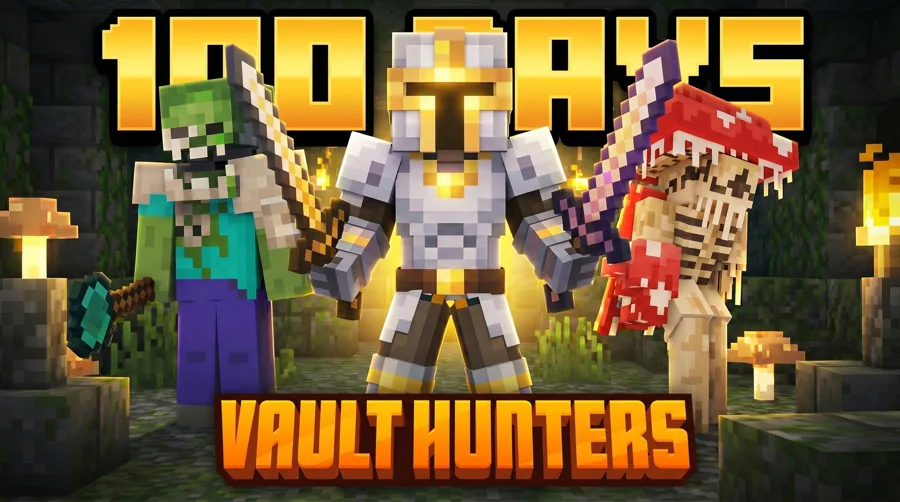
Pick a look to preview it, then open the Minecraft studio, drop in your skin, and generate in about 30 seconds.
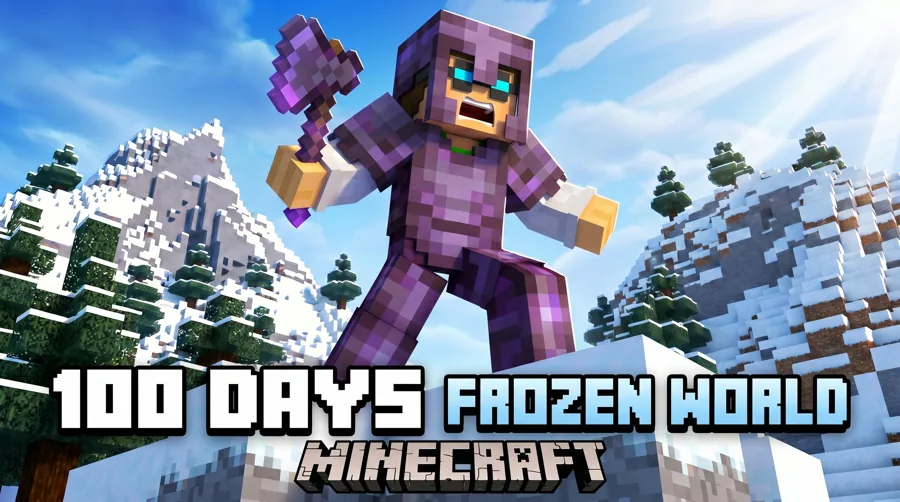
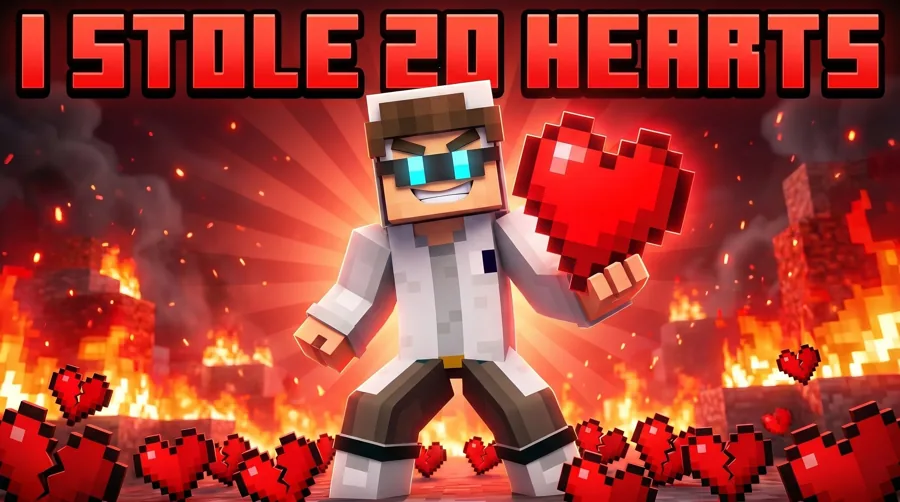
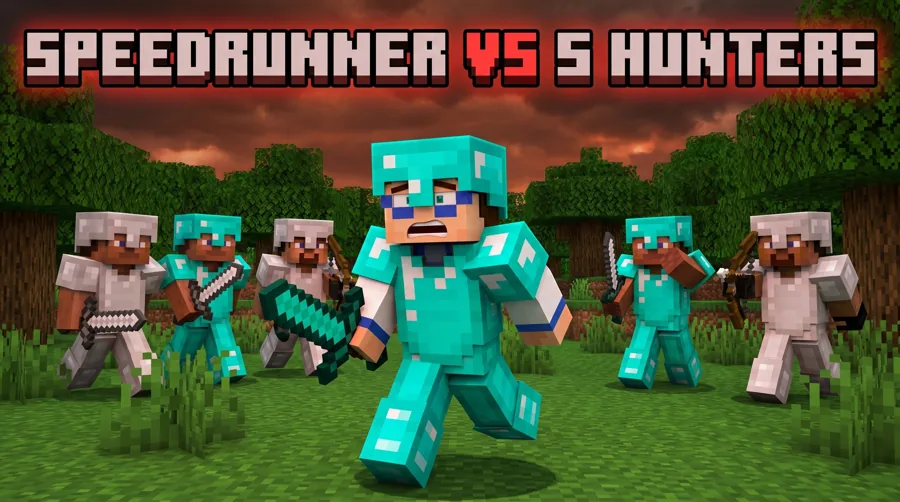
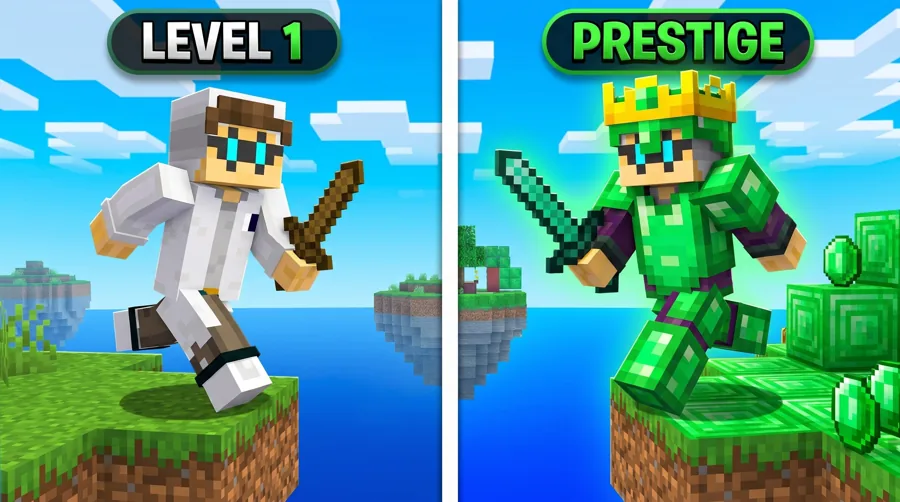
 Before
 After
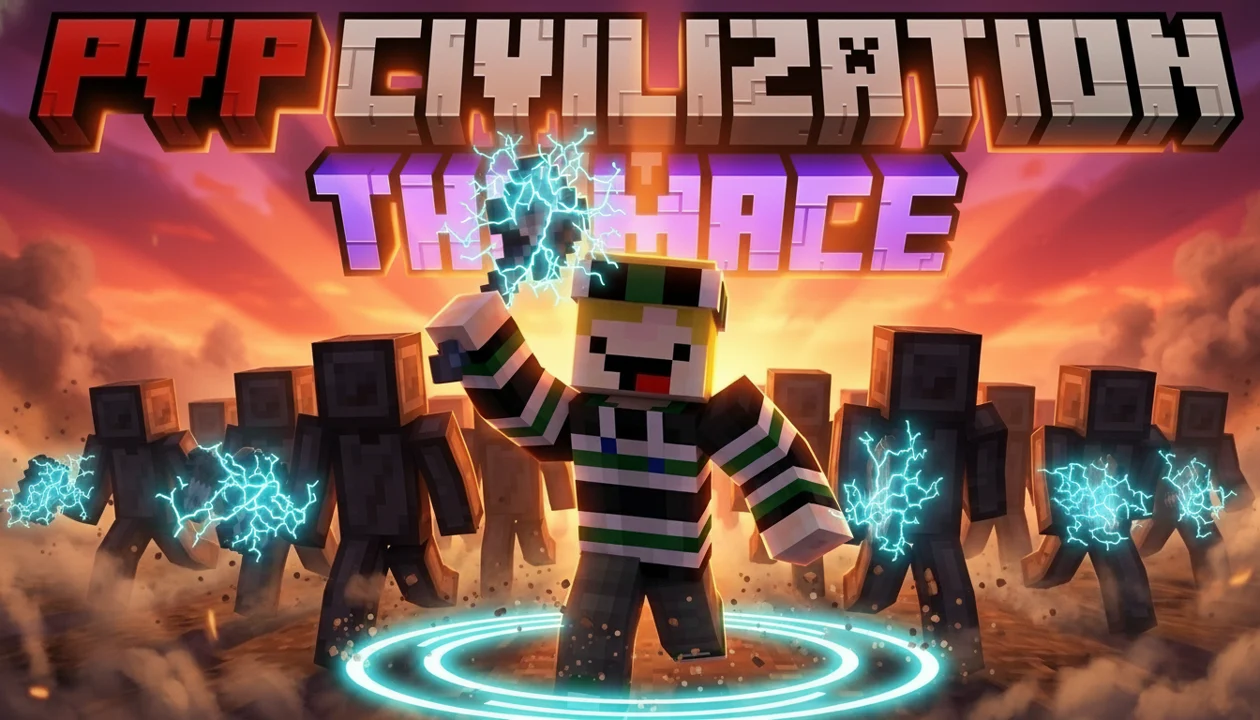
AfterReal Remaster output. PVP Civilization, one pass, May 2026.
How it works
How do you make a Minecraft thumbnail with your own skin?
Type your Minecraft username and we pull your skin. It is applied to every look, so you only do it once. Pick a look like 100 Days, Bedwars or Manhunt, generate, and you have a finished 16:9 thumbnail in about 30 seconds. No skin to hand? Upload any image of your character instead, or turn the character off.
- +Your username in, your real skin out, saved for every look
- +Proven Minecraft looks to start from, not a blank canvas
- +Upload a custom creature, weapon or modpack logo when the video needs it
The real problem
The footage is done. The packaging is where channels stall.
You can grind a 100 days run for weeks and lose it all on a thumbnail that looks like every other one in the sidebar. Generalist AI tools do not know what a Minecraft thumbnail is supposed to feel like. LaunchLens has a live Minecraft style preset, so generations land in the right visual language instead of generic stock energy.
- +Minecraft style preset that knows the look, not a generic image model
- +Prompt plus reference fusion: feed it the thumbnails you want to compete with
- +Reads clear at sidebar size, not just on your editing monitor
Size
What size is a Minecraft YouTube thumbnail?
YouTube asks for a 16:9 image at least 640 pixels wide, as a JPG or PNG. 1280x720 is the size most creators use, and YouTube's own help page now recommends 3840x2160 for the sharpest result. The file limit is 50MB when you upload from a computer and 2MB from the phone app.
- +Aspect ratio: 16:9 (1280x720 is the common size)
- +Minimum width: 640 pixels
- +Format: JPG or PNG
- +File size: 50MB from a computer, 2MB from the phone app
Built for your formats
Minecraft thumbnail ideas for 100 Days, Hardcore, SMP, Bedwars and Manhunt
A hardcore survival thumbnail needs tension. An SMP war needs faction drama. A mega-build needs scale you can feel in one glance. A mod showcase needs the new thing front and center. LaunchLens handles all of it from one prompt box plus the references you pull in, so the packaging matches the video instead of fighting it.
- +100 days and hardcore survival: stakes and a clear survival arc
- +SMP episodes and wars: faction conflict, drama, who is against who
- +Builds, tutorials, and farms: scale and the payoff in frame
- +Mod showcases: the new mechanic as the hero of the shot
- +PVP and minigames: motion, threat, and a winner-takes-all read
Real proof
A real before and after, not a mockup.
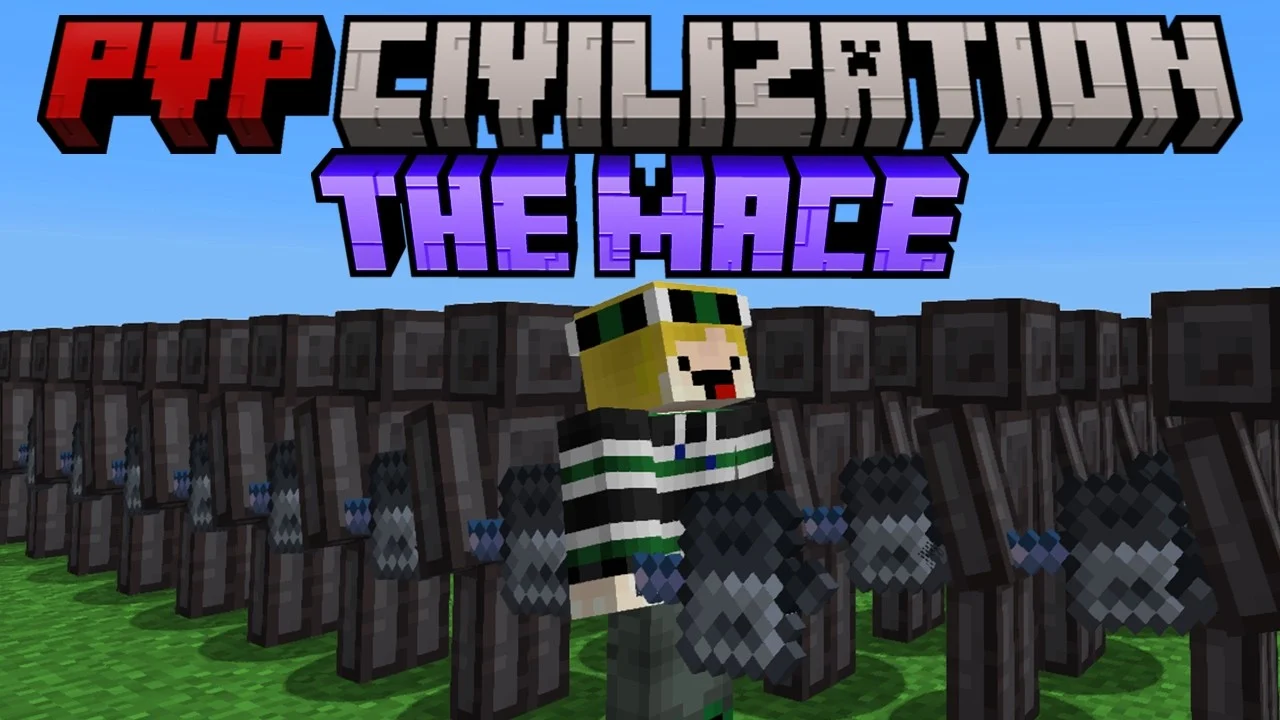
We ran a PVP Civilization thumbnail through Remaster and kept the pair: the original upload and the upgraded version side by side. Remaster takes a thumbnail you already have and pushes it further on lighting, expression, and focal point instead of starting from a blank canvas. You can see what changed and why it reads better.
- +Remaster upgrades an existing thumbnail, it does not erase your idea
- +Expression, Lighting, and Clean Up tools for surgical fixes
- +Live YouTube inspiration search to study what is working in your niche right now
Your face or no face
Characters for face channels. Fully faceless if that is your lane.
If you put your reaction on every thumbnail, Characters place your face into the shot so it fits the lighting and composition instead of looking pasted on. If your channel is faceless, skip it entirely. The face tools are optional and the rest of the studio works exactly the same without them.
- +Characters: drop your face into the scene with matched lighting
- +Expression and Lighting tools to tune the read
- +Faceless Minecraft channels are fully supported, no face required
Not just thumbnails
One studio from raw footage to a packaged upload.
The thumbnail is the finish line. Getting there is a pipeline, and LaunchLens covers the packaging end of it: generate titles, a description and tags from your real video, then build the thumbnail, all in one studio. No jumping between single-surface tools that each charge you separately.
- +Optimize: real video in, 10 titles plus a description plus tags out
Pricing
90 free credits on signup. No card. No blurred-result hostage games.
Most rival thumbnail tools advertise free, then paywall the first generation or blur the result until you pay. We give you 90 credits at signup with no card, and a full generation runs 30 credits, so you can actually make something before deciding. Some rivals start at $17 a month for the thumbnail tool alone.
- +Free: 90 credits at signup, no card required
- +Starter $9: 900 credits
- +Pro $25: 2,750 credits
- +Max $50: 6,000 credits
- +One studio for the thumbnail and the upload details, not one tool per subscription
Free templates
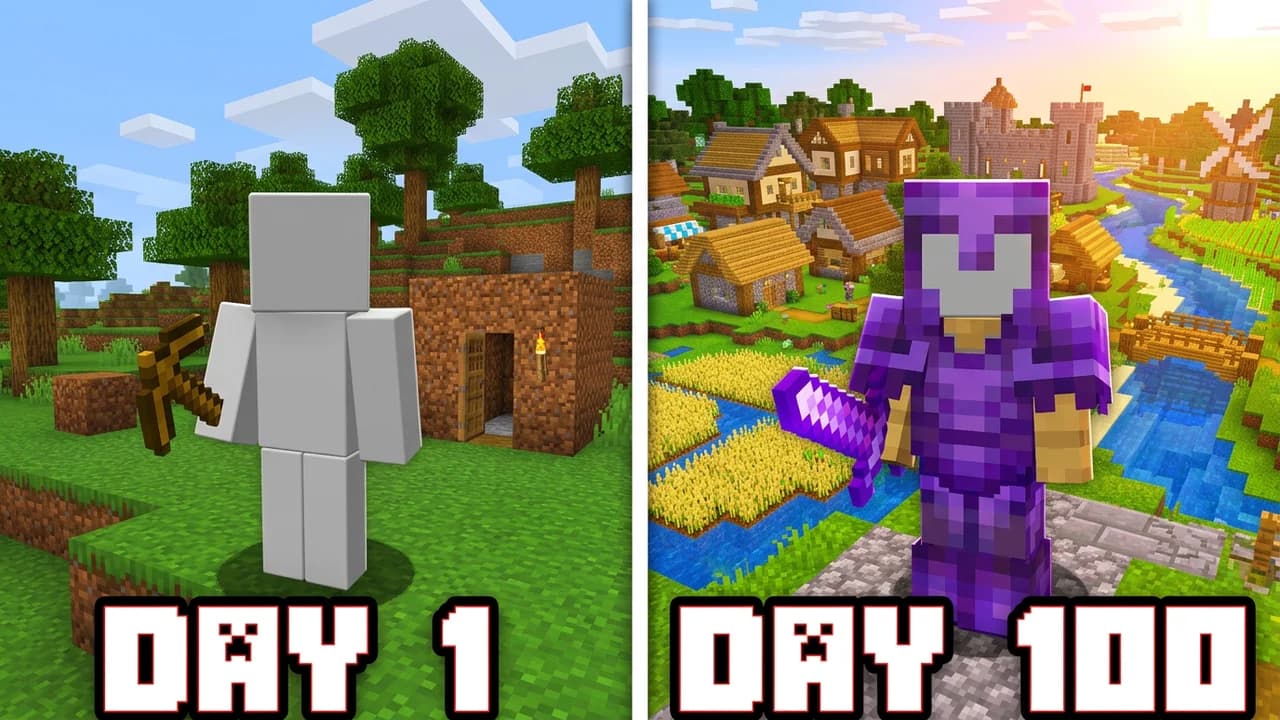
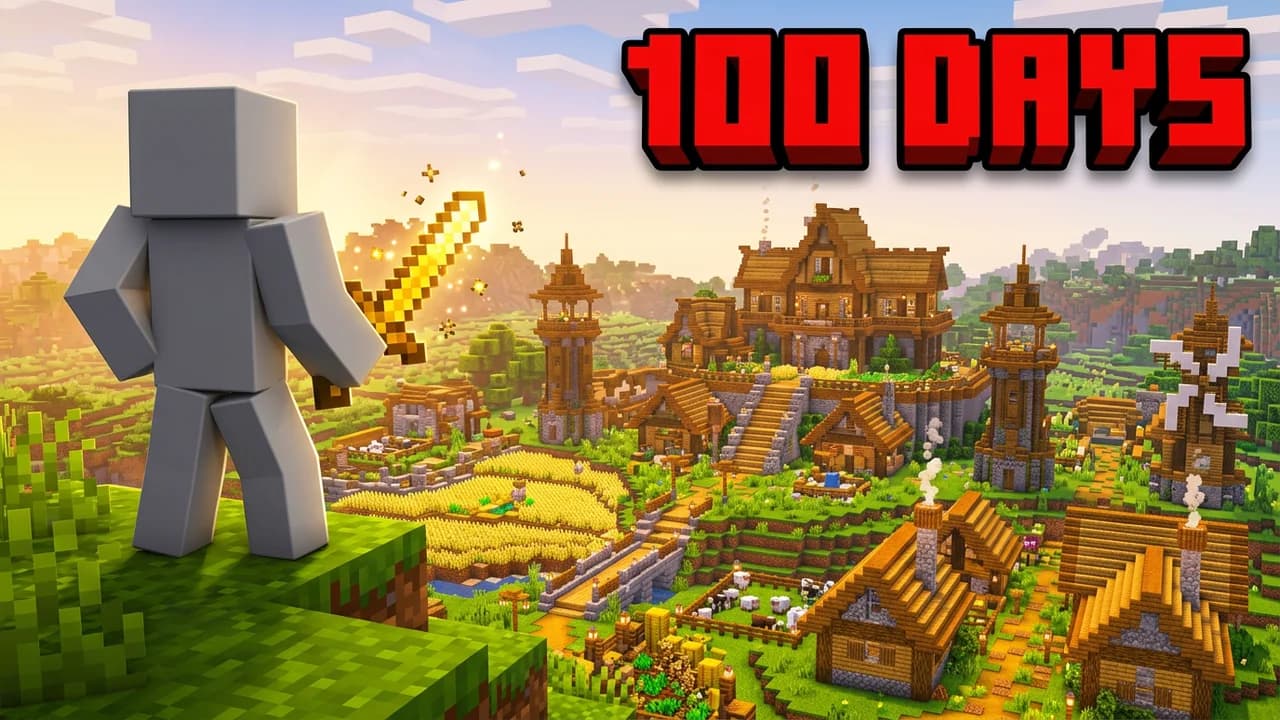
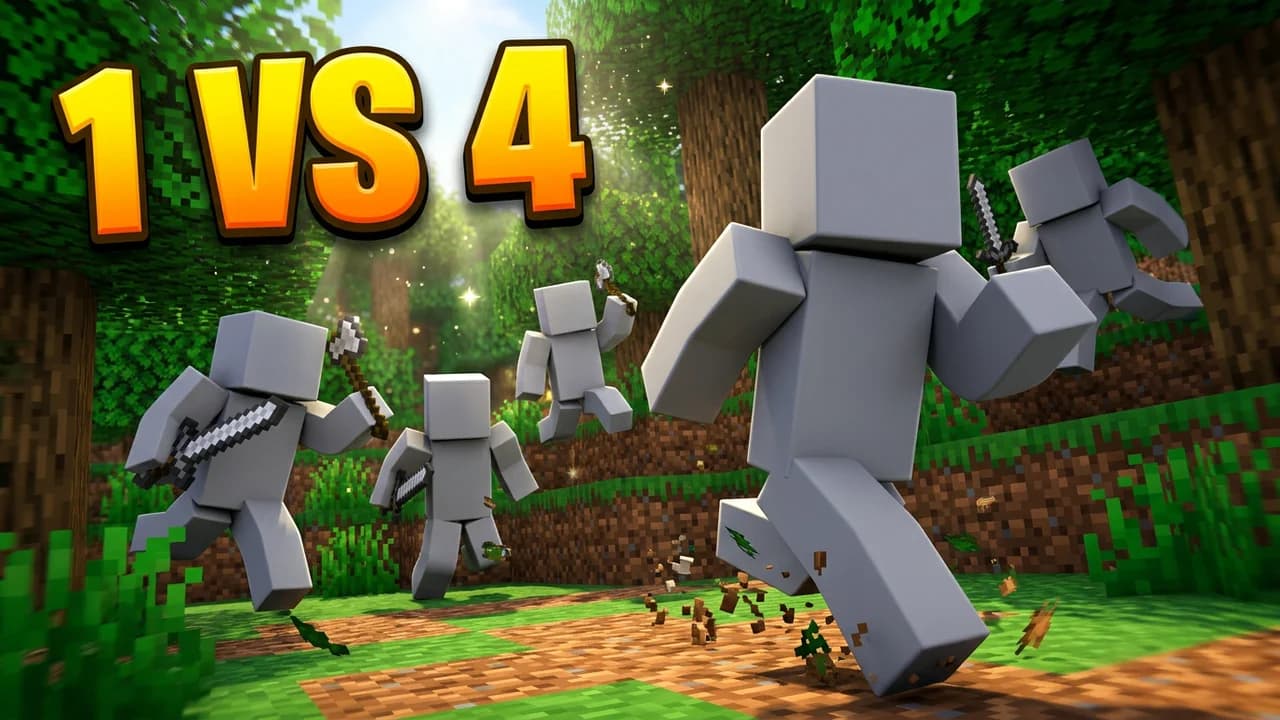
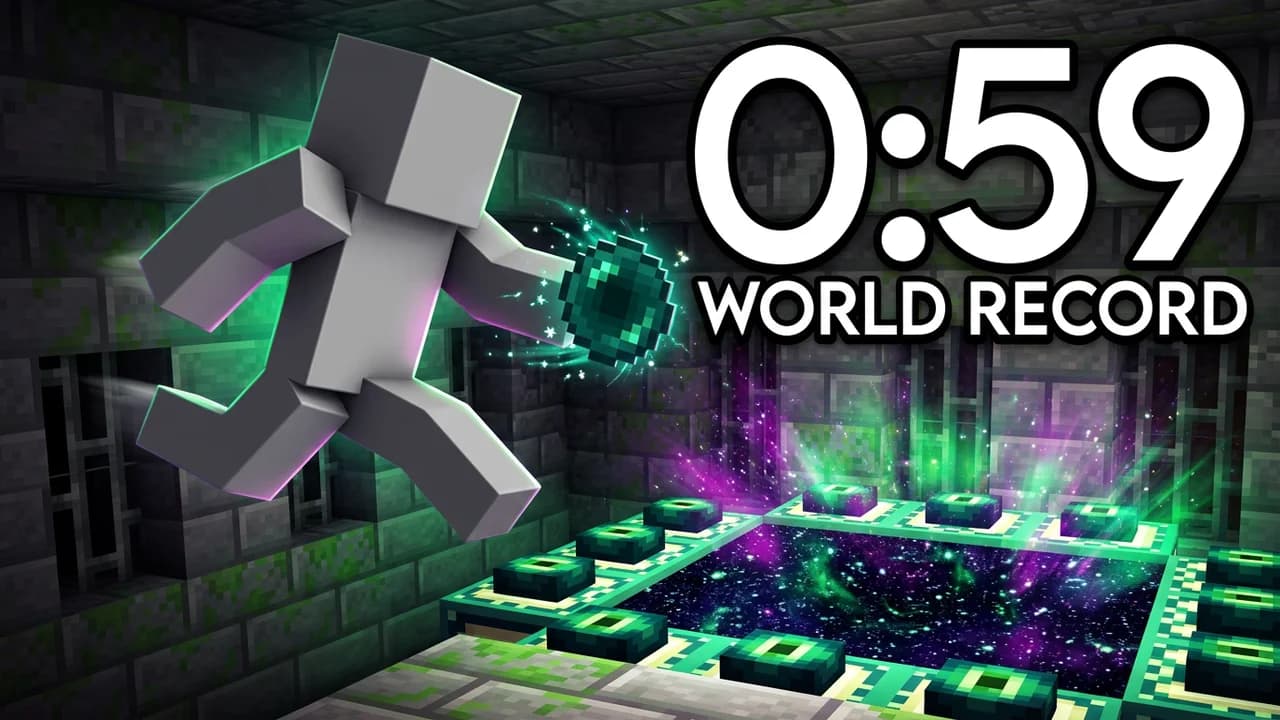
Start from a Minecraft layout that already works
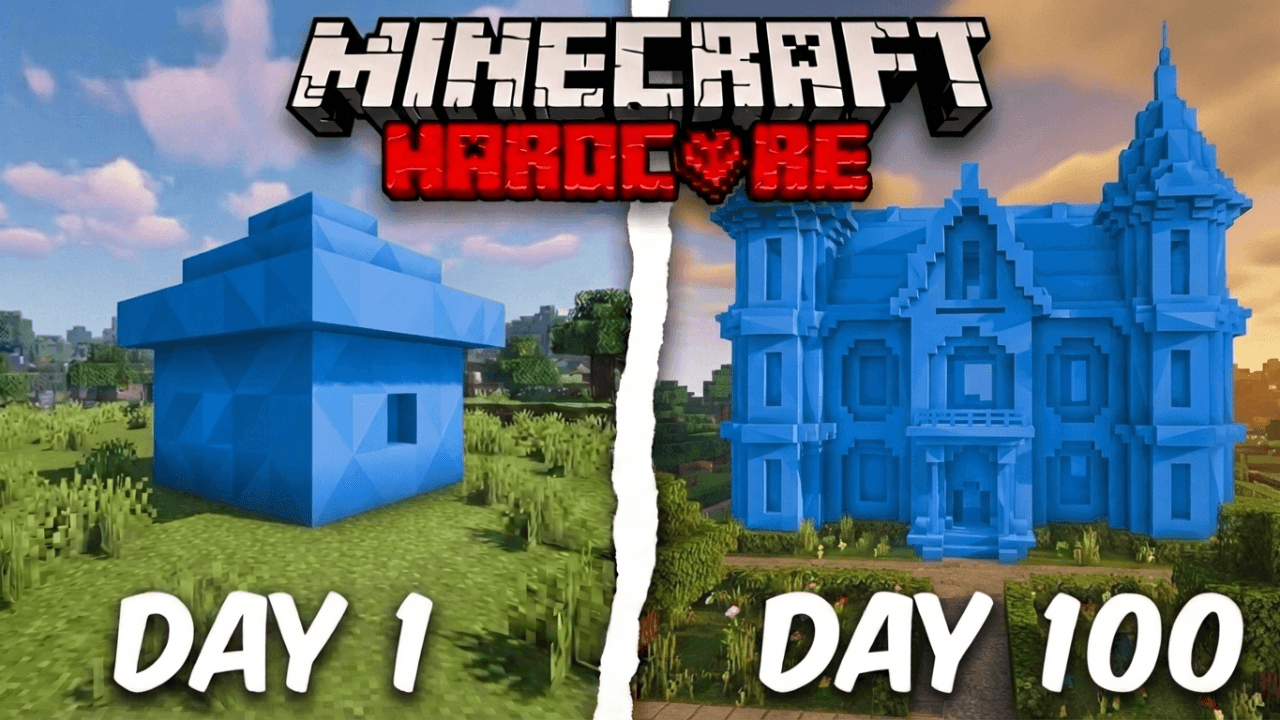
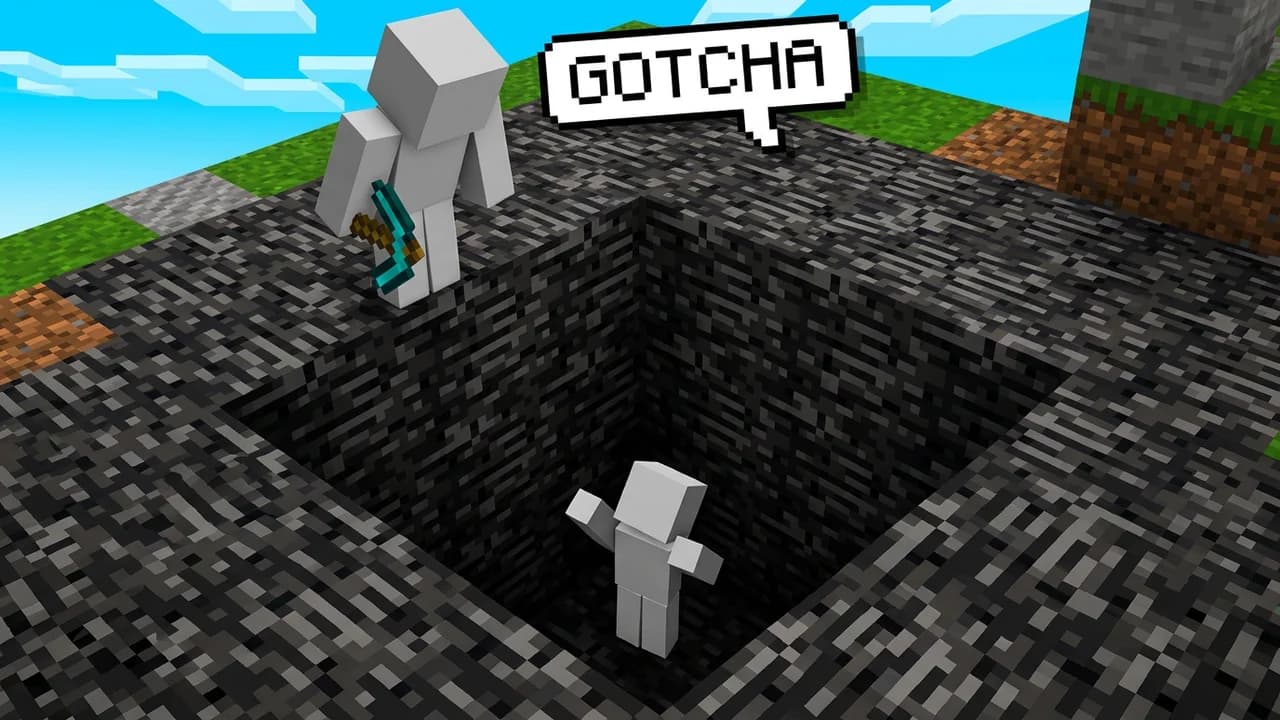
Every one opens straight in the studio. Swap the grey stand-in for yourself and change anything by typing.
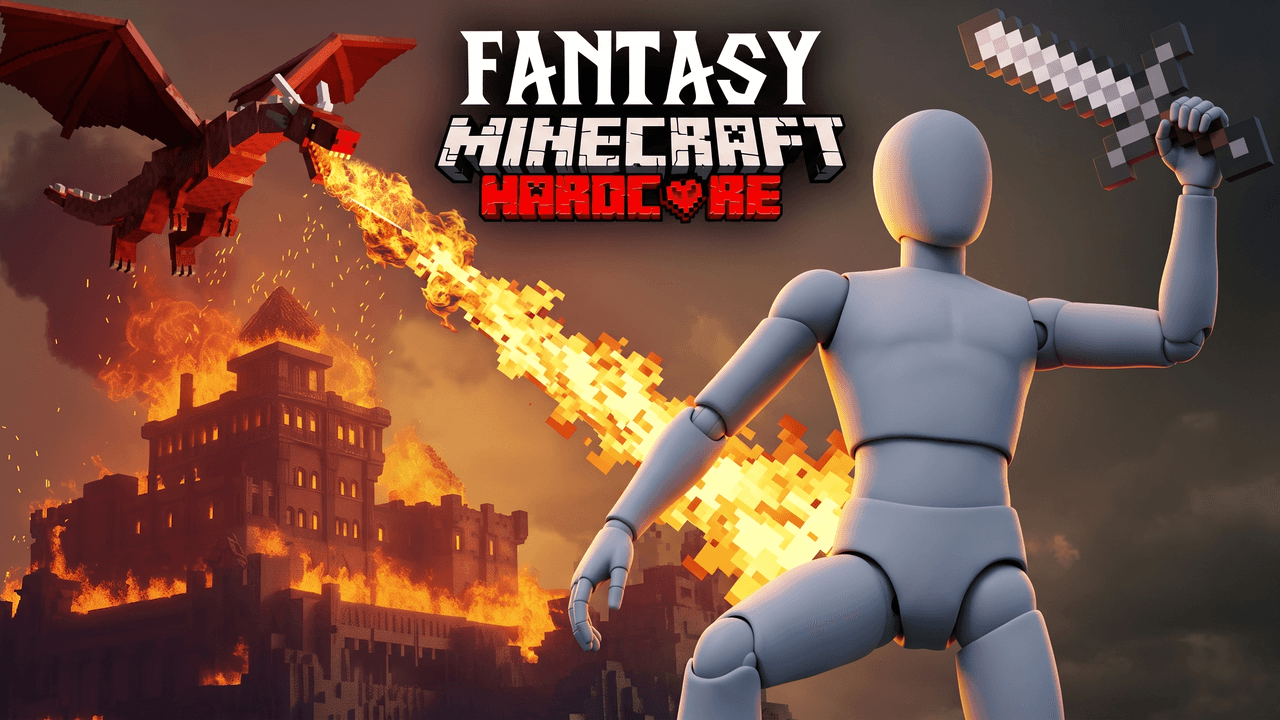
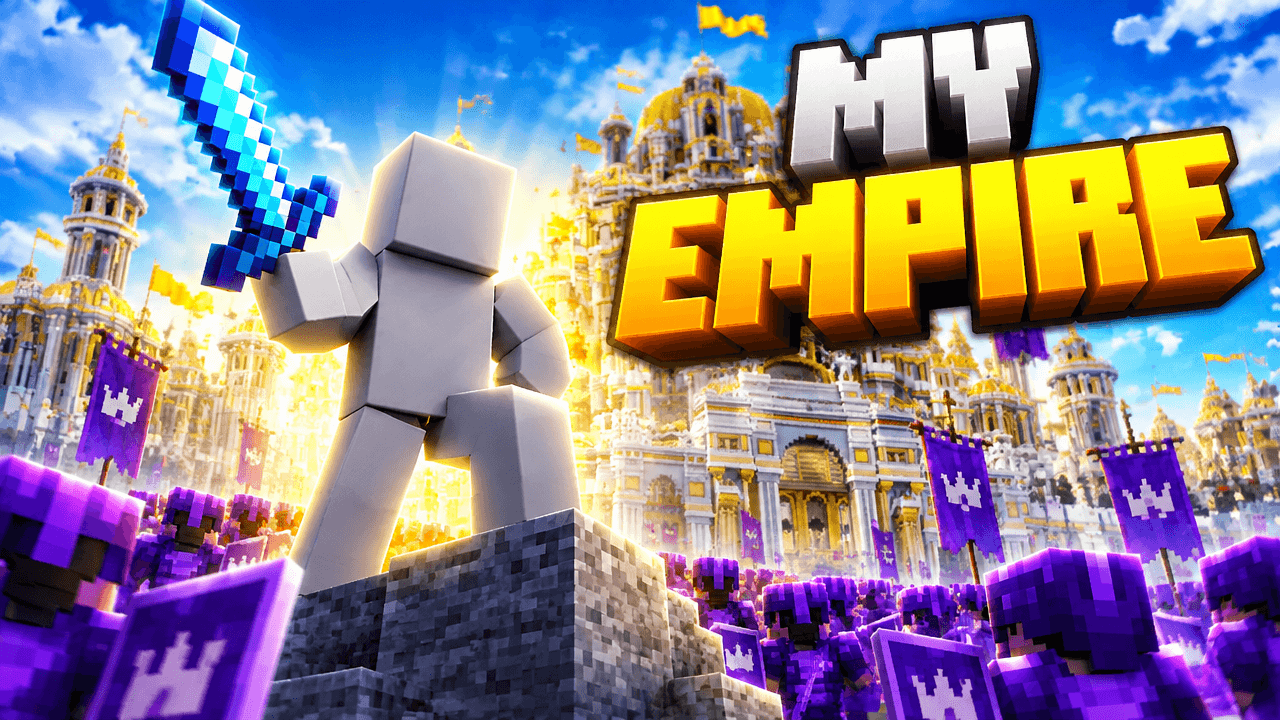
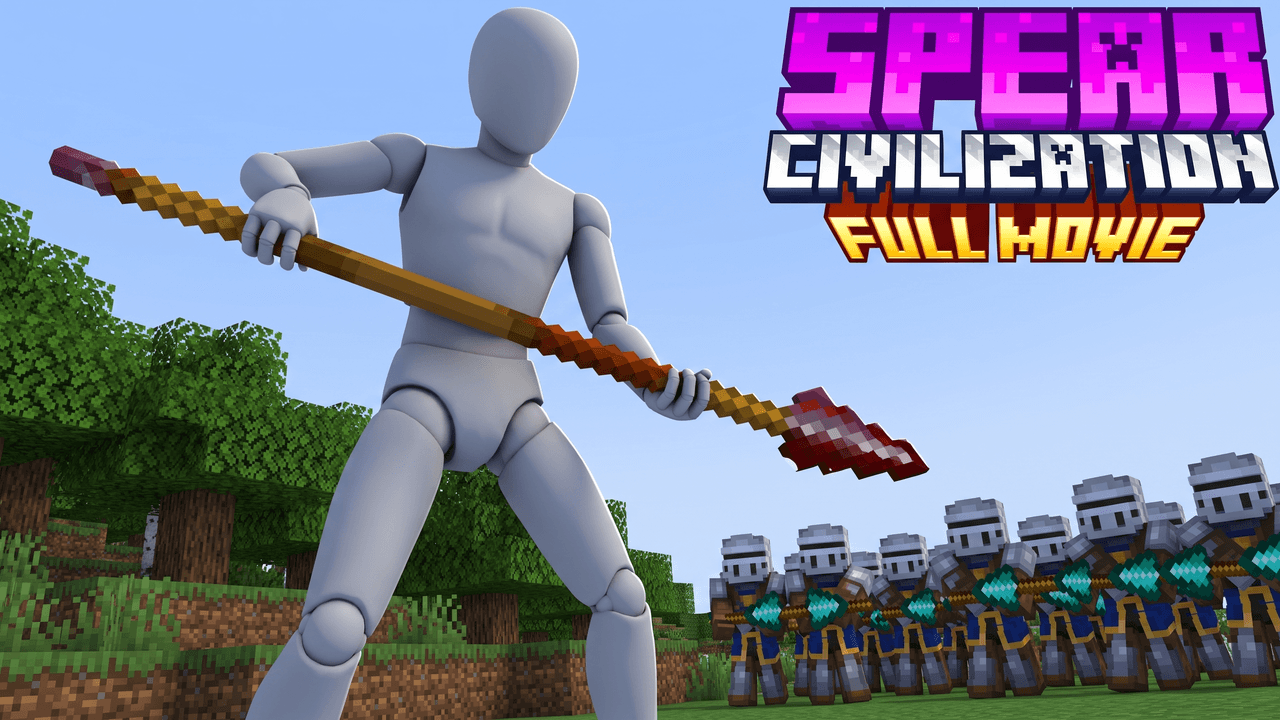
Thumbnail ideas
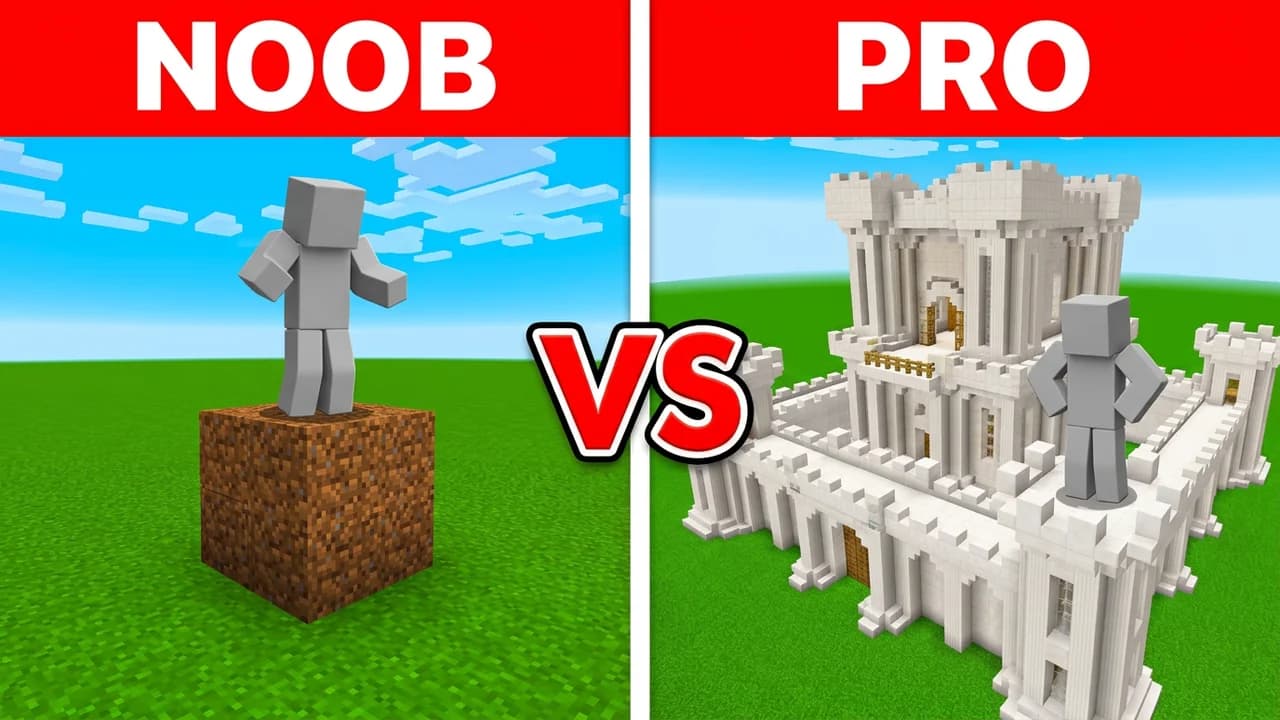
Minecraft thumbnails you can start from
Built from the layouts getting the most clicks right now. Open one, put your character in and change it by typing.
Creator reviews
19,000+ creators have signed up and made 33,000+ thumbnails. Real reviews, collected through Senja.
"I used to spend 1 hour on thumbnails. Now with LaunchLens it takes 10 minutes. I love it. I recommend it for small creators just starting out."
"I used to spend 2-3 hours building 3D models of my Minecraft skin. Now it's fast and easy."
"I love how you can take a thumbnail and just replace anything in it. Love it."
Questions, answered straight.
What is the best Minecraft thumbnail maker for YouTube?+
LaunchLens is built specifically for gaming creators and ships the only live Minecraft style preset in the product, so generations land in the right visual language instead of generic AI output. You prompt it, add reference thumbnails, place your face with Characters if you want, and upgrade existing thumbnails with Remaster.
What size should a Minecraft thumbnail be?+
YouTube asks for a 16:9 image at least 640 pixels wide, as a JPG or PNG. 1280x720 is the size most creators use, and YouTube's own help page now recommends 3840x2160 for the sharpest result. The file limit is 50MB when you upload from a computer and 2MB from the phone app.
Can I use my own Minecraft skin on the thumbnail?+
Yes. Type your Minecraft username and the studio pulls your skin and applies it to every look, so you only do it once. You can also upload an image of your character instead, or add up to a full crew of skins by username for SMP and manhunt videos.
Is there a free Minecraft thumbnail maker?+
Yes. LaunchLens gives you 90 credits at signup with no card required. A full generation runs 30 credits, so you can actually make a thumbnail on the free credits before paying. We do not blur results or paywall your first generation the way many rival tools do.
How do I make a 100 days thumbnail that stands out?+
Lead with stakes and a clear survival arc, since the whole format is about whether you make it. In LaunchLens you describe the run in the prompt, pull reference thumbnails from the niche, and use the Minecraft style preset so the scene reads as Minecraft at a glance. Then tune Lighting and Expression so the tension lands at small sidebar size.
Can I put my own face on a Minecraft thumbnail?+
Yes, with Characters. It places your face into the scene and matches it to the lighting and composition so it does not look pasted on. Face tools are optional, so faceless Minecraft channels are fully supported with no face required.
Does it work for SMP, PVP, builds, and mod showcases?+
Yes. The studio handles every Minecraft format from one prompt box plus your references: SMP episodes and wars, PVP and minigames, mega-builds and farms, tutorials, and mod showcases. You frame each thumbnail around what makes that specific video worth clicking, like faction drama for an SMP war or scale for a big build.
What is Remaster and how is it different from generating a new thumbnail?+
Remaster takes a thumbnail you already have and upgrades it on lighting, expression, and focal point instead of starting from scratch. It keeps your original idea and pushes the execution further. We have a real before and after PVP Civilization Remaster pair you can see, so it is not a mockup claim.
How much does LaunchLens cost compared to other thumbnail tools?+
Plans are Starter $9 for 900 credits, Pro $25 for 2,750 credits, and Max $50 for 6,000 credits. Some rival tools start at $17 a month for the thumbnail tool alone. You also start with 90 free credits and no card.
Does LaunchLens have Minecraft thumbnail ideas built in?+
Yes, through live YouTube inspiration search inside the studio. You can search what is performing in your niche right now and pull those references directly into a generation. Combined with the Minecraft style preset, you go from an idea to a packaged thumbnail without leaving the studio.
Package your next Minecraft upload
Start with 90 free credits, no card. Prompt it, drop in references, place your face if you want, and ship a thumbnail that matches the run you put in.
More for Minecraft
LaunchLens is an independent tool and is not affiliated, associated, authorized, endorsed by, or in any way officially connected with Mojang, Microsoft, Roblox Corporation, Epic Games, Take-Two Interactive, Rockstar Games, 2K, Riot Games, Activision Blizzard, Valve Corporation, Supercell, Electronic Arts, EA Sports, the Collegiate Licensing Company, TVGS, Arrowhead Game Studios, Sony Interactive Entertainment, or any of their subsidiaries. All game titles, logos, and characters are trademarks of their respective owners. College team names, marks, and college athlete names and likenesses are the property of their respective rights holders; build thumbnails from your own references and keep athlete and team art generic.