The gaming
thumbnail maker.
For Minecraft, Roblox, NBA 2K and more. Make one from scratch or fix the one you have. About a minute, no Photoshop.
Made with LaunchLens. The grey figure becomes you.
Or start with a video
I used to pay for these on Fiverr. LaunchLens is way cooler.
Used to pay for thumbnails. Love how clean LaunchLens is.
Good quality and fast. Does the job in seconds.
Already have one?
Type the change. Get the thumbnail.
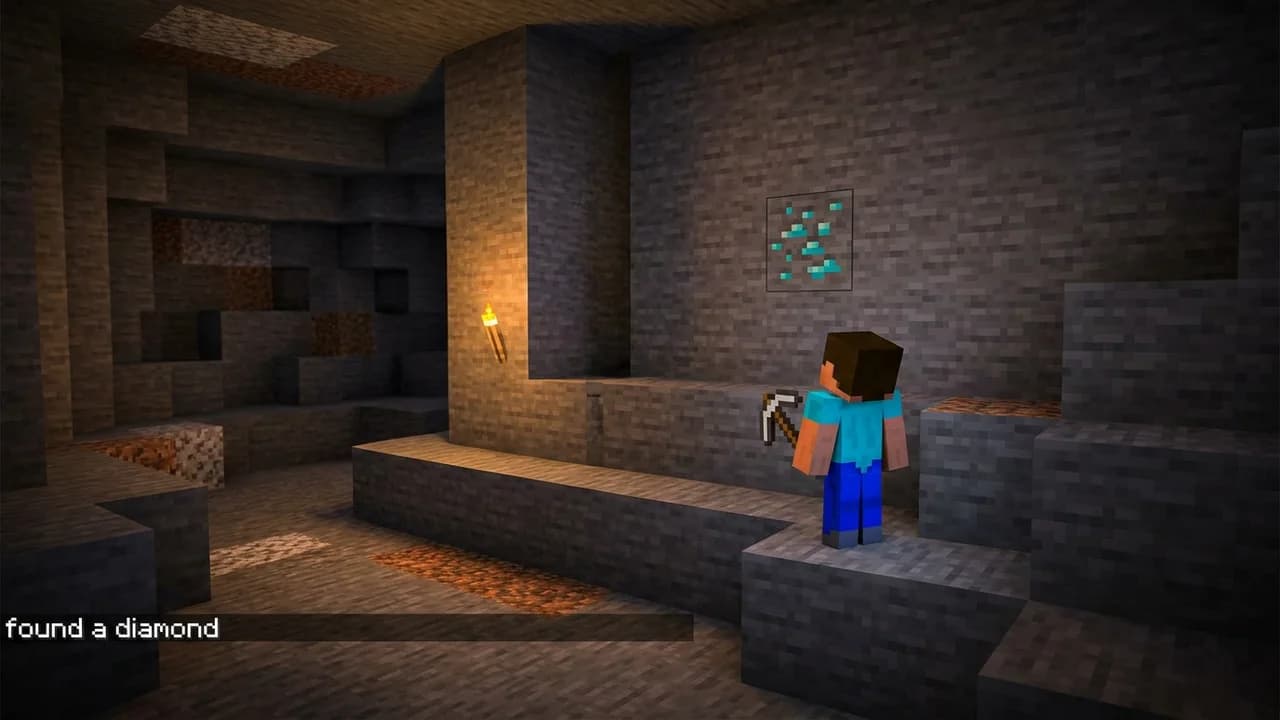
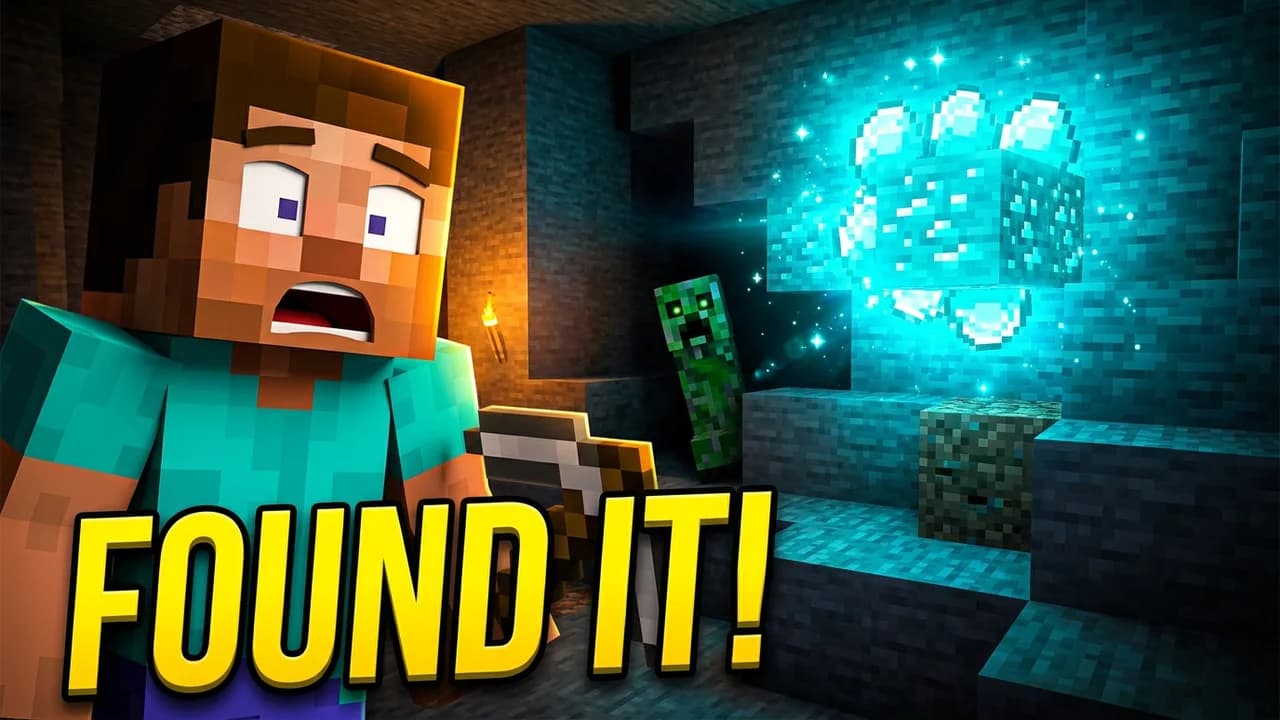
Make the player a huge close-up on the left with a shocked face, turn the diamond into a giant glowing cyan cluster on the right that lights the cave, add a creeper looming in the shadows behind, make it bright and high contrast, and replace the caption with the headline FOUND IT in huge yellow letters.
The before is a deliberately bland example made for this demo.
What you actually do
Three ways in. All live today.
Type the change. Nothing else moves.
Upload a thumbnail, say what should be different, hit Generate. Swap a skin, fix the text, remove a logo.
"make the crown diamond and add a red cape"
Reviews
Straight from creators.
I used to spend 1 hour on thumbnails. Now with LaunchLens it takes 10 minutes. I love it. I recommend it for small creators just starting out.
I was using Photoshop before. The tools like Reshoot and Lightning are exactly what I needed.
Good quality and fast. Does the job in seconds.
Used to pay for thumbnails. Love how clean LaunchLens is.
I used to spend 2-3 hours building 3D models of my Minecraft skin. Now it's fast and easy.
I love how you can take a thumbnail and just replace anything in it. Love it.
I used to pay for these on Fiverr. LaunchLens is way cooler.
It's so easy to use. Honestly, just really good.
I love how fast it is.
All 9 reviews we have, collected through Senja.
Chrome extension
Also inside YouTube
Remake any thumbnail
On paid plans, open Remake on a thumbnail you like, swap in your saved character, keep the rest.
Spot videos breaking out
Views per hour on every video, with exact outlier scores on Pro and Max.
Fix your channel
A Fix Queue in YouTube Studio flags cut-off titles, broken links and missing chapters. Free shows one video, Starter shows all.
Pick your game
Start from your game.
Thumbnail ideas to start from: Fortnite thumbnails · GTA thumbnails · Warzone thumbnails · Call of Duty thumbnails · Roblox thumbnails · Minecraft thumbnails
Free templates
Grab one, make it yours.
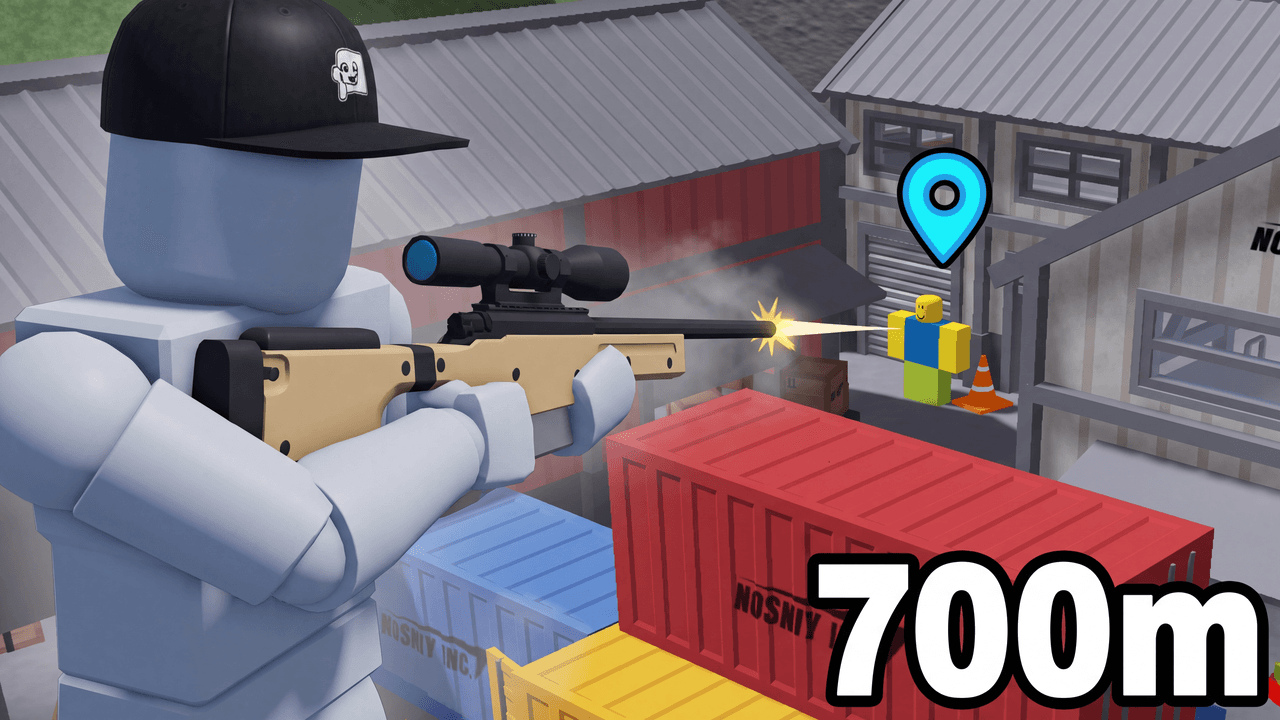
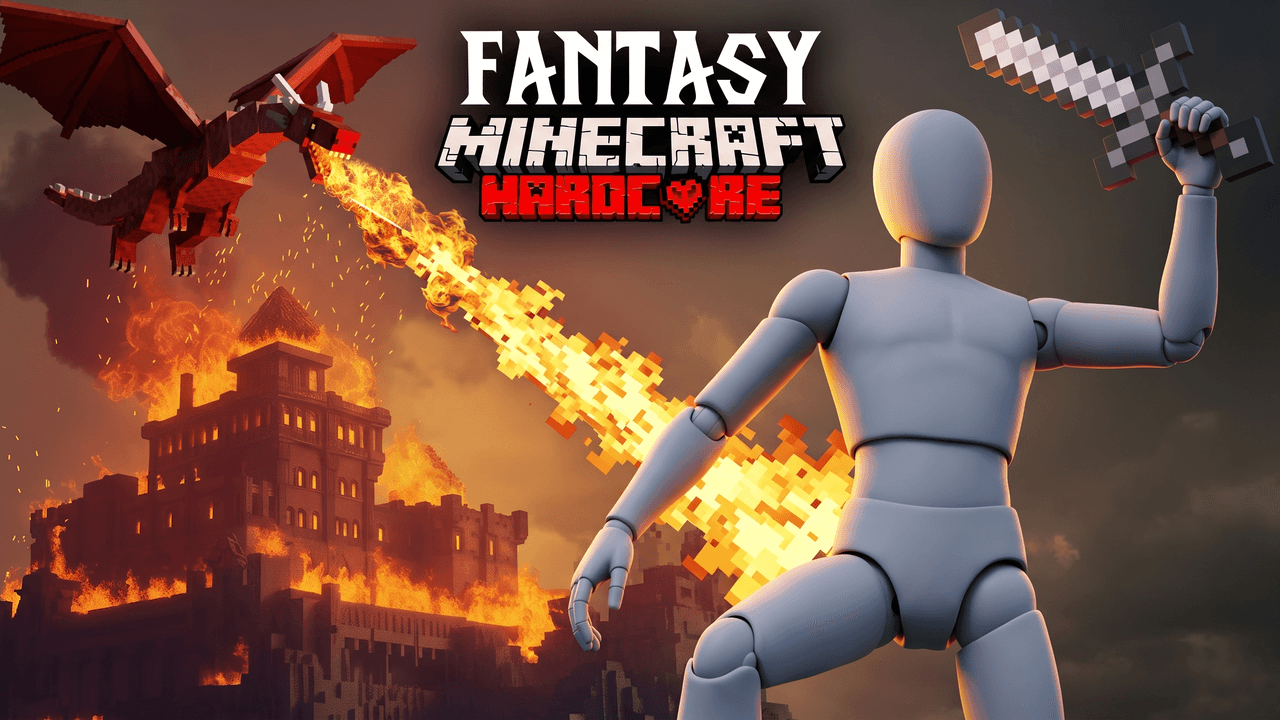
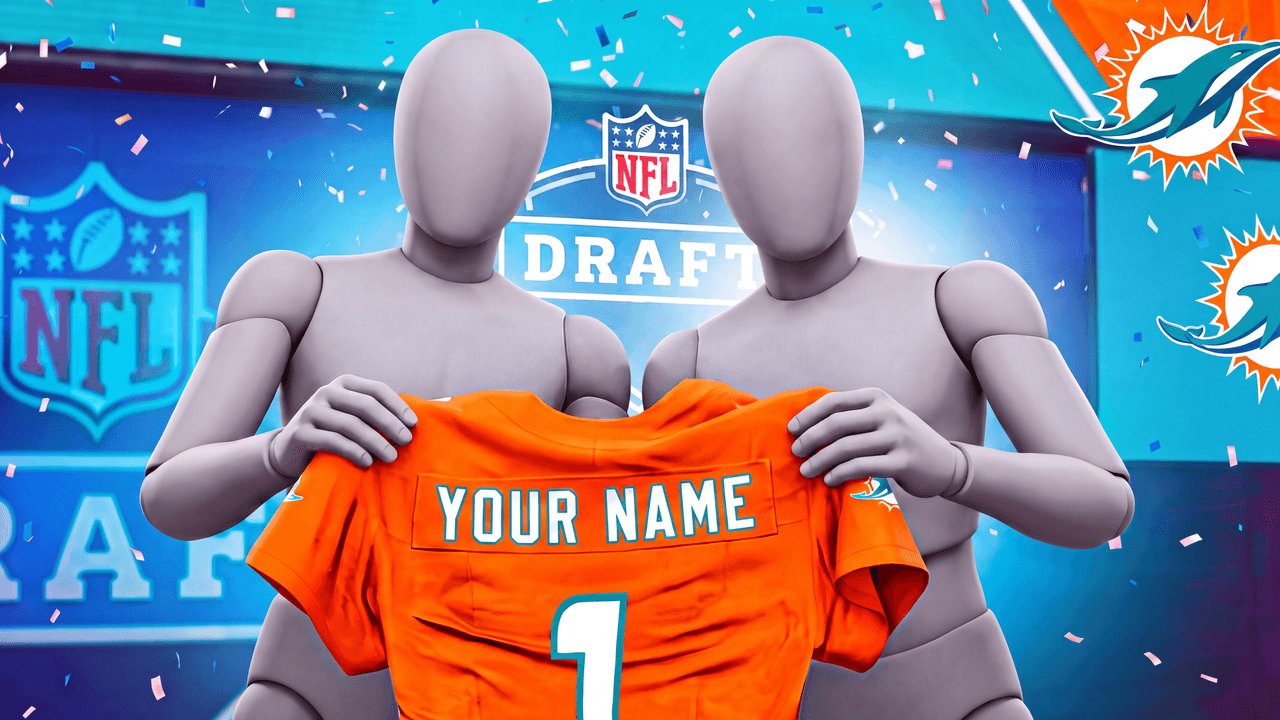
Free gaming templates. Open one in LaunchLens and swap in your own player.

Pricing
Starter gets you making. Pro gets you the whole studio.
Every plan makes thumbnails. Pro and Max add the rest of the studio.
Free
$0
no card needed
See what it makes first.
About three thumbnails to start
90 credits, once
Every free tool on this site, no account
Starter
$9/mo
billed monthly
For growing creators.
About 30 thumbnails a month
900 credits a month
Credits reset each month
Thumbnails, plus Optimize: titles, a description and tags written from your video
Pro
$25/mo
billed monthly
For serious creators.
About 91 thumbnails a month
2,750 credits a month
Credits reset each month
Everything in Starter, plus Upload Packages (drop a video, get titles, a description, chapters, tags and thumbnails), your saved logos and badges with the NBA 2K27 pack, the Test Kit and the Playbook
Max
$50/mo
billed monthly
For full-time creators.
About 200 thumbnails a month
6,000 credits a month
Credits reset each month
Everything in Pro, with more than double the credits
On monthly, unused credits disappear at the end of the cycle. On annual, they do not. Your allowance resets. Anything you paid extra for is yours to keep.
Questions
Answered straight.
Your next thumbnail, in a minute.
90 free credits. No card.
Not ready? Check a thumbnail free, no account needed.