Roblox Thumbnail Maker for YouTube, with your own avatar
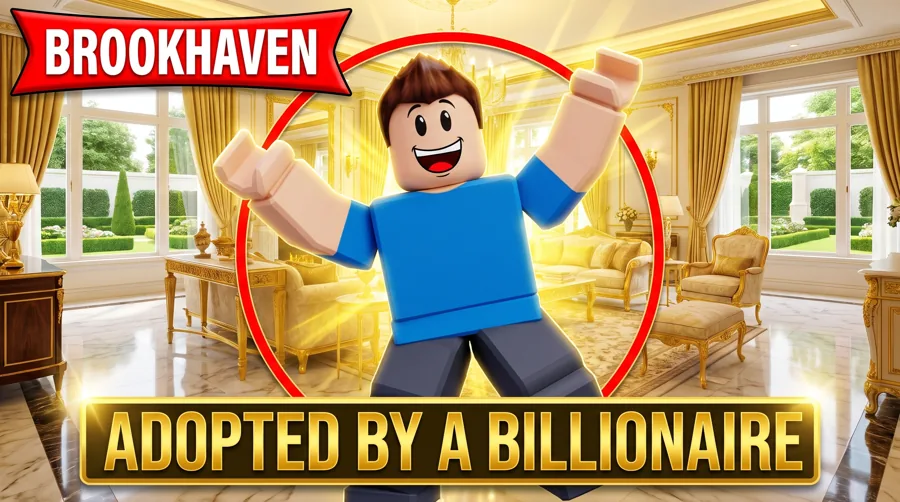
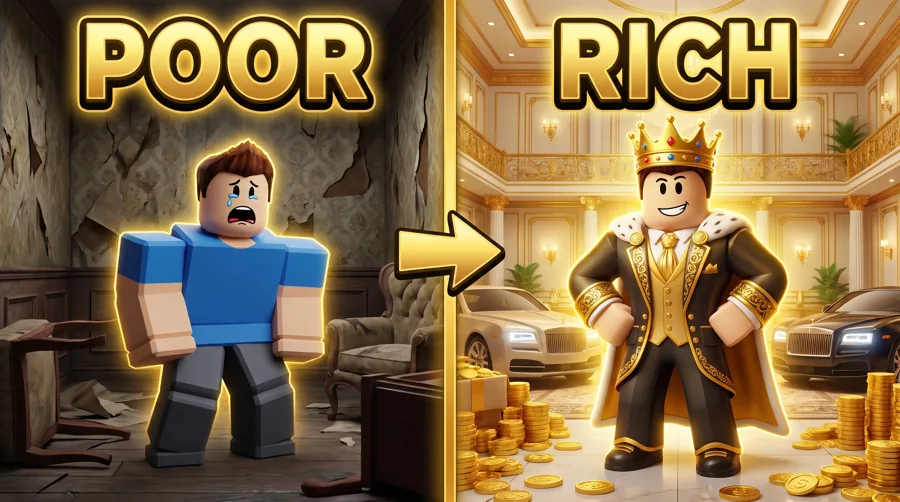
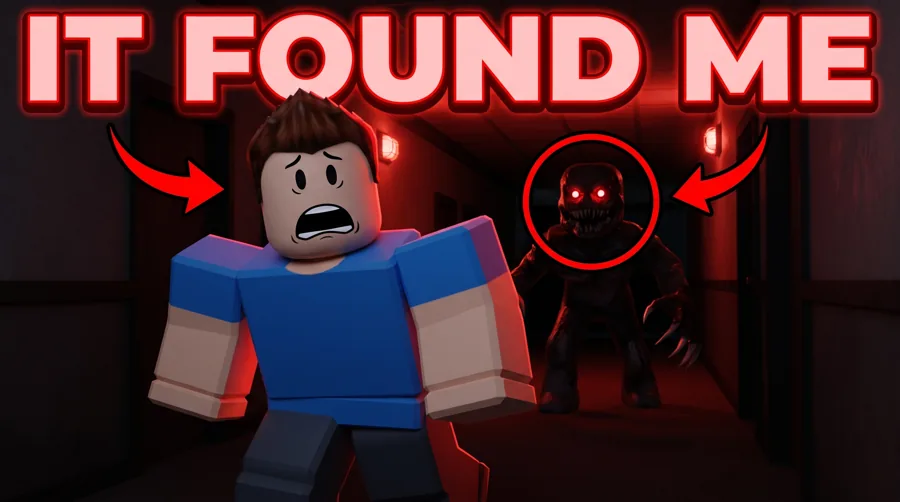
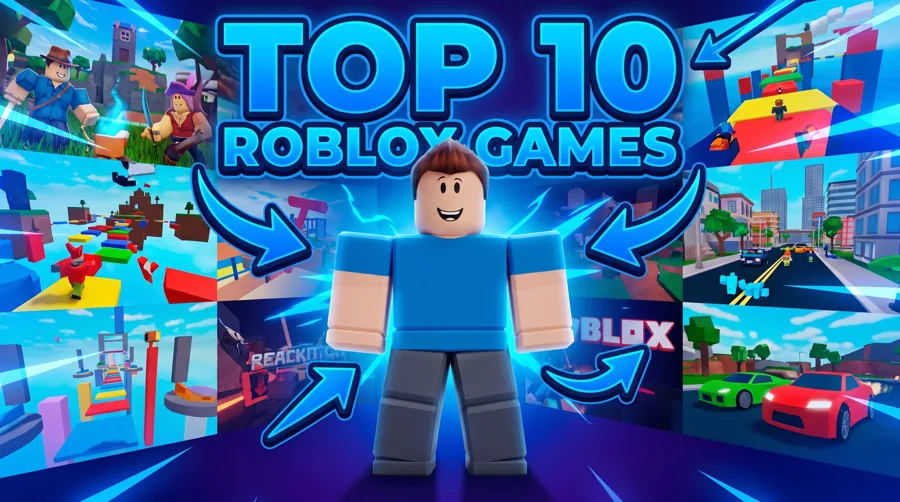
Type your Roblox username and the studio puts your avatar into proven looks: Brookhaven drama, Blox Fruits, horror, rich vs poor, top 10 and challenge videos. Generate in about 30 seconds and get a YouTube-ready 16:9 thumbnail. 90 free credits, no card.
One account and one credit balance across every game studio.
What are you making?
Pick the job. Every tile opens LaunchLens on it.
Roblox YouTubers
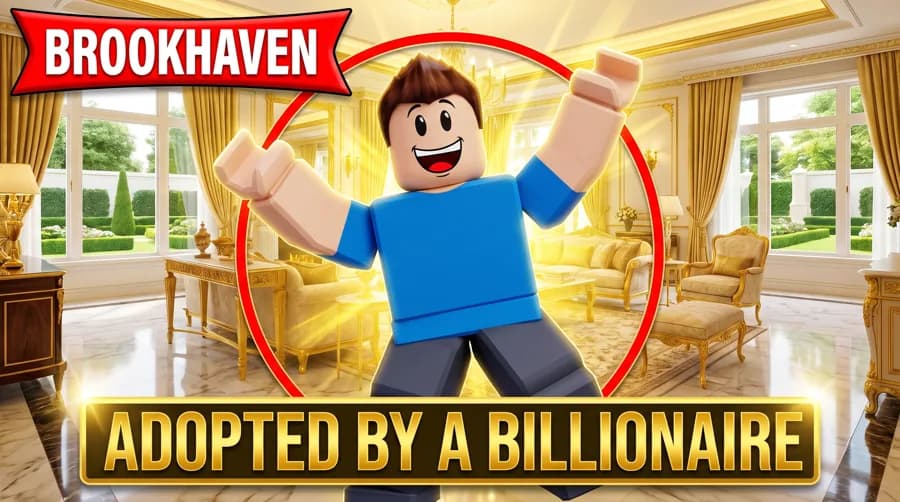
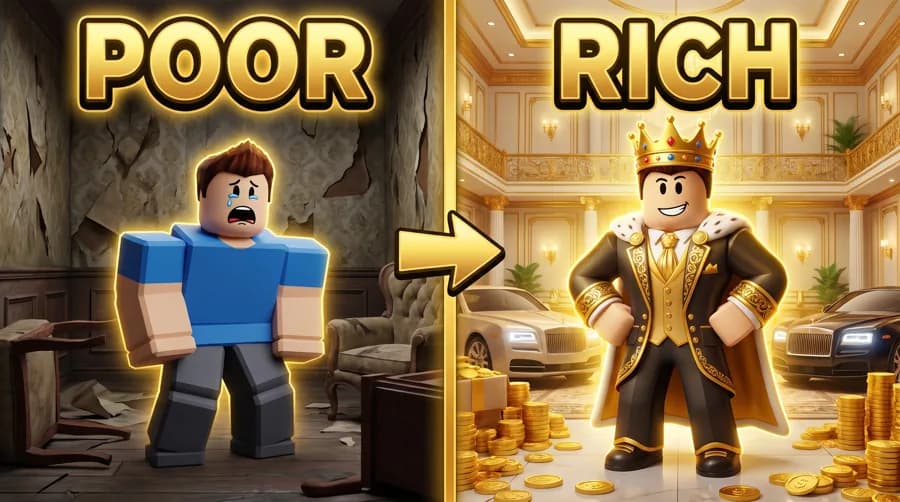
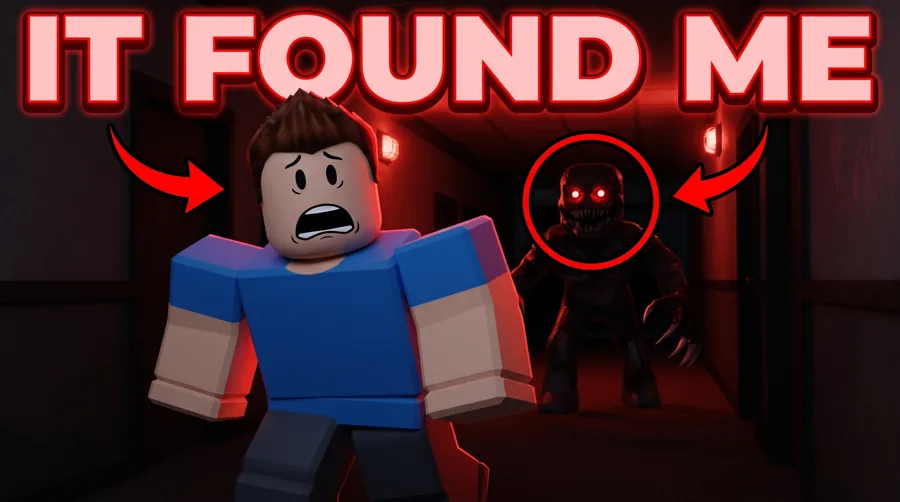
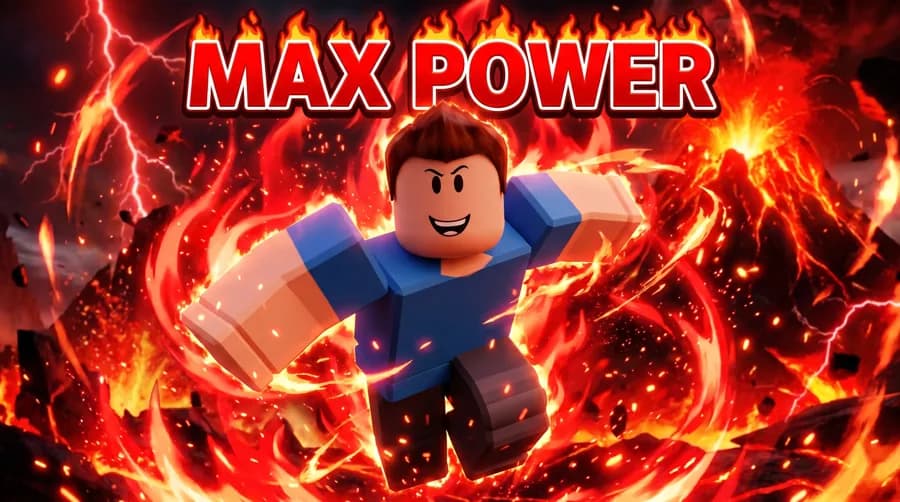
Making a Roblox game instead of a video? Roblox game thumbnail maker.
See your avatar in it first
Type your username. This is the avatar the studio puts in every thumbnail you make, no upload needed.
Free, no account needed to look. Only public game profiles are used.
Pick a look to preview it, then open the Roblox studio, drop in your avatar, and generate in about 30 seconds.
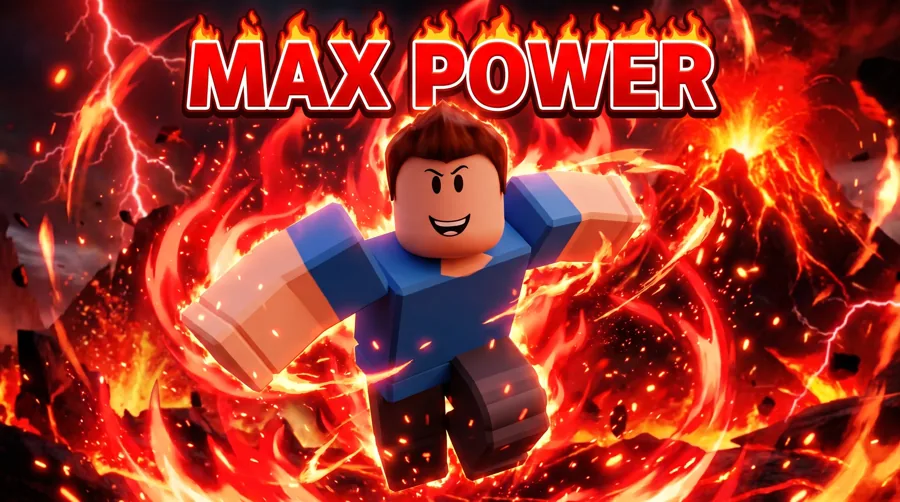
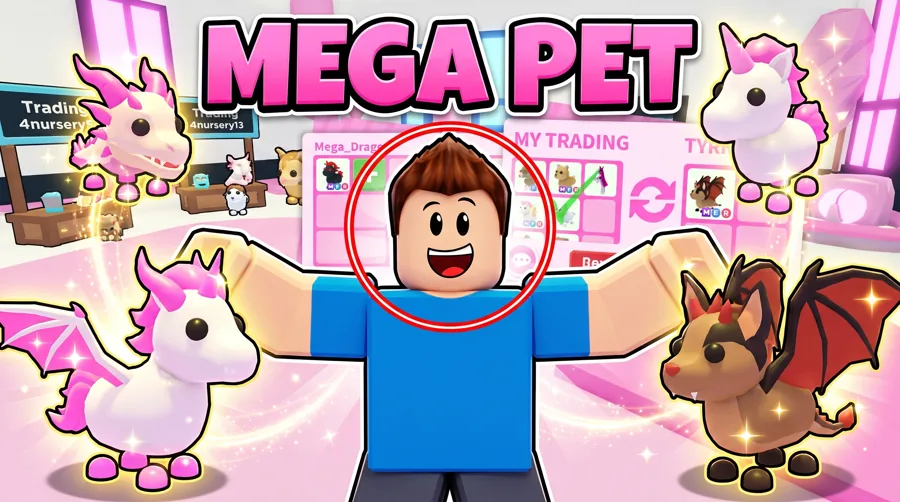
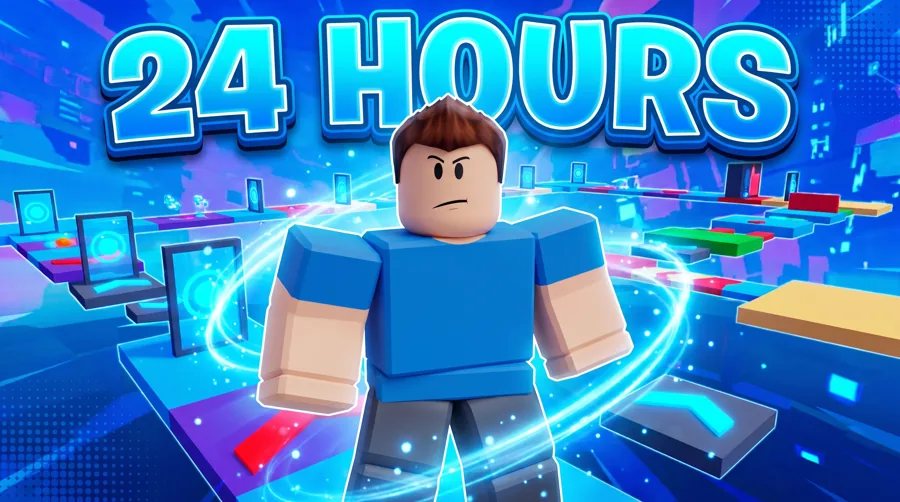
 Before
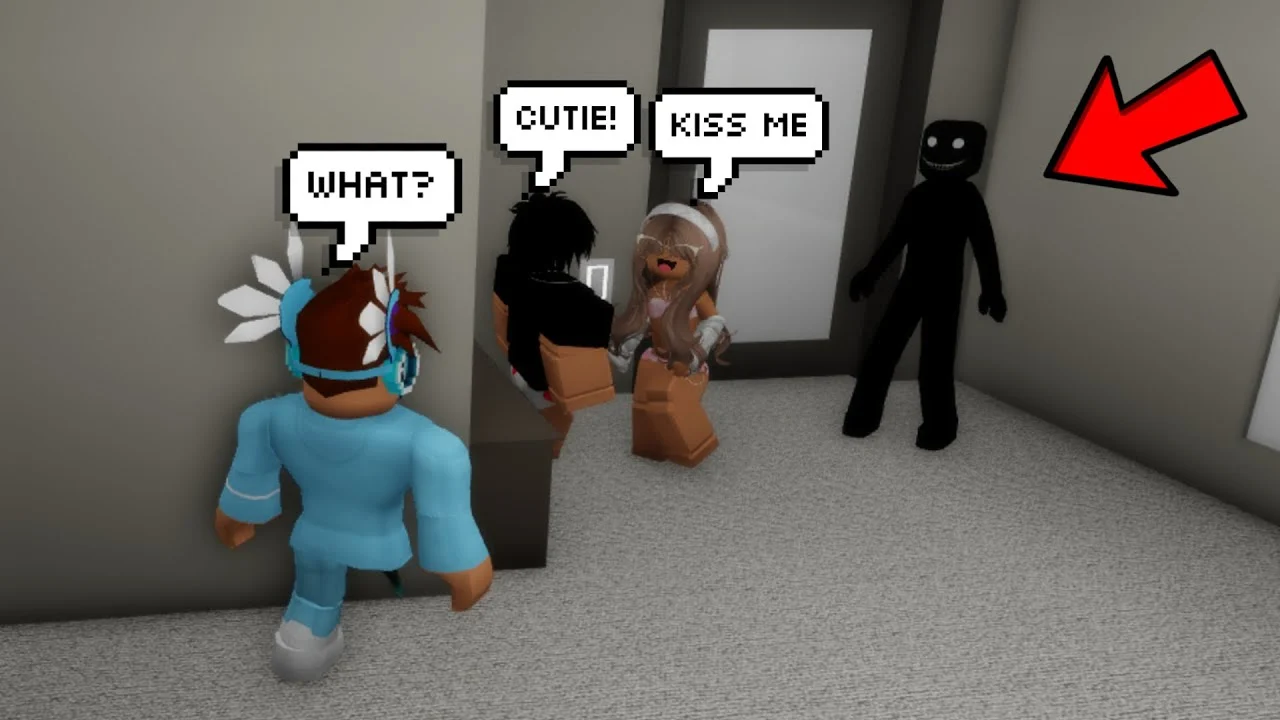
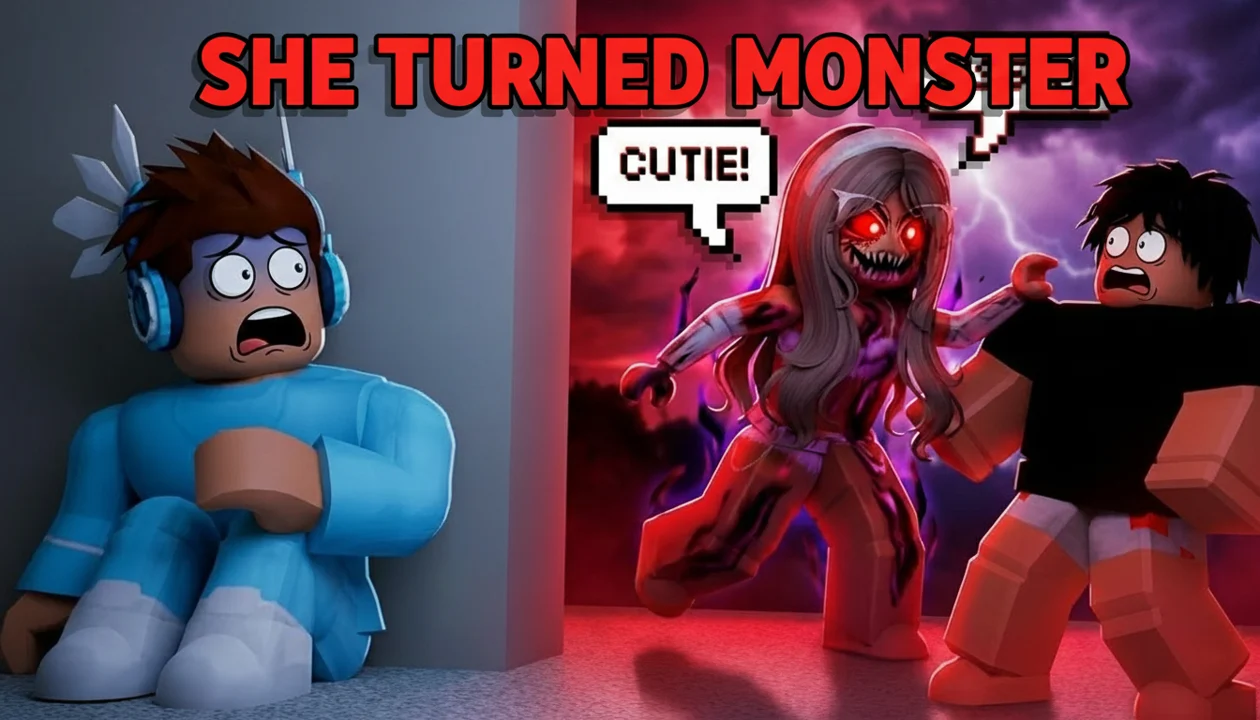 After
AfterReal Remaster output. Brookhaven horror story, one pass, April 2026.
How it works
How do you make a Roblox YouTube thumbnail with your own avatar?
Type your Roblox username and we pull your avatar. It is applied to every look, so you only do it once. Pick a look like Brookhaven drama or Blox Fruits, generate, and you have a finished 16:9 YouTube thumbnail in about 30 seconds. Rather not use your own? Upload any character image instead.
- +Your username in, your real avatar out, saved for every look
- +Proven Roblox YouTube looks to start from, not a blank canvas
- +Add friends' avatars by username for crew and roleplay videos
The real problem
Your gameplay is fine. The thumbnail is doing the deciding.
Roblox is a thumbnail-first feed. Someone scrolling through Brookhaven stories or Blox Fruits grinds sees one frame, and that frame decides if they click. Most rival thumbnail tools advertise free, then paywall your first generation or blur the result until you pay. LaunchLens hands you 90 real credits, no card, and no watermark.
- +Brookhaven roleplay and horror stories (SHE TURNED MONSTER energy)
- +Obby and escape runs where the threat has to read in one glance
- +Tycoon and simulator videos that need a clear number or milestone
- +Blox Fruits and battle games with a hero pose and a hit of impact
- +Brainrot and meme formats that lean loud on purpose
Size
What size is a Roblox thumbnail?
It depends where it goes. A Roblox YouTube video thumbnail is 16:9: youTube asks for a 16:9 image at least 640 pixels wide, as a JPG or PNG. 1280x720 is the size most creators use, and YouTube's own help page now recommends 3840x2160 for the sharpest result. The file limit is 50MB when you upload from a computer and 2MB from the phone app. A Roblox game thumbnail, the image on your experience page, is a different job at 1920x1080, and we have a separate Roblox game thumbnail maker for that.
- +YouTube video: 16:9, 1280x720 is the common size
- +YouTube file limit: 50MB from a computer, 2MB from the phone app
- +Roblox game (experience) thumbnail: 1920x1080
How it actually works
A studio that follows your direction.
Pick a look above to start with it loaded, or drive it yourself. Describe the frame in a prompt, drop your own reference images, pull live Roblox inspiration from YouTube search, or feed in a thumbnail you already have and run Remaster to upgrade it. The studio does what you tell it, not what a generic template guesses.
- +Generate from a prompt plus references you choose
- +Live YouTube inspiration search to see what is hitting in your format right now
- +Remaster to take an existing Roblox thumbnail and sharpen it
- +Expression, Lighting, and Clean Up tools to fix the frame, not restart it
Proof, not promises
Brookhaven horror, before and after.
Same Brookhaven scene, packaged into a horror story frame: SHE TURNED MONSTER. We show the real before and the real after so you can judge the craft yourself. We will not tell you a thumbnail will get you X clicks, because nobody can and YouTube does not allow that math. We just show the work.
- +Real source frame in, packaged horror thumbnail out
- +You see the prompt direction, not a black box
- +No CTR claims, no view promises, ever
Face optional
Your face in it, or no face at all.
Running a faceless Roblox channel is fully supported. Plenty of Brookhaven and brainrot creators never show a face, and the studio works exactly the same for them. If you do want to be in the frame, Characters drop your face in and the expression setting sets the reaction so it matches the story you are telling.
- +character placement when you want to be on the thumbnail
- +Faceless workflow with characters, props, and text doing the work
- +Expression and Lighting to match the mood of the format
Creator reviews
19,000+ creators have signed up and made 33,000+ thumbnails. Real reviews, collected through Senja.
"I used to spend 1 hour on thumbnails. Now with LaunchLens it takes 10 minutes. I love it. I recommend it for small creators just starting out."
"I used to spend 2-3 hours building 3D models of my Minecraft skin. Now it's fast and easy."
"I love how you can take a thumbnail and just replace anything in it. Love it."
Questions, answered straight.
What size is a Roblox YouTube thumbnail?+
16:9. YouTube asks for a 16:9 image at least 640 pixels wide, as a JPG or PNG. 1280x720 is the size most creators use, and YouTube's own help page now recommends 3840x2160 for the sharpest result. The file limit is 50MB when you upload from a computer and 2MB from the phone app. A Roblox game thumbnail for your experience page is 1920x1080, which is a different job with its own page.
Can I put my own Roblox avatar on the thumbnail?+
Yes. Type your Roblox username and the studio pulls your avatar and applies it to every look, so you only do it once. You can also add friends' avatars by username, or upload any character image instead.
Is there a Roblox thumbnail preset or style button?+
You can start from a look on this page, but nothing is locked to a single canned style. The studio works from your prompts, your reference images, live YouTube inspiration search, and Remaster on thumbnails you already have. You give it the Roblox direction and it executes, which means it handles any format from Brookhaven to Blox Fruits without being locked to a single canned look.
Can I make a Brookhaven thumbnail with this?+
Yes. Brookhaven roleplay and horror stories are a core use case. Drop in your scene, describe the beat (a transformation, a jumpscare reveal, a family drama moment), and pull real Brookhaven references so the frame matches what is working in that format right now.
Does it work for Blox Fruits and battle game thumbnails?+
Yes. Blox Fruits, battle games, and PvP formats usually need a hero pose, a clear hit of impact, and a readable number or fruit. You can prompt that directly, pull references from top Blox Fruits videos, or Remaster an existing thumbnail to push the action harder.
Is it actually free, or is the first generation paywalled?+
Actually free. You get 90 credits on signup with no credit card and no watermark held hostage. A thumbnail runs 30 credits, so your first one is on us. Most rival thumbnail tools advertise free then paywall or blur your first result, which is why we lead with real credits instead.
Do I have to put my face on the thumbnail?+
No. Faceless Roblox channels are fully supported and the studio works the same with or without a face. If you do want to be in the frame, Characters place your face and the expression setting sets the reaction to match the video.
What if I already have a thumbnail that is just okay?+
Use Remaster. Feed in your existing Roblox thumbnail and the studio upgrades it instead of starting from scratch. You can also use the Expression, Lighting, and Clean Up tools to fix specific problems without rebuilding the whole frame.
Can it handle obby, tycoon, and brainrot formats too?+
Yes. Obby and escape thumbnails usually need the threat to read in one glance, tycoon and simulator videos need a clear milestone or number, and brainrot edits lean loud on purpose. You prompt the format you are in and back it with references so the frame fits the niche.
Will LaunchLens tell me how many clicks or views a thumbnail will get?+
No. We do not do CTR predictions or view promises, and YouTube does not allow that kind of derived metric anyway. We show real before and after work, like the Brookhaven horror transformation, and let you judge the craft yourself.
Build your next Roblox thumbnail free
90 credits on signup, no card, no watermark ransom. Brookhaven, Blox Fruits, obby, tycoon, brainrot. The frame the feed judges, the last 5 percent everyone sees first.
Free templates
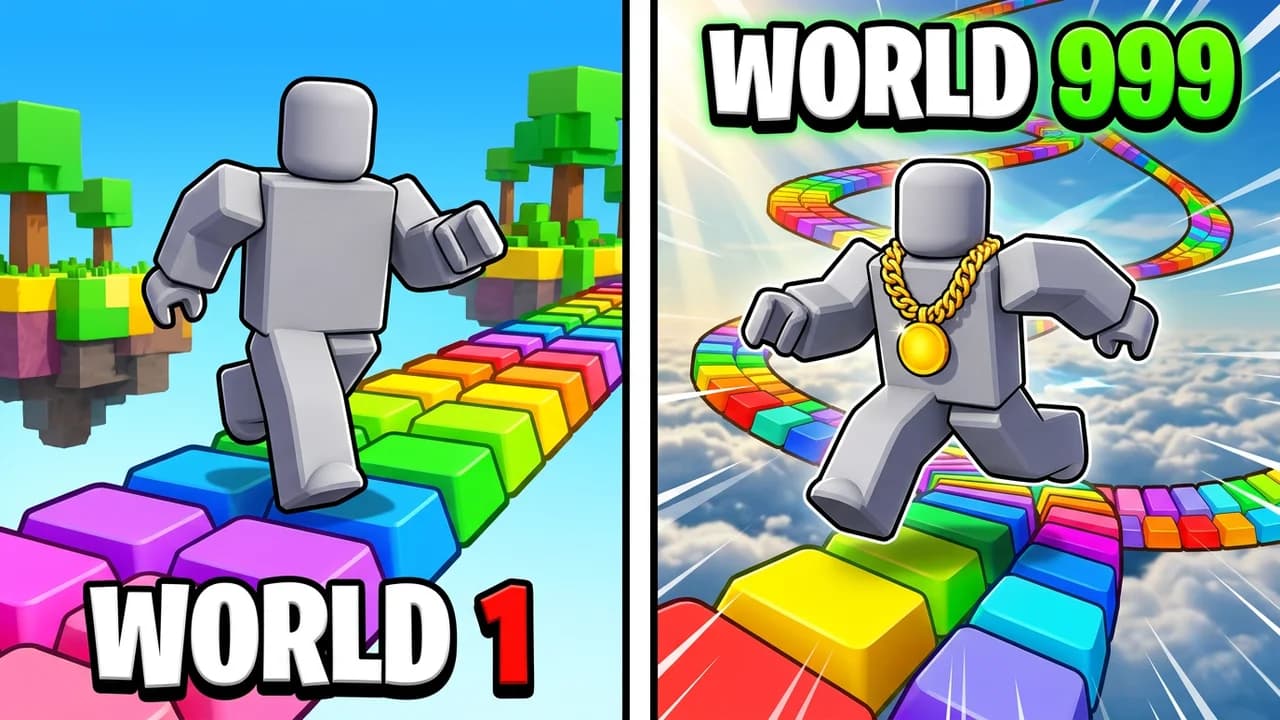
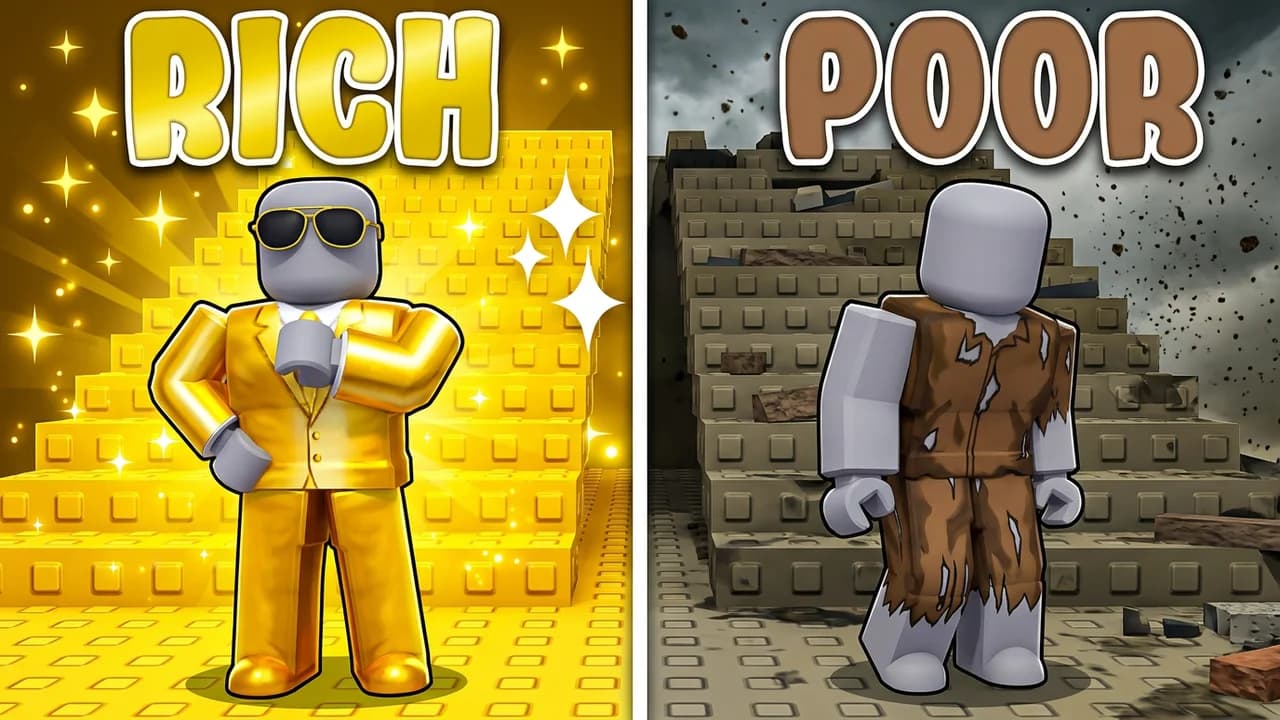
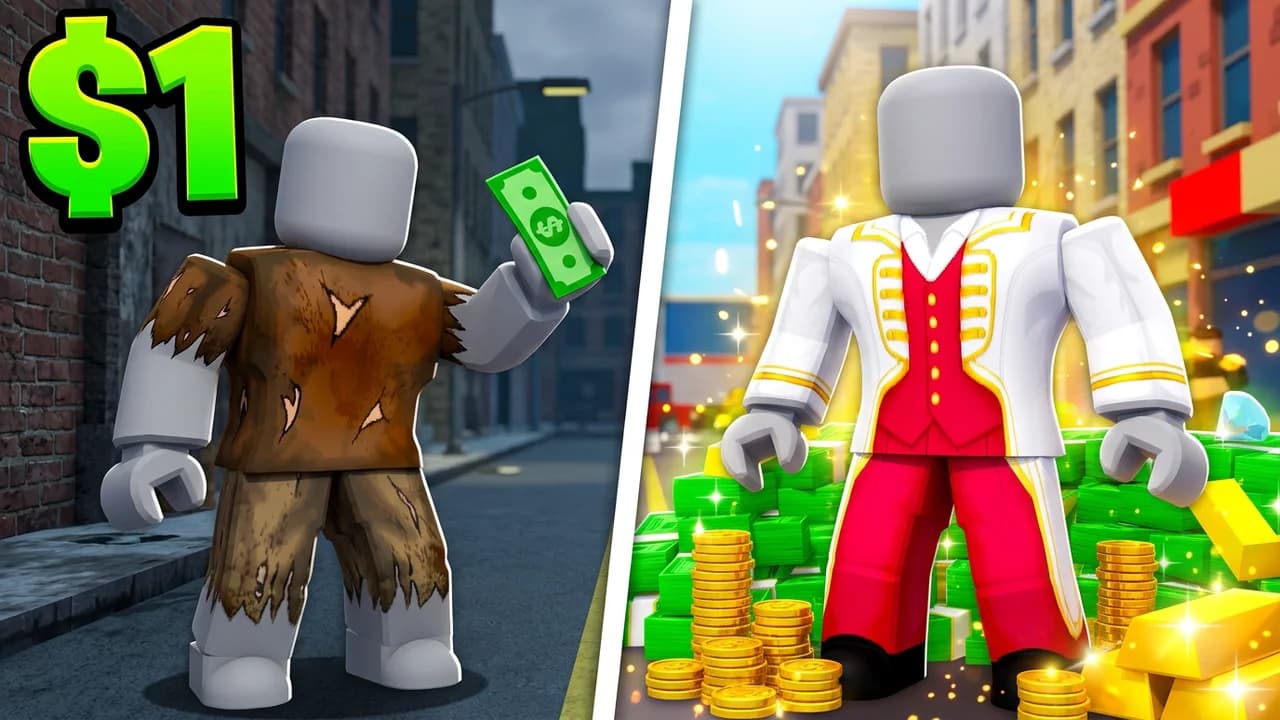
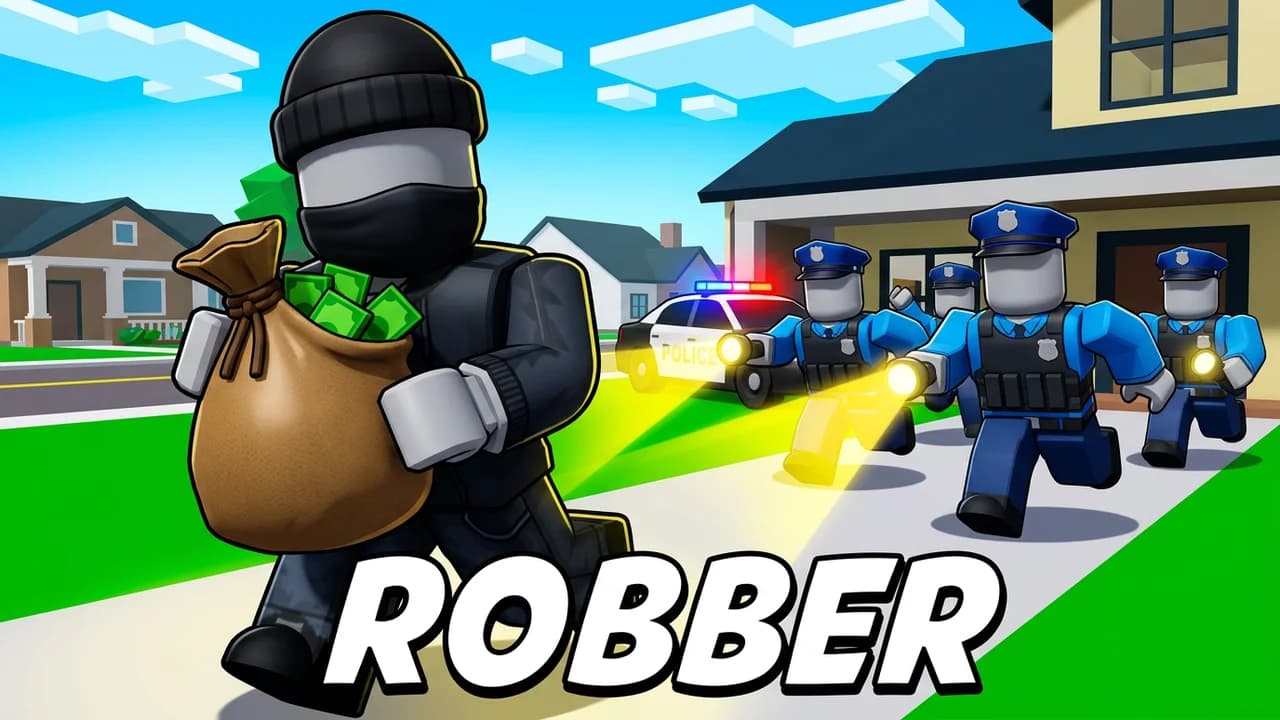
Start from a ROBLOX layout that already works
Every one opens straight in the studio. Swap the grey stand-in for yourself and change anything by typing.
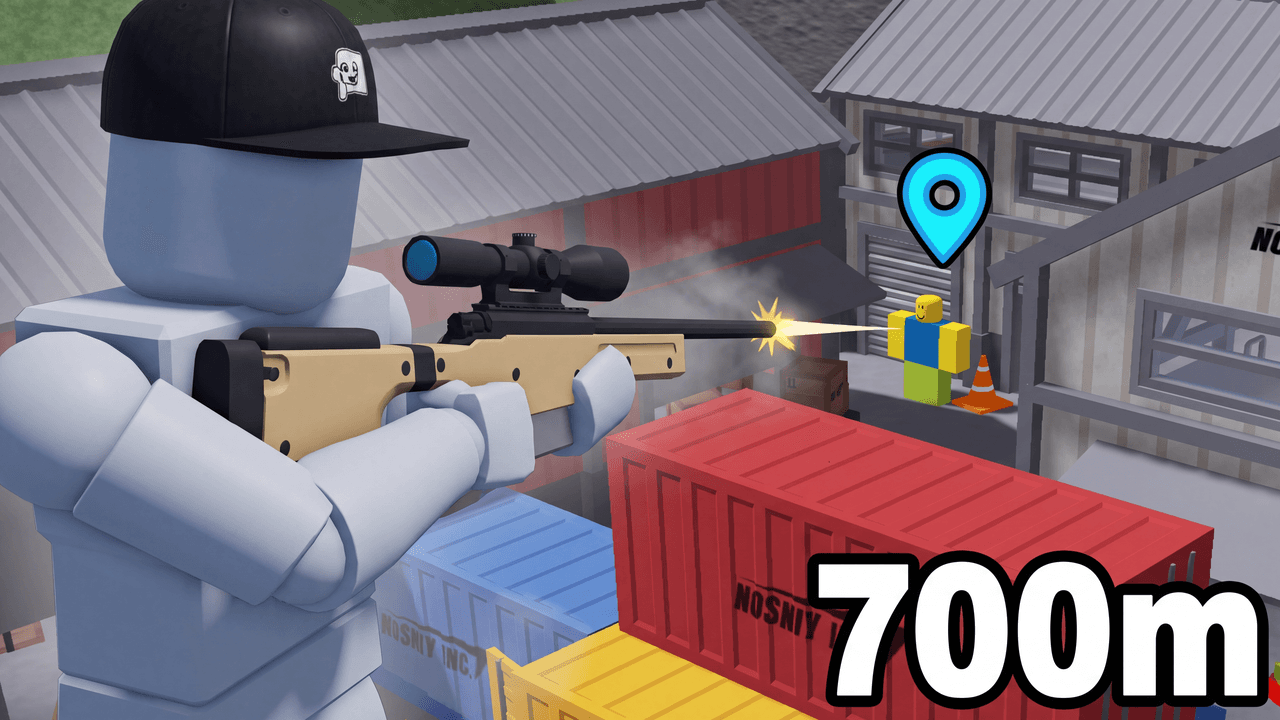
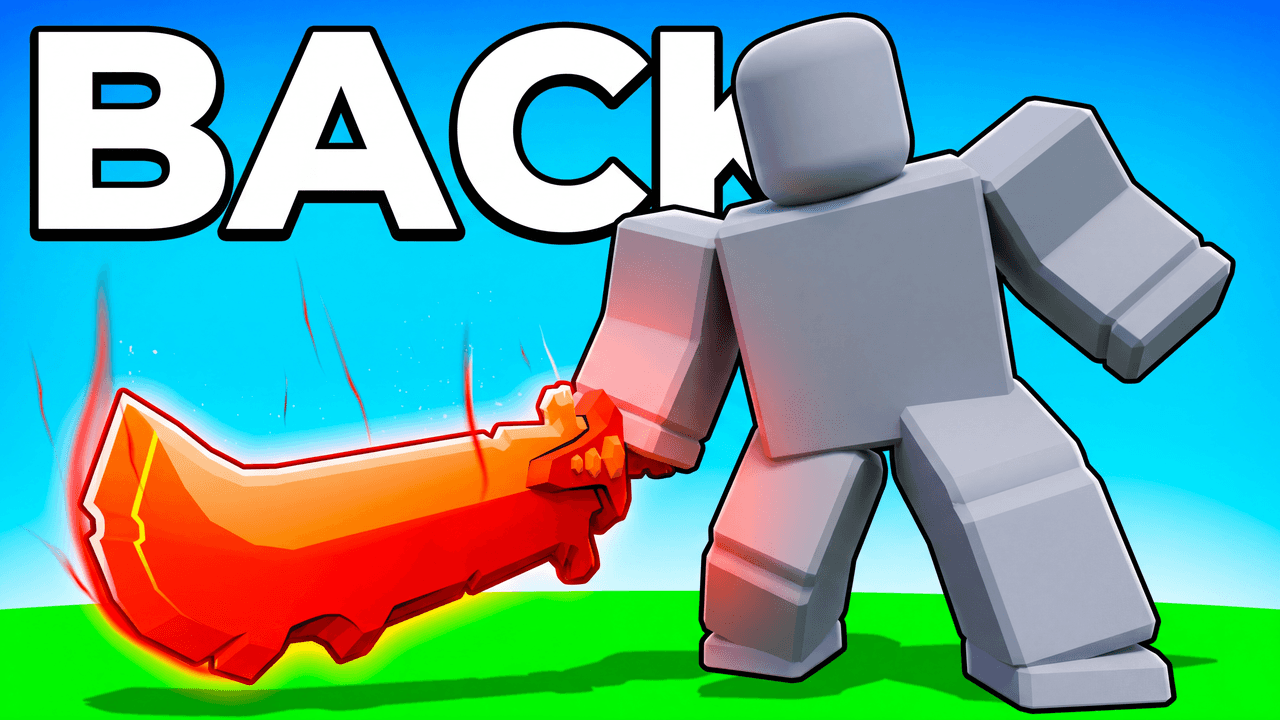
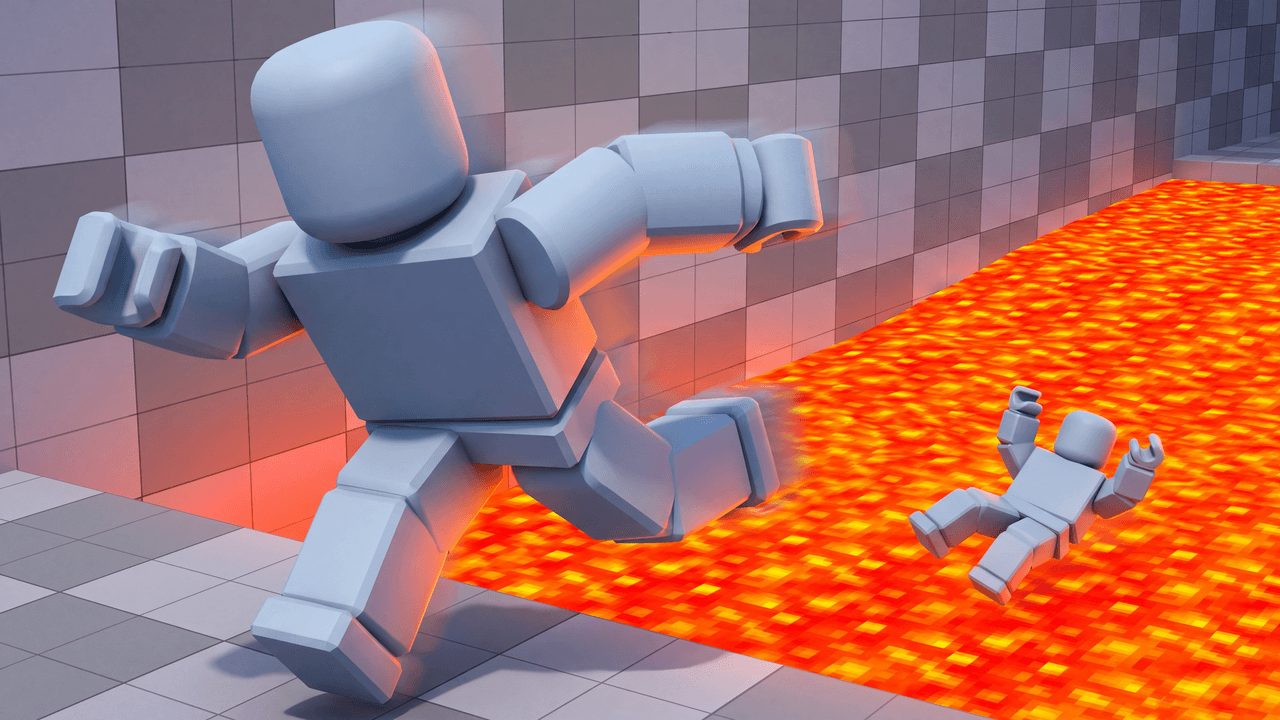
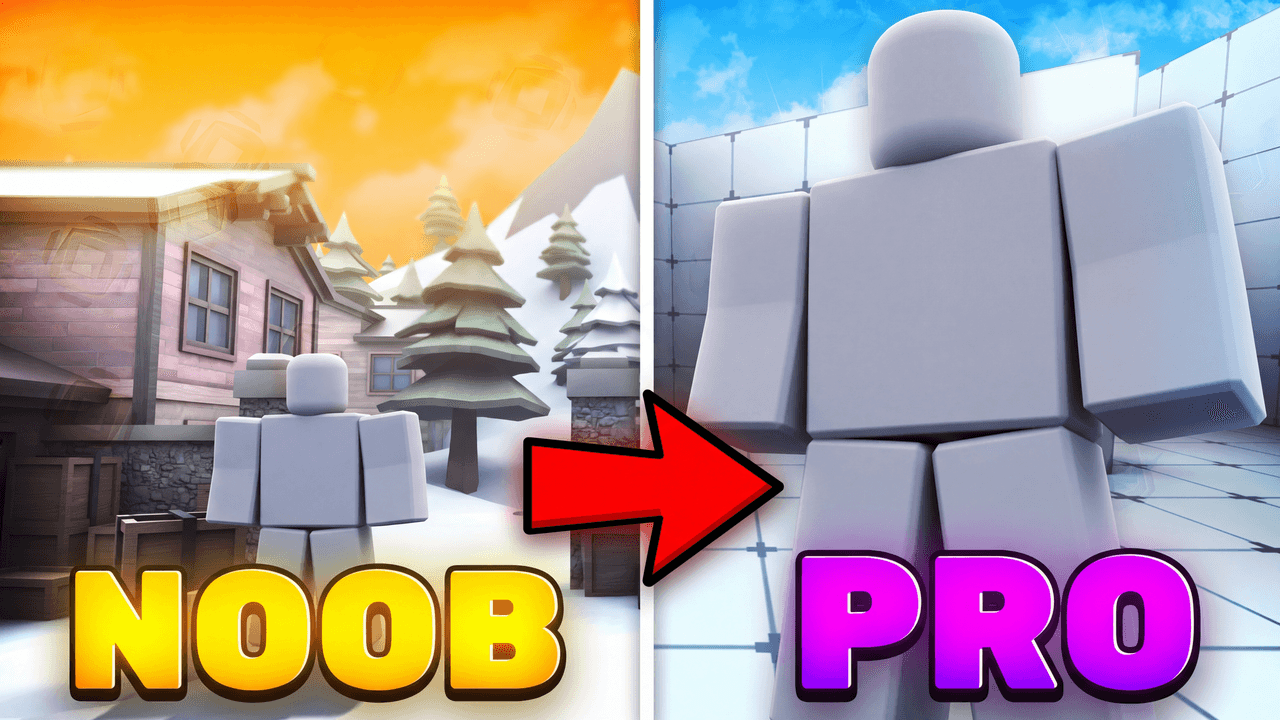
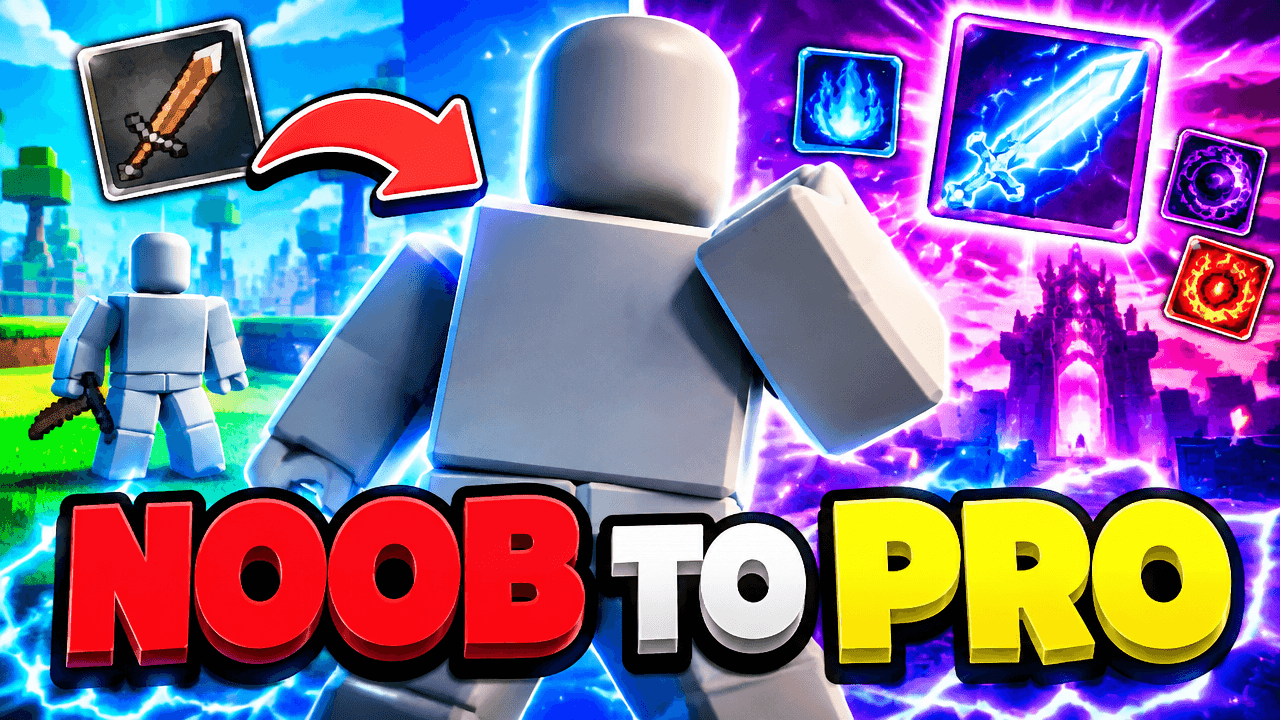
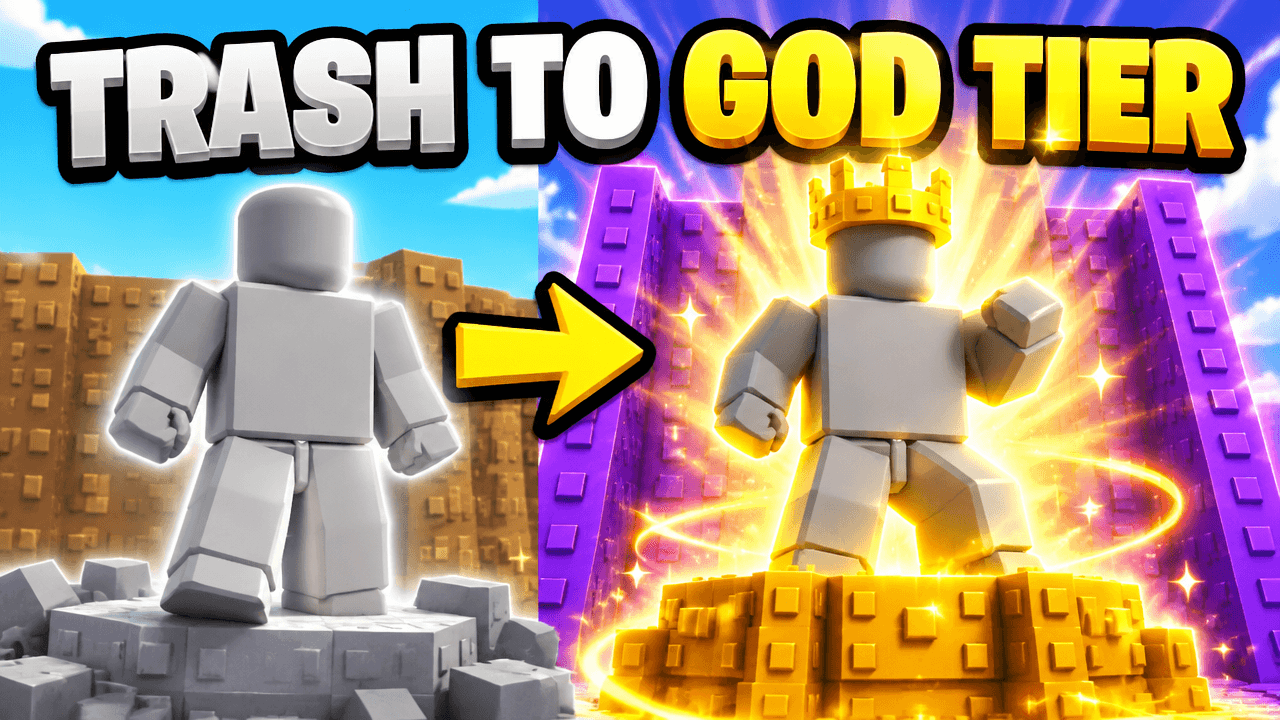
Thumbnail ideas
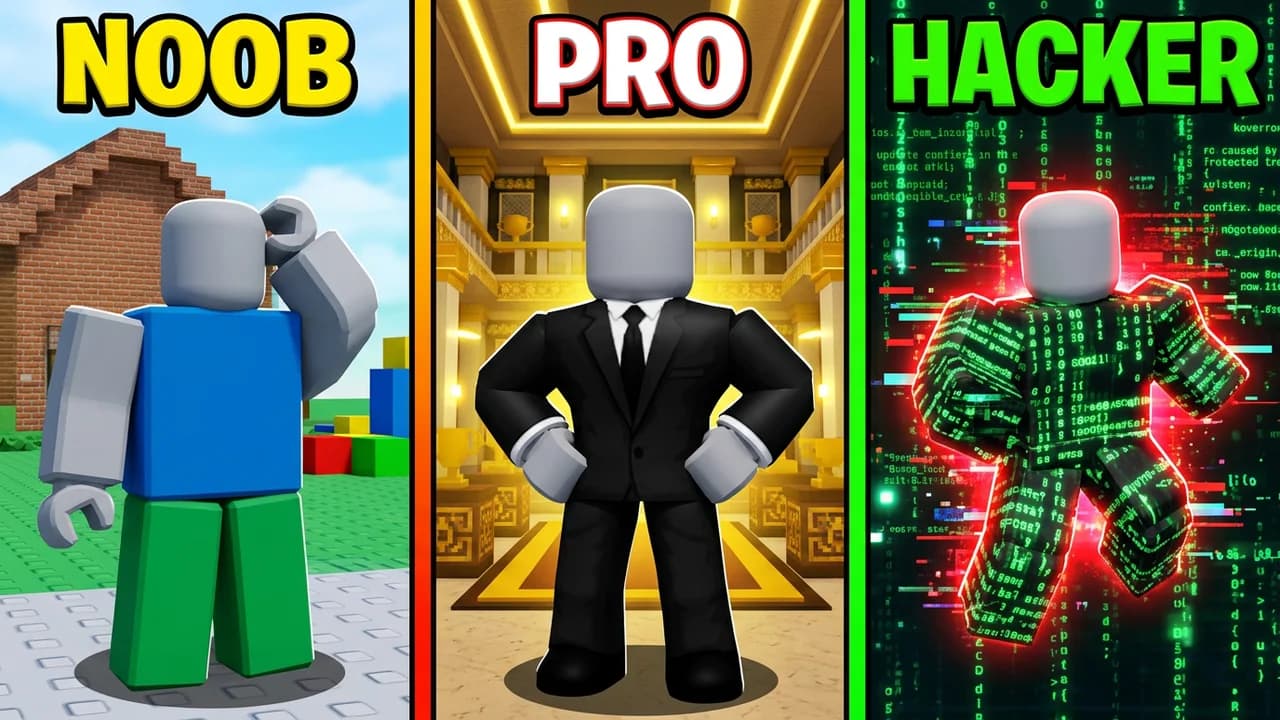
Roblox thumbnails you can start from
Built from the layouts getting the most clicks right now. Open one, put your character in and change it by typing.
More for Roblox
LaunchLens is an independent tool and is not affiliated, associated, authorized, endorsed by, or in any way officially connected with Mojang, Microsoft, Roblox Corporation, Epic Games, Take-Two Interactive, Rockstar Games, 2K, Riot Games, Activision Blizzard, Valve Corporation, Supercell, Electronic Arts, EA Sports, the Collegiate Licensing Company, TVGS, Arrowhead Game Studios, Sony Interactive Entertainment, or any of their subsidiaries. All game titles, logos, and characters are trademarks of their respective owners. College team names, marks, and college athlete names and likenesses are the property of their respective rights holders; build thumbnails from your own references and keep athlete and team art generic.