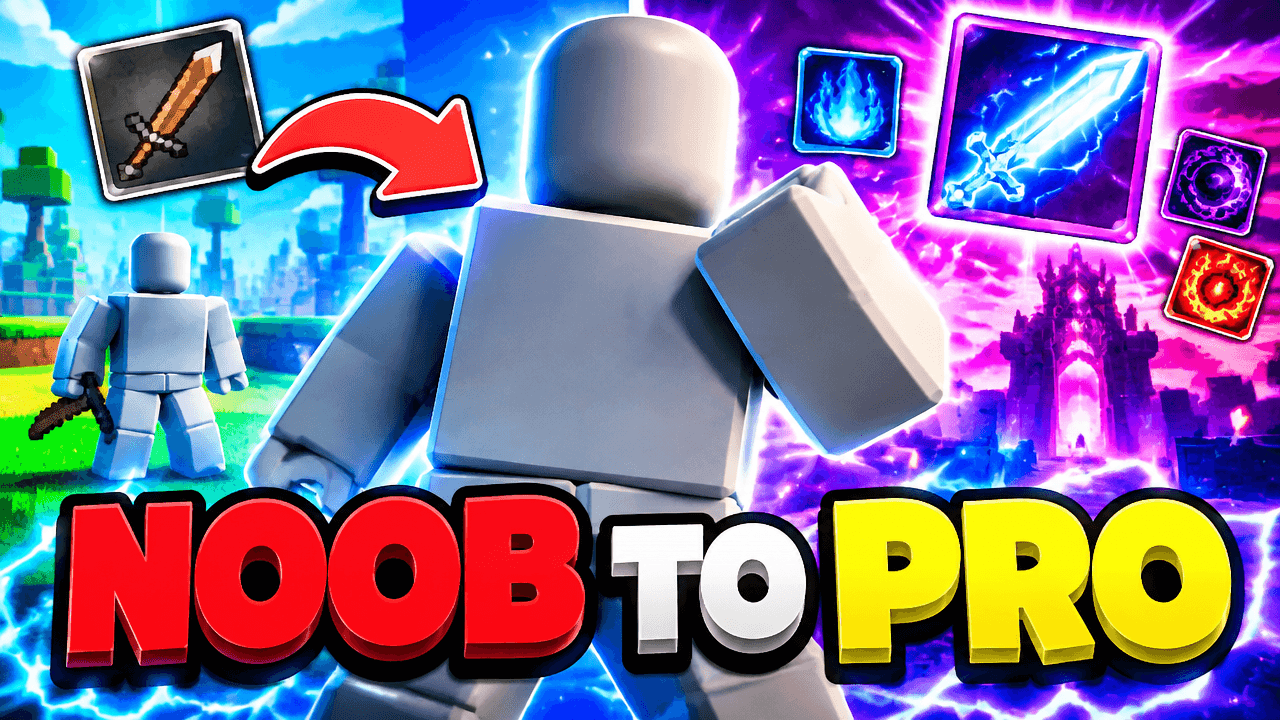
Second look, same template
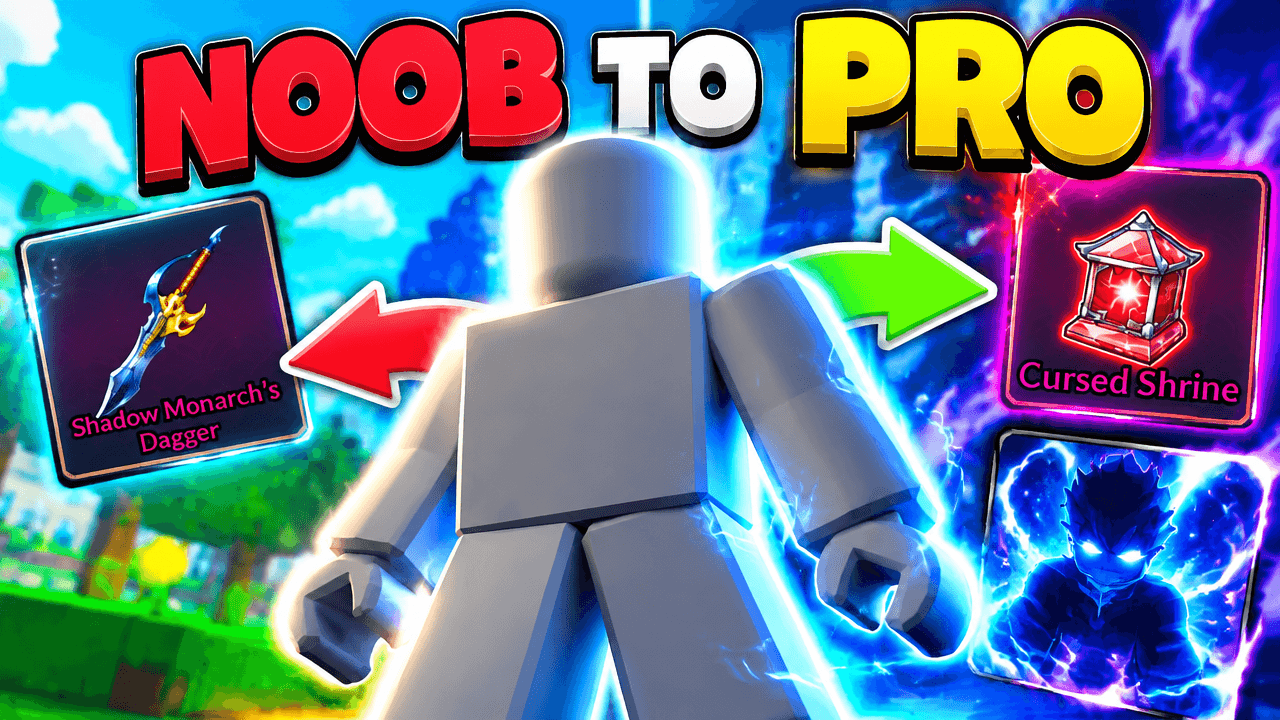
Alternate between the two across a series so your channel page does not look repetitive.
Roblox Noob vs Pro Thumbnail Template
100% Free • No Credit Card Required • Instant Access
Showcase your Roblox progression with this split screen design comparing a basic starter setup to an epic endgame level.
Template Features
- Opens straight into LaunchLens
- Edit anything with plain-language AI prompts
- 1280x720 YouTube-ready export
- Free to start: 90 credits, no card
What creators search for
ROBLOX thumbnail questions
What size should a Roblox thumbnail be?
Your thumbnail must be 1280x720 pixels with a 16:9 aspect ratio and a file size under 2MB. LaunchLens automatically exports your final design in these correct dimensions.
Why does this split screen layout work for Roblox videos?
The stark contrast between the basic left side and epic right side instantly tells a story of progression. Viewers immediately understand the video will show a major transformation or comparison.
How do I add my own Roblox avatar to this template?
You add a picture of your character in LaunchLens and type plain text instructions to replace the grey placeholder. The system will swap the blank figure for your avatar without any manual dragging.
How do I make my Roblox character stand out from the background?
Using bright backlighting or glowing outlines helps separate your avatar from complex environments. In this template, the glowing aura and contrasting colors naturally highlight the central figure.
What makes the text in this template effective?
Bold, massive 3D fonts with bright alternating colors grab attention quickly on small screens. Keep your text short and punchy so it remains readable on mobile devices.
About This Template
This roblox thumbnail template is built for progression videos, zero-to-hero runs, and leveling guides. It sets up a clear roblox noob vs pro narrative by placing a central character right between a starter zone and a late-game environment. It gives your audience a visual summary of the journey before the video even begins.
Why this split layout works
- Clear visual divide. The background splits sharply between early-game struggles and endgame wealth.
- Central anchor. The mannequin placeholder sits right on the dividing line to tie the two extremes together.
- High contrast. Bright, chaotic late-game elements sit directly opposite the flat, basic colors of a starter area.
- Readable text. The bold typography is sized to remain legible even on a small mobile screen.
Adapting the scene in LaunchLens
- Open the template in LaunchLens.
- Replace the blank grey mannequin by adding a picture of your own Roblox player.
- Type the exact words you want for the text over each side of the frame.
- Type a description of the starter zone you need for the left background.
- Type out what the endgame environment on the right should look like.
Videos that match this design
- Zero to hero simulator grinds.
- Roblox noob to pro building challenges.
- Speedrunning from a fresh account to max level.
- Trading up from a basic item to a rare dominant pet.
- Surviving 100 days in a harsh tycoon server.
Build your before and after story in a few straightforward edits.