How to make a YouTube thumbnail
Six steps for a gaming video, from finding a layout that already wins to uploading it. About ten minutes the first time.
- 1
Find a layout that already works
Before you make anything, look at what is winning in your game right now. Not the biggest channels, but the videos that did far better than their own channel usually does. Those thumbnails earned the click on their own.
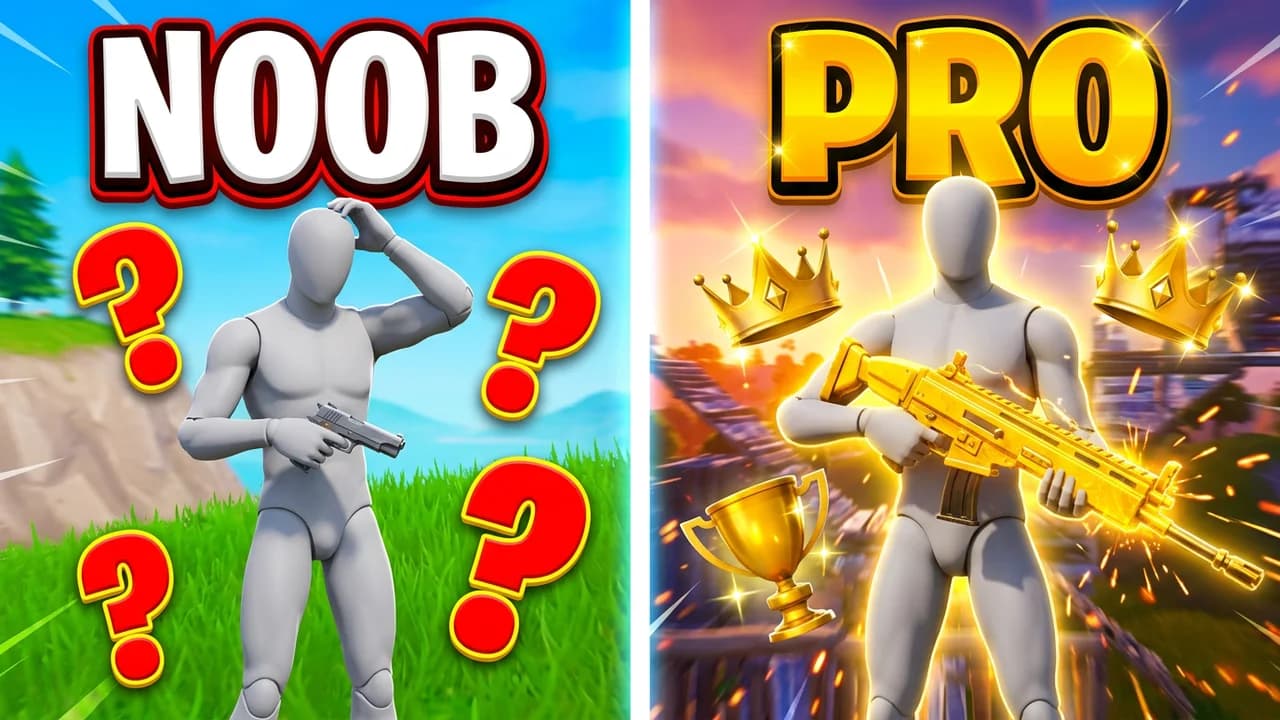
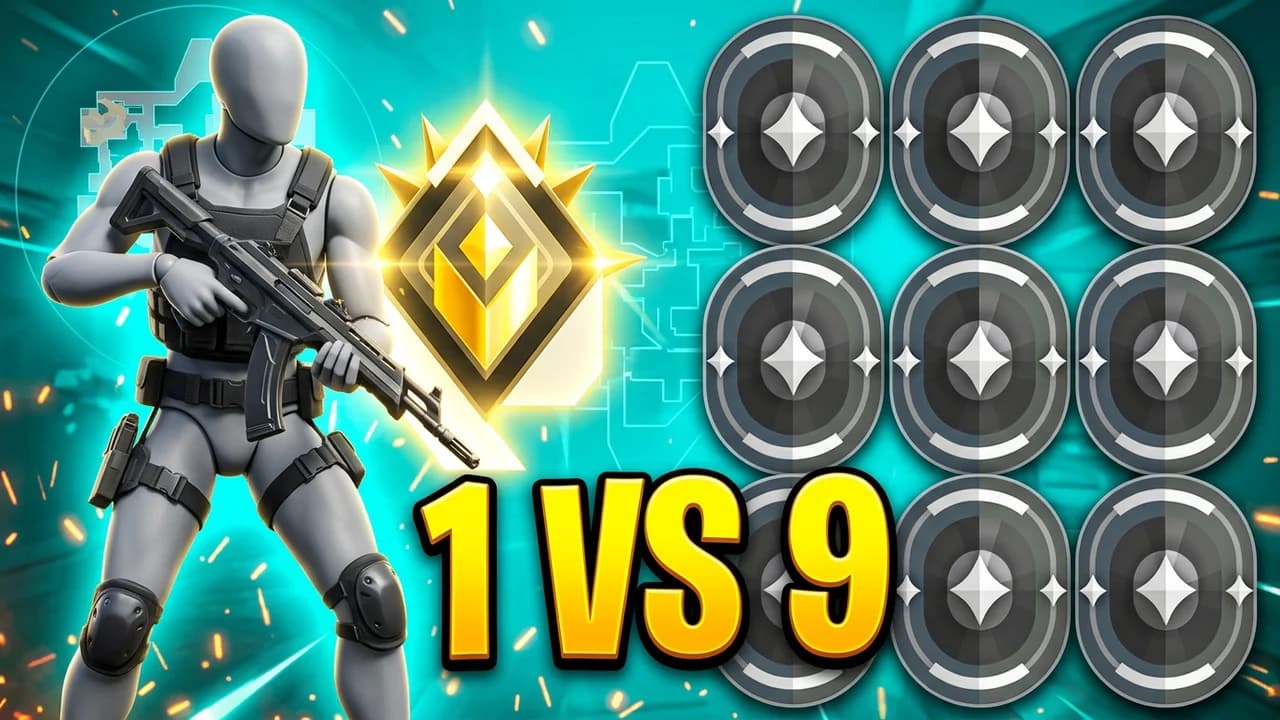
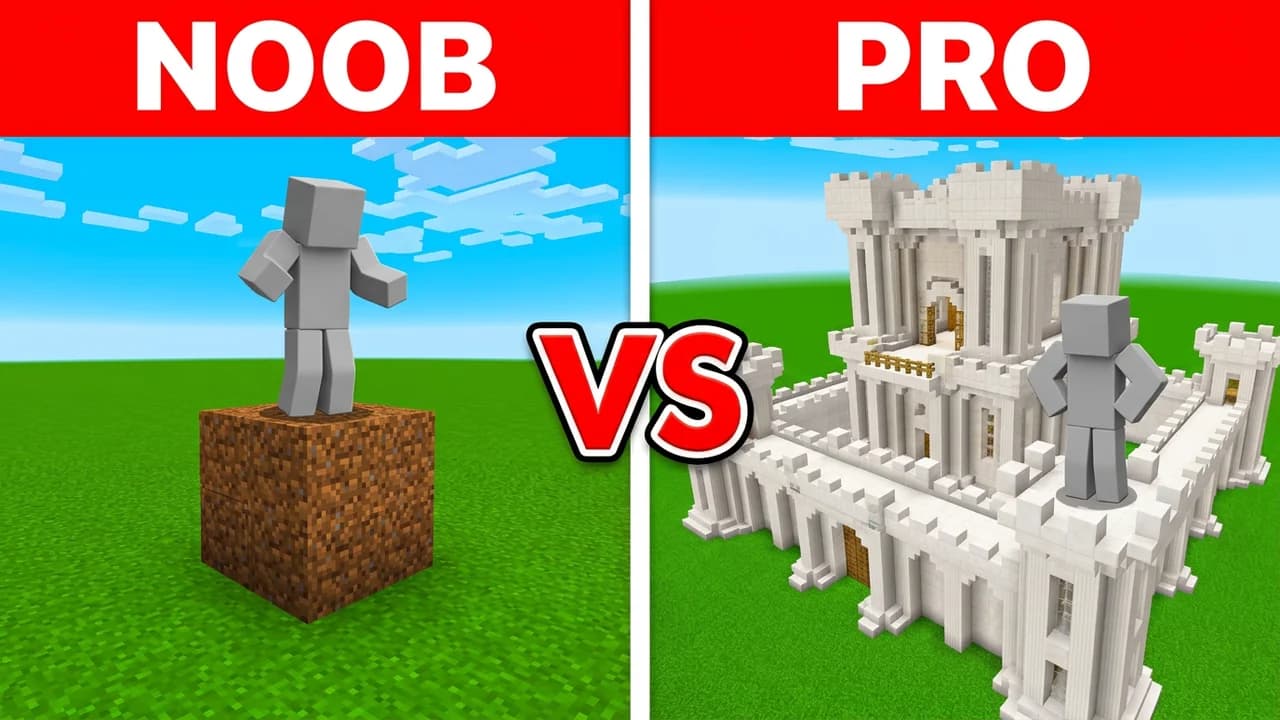
Copy the layout, never the picture. Noob vs pro splits, a 1v1 face-off, one player with one item, or a giant number are the shapes that keep winning across games.
Every game studio in LaunchLens has a Popular row: real videos from the last 90 days, each marked with how many times its channel's usual views it got.
- 2
Open your game's studio and pick Video thumbnail
Each game has its own studio, so the look, the characters and the items match the game. Pick Video thumbnail for a 16:9 YouTube thumbnail. Shorts cover, channel art and profile picture sit next to it at their own sizes.
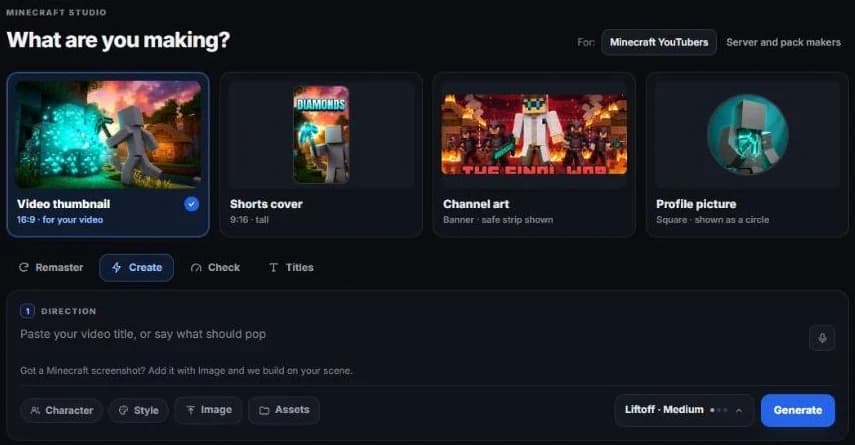
The Minecraft studio, with Video thumbnail picked. - 3
Put your player in
A thumbnail with your character in it reads as your channel. Open Character and pick a saved player, or add one: your skin, avatar or MyPLAYER. It drops into any render.
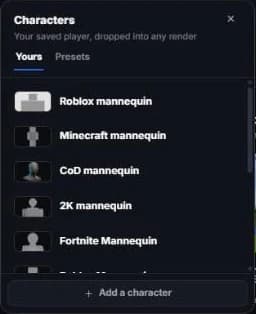
Characters you save once show up in every studio. - 4
Say what should pop
In Direction, paste your video title or say what the viewer should see first. Name the layout, the two or three words on it and what each side holds.
Got a screenshot from your world or match? Add it with Image and the thumbnail is built on your real scene.
Example: noob vs pro split, my player on the left with a wooden sword, a pro on the right in diamond armor, NOOB and PRO in big text.
- 5
Generate, then fix it by typing
Press Generate. If one thing is off, do not start again: switch to Remaster and say the change, like "bigger text" or "make the sword gold", instead of writing the whole idea again.
- 6
Check it small, then upload
Most views come from phones, where a thumbnail is about the size of a stamp. Use Check before you upload: it reads the thumbnail for the things that break at small size. It is free, instant and uses no credits.
Upload a 16:9 JPG or PNG, 1920 x 1080 or larger. In YouTube Studio open the video, go to Details and choose Upload file under Thumbnail.
What works
How to make a good thumbnail
One idea
If you need a sentence to explain it, it is two thumbnails. Pick the one moment the video is about.
Three words at most
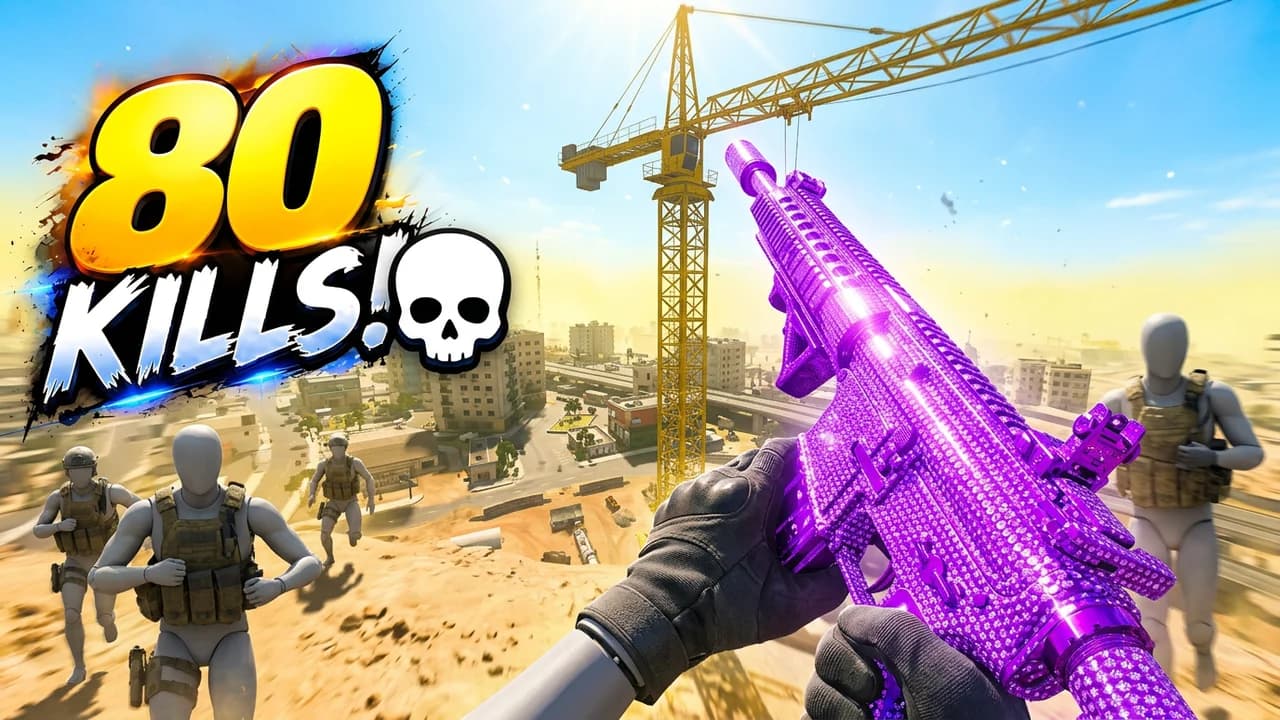
Text has to read at phone size. NOOB vs PRO works. A full title does not.
Your player, big
A character that fills a third of the frame reads from across the room. A tiny one in a wide shot reads as nothing.
Contrast before detail
Bright subject, darker background, or the other way round. Detail is lost at small size, contrast never is.
Match the title, don't repeat it
The thumbnail shows, the title tells. Together they make one promise the video keeps.
Questions, answered straight.
How do I make a thumbnail for YouTube for free?+
Sign up to LaunchLens and you get 90 free credits, no card. Pick your game's studio, add your player, type the idea and download it at YouTube size. Checking a thumbnail is always free.
What size is a YouTube thumbnail?+
16:9. Upload 1920 x 1080 or larger (3840 x 2160 is the sharpest), as a JPG or PNG. The minimum width YouTube accepts is 640 pixels.
Do I need Photoshop to make a gaming thumbnail?+
No. You describe the thumbnail in words and change it the same way. There are no layers or tools to learn.
How do I make a good thumbnail?+
Start from a layout that is already winning in your game, keep it to one idea and three words at most, make your player big, and check it at phone size before you upload.
Can I change a thumbnail after the video is up?+
Yes. In YouTube Studio open the video, go to Details and upload a new thumbnail. The change shows in a few minutes.
Make your first thumbnail free
90 credits on signup, no card. Pick your game and start from a layout that works.