The CS2 thumbnail maker built for the clutch moment
Clutch 1vX moments, skin and case openings, rank grinds, and update breakdowns. The Counter-Strike feed runs on skin economy energy, clutch stakes, and the T and CT split. Build that frame from a prompt and your own references, then push it until it earns the click.
One account and one credit balance across every game studio.
What are you making?
Pick the job. Every tile opens LaunchLens on it.
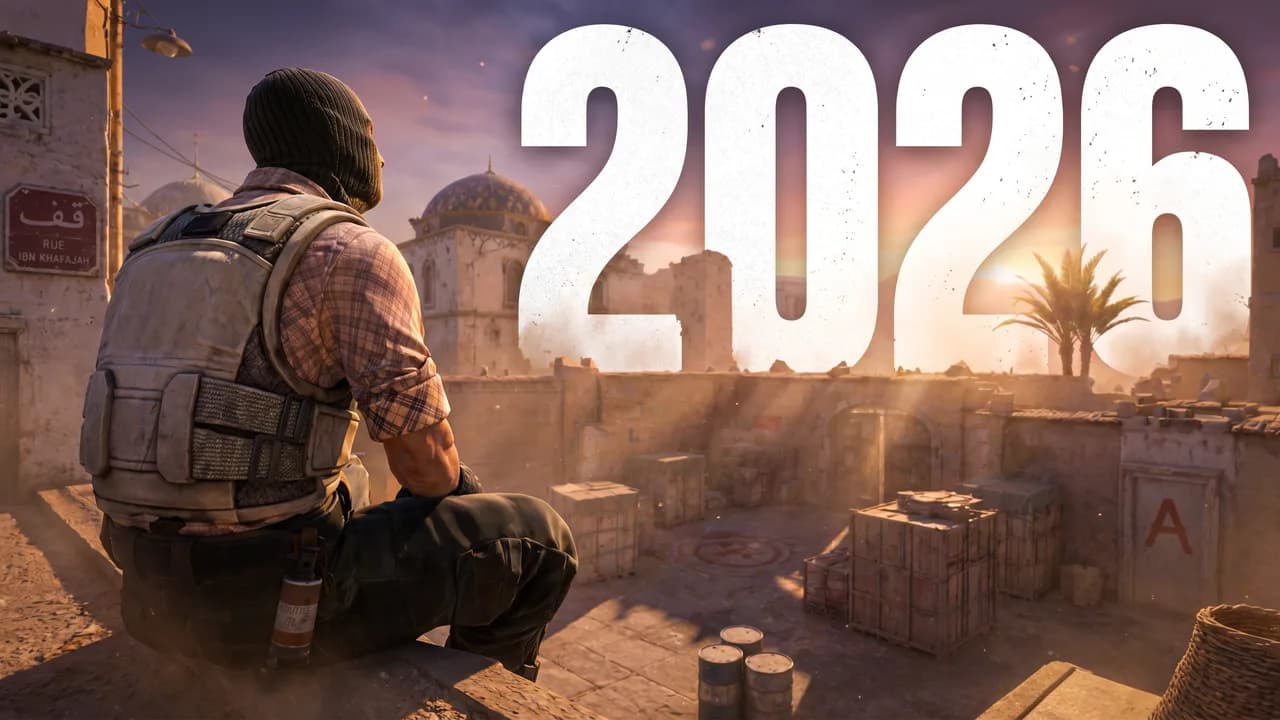
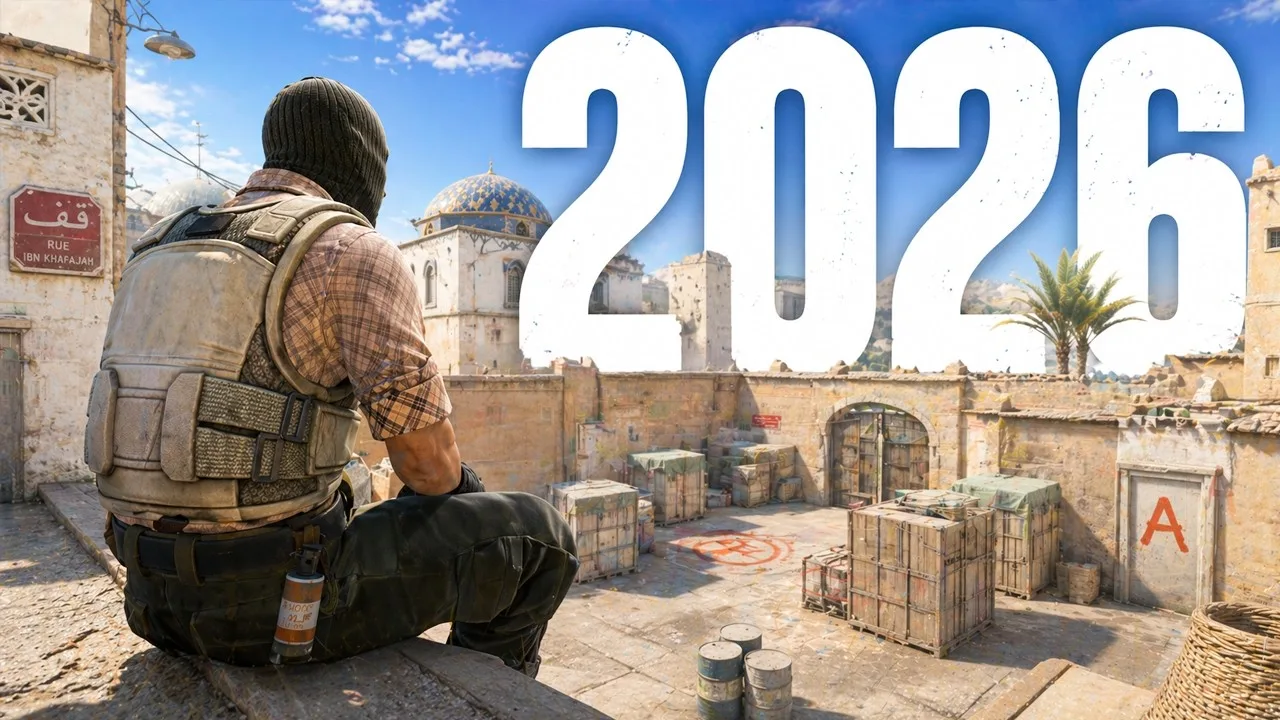 Before
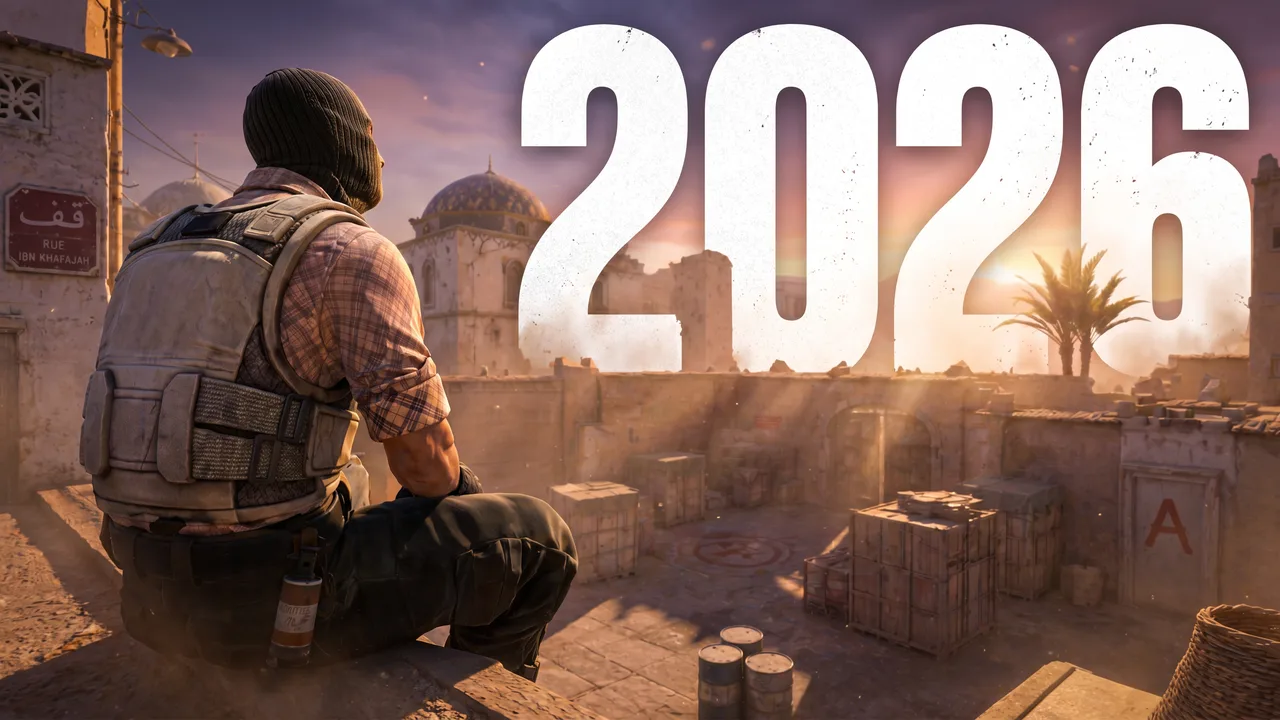 After
AfterReal Remaster output. CS2, one pass, June 2026.
The real problem
The clutch landed. The thumbnail is doing the deciding.
CS2 is a thumbnail-first feed. Someone scrolling case openings and clutch highlights sees one frame: a knife or skin laid out, a 1vX moment, the terrorist versus counter-terrorist split, and that frame decides the click. Generalist AI tools do not know what a Counter-Strike thumbnail is supposed to feel like, so you fight them for anything that reads as CS instead of a generic FPS render. LaunchLens is built gaming-first, so your references, your context, and your face go in, and a packaged thumbnail comes out.
- +Skin and case openings where the item economy is the hook
- +Clutch 1vX moments that need stakes and impact in one glance
- +Rank grind videos where the Faceit level or Premier rating framing lands
- +Update and meta breakdowns with a clean T versus CT split read
How it works
No CS2 preset. A studio that follows your direction.
There is no one-click Counter-Strike style button, and we will not pretend there is. You drive it. Describe the frame in a prompt, drop in your own reference images for the skin, map, or moment you are covering, pull live CS2 inspiration from YouTube search, or feed in a thumbnail you already have and run Remaster to upgrade it. The AI adapts to the niche from what you give it, not from a canned template.
- +Generate from a prompt plus references you choose, skin and map accurate
- +Characters drop your real face into the shot for reaction and guide channels
- +Remaster upgrades an existing CS2 thumbnail instead of starting over
- +Live YouTube inspiration search to see what is hitting in the niche right now
Creator reviews
19,000+ creators have signed up and made 33,000+ thumbnails. Real reviews, collected through Senja.
"I used to spend 1 hour on thumbnails. Now with LaunchLens it takes 10 minutes. I love it. I recommend it for small creators just starting out."
"I used to spend 2-3 hours building 3D models of my Minecraft skin. Now it's fast and easy."
"I love how you can take a thumbnail and just replace anything in it. Love it."
Questions, answered straight.
Is there a free CS2 thumbnail maker?+
Yes. LaunchLens gives you 90 credits on signup with no card required, and a generation runs 30 credits, so your first thumbnail is on the house. There is no watermark and no blurred result held for ransom, which is how a lot of rival thumbnail tools work.
Does it work for Counter-Strike thumbnails in general, not just CS2?+
Yes. The prompt-plus-reference workflow covers Counter-Strike content broadly: clutch highlights, skin and case openings, rank grinds, and update breakdowns. You drop in references for the specific skin, map, or moment you are featuring, since there is no in-product game asset library.
Can I make a skin or case opening thumbnail with this?+
Yes. Skin and case openings are a core CS2 format, and they usually live or die on showing the item clearly. Describe the knife or skin in the prompt, drop in reference images so it stays accurate, then use Lighting and Clean Up to make the item pop at sidebar size.
Can I put my own face on a CS2 thumbnail?+
Yes, with Characters, which place your face into the scene and matches the lighting so it does not look pasted on. Face tools are optional, so faceless CS2 channels are fully supported with prompt and reference based generation.
Make your next CS2 thumbnail free
90 credits on signup, no card, no blurred result. Generate one, drop your face in, or Remaster an old upload, then package the whole video in one place.
LaunchLens is an independent tool and is not affiliated, associated, authorized, endorsed by, or in any way officially connected with Mojang, Microsoft, Roblox Corporation, Epic Games, Take-Two Interactive, Rockstar Games, 2K, Riot Games, Activision Blizzard, Valve Corporation, Supercell, Electronic Arts, EA Sports, the Collegiate Licensing Company, TVGS, Arrowhead Game Studios, Sony Interactive Entertainment, or any of their subsidiaries. All game titles, logos, and characters are trademarks of their respective owners. College team names, marks, and college athlete names and likenesses are the property of their respective rights holders; build thumbnails from your own references and keep athlete and team art generic.