Call of Duty Thumbnails
Nukes, Zombies round 100, noob vs pro vs hacker, Iridescent ranked, Dark Matter camo and sniper only. Pick a COD thumbnail below, open it as a template, put your operator in and change anything by typing.
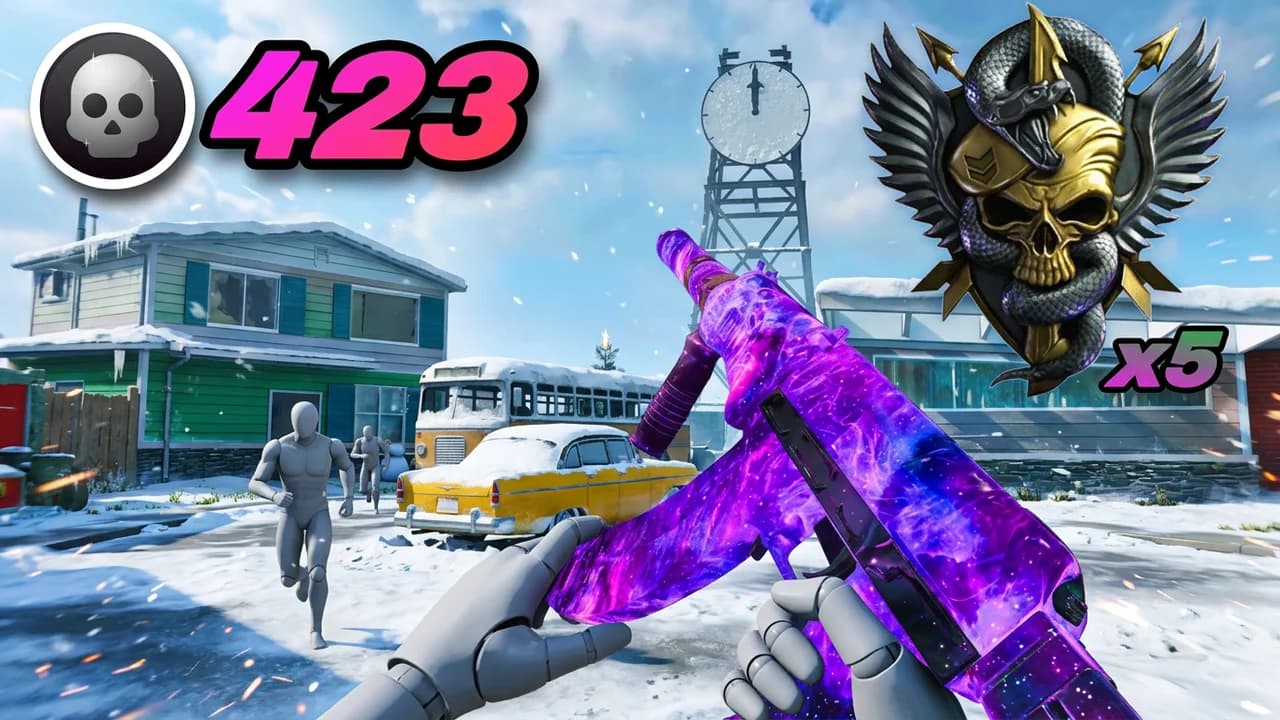 Use this423 Kills + 5 NukesCOD thumbnail · Multiplayer
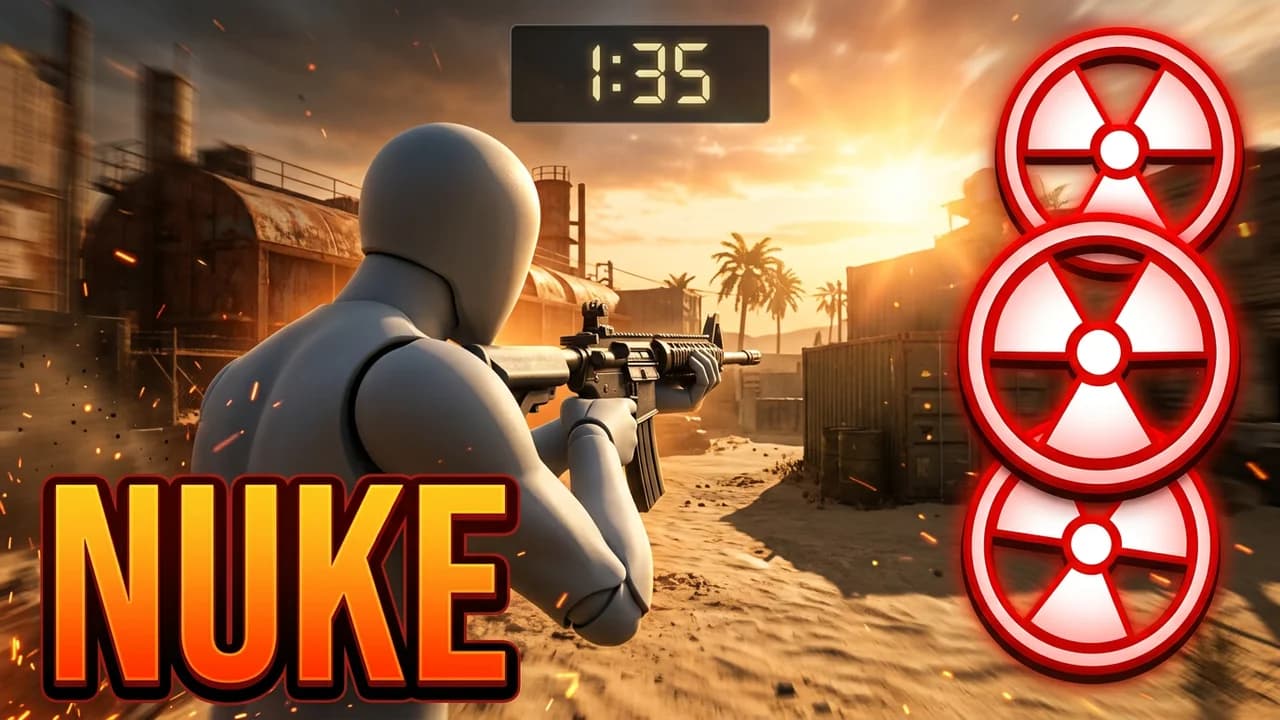 Use thisFastest NukeCOD thumbnail · Multiplayer
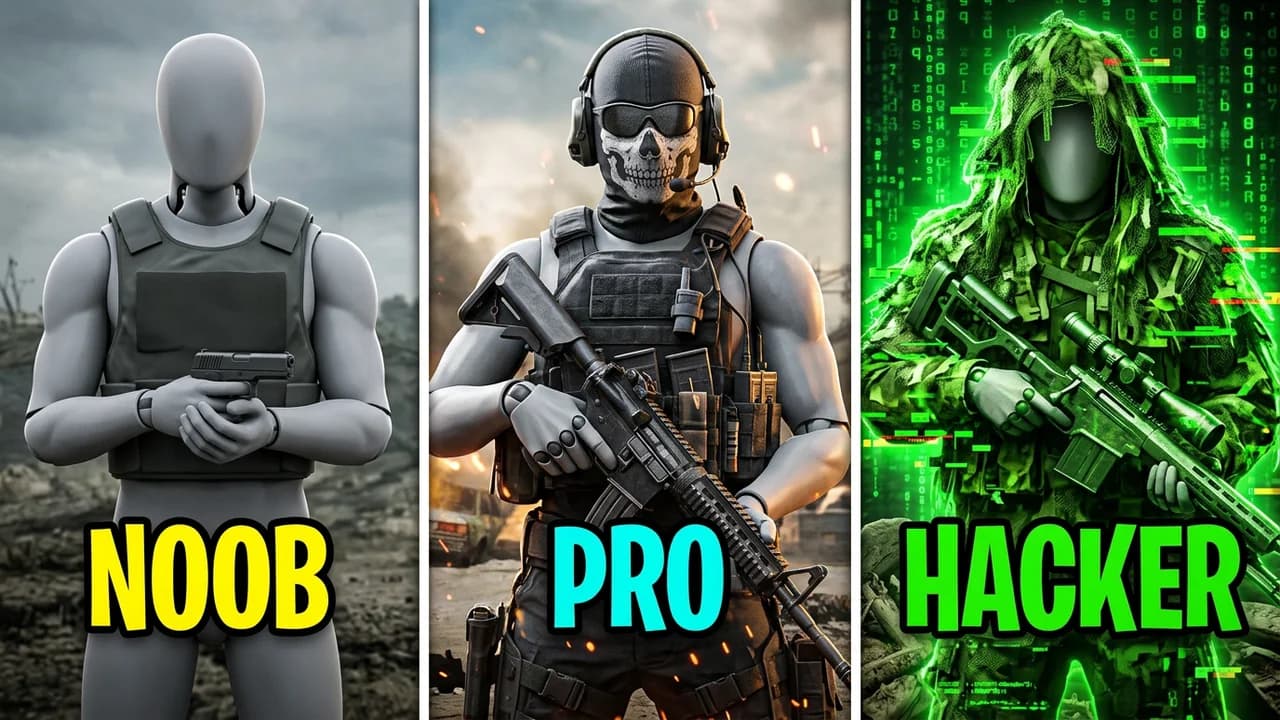 Use thisNoob vs Pro vs HackerCOD thumbnail · Multiplayer
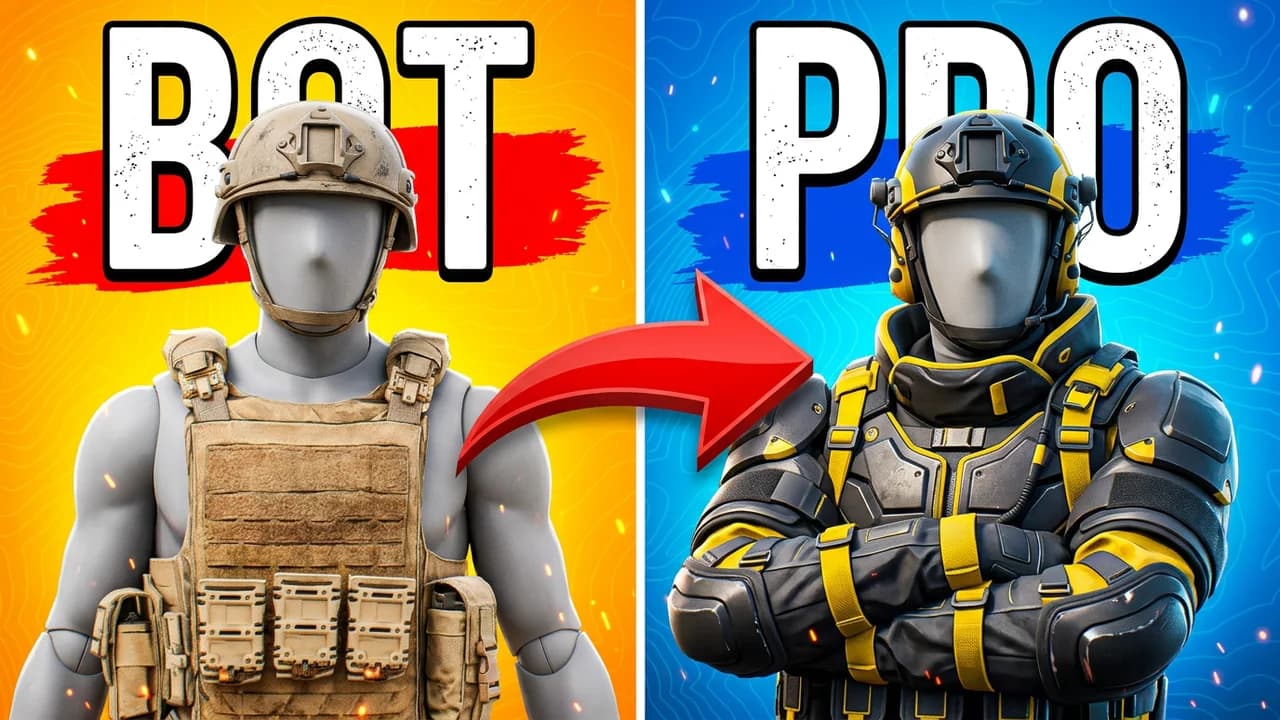 Use thisBot to ProCOD thumbnail · Ranked
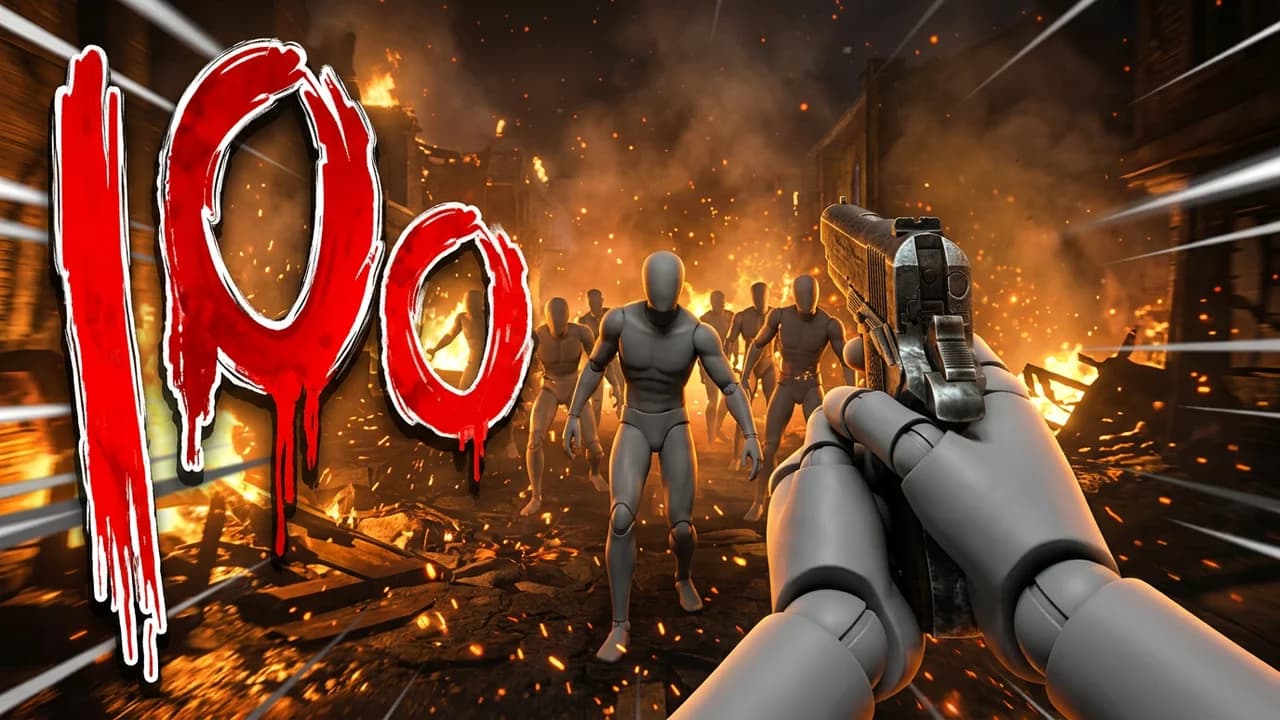 Use thisRound 100COD thumbnail · Zombies
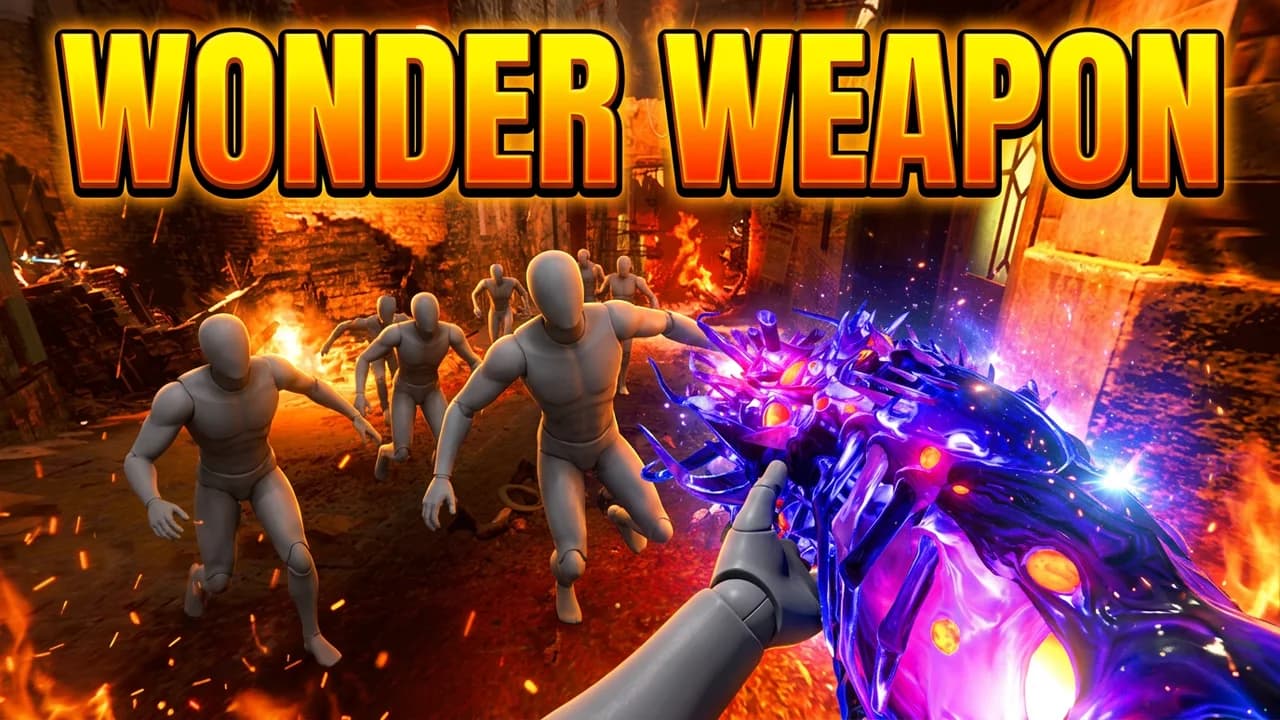 Use thisWonder WeaponCOD thumbnail · Zombies
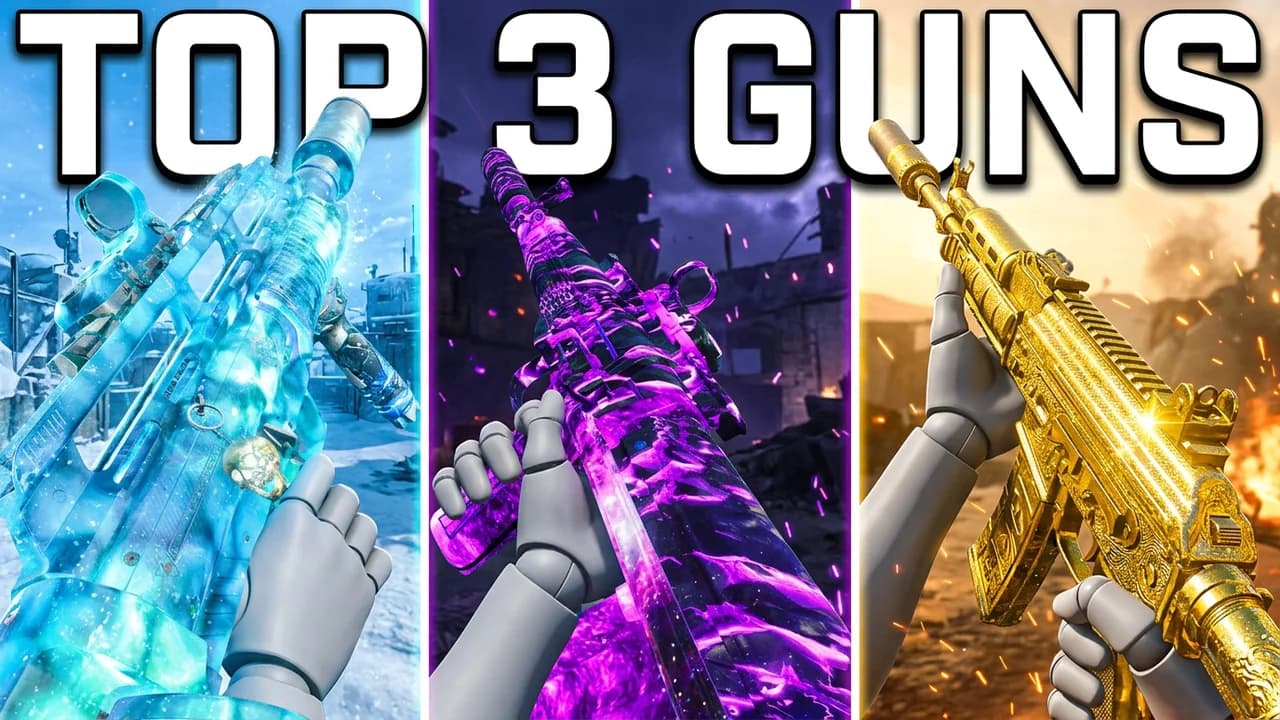 Use thisTop 3 GunsCOD thumbnail · Multiplayer
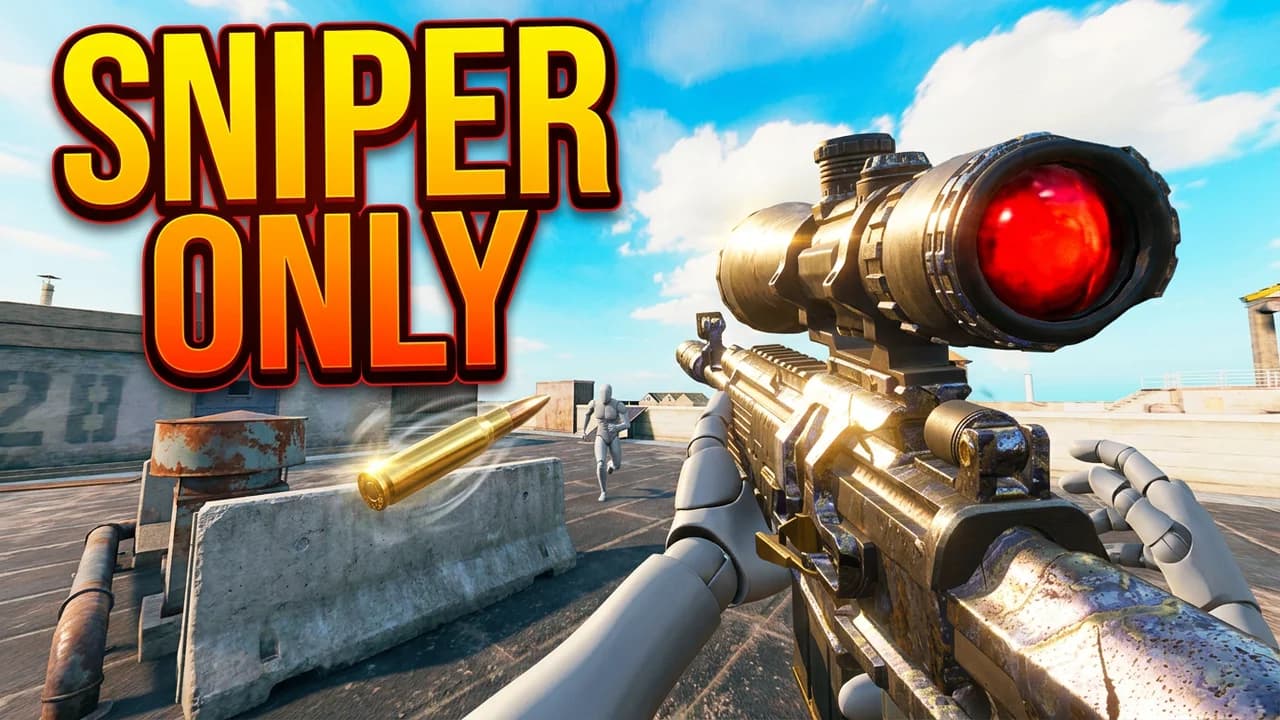 Use thisSniper OnlyCOD thumbnail · Multiplayer
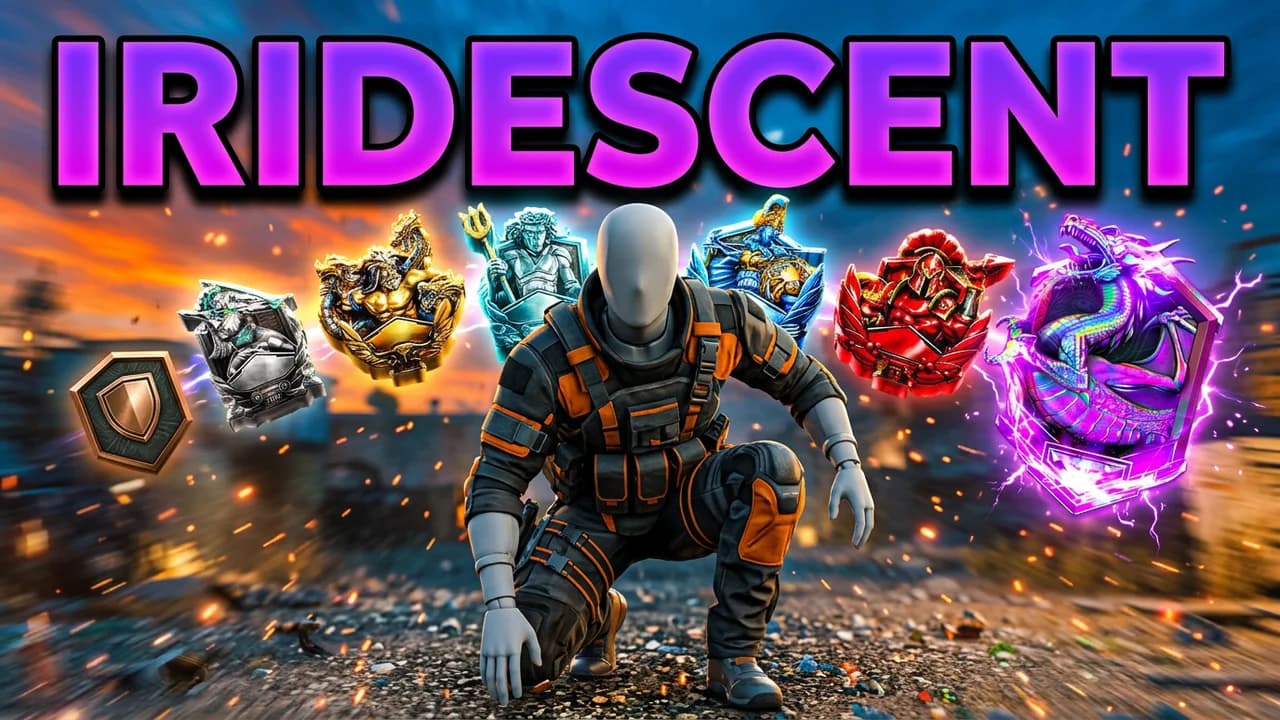 Use thisBronze to IridescentCOD thumbnail · Ranked
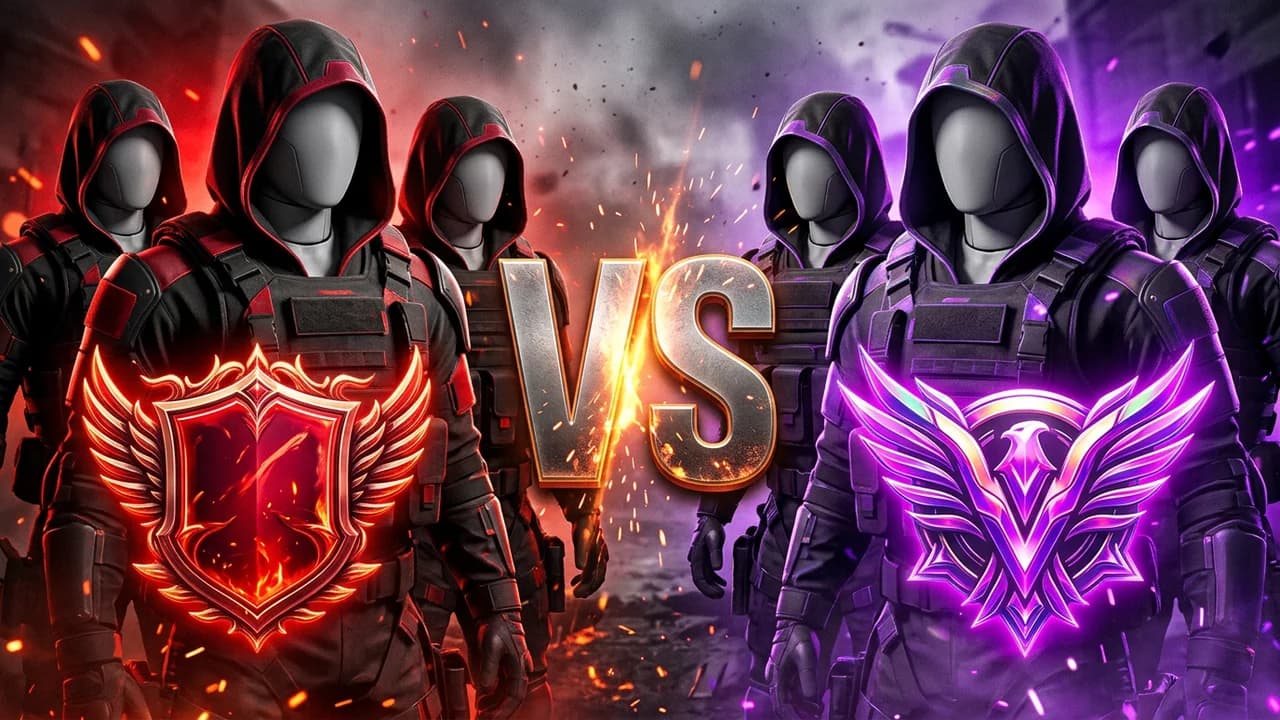 Use thisCrimson vs IridescentCOD thumbnail · Ranked
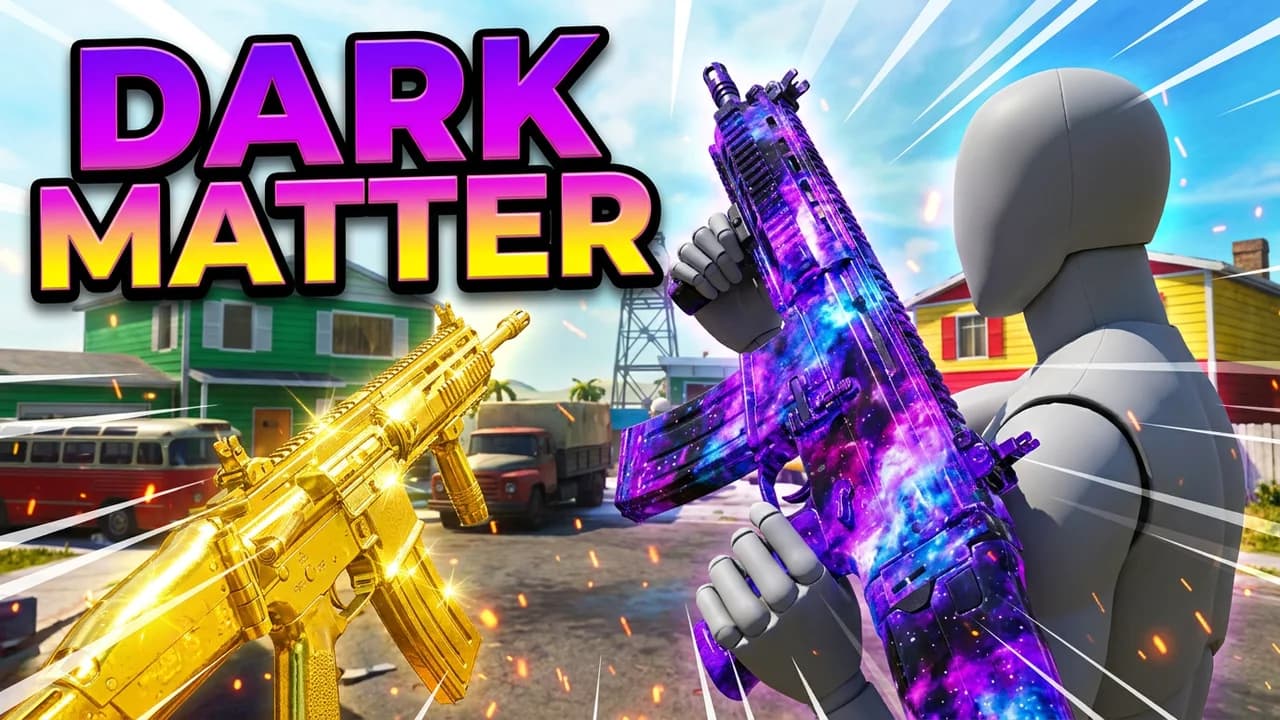 Use thisDark Matter CamoCOD thumbnail · Multiplayer
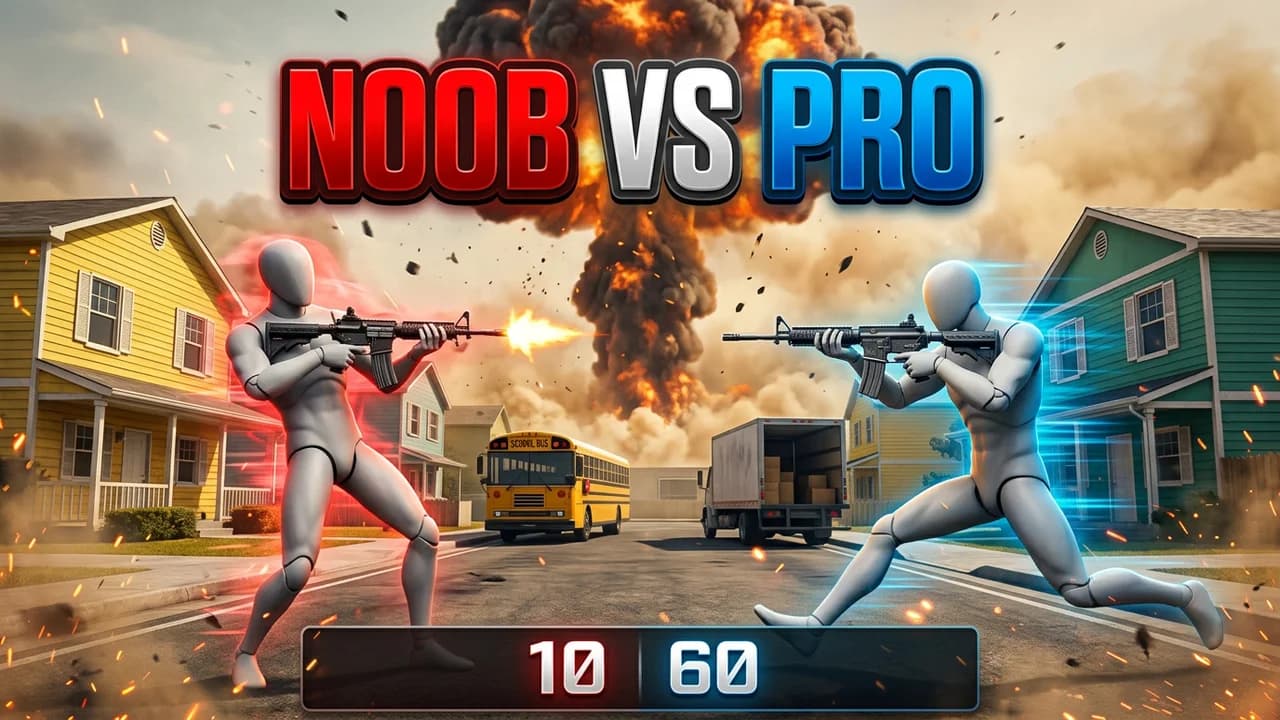 Use thisNuketown 1v1COD thumbnail · Multiplayer
That's all 12 COD layouts. Every one opens in the studio, ready to edit.
Make your own
Turn your video into a COD thumbnail
Paste your YouTube link. We pull your current thumbnail so you can remake it with your avatar and one sentence.
What works
What makes a good COD thumbnail?
Big number, big skull
423 kills, round 100, a 1:35 nuke. COD viewers click on a score they could never hit, so put the number huge and the skull or prestige icon next to it.
Camo is the hero
Dark Matter, gold, a glowing wonder weapon. When the video is about a gun, let the camo fill the frame and keep the words to two.
Three panels tell a story
Noob, pro, hacker. Bot to pro. Top 3 guns. Side-by-side panels show the change in one look, no reading needed.
Rank badges prove the grind
Bronze to Iridescent, Crimson vs Iridescent. The real ranked badges say how hard it was before the title does.
What size is a COD thumbnail?
- Ratio
- 16:9
- Recommended
- 3840 x 2160
- Minimum width
- 640 px
- File
- JPG or PNG, 50MB
Questions, answered straight.
How do you make a Call of Duty thumbnail?+
Pick a layout above or paste your video link, add your operator and a screenshot from your game, then change anything by typing: the text, the kill count, the camo, the rank badge, the map.
What size is a COD thumbnail?+
Same as any YouTube thumbnail: 16:9. YouTube recommends 3840x2160 with a 640 pixel minimum width, as a JPG or PNG, up to 50MB on desktop or 2MB from the mobile app.
Are these Call of Duty thumbnail templates free?+
Opening a template is free. You get 90 free credits on signup with no card, enough to make and edit your first thumbnails.
Do they work for Black Ops 6, Black Ops 7, Warzone and COD Mobile?+
Yes. The layouts are the same across every COD game. Type the game, map or mode you played, like Black Ops 7 Zombies or Rebirth Island, and the scene follows.
Can I put my own operator on it?+
Yes. Add a screenshot of your operator as a Character and it goes into the scene in place of the grey stand-in.
Make your next COD thumbnail free
90 credits on signup, no card. Start from any layout above.
LaunchLens is an independent tool and is not affiliated, associated, authorized, endorsed by, or in any way officially connected with Mojang, Microsoft, Roblox Corporation, Epic Games, Take-Two Interactive, Rockstar Games, 2K, Riot Games, Activision Blizzard, Valve Corporation, Supercell, Electronic Arts, EA Sports, the Collegiate Licensing Company, TVGS, Arrowhead Game Studios, Sony Interactive Entertainment, or any of their subsidiaries. All game titles, logos, and characters are trademarks of their respective owners. College team names, marks, and college athlete names and likenesses are the property of their respective rights holders; build thumbnails from your own references and keep athlete and team art generic.