YouTube thumbnail templates that already work, sorted by game
A template is only useful if it fits your game. Pick yours below, open a layout built for that kind of video, and make it yours.
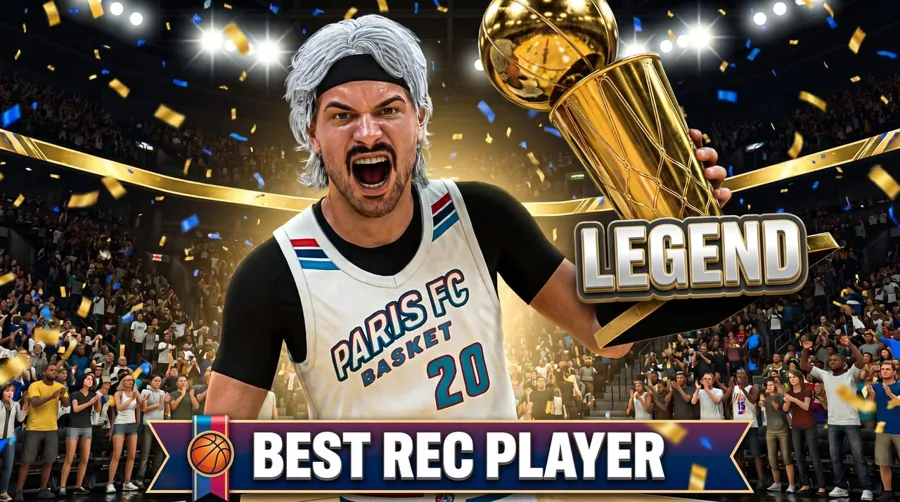
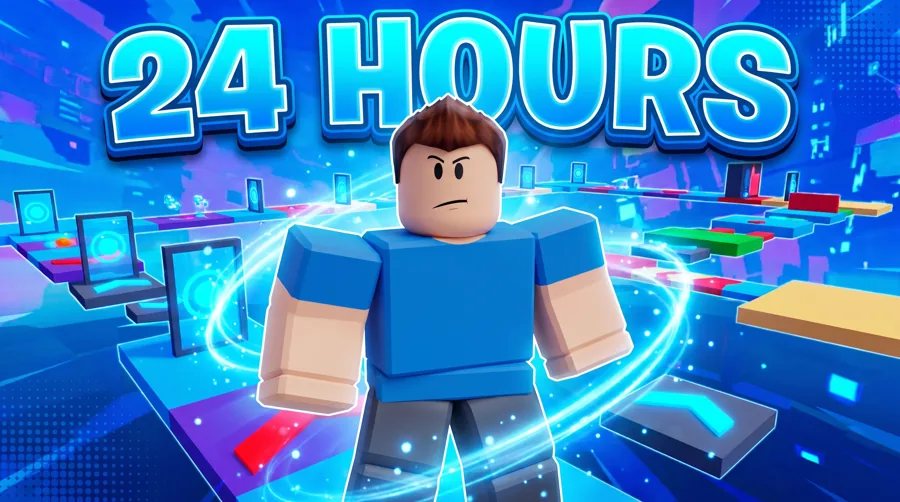
Real layouts from the studio. Tap one to jump to that game's page.
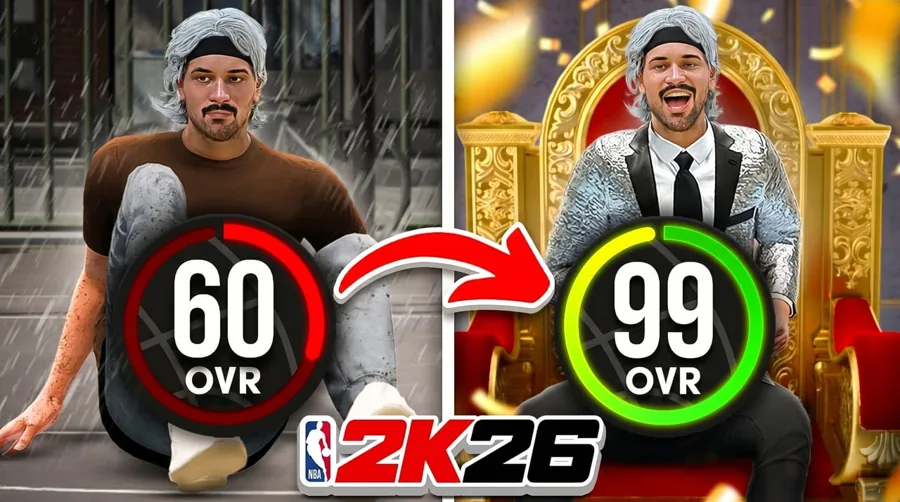
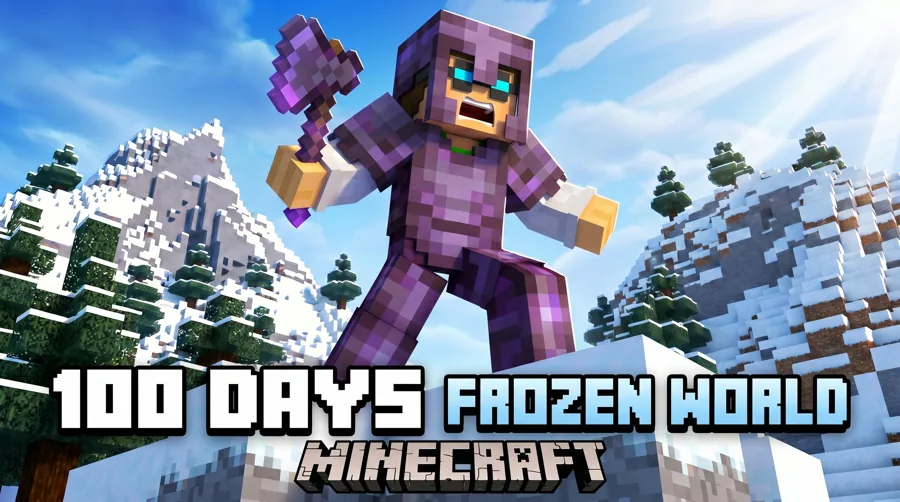
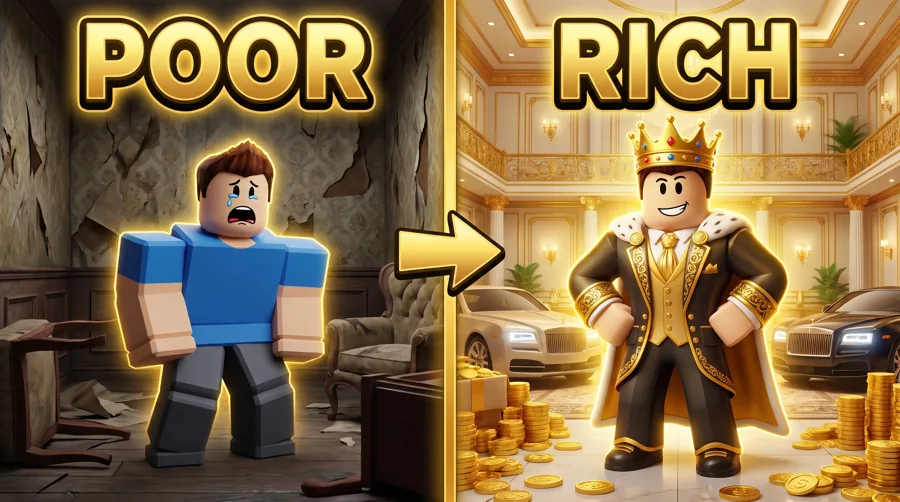
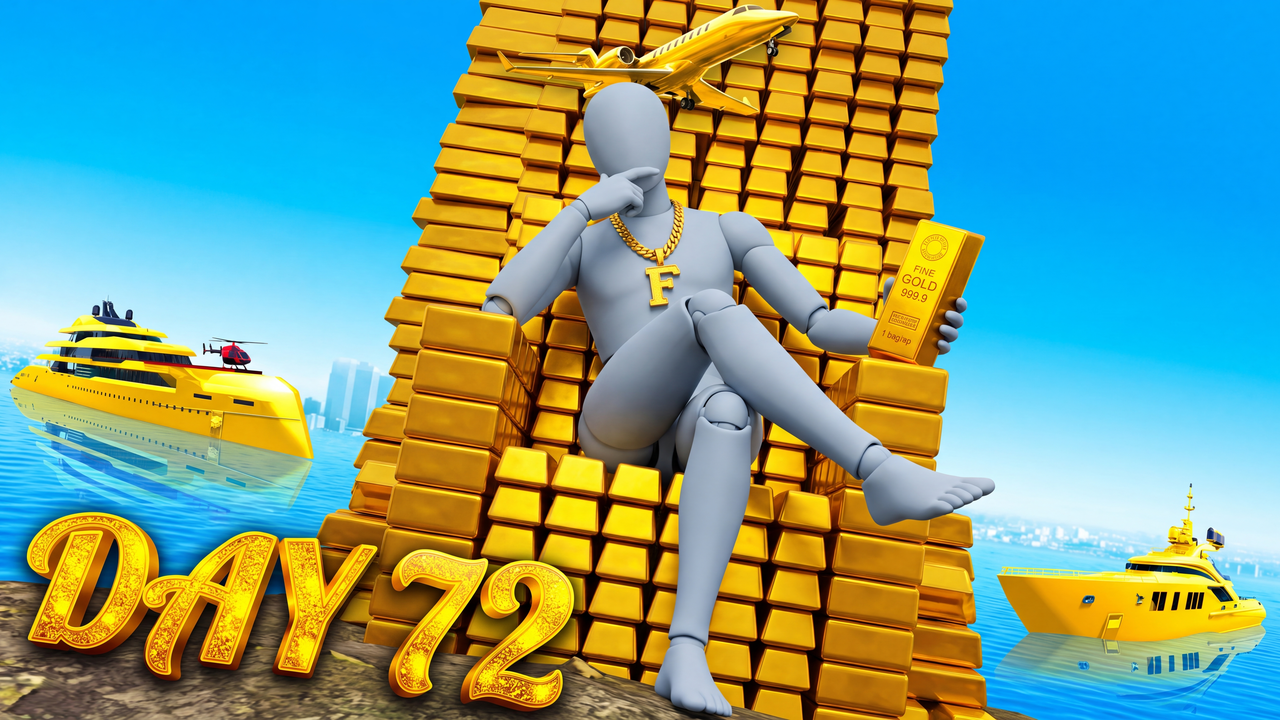
Start here
Pick the game first
A Minecraft survival frame and an NBA 2K build sheet are not the same job. Each game page lists the layouts that fit that audience, plus the backgrounds and the maker for it.
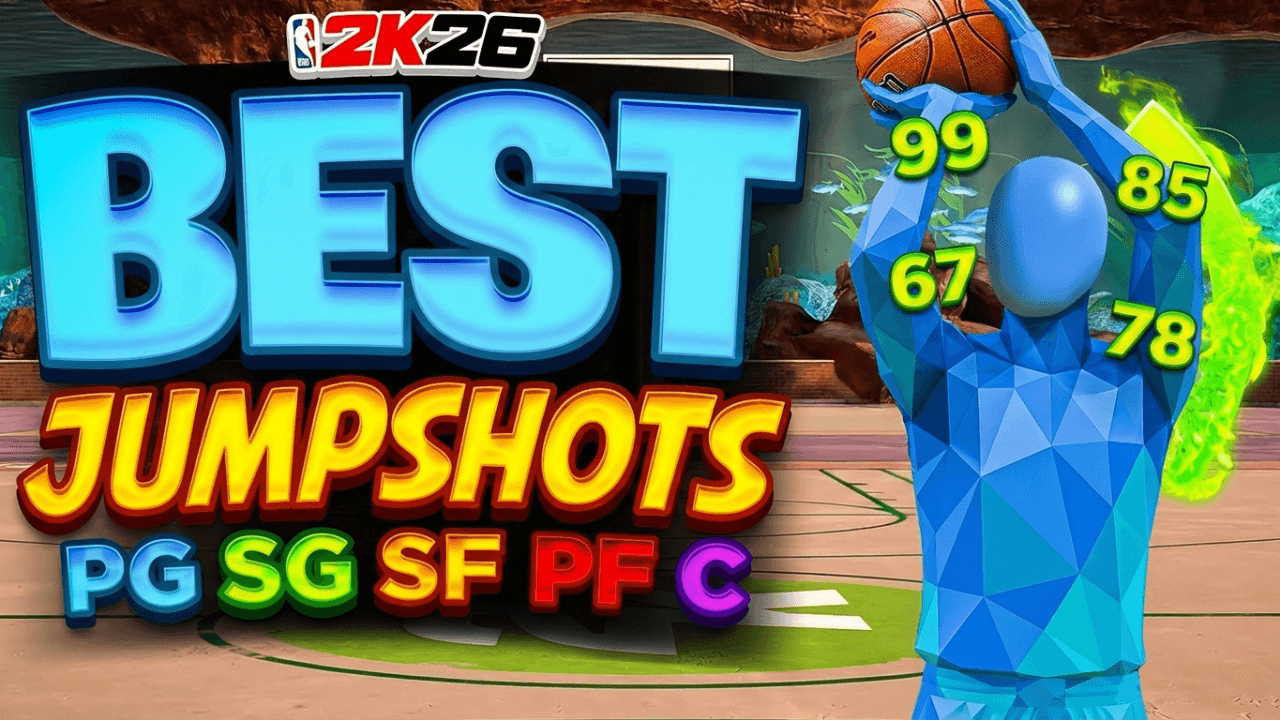
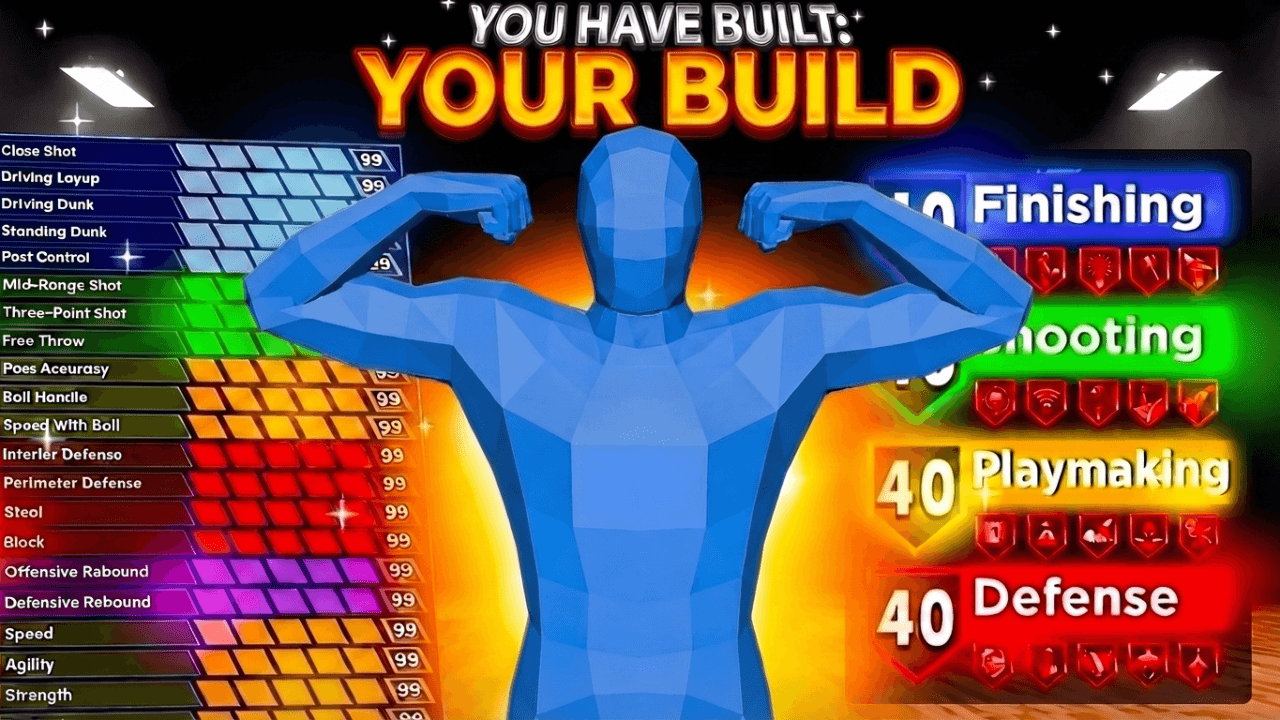
- +NBA 2K: champion, build sheet, glow-up, poster dunk, squad walkout
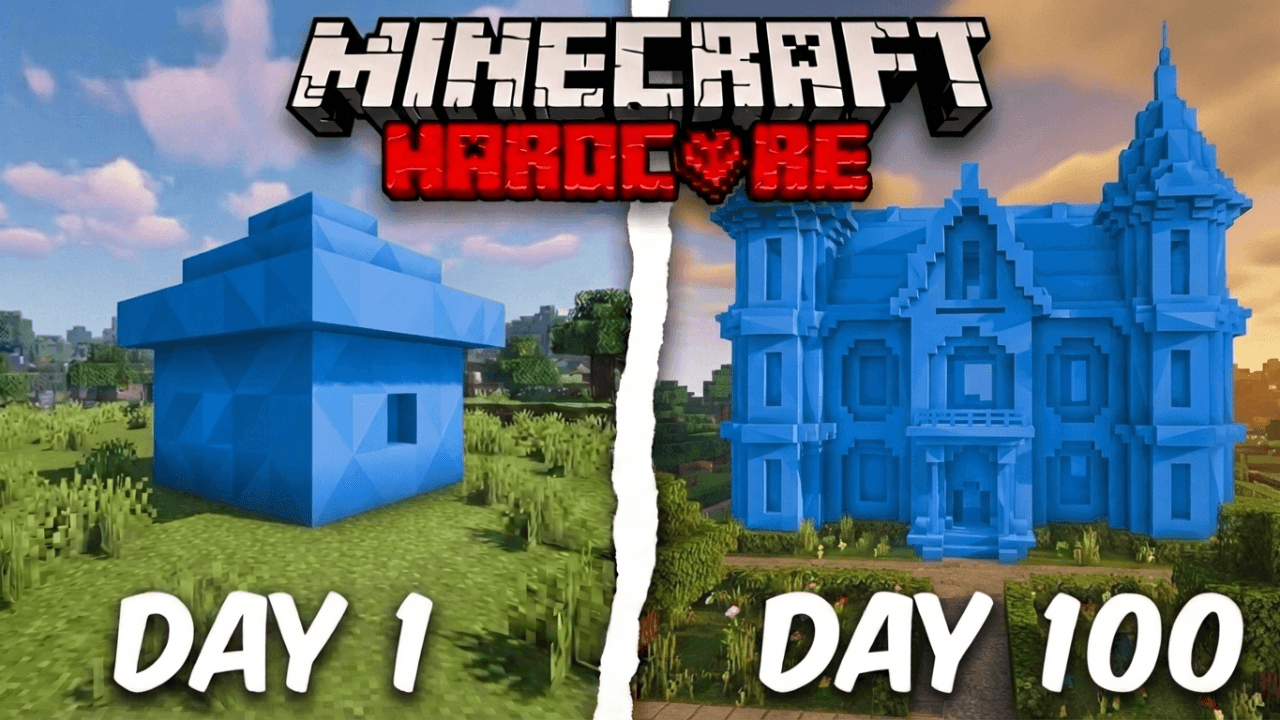
- +Minecraft: survival, SMP, manhunt, Bedwars, modpacks
- +Roblox: rich vs poor, Brookhaven drama, top 10, challenges
- +GTA: heists, wealth thrones, cinematic POV shots
What a template is
A layout, not a finished thumbnail
A template fixes the structure: where the subject sits, where the words go, how the colors split the frame. You bring the character, the gameplay and the title. That is why two creators can start from the same layout and end up with different thumbnails.
- +The subject, text and background are separate layers you can change
- +Swap in your own character, your own gameplay frame, your own words
- +Export at 16:9 for YouTube
- +Layouts are built around one idea per frame
How to choose
Match the layout to the video
Choose the template by what the video promises, not by which one looks coolest. If the video is a comparison, pick a split. If it is a milestone, pick a big number. If it is a reaction, pick a close-up.
- +Comparison or challenge: split frame (noob vs pro, rich vs poor)
- +Progression or milestone: before and after, or one big number
- +Guide or build: a clean spec sheet with the build on screen
- +Story or drama: one face, one emotion, a short line of text
Make it yours
Change one thing, then another
Open a layout, replace the subject, rewrite the text to match your title, then adjust color to your channel. Keep the text to a few words. If it is hard to read on a phone, cut it.
- +Open the layout in the thumbnail studio
- +Drop in your character or let the studio build one from your reference
- +Rewrite the text so it adds to the title instead of repeating it
- +Check it small before you export
Beyond games
Not a gamer? Start from a niche idea
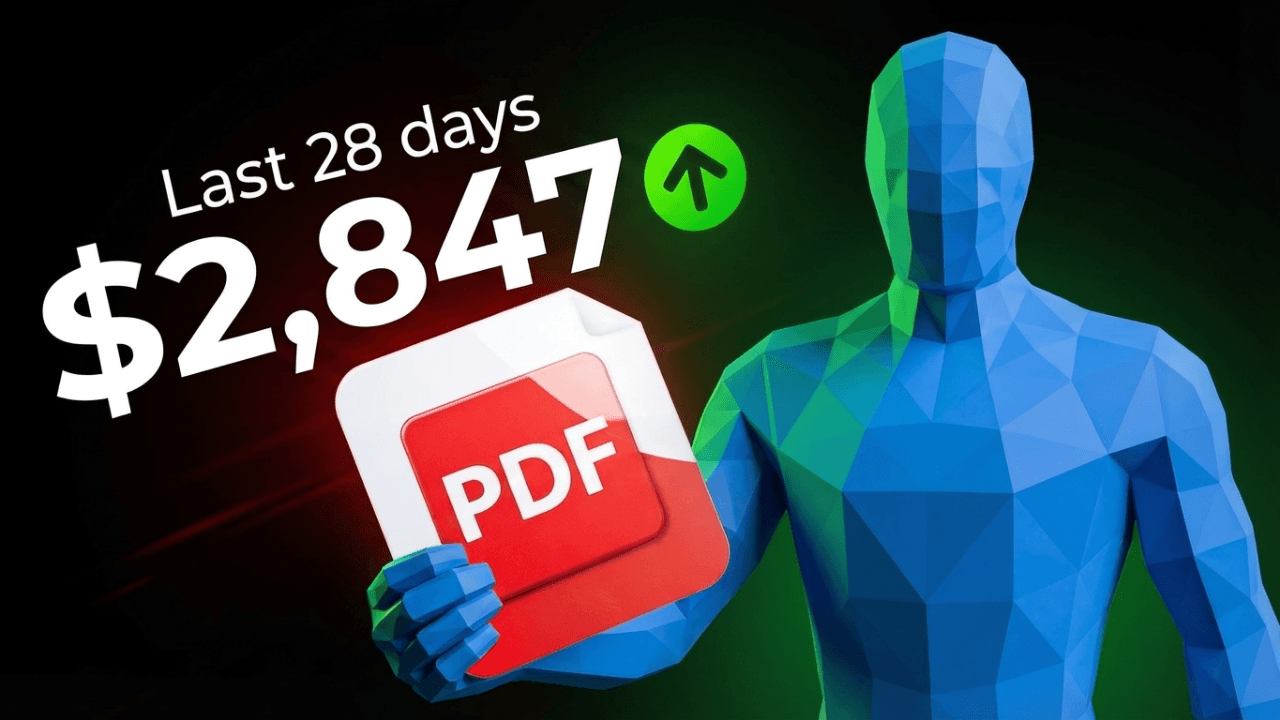
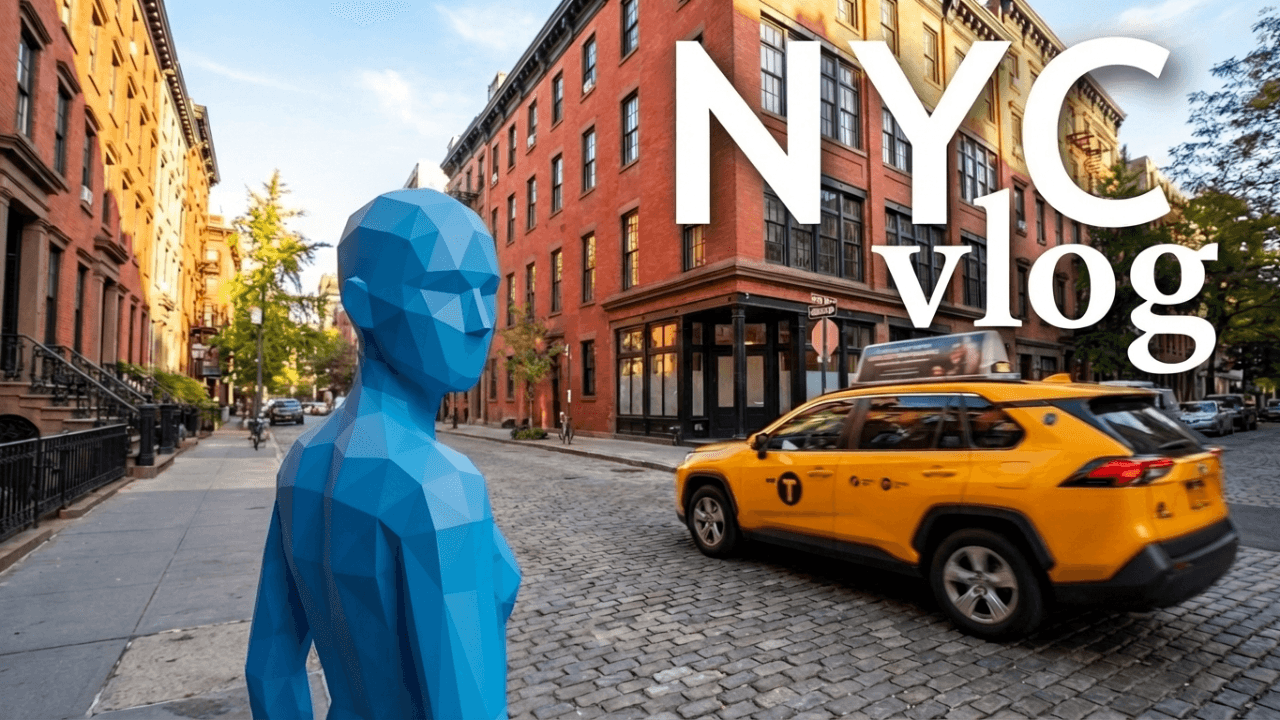
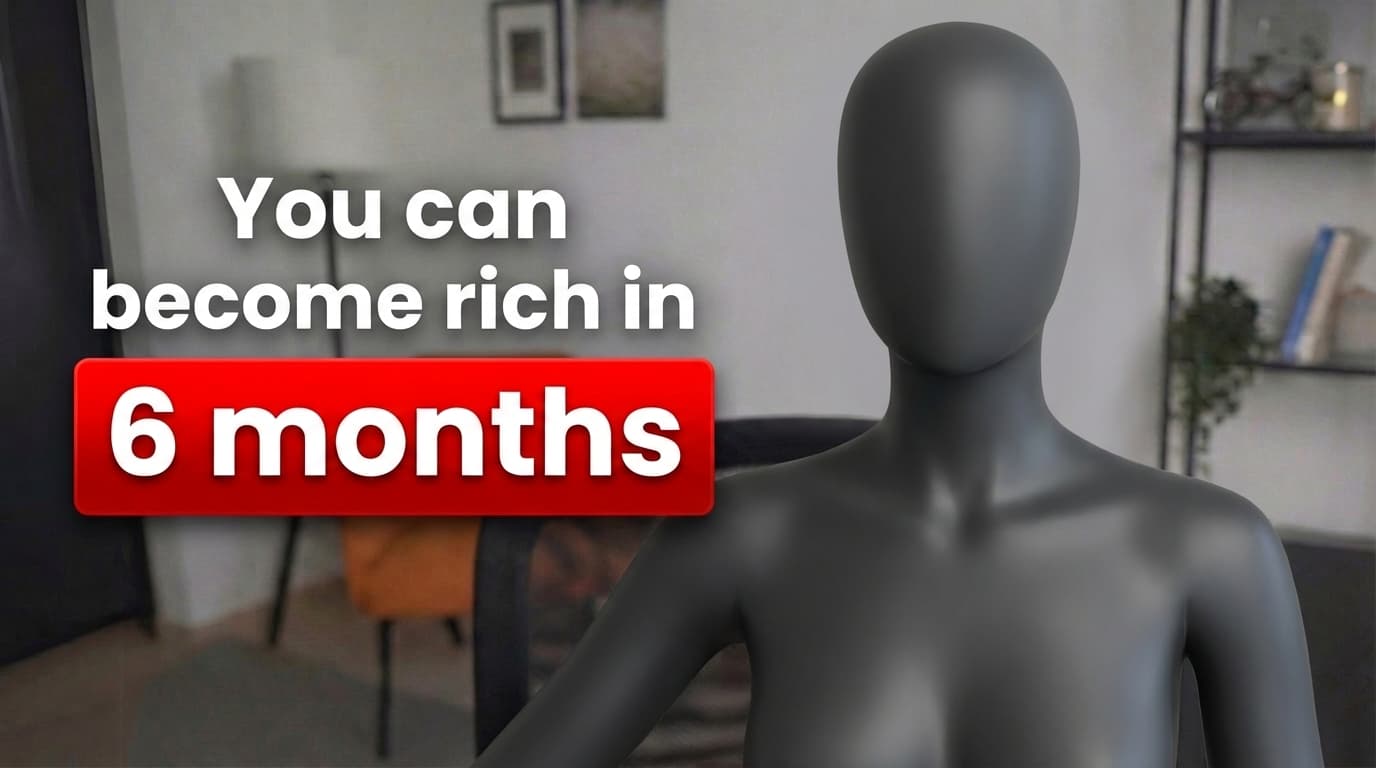
If your channel is finance, tech or vlogs, the layouts live on the ideas page, sorted by niche with the reasoning behind each one.
Templates
Start from a layout that already works
Every one opens straight in the studio. Swap the grey stand-in for yourself and change anything by typing.
Creator reviews
18,000+ creators have signed up and made 30,000+ thumbnails. Real reviews, collected through Senja.
"I used to spend 1 hour on thumbnails. Now with LaunchLens it takes 10 minutes. I love it. I recommend it for small creators just starting out."
"I was using Photoshop before. The tools like Reshoot and Lightning are exactly what I needed."
"I love how you can take a thumbnail and just replace anything in it. Love it."
Questions, answered straight.
Where do I find YouTube thumbnail templates for my game?+
Pick your game above: NBA 2K, Minecraft, Roblox or GTA. Each page lists layouts built for that kind of video and links to the maker for that game.
How do I use a thumbnail template?+
Open the layout in the studio, replace the subject with your own character or gameplay, rewrite the text, and export at 16:9. You can edit every layer by hand.
Can I change the text and colors on a template?+
Yes. Text, colors, the subject and the background are all editable. A template is a starting structure, not a locked image.
What size should a YouTube thumbnail be?+
YouTube Help recommends 3840x2160 (16:9), at least 640 pixels wide, as JPG or PNG. The limit is 2 MB on mobile and 50 MB on desktop.
Do I need a face on my thumbnail?+
No. Faceless channels work fine. The face tools are optional, and plenty of layouts lean on the game character, an object or a big number instead.
Do you have templates for Fortnite or other games?+
The game pages above are the ones we cover in depth. For any other game, the thumbnail maker works from your prompt and your own screenshots.
Open a layout and make it yours
Pick your game, start from a layout that fits the video, and edit every layer.
Keep exploring