Gaming thumbnail backgrounds built around your character
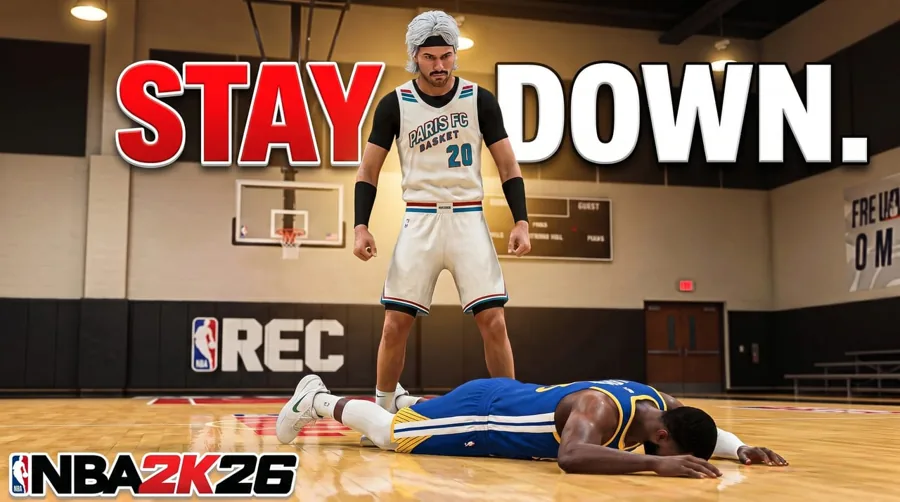
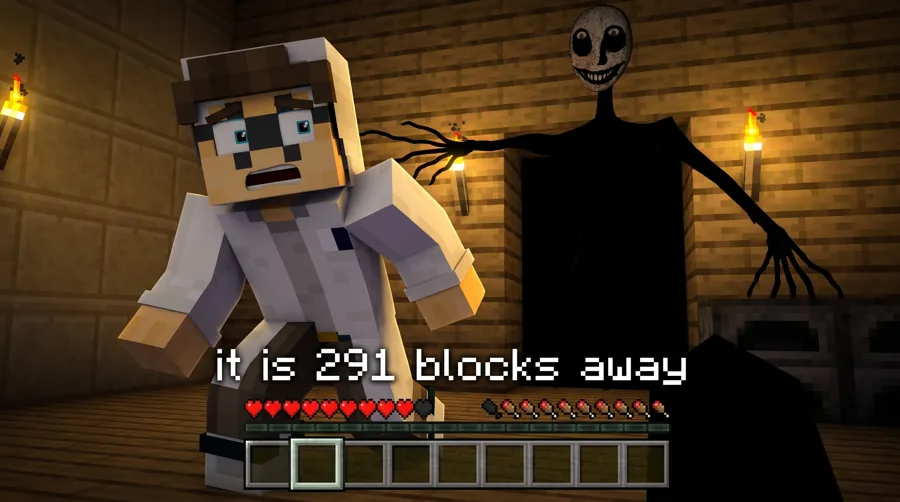
We do not sell a pack of stock backgrounds. The studio looks build the scene behind your player for you, in the style of that game, with space left for text.
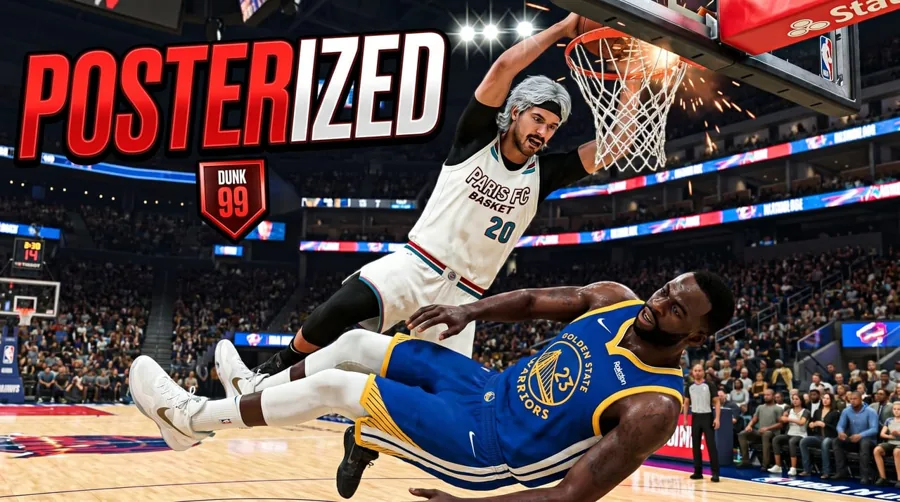
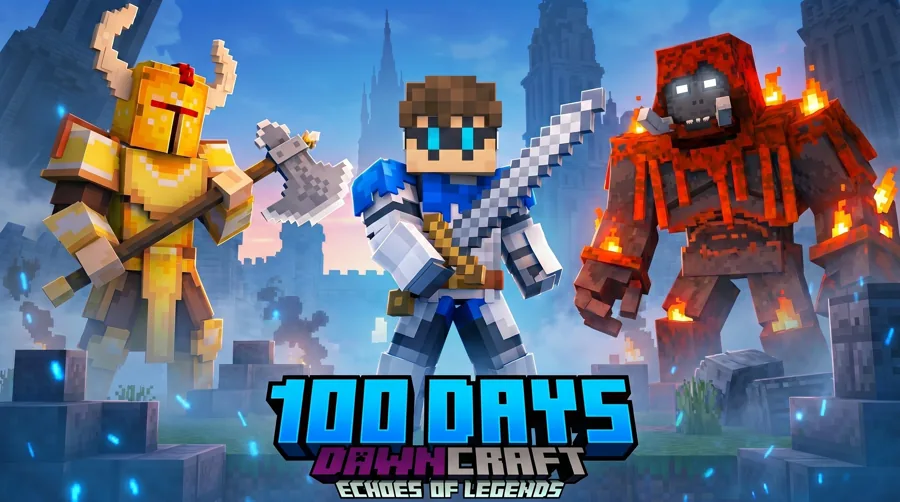
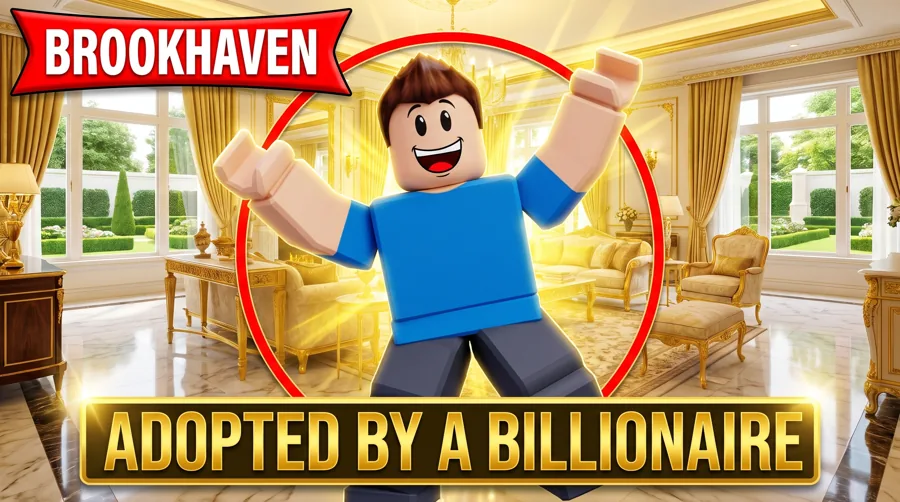
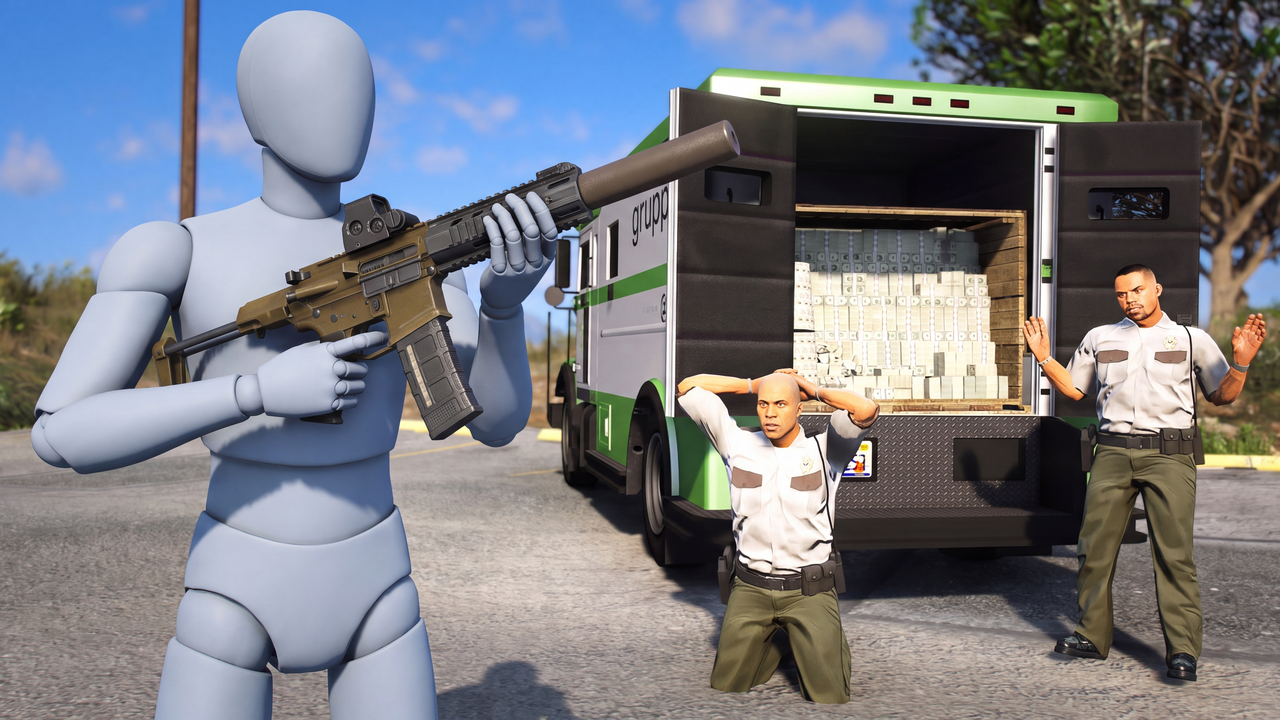
Scenes from the studio looks. Tap one to open that game's page.
How it works here
No background pack. A scene for your player.
Download-a-background sites hand you a flat image and leave the fitting to you. In the studio, a look generates the scene behind your character, so the lighting, the perspective and the game's style already match.
- +Choose a look for your game and video type
- +Add your character, or the player you want in the shot
- +The scene is built around them, not pasted underneath
- +Regenerate or edit until the frame reads the way you want
What makes one work
Depth, a quiet third, the game's colors
A good gaming background supports the subject. It never competes with it. These are the three things worth checking before you export.
- +Depth: a blurred or darker back layer so the player pops forward
- +A quiet third: one area with little detail where the text can sit
- +Palette: colors that come from the game, so it feels native
- +Contrast: the brightest spot should be the subject or the key word
By game
Each game has its own scene language
A court, a blocky world, a roleplay street and a city skyline all light and frame differently. Each game page covers the looks that suit it.
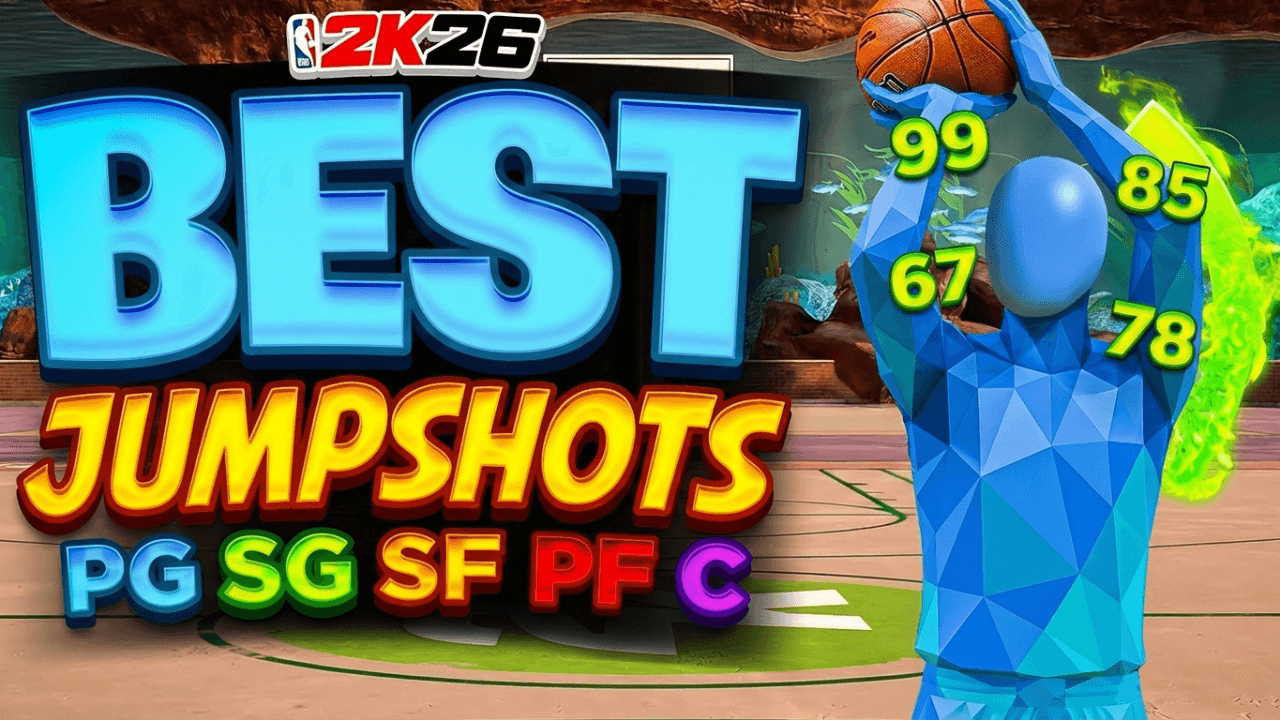
- +NBA 2K: arena lights, courts, parks and trophy shots
- +Minecraft: survival worlds, nether and end, modded biomes
- +Roblox: Brookhaven streets, obbies, tycoons and arenas
- +GTA: city skylines, heists and cinematic night shots
Text and layout
Leave room before you write
Decide where the words go before the scene is final. Put the player on one side, the text on the other, and keep the busiest part of the background away from the letters.
- +Subject on a third line, text on the opposite side
- +Short words in a thick font, readable on a phone
- +A darker or blurred zone behind the text
- +Check it at feed size before you upload
Your own footage
Already have a screenshot? Use it.
If you have a gameplay frame you like, start from that. Clean up what is distracting, change the lighting, or rebuild the scene around your character while keeping the moment.
Layouts built on these scenes
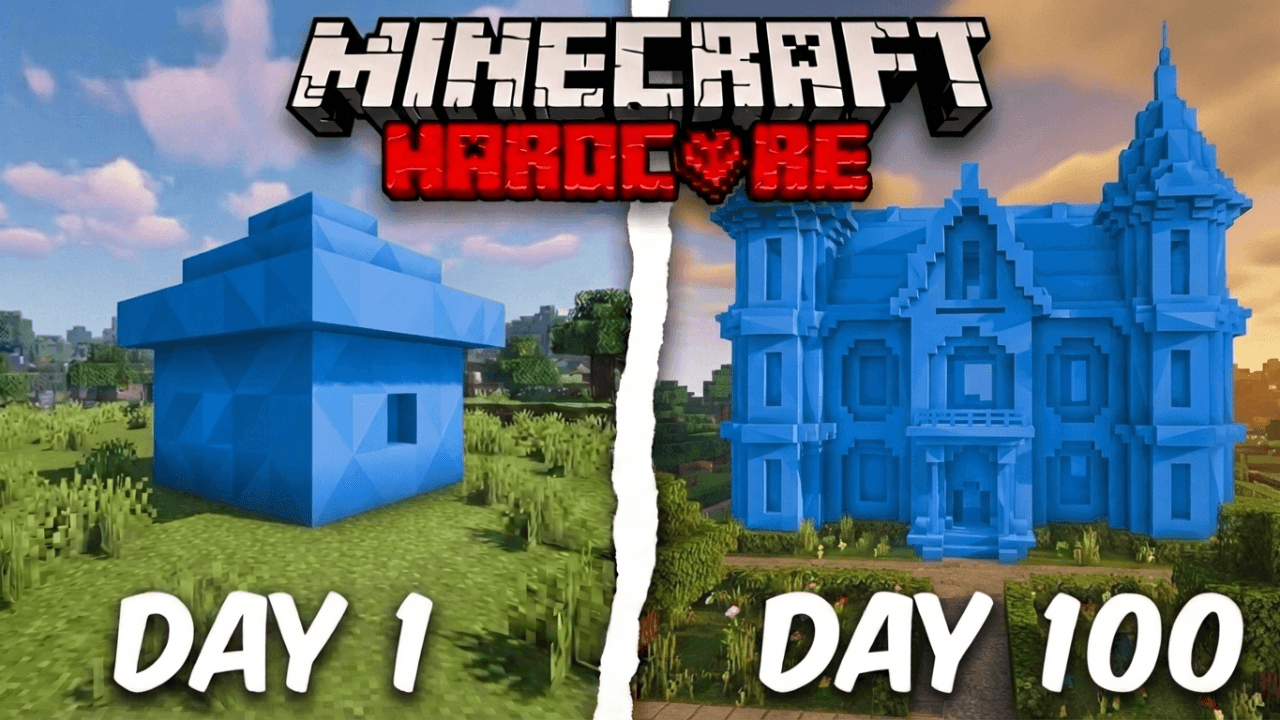
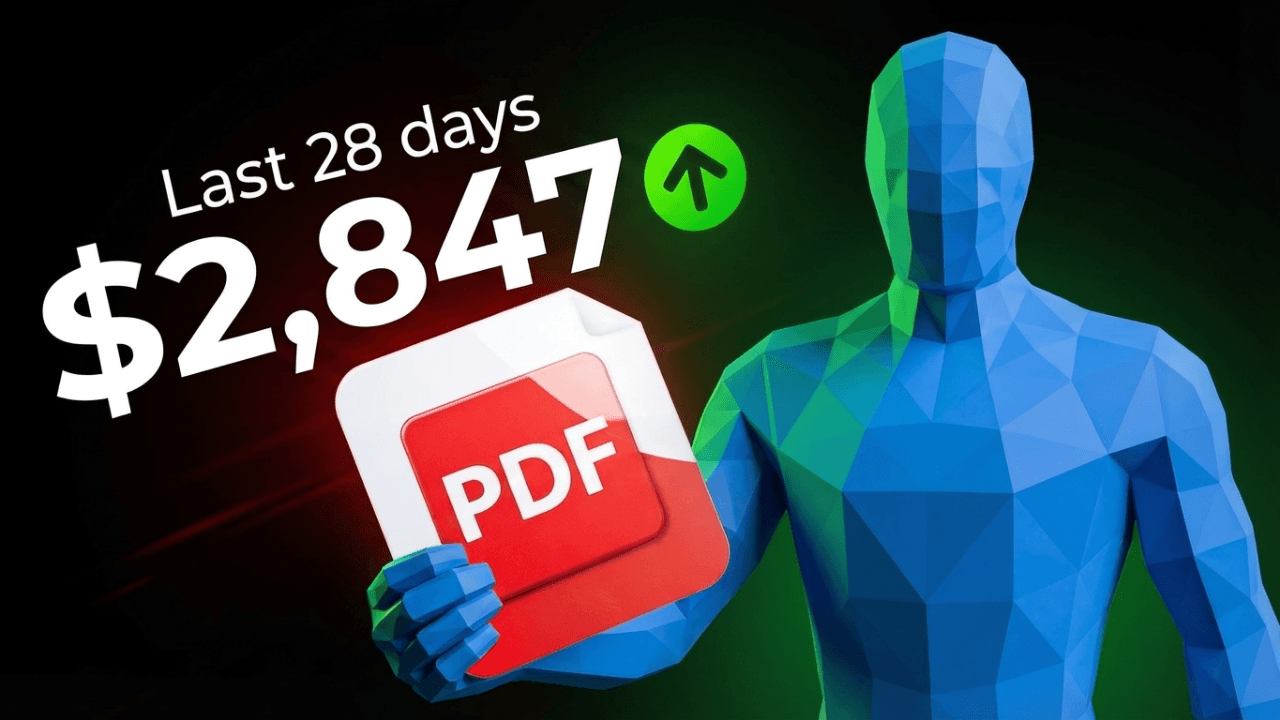
Start from a layout that already works
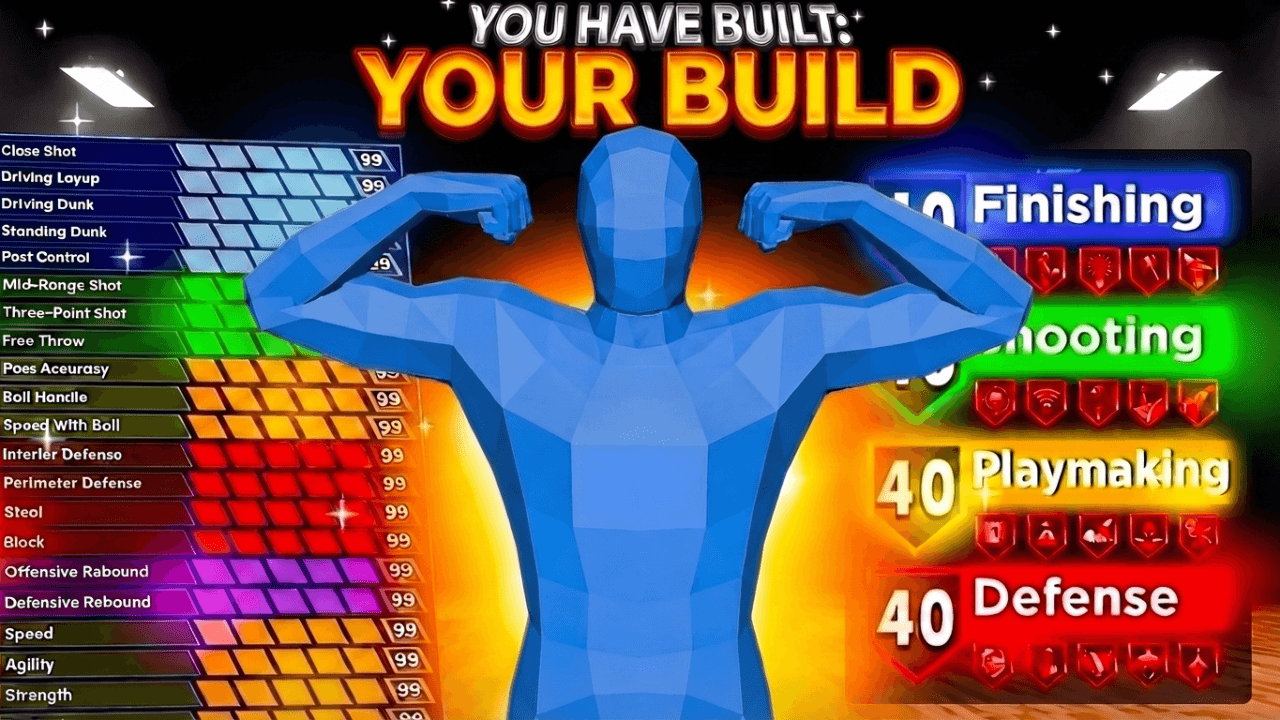
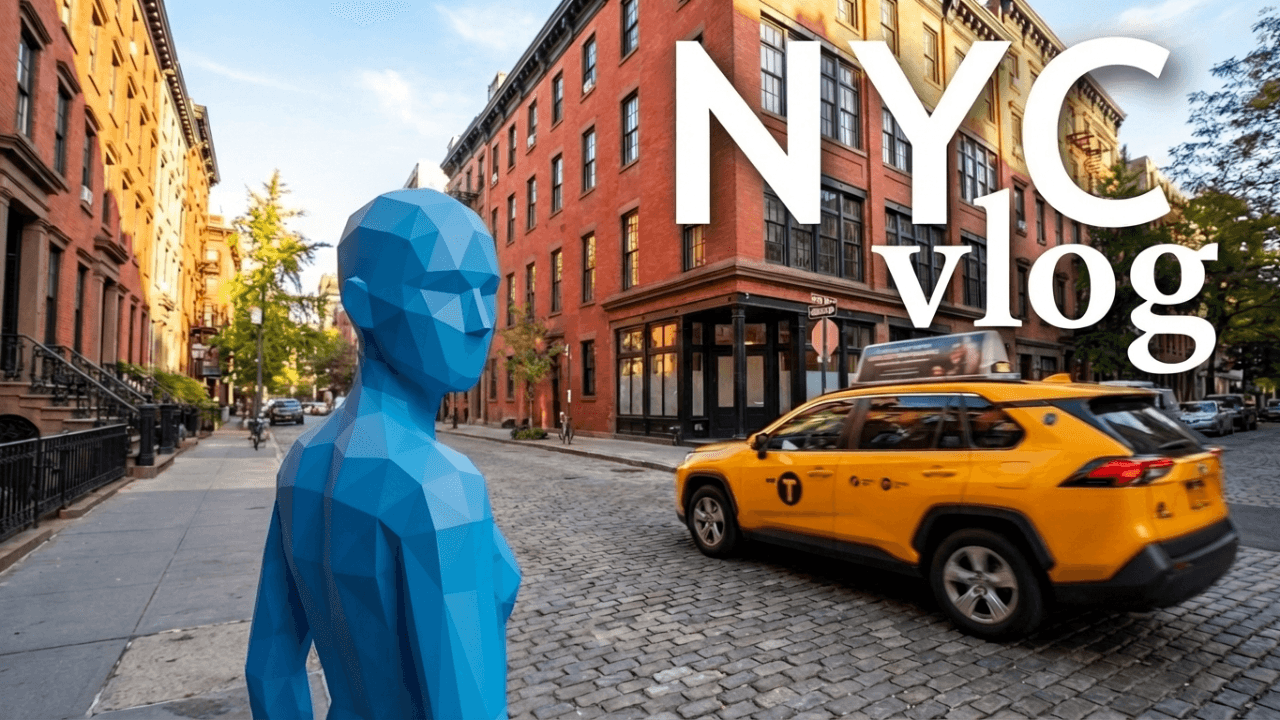
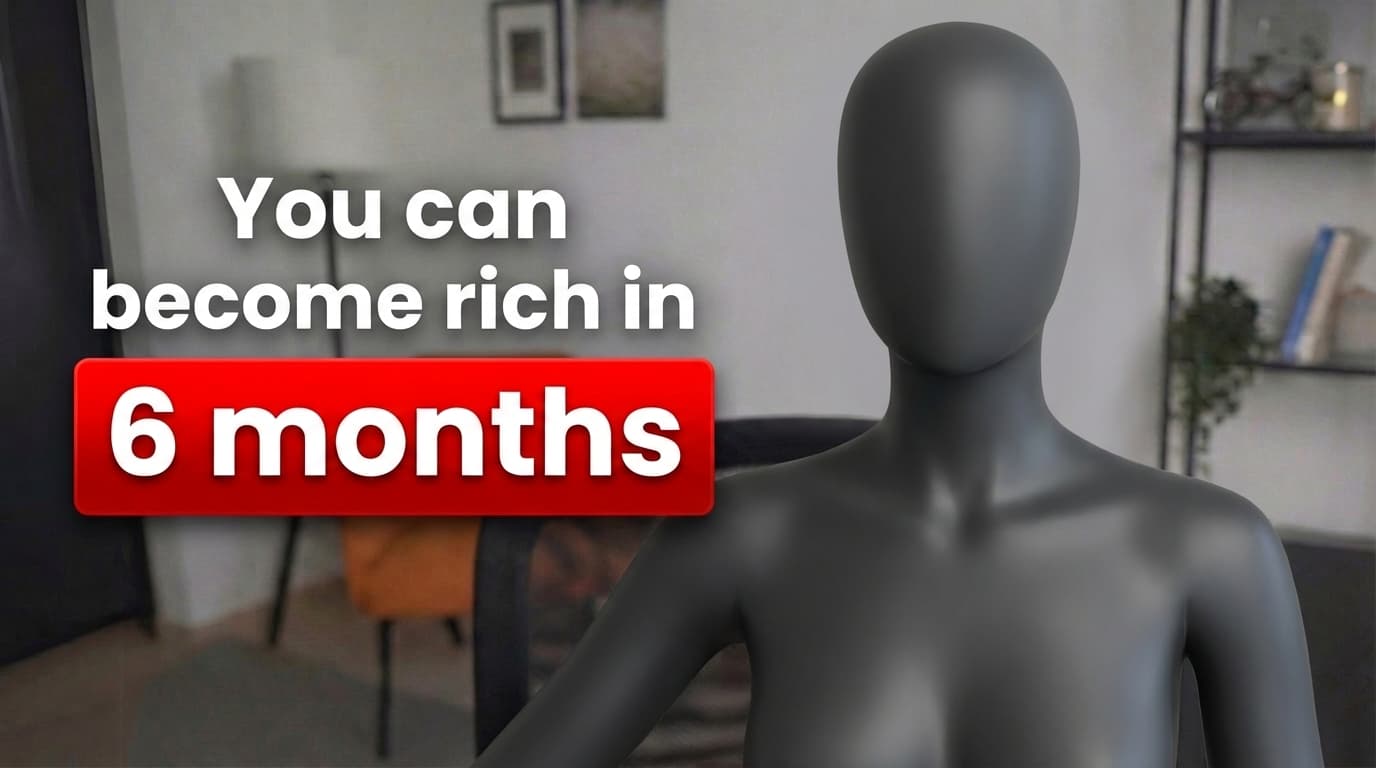
Every one opens straight in the studio. Swap the grey stand-in for yourself and change anything by typing.
Creator reviews
18,000+ creators have signed up and made 30,000+ thumbnails. Real reviews, collected through Senja.
"I used to spend 2-3 hours building 3D models of my Minecraft skin. Now it's fast and easy."
"I was using Photoshop before. The tools like Reshoot and Lightning are exactly what I needed."
"I used to spend 1 hour on thumbnails. Now with LaunchLens it takes 10 minutes. I love it. I recommend it for small creators just starting out."
Questions, answered straight.
Where can I get gaming thumbnail backgrounds?+
In the studio, pick your game and a look, add your character, and the scene behind them is generated to match. We do not sell a downloadable pack of stock backgrounds.
Do you sell a background pack?+
No. The backgrounds are made for each thumbnail, so they fit your character, your game and the space you need for text.
What makes a good gaming thumbnail background?+
Depth so the subject stands out, a quiet area for text, and colors taken from the game. If the background draws the eye first, simplify it.
Can I use my own gameplay screenshot as the background?+
Yes. Start from your own frame, clean it up or change the lighting, and place your character on top.
What size should a gaming thumbnail background be?+
Work at 16:9. YouTube Help recommends 3840x2160, at least 640 pixels wide, as JPG or PNG, under 2 MB on mobile and 50 MB on desktop.
Do backgrounds work for faceless channels?+
Yes. A game character, an object or a big number can be the subject. The background does the same job either way.
Build the scene behind your player
Choose your game, pick a look, and add your character.
Keep exploring
LaunchLens is an independent tool and is not affiliated, associated, authorized, endorsed by, or in any way officially connected with Mojang, Microsoft, Roblox Corporation, Epic Games, Take-Two Interactive, Rockstar Games, 2K, Riot Games, Activision Blizzard, Valve Corporation, Supercell, Electronic Arts, EA Sports, the Collegiate Licensing Company, TVGS, Arrowhead Game Studios, Sony Interactive Entertainment, or any of their subsidiaries. All game titles, logos, and characters are trademarks of their respective owners. College team names, marks, and college athlete names and likenesses are the property of their respective rights holders; build thumbnails from your own references and keep athlete and team art generic.