NBA 2K thumbnail backgrounds and how to pick the right scene
We don't sell a downloadable pack of 2K backgrounds. Each look in the studio builds the scene behind your player for you. Here's how to choose.
Each look builds its own scene. Open one to see it behind your MyPlayer.
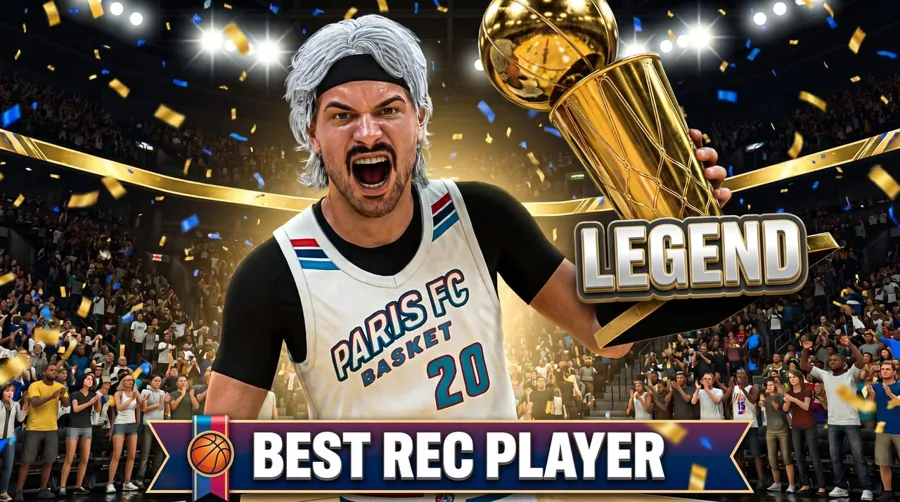
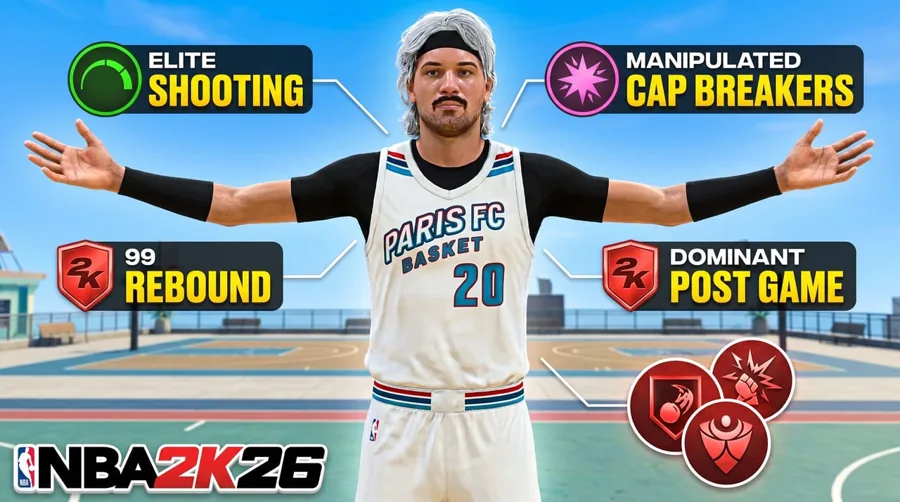
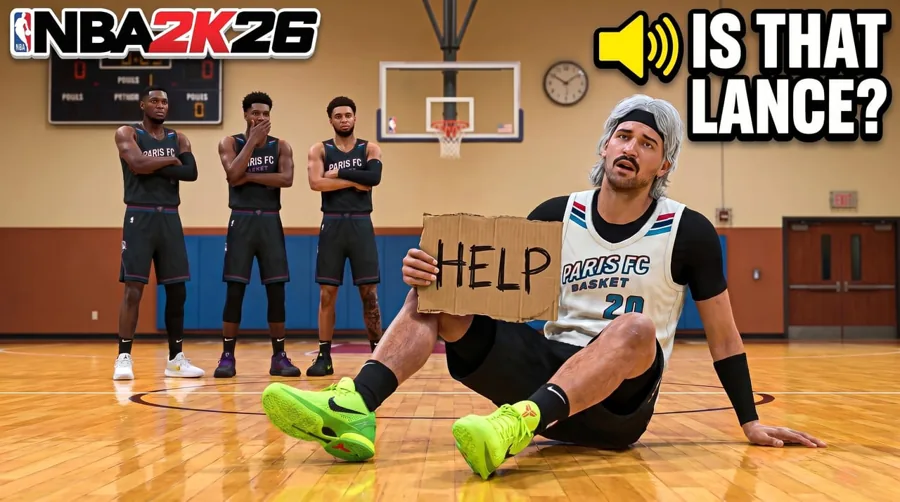
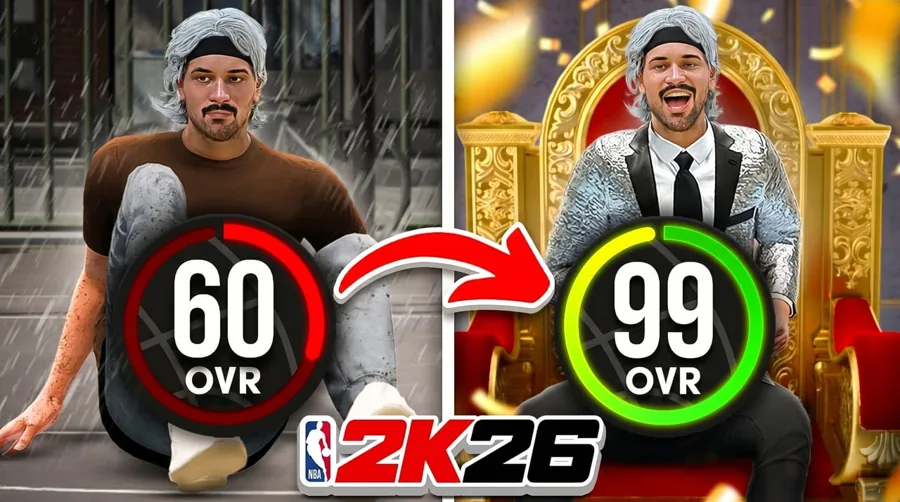
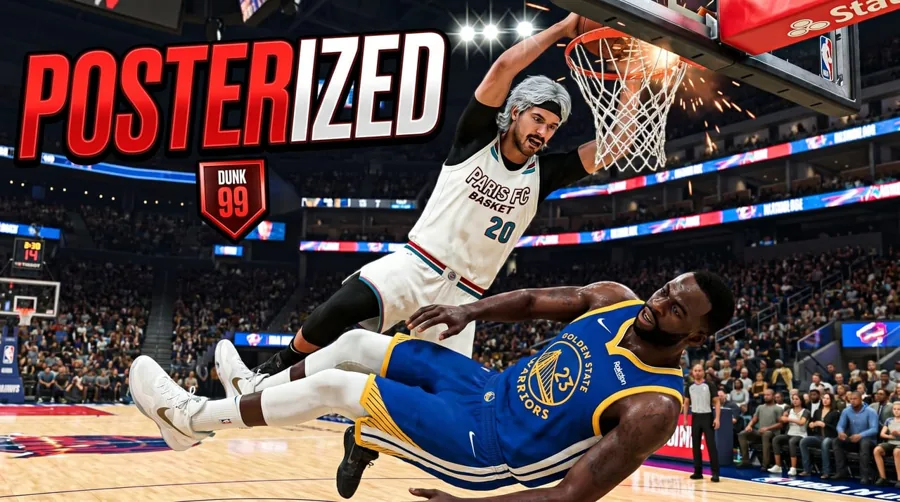
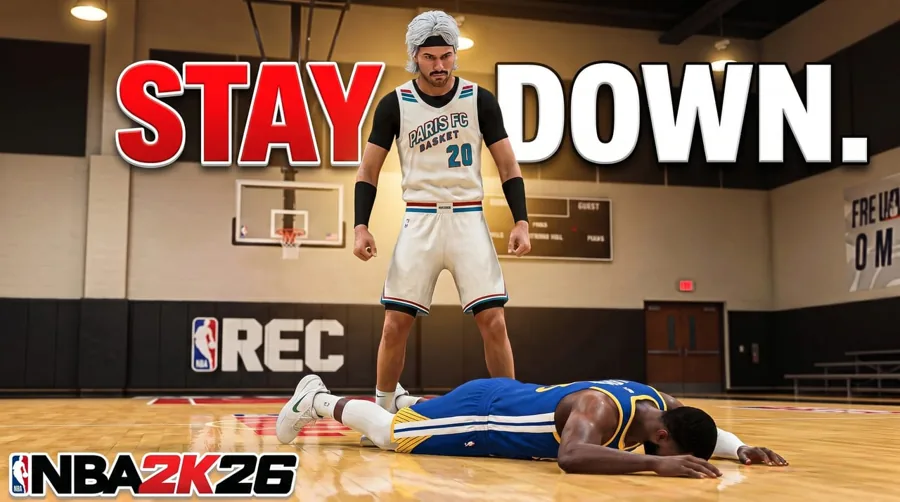
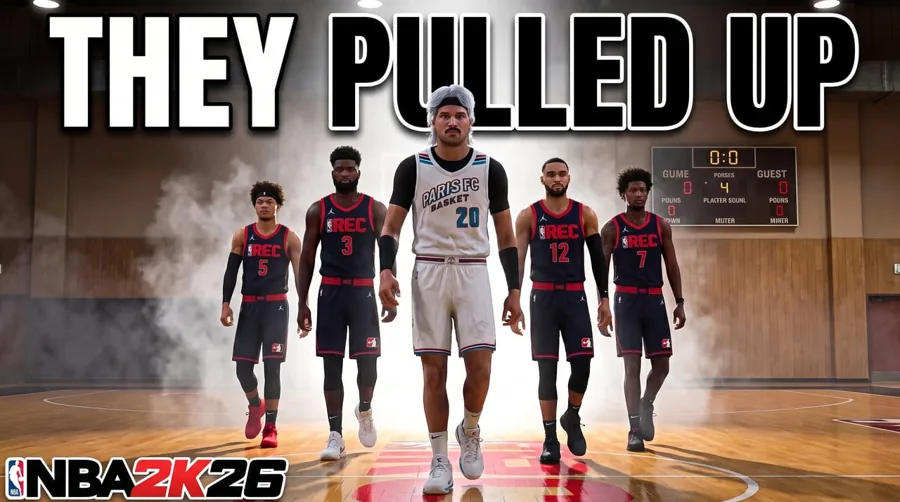
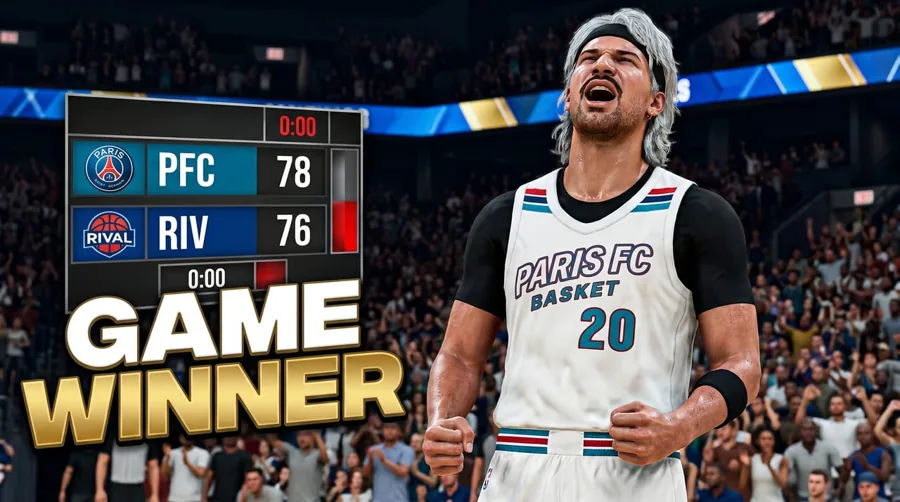
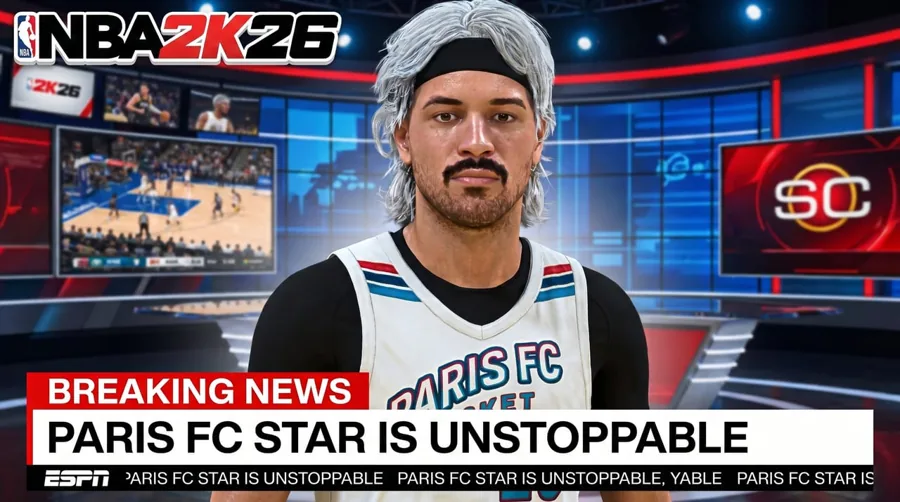
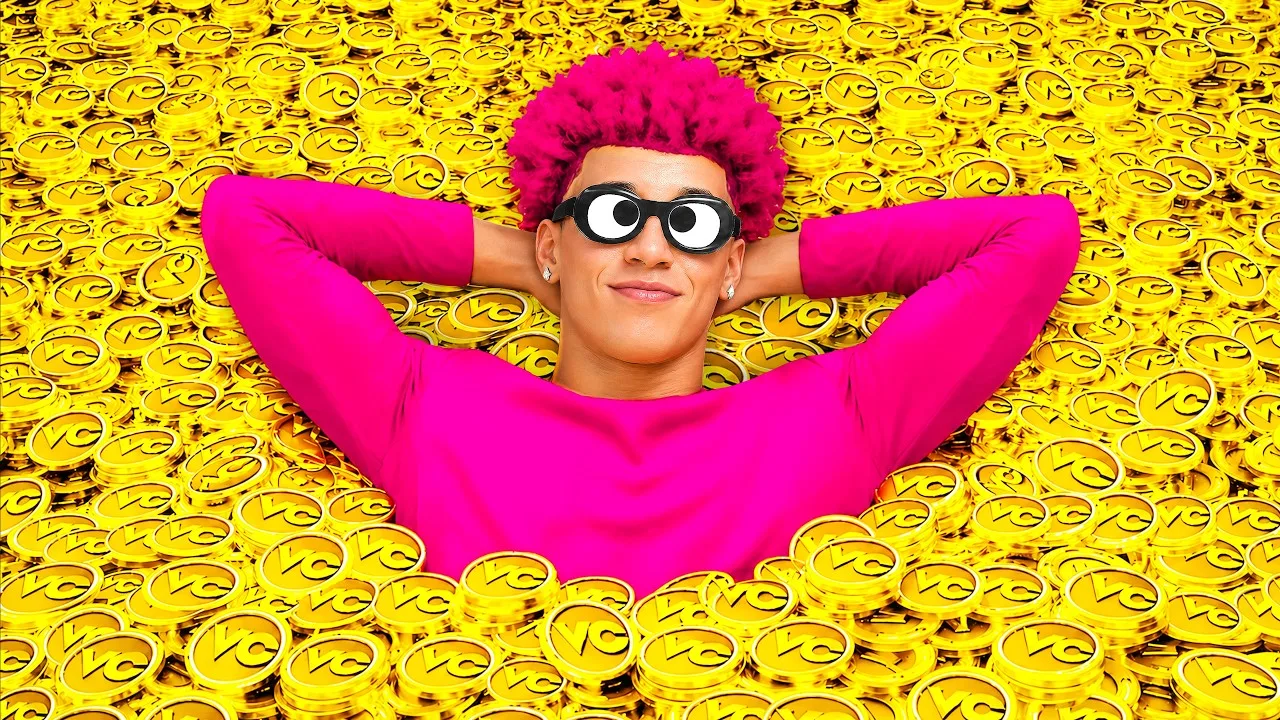 Before
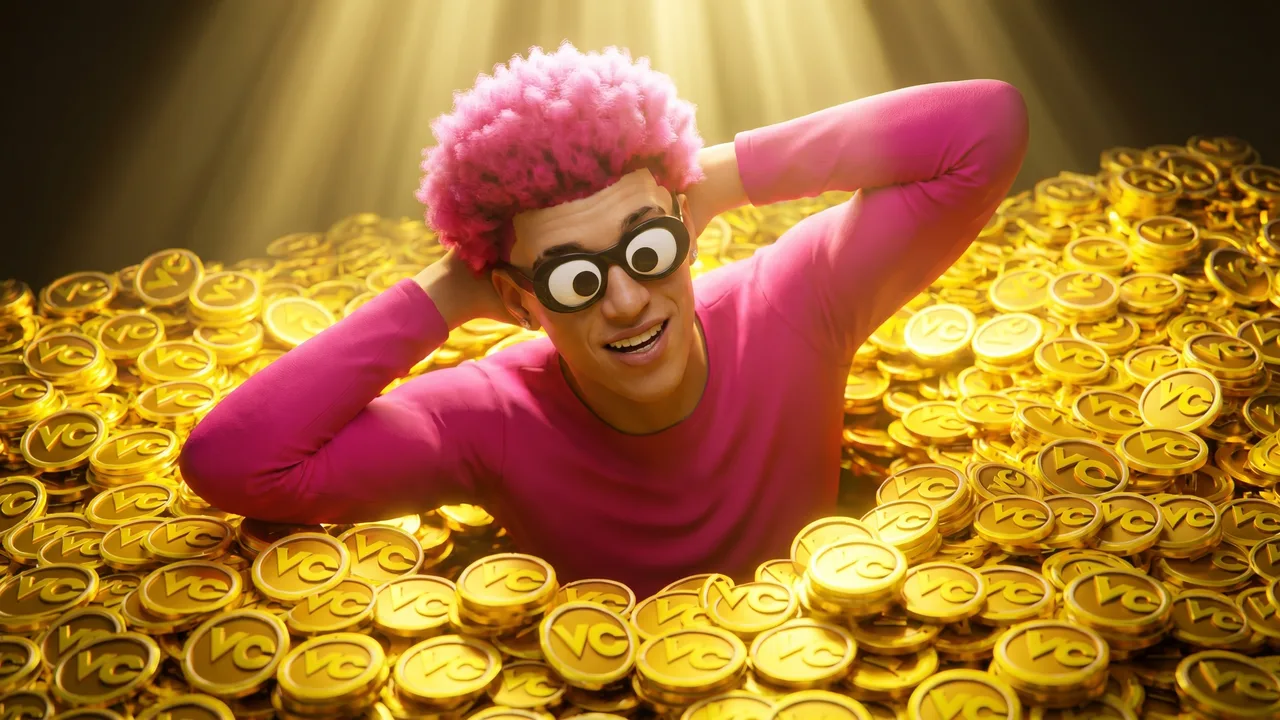 After
AfterReal Remaster output. MyTEAM, one pass.
What you get
A scene, not a download
A background pack is a folder of images you cut your player into. The studio goes the other way: you bring the player and the look builds the setting around them. There's no pack to download and nothing to cut out by hand.
- +The scene comes from the look you pick
- +Your player is lit to sit in that scene
- +Change the scene by describing it, or by switching looks
- +Fix one thing with Clean Up or Lighting instead of redoing it
Pick by video
Which look to start from
Each look sets up a different scene for a different kind of video. Start from the one closest to yours, then describe any changes.
| Build guide or badge breakdown | Build Spec Sheet |
|---|---|
| Rookie to 99 overall series | Glow-Up (60 to 99) |
| Park or Rec highlight | Poster Dunk or Standover |
| Lineup or squad reveal | Squad Walkout |
| Buzzer beater or clutch win | Final Score |
| Patch notes or ratings news | News / Patch |
| Skits and storytime | Comedy / Story |
| Finals run or award win | Champion / Award |
How to pick
Choose the scene by what viewers want
A busy scene behind a build guide fights the details. A plain one behind a poster dunk wastes the moment. Match the setting to what the viewer clicked for.
- +Highlight videos: a loud, energetic scene works for you
- +Guides and breakdowns: a quiet scene so the details read
- +News and ratings: room for big text
- +Series and grinds: a scene that shows the before and after
Keep it readable
A background shouldn't compete
The scene's job is to make your player and your few words stand out. If you can't read the headline at sidebar size, the background is too busy.
- +Keep one third of the frame quiet for text
- +Softer or darker behind the player than on them
- +Avoid game UI and HUD clutter in the scene
- +Stay out of the bottom-right corner (duration badge)
The spec
Size and format
Whatever scene sits behind your player, the finished NBA 2K thumbnail exports at YouTube's size. Make sure the setting still reads once it shrinks to the sidebar.
| Recommended size | 3840 x 2160 px |
|---|---|
| Aspect ratio | 16:9 |
| Minimum width | 640 px |
| File types | JPG or PNG |
| Max file size | 2 MB from mobile, 50 MB from desktop |
Layouts built on these scenes
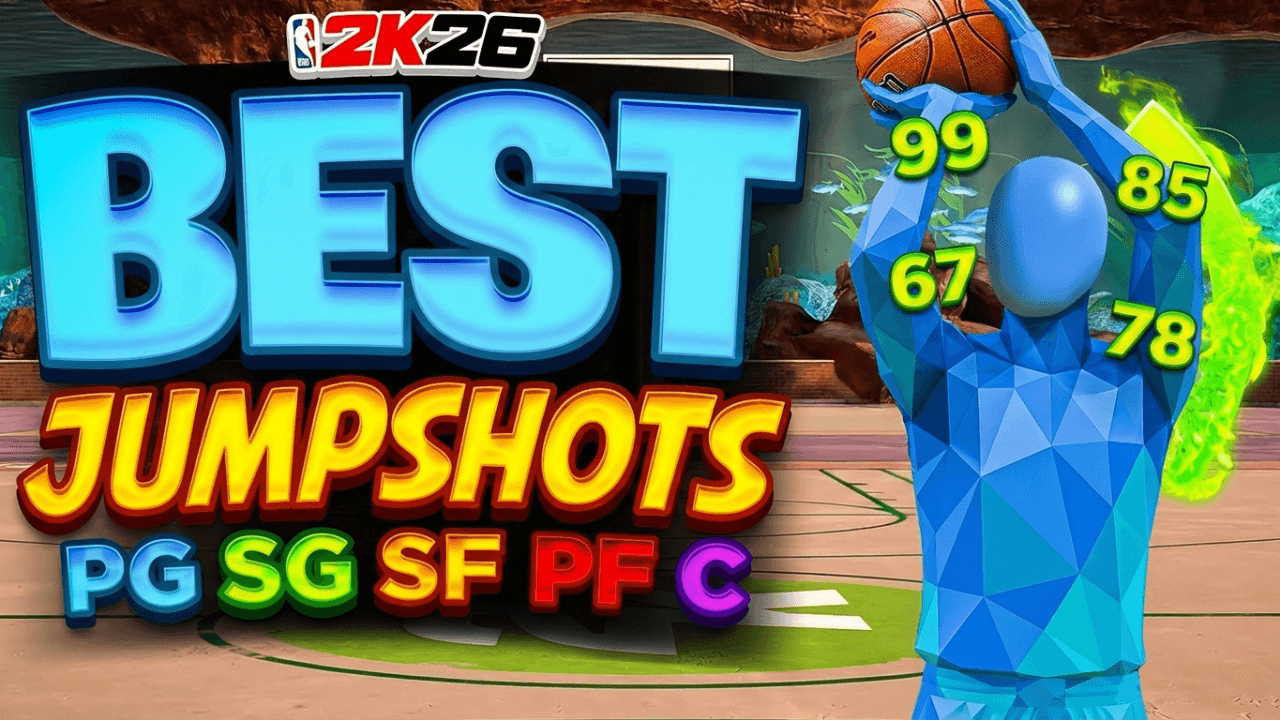
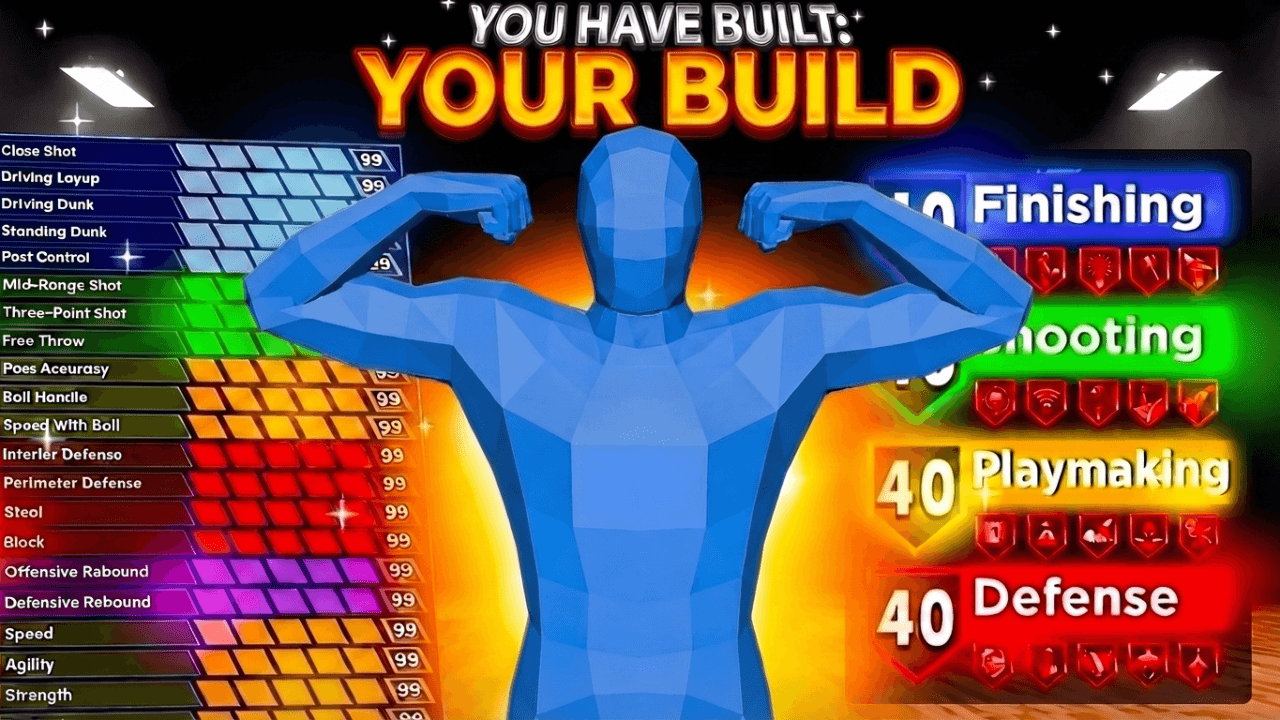
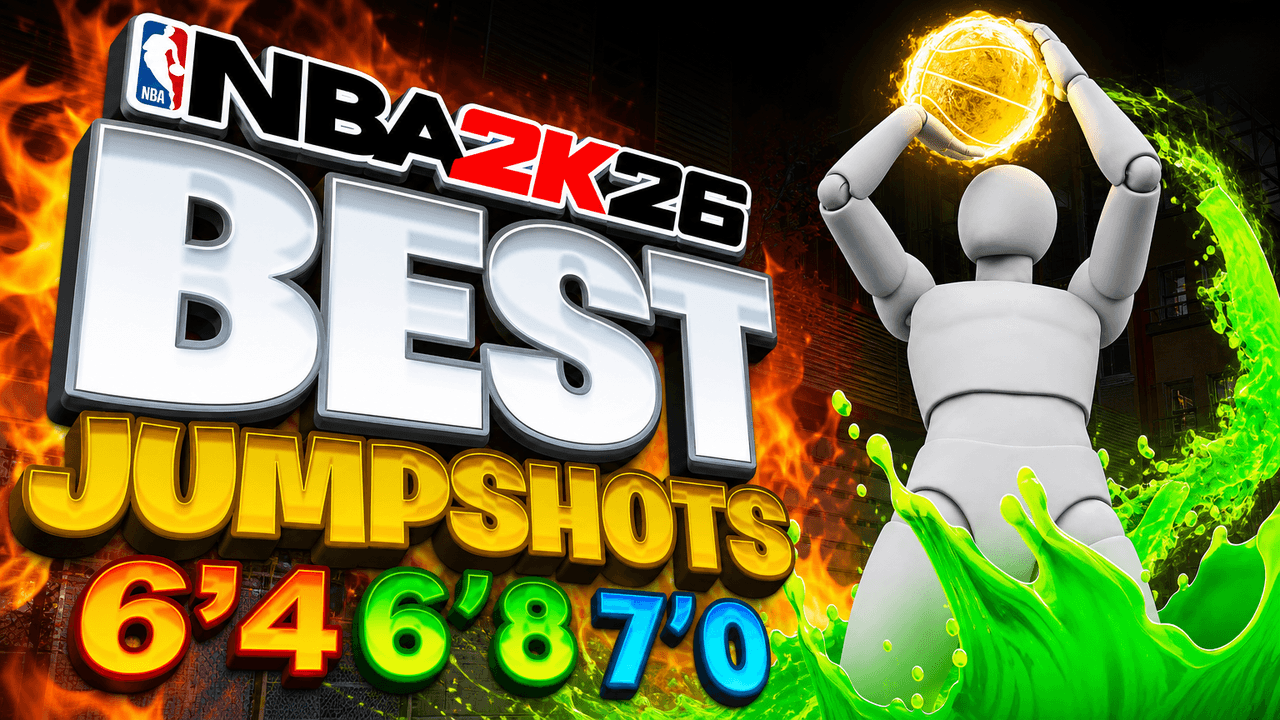
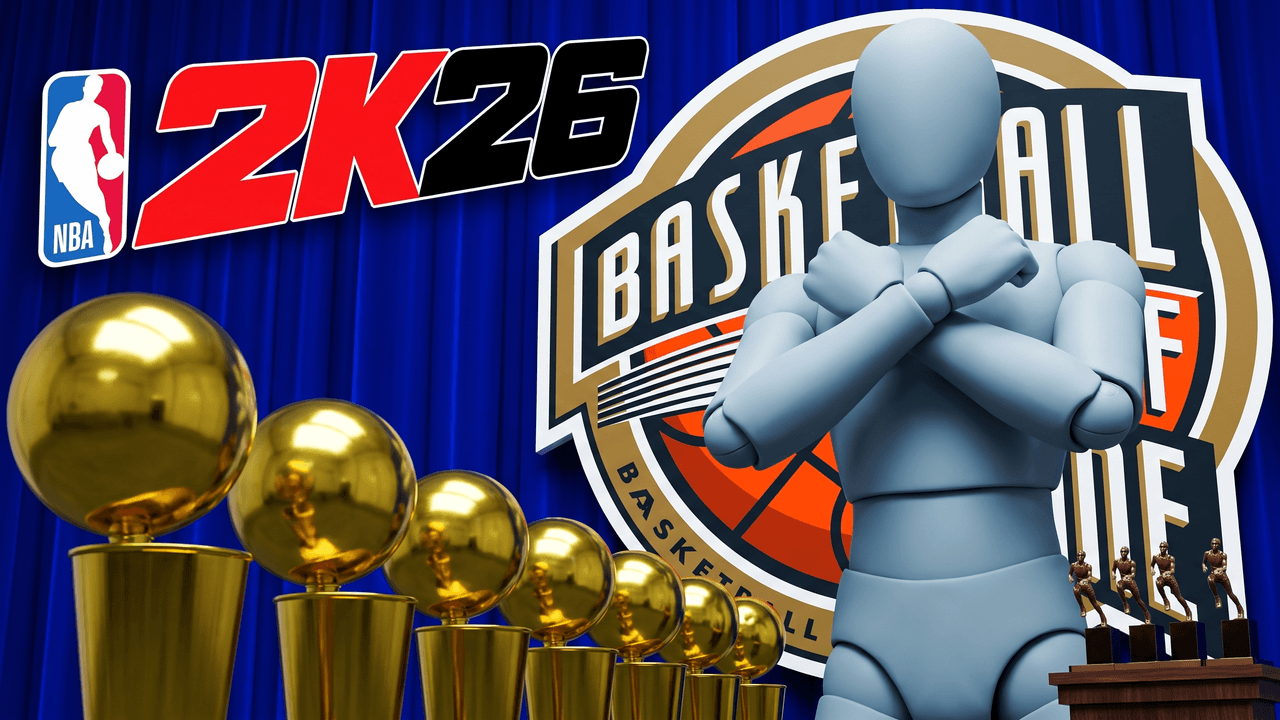
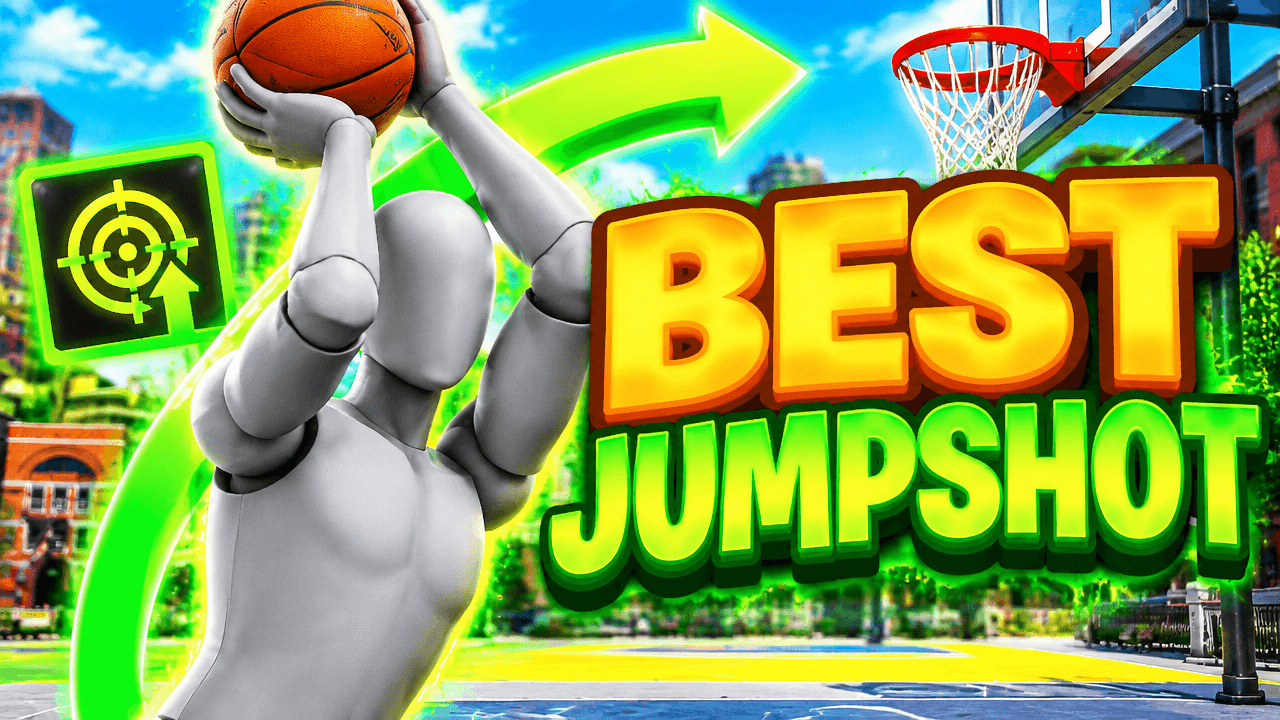
Start from a NBA 2K layout that already works
Every one opens straight in the studio. Swap the grey stand-in for yourself and change anything by typing.
Creator reviews
18,000+ creators have signed up and made 30,000+ thumbnails. Real reviews, collected through Senja.
"I used to spend 1 hour on thumbnails. Now with LaunchLens it takes 10 minutes. I love it. I recommend it for small creators just starting out."
"I used to pay for these on Fiverr. LaunchLens is way cooler."
"I love how you can take a thumbnail and just replace anything in it. Love it."
Questions, answered straight.
Do you have downloadable NBA 2K thumbnail backgrounds?+
No. We don't ship a background pack. Each studio look builds the scene behind your player, so you get a matching setting without cutting anything out.
How do I change the background of my 2K thumbnail?+
Switch to a different look, or describe the scene you want in the studio. You can also fix part of the scene with Clean Up or adjust the light with Lighting.
What's the best background for a 2K build video?+
A quiet scene works best, because the badges and attributes need to be readable. Start from the Build Spec Sheet look.
Can I use my own screenshot as the background?+
You can add your own screenshots as references so the scene matches what you want. The studio builds from them rather than pasting them behind a cutout.
Is it free to try?+
You get free credits at signup with no card, enough for your first thumbnail.
What size should a NBA 2K thumbnail be?+
YouTube Help recommends 3840 x 2160 pixels at 16:9, with a minimum width of 640 pixels. Use JPG or PNG, under 2 MB from mobile or 50 MB from desktop.
See your player in the scene
Free credits on signup. No card. Your first thumbnail is on us.
Keep exploring
LaunchLens is an independent tool and is not affiliated, associated, authorized, endorsed by, or in any way officially connected with Mojang, Microsoft, Roblox Corporation, Epic Games, Take-Two Interactive, Rockstar Games, 2K, Riot Games, Activision Blizzard, Valve Corporation, Supercell, Electronic Arts, EA Sports, the Collegiate Licensing Company, TVGS, Arrowhead Game Studios, Sony Interactive Entertainment, or any of their subsidiaries. All game titles, logos, and characters are trademarks of their respective owners. College team names, marks, and college athlete names and likenesses are the property of their respective rights holders; build thumbnails from your own references and keep athlete and team art generic.