The NBA 2K27 thumbnail maker built for channels that treat 2K like a business
From a MyTEAM pack opening to a finished upload, LaunchLens handles the packaging gaming YouTubers actually fight with. Generate a 2K thumbnail from a prompt, swap your own face onto it, or remaster a thumbnail that already flopped. 2K27 is out now, and the channels that win each new cycle have their packaging ready first.
One account and one credit balance across every game studio.
What are you making?
Pick the job. Every tile opens LaunchLens on it.
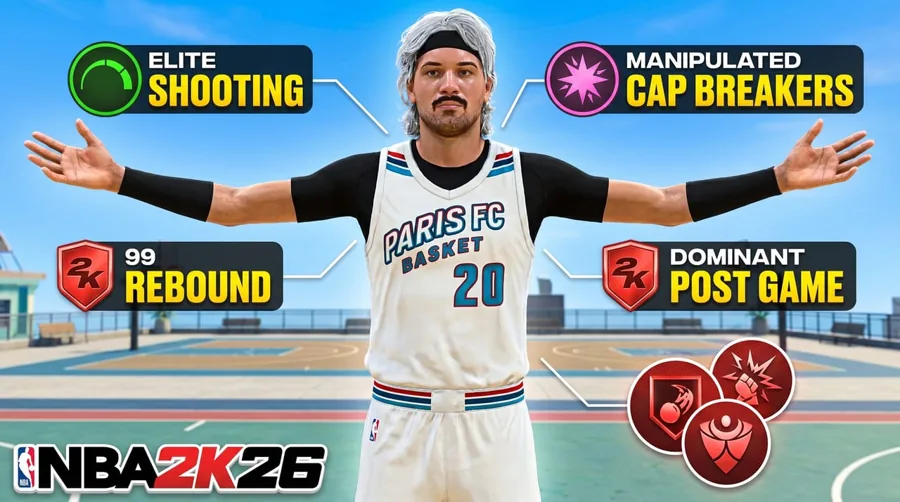
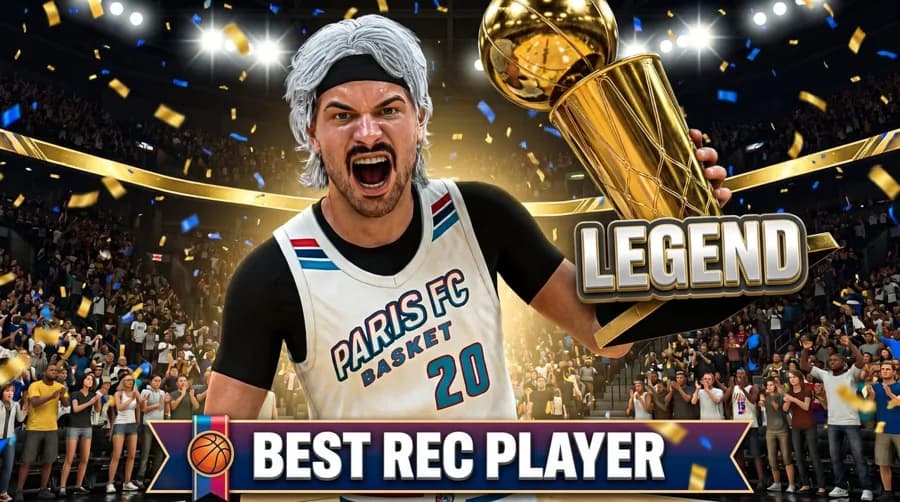
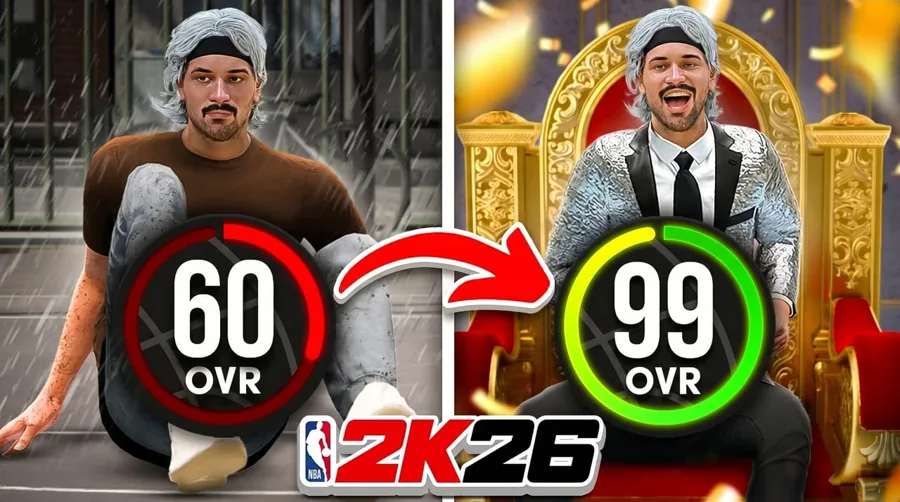
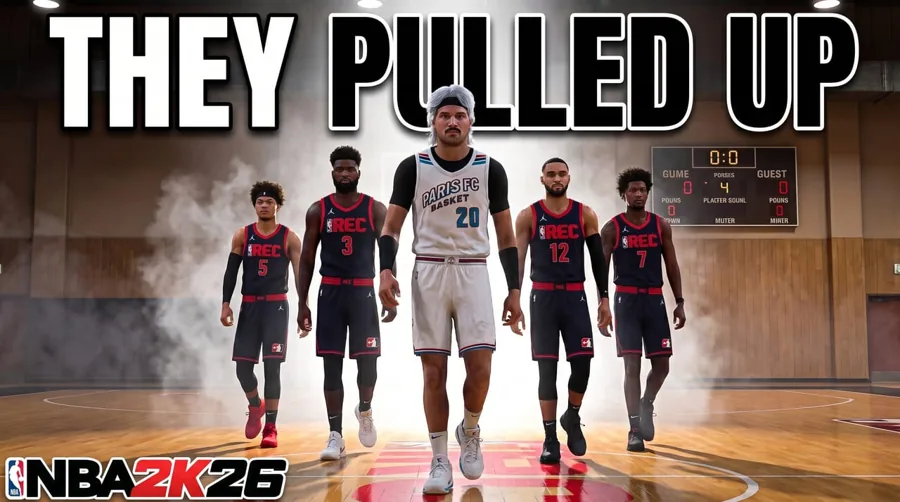
Pick a look to preview it, then open the NBA 2K studio, drop in your MyPlayer, and generate in about 30 seconds.
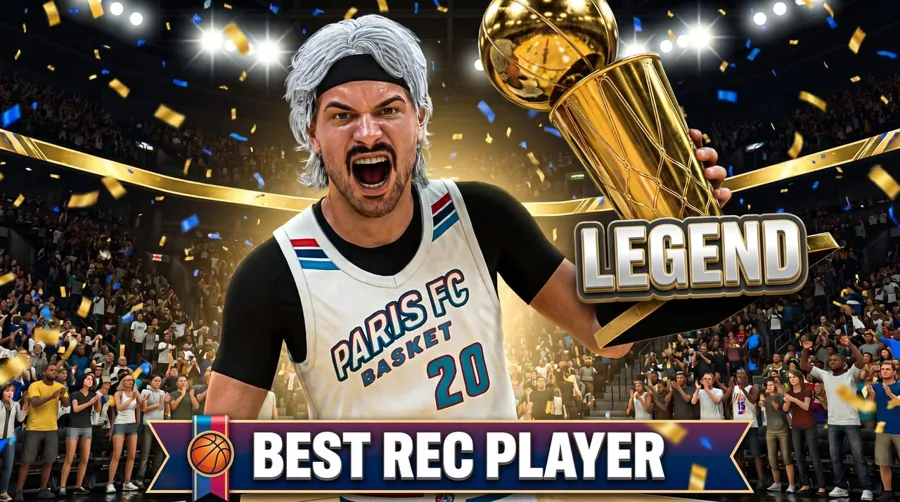
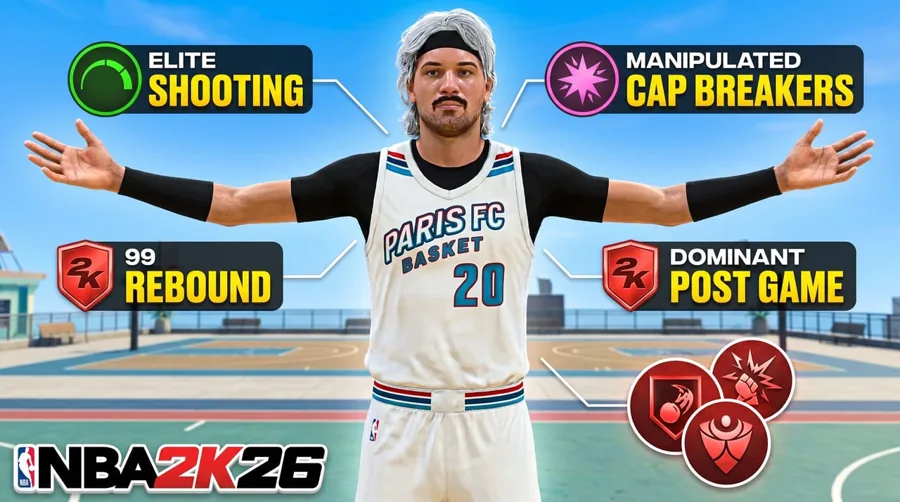
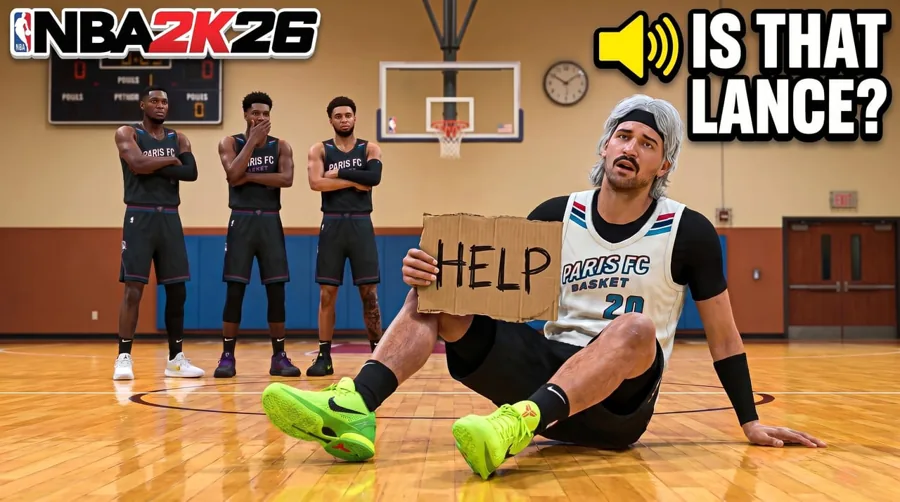
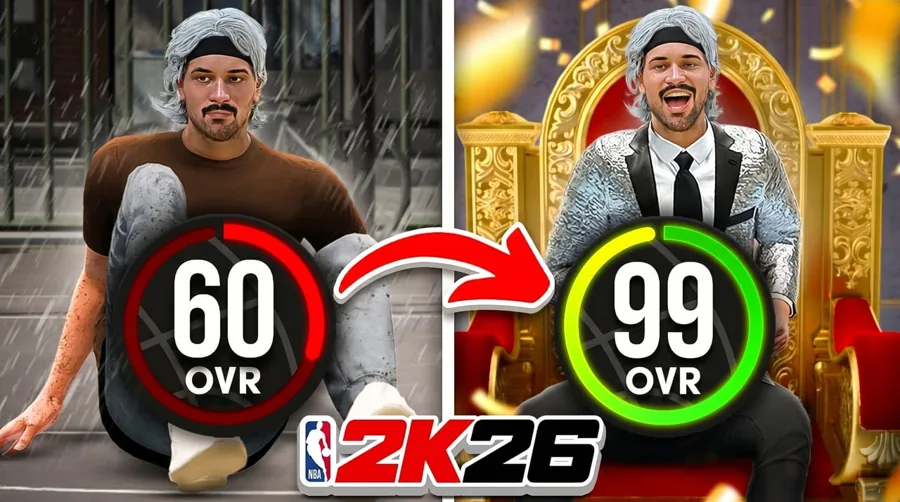
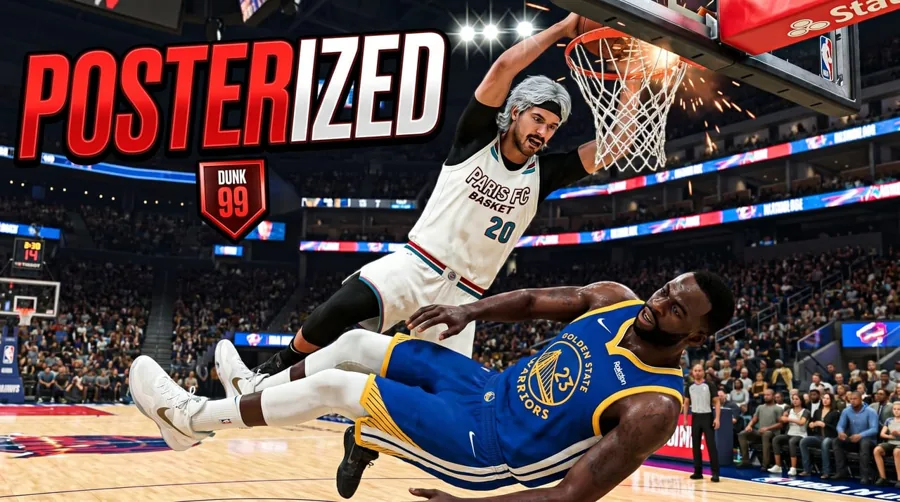
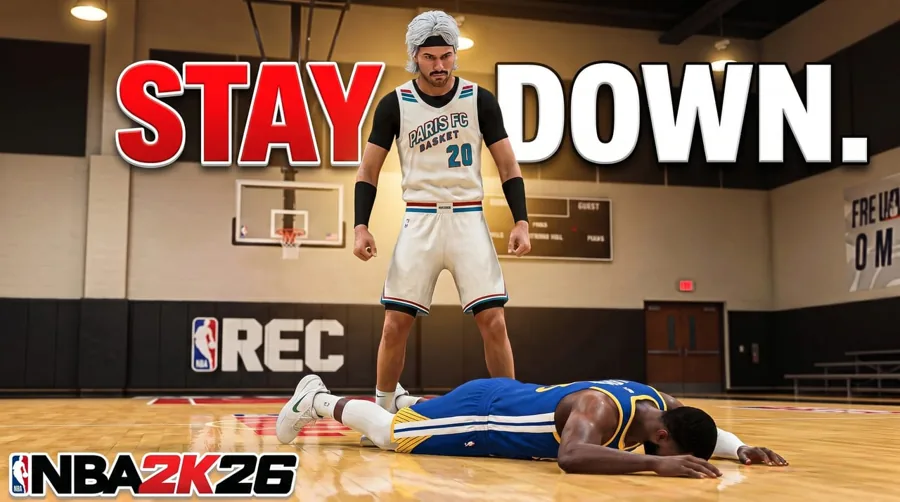
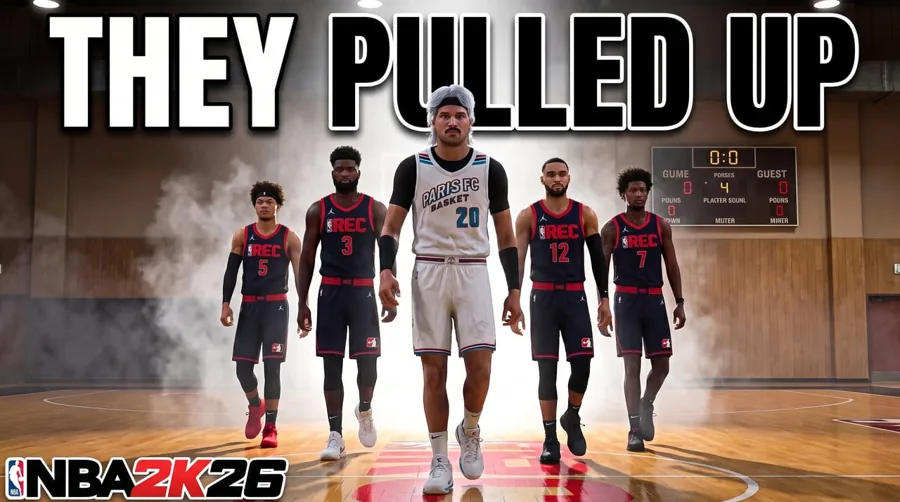
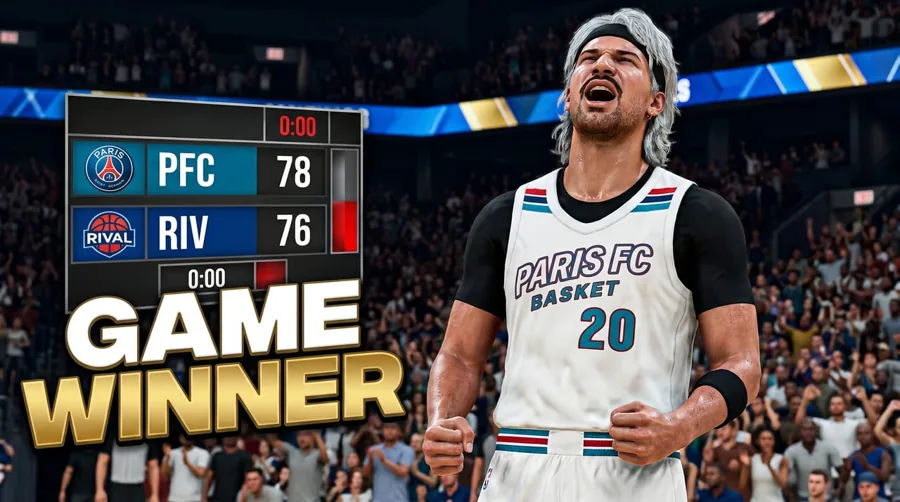
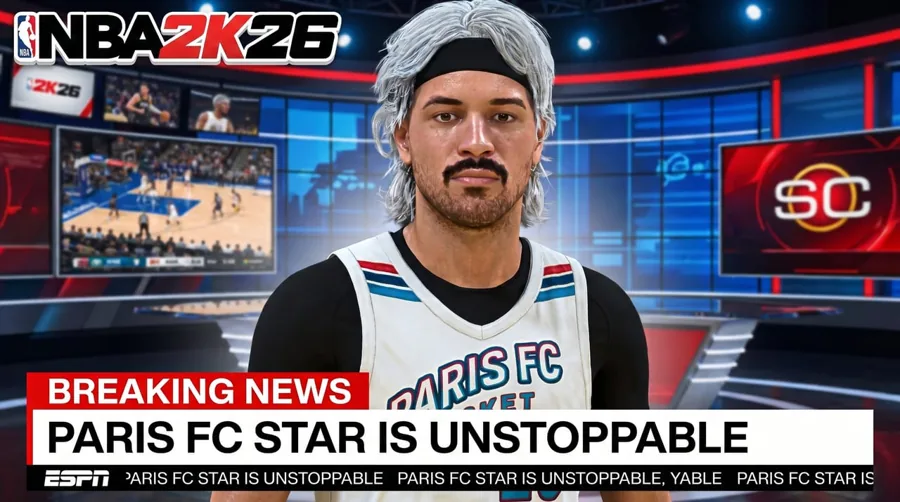
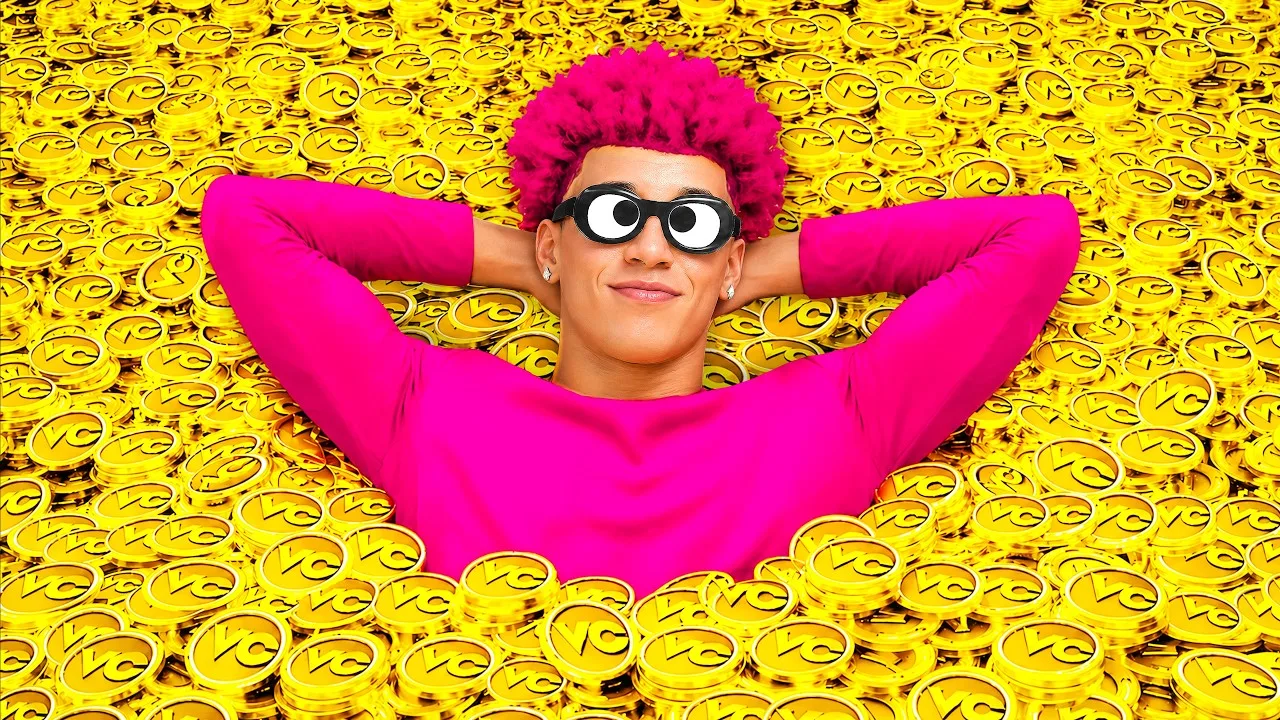 Before
 After
AfterReal Remaster output. NBA 2K VC, one pass, June 2026.
Why this page exists
Generalist thumbnail tools don't speak 2K
Most thumbnail makers were built for vloggers and generic AI prompts. They don't know what a 99 OVR card, a park rep grind, or a ratings drop looks like, so you end up fighting the tool to get anything that reads as basketball. LaunchLens is built for gaming creators first, which means your 2K context, your face, and your references go in, and a packaged thumbnail comes out.
- +Generate from a prompt plus your own reference images, not a stock template grid
- +Characters drop your real face into the shot instead of a generic avatar
- +Live YouTube inspiration search so you can see what's already working in the 2K space
- +Remaster takes a thumbnail you already posted and rebuilds it stronger
Every format you actually post
Covers the 2K content that gets clicks
Your channel isn't one kind of video, so the thumbnail maker isn't either. Whether it's a MyTeam pack break, a MyCareer build reveal, or a ratings reaction, you describe the moment and direct the thumbnail from there. Faceless creators are fully supported. The face tools are optional, not required.
- +MyTeam pack openings and lineup reveals
- +MyCareer build showcases and badge or build guides
- +Park and Rec gameplay highlights
- +Ratings reactions and roster update takes
- +Tier lists, best build breakdowns, and comp gameplay
The whole packaging pipeline
The thumbnail is the finish line, not the whole job
The thumbnail is the last 5% everyone judges, but it sits on top of an edit. LaunchLens carries the full packaging pipeline so you go from raw footage to a finished upload in one place. Four stages, every plan, no surface locked behind a higher tier.
- +Optimize: drop a real video in, get 10 titles, a description, and tags back
How the thumbnail gets made
Direct it like a creative director, not a slot machine
You're not rolling dice on a single generation. the studio lets you steer the shot, then fix it surgically. Adjust the expression on your face, push the lighting, clean up a messy background, or pull a real 2K thumbnail from YouTube inspiration search as a reference and build off the angle that already works in your niche.
- +Start from a prompt and your own reference screenshots
- +Characters for accurate face placement on the shot
- +Expression, Lighting, and Clean Up tools for surgical fixes
- +Remaster rebuilds an existing thumbnail instead of starting from zero
Pricing that respects the grind
90 free credits, no card, no paywall trick
Rival thumbnail tools advertise free, then paywall the very first generation or blur your result until you pay. We don't. You get 90 credits on signup with no card, and a generation runs 30 credits, so your free credits are a real first thumbnail, not a teaser. When you're ready, Pro adds Upload Packages for titles, descriptions, chapters and tags.
- +Free: 90 credits on signup, no card, no watermark hostage games
- +Starter: $9 for 900 credits
- +Pro: $25 for 2,750 credits
- +Max: $50 for 6,000 credits
- +Some rivals start at $17 a month for the thumbnail tool alone
Creator reviews
19,000+ creators have signed up and made 33,000+ thumbnails. Real reviews, collected through Senja.
"I used to spend 1 hour on thumbnails. Now with LaunchLens it takes 10 minutes. I love it. I recommend it for small creators just starting out."
"I used to pay for these on Fiverr. LaunchLens is way cooler."
"I love how you can take a thumbnail and just replace anything in it. Love it."
Questions, answered straight.
What is the best NBA 2K thumbnail maker for YouTube?+
LaunchLens is built for gaming YouTubers specifically, so it handles 2K content like MyTeam pack openings, MyCareer builds, and ratings reactions instead of generic templates. You generate from a prompt plus your own references, drop your real face in with Characters, and remaster thumbnails that already underperformed. It also carries the full upload pipeline, not just the thumbnail.
How do I make a 2K MyTeam thumbnail?+
In the studio you start with a prompt describing the pack or lineup, add reference screenshots from your gameplay, and let the tool build the shot. From there you direct it with Characters for your face, plus Expression, Lighting, and Clean Up tools for surgical fixes. You can also pull real 2K thumbnails from the live YouTube inspiration search to match an angle that's working in the niche.
Is there a free NBA 2K thumbnail maker?+
Yes. LaunchLens gives you 90 credits on signup with no card required, and a generation runs 30 credits, so your free credits cover a real first thumbnail. There's no watermark, no blurred result, and no paywall on the first generation, which is how several rival tools operate.
Can I put my own face on a 2K thumbnail?+
Yes. The Characters tool places your real face into the shot, and the expression setting lets you adjust how it reads. Face tools are completely optional though, so faceless 2K channels are fully supported with prompt and reference based generation.
Can I fix a 2K thumbnail that already flopped?+
Yes, that's what Remaster is for. Instead of starting from scratch, you feed in a thumbnail you already posted and the tool rebuilds it into a stronger version. It's useful for older MyTeam or MyCareer uploads that never got the clicks they deserved.
Does it work for faceless 2K channels?+
Completely. The face tools like Characters and Expression are optional, not required. You can generate 2K thumbnails entirely from a prompt and your own reference images, which works well for gameplay-focused park, badge, and build-guide content.
How much does LaunchLens cost?+
There's a free tier with 90 credits and no card. Paid plans are Starter at $9 for 900 credits, Pro at $25 for 2,750, and Max at $50 for 6,000. Upload Packages start on Pro, the Chrome extension and the thumbnail studio, where some rivals start at $17 a month for the thumbnail tool alone.
What NBA 2K video types does it handle?+
It covers the formats 2K creators actually post: MyTeam pack openings and lineups, MyCareer build showcases, park and rec gameplay, badge and build guides, and ratings reactions. You describe the moment in the prompt and direct the thumbnail from there.
Make your first 2K thumbnail free
90 credits on signup, no card, no blurred result. Generate a MyTeam or MyCareer thumbnail, drop your face in, or remaster an old upload, then package the whole video in one place.
Free templates
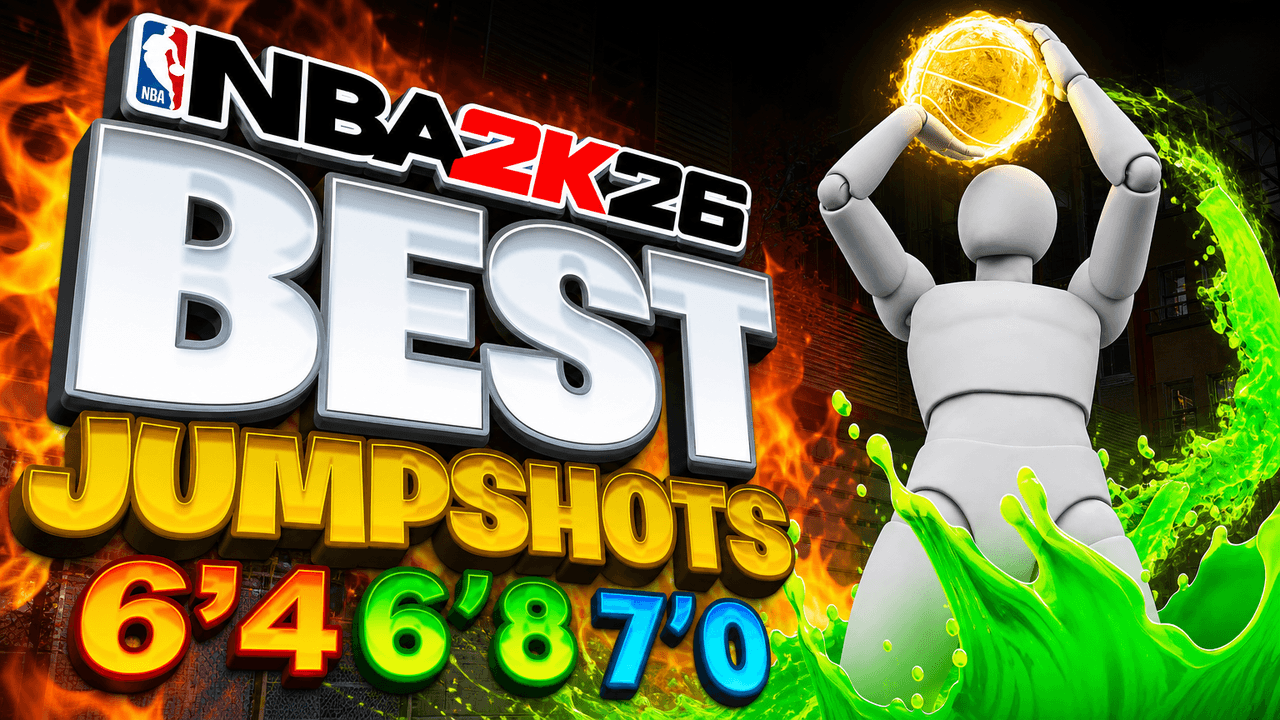
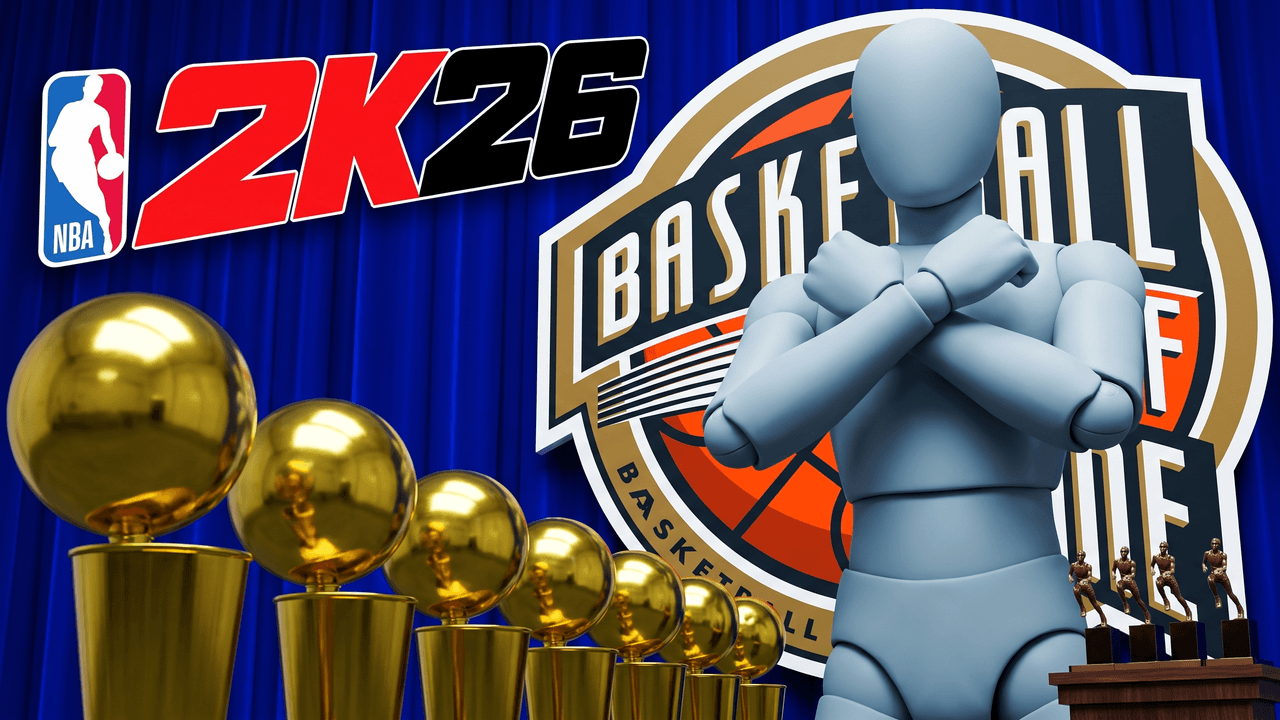
Start from a NBA 2K layout that already works
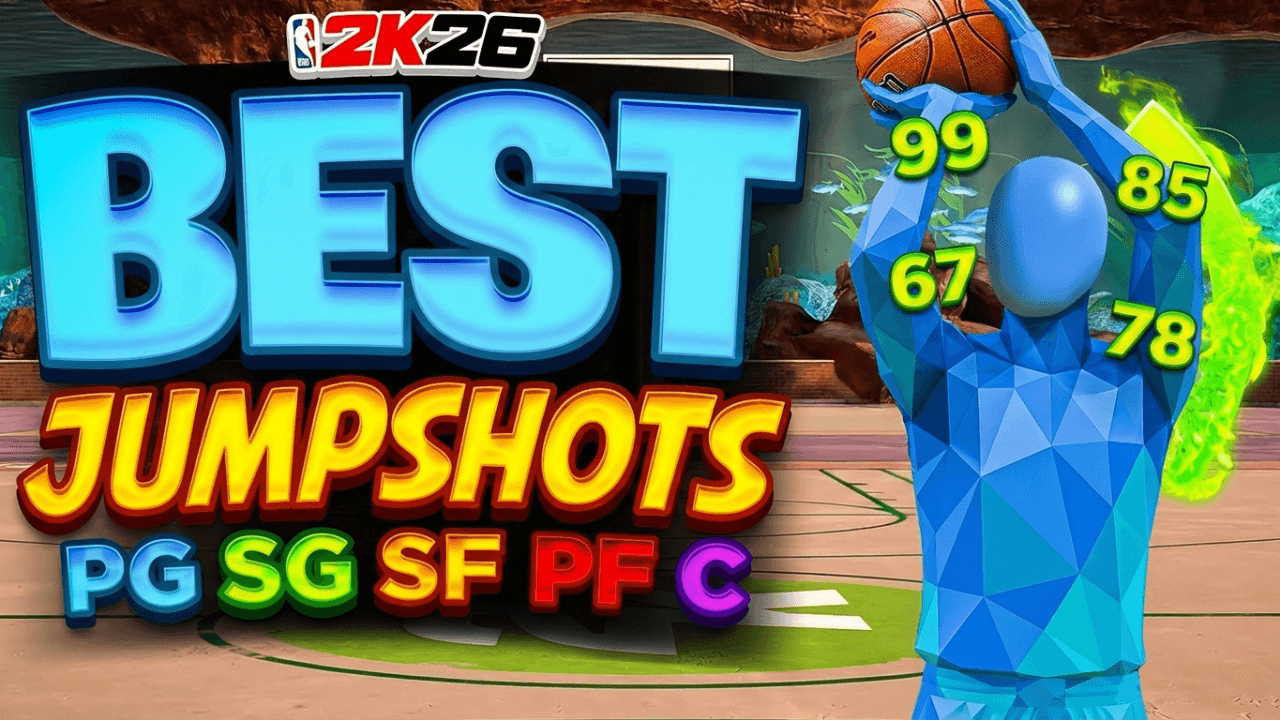
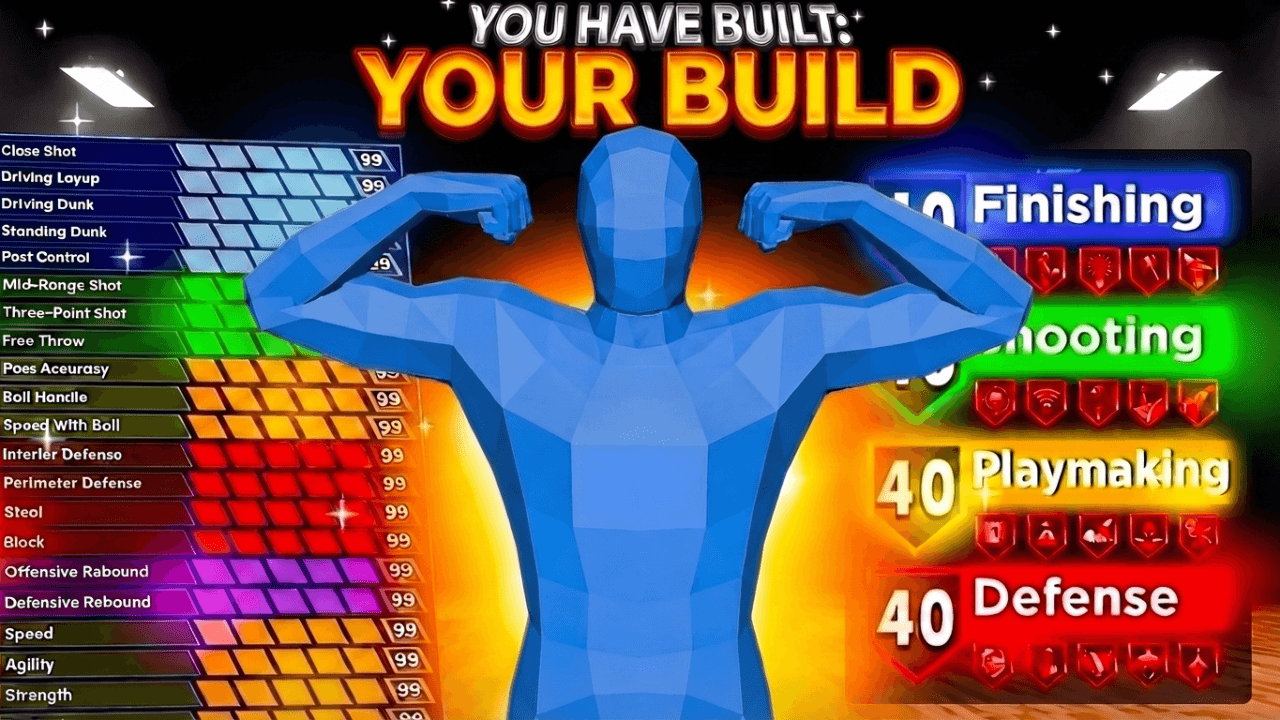
Every one opens straight in the studio. Swap the grey stand-in for yourself and change anything by typing.
More for NBA 2K
LaunchLens is an independent tool and is not affiliated, associated, authorized, endorsed by, or in any way officially connected with Mojang, Microsoft, Roblox Corporation, Epic Games, Take-Two Interactive, Rockstar Games, 2K, Riot Games, Activision Blizzard, Valve Corporation, Supercell, Electronic Arts, EA Sports, the Collegiate Licensing Company, TVGS, Arrowhead Game Studios, Sony Interactive Entertainment, or any of their subsidiaries. All game titles, logos, and characters are trademarks of their respective owners. College team names, marks, and college athlete names and likenesses are the property of their respective rights holders; build thumbnails from your own references and keep athlete and team art generic.