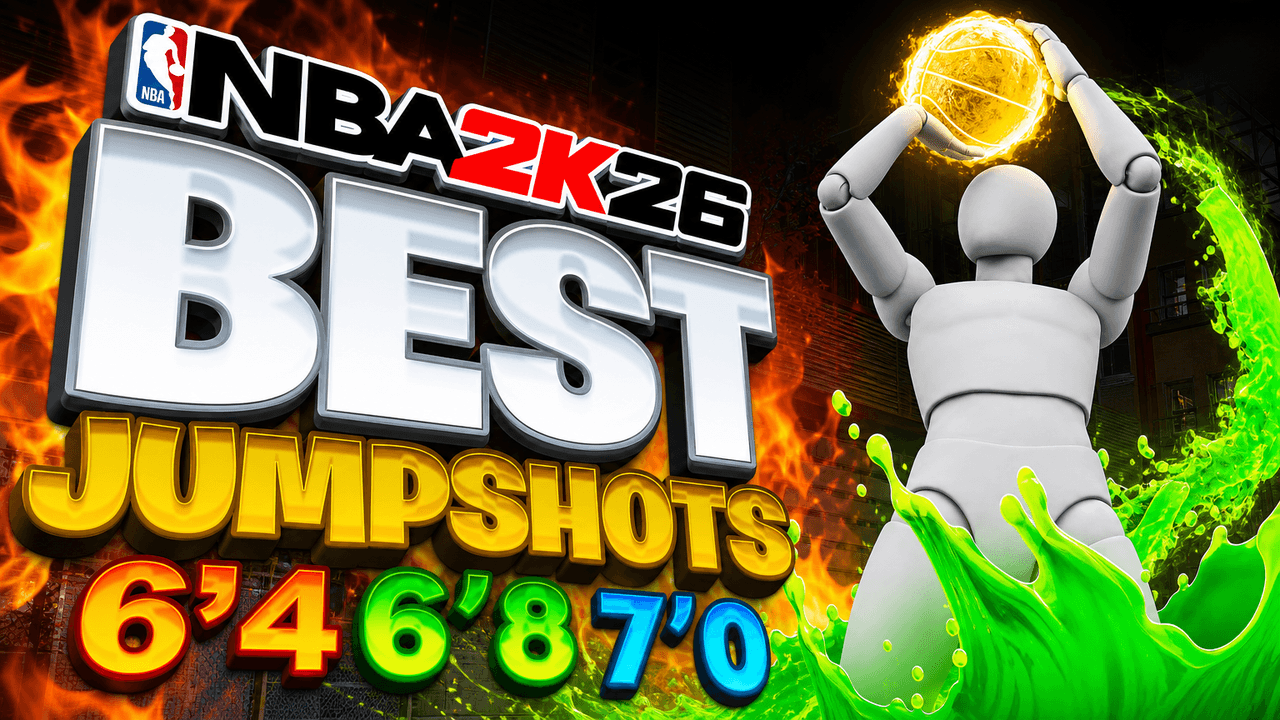
Second look, same template
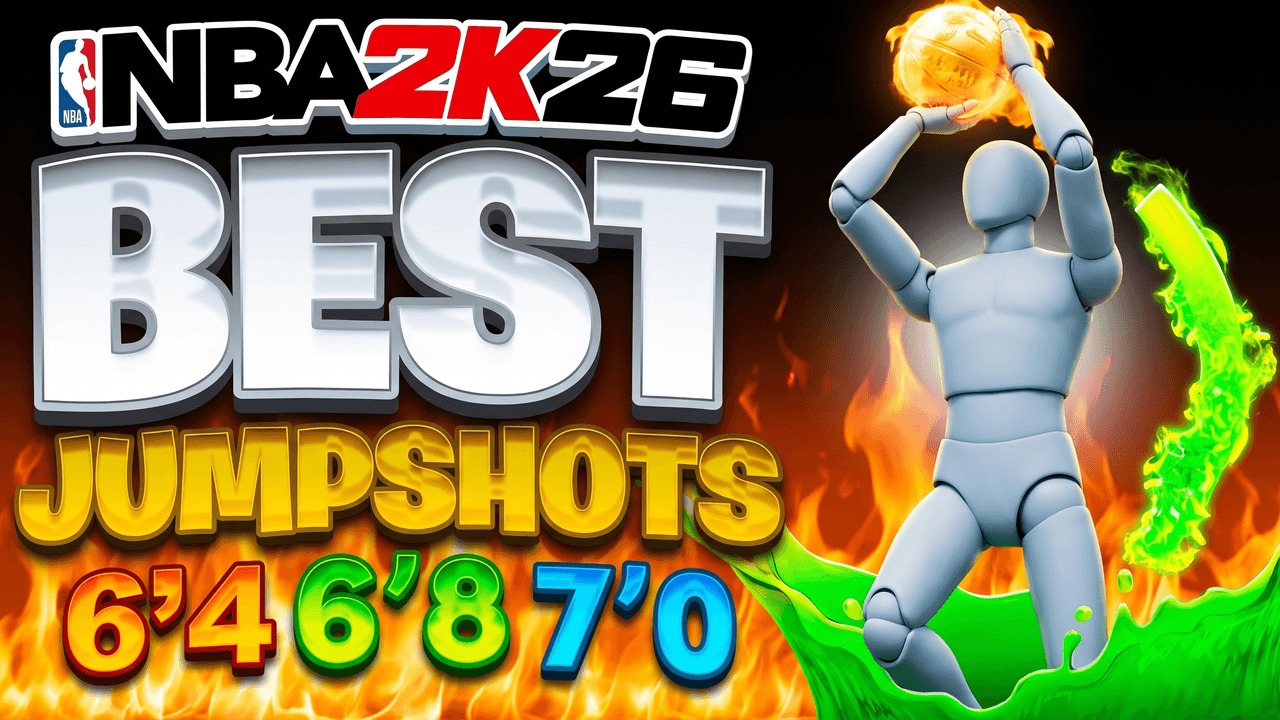
Alternate between the two across a series so your channel page does not look repetitive.
NBA 2K Shooting Thumbnail Template
100% Free • No Credit Card Required • Instant Access
A fiery, high-energy NBA 2K thumbnail template featuring a low hero angle for jumpshot builds.
Template Features
- Opens straight into LaunchLens
- Edit anything with plain-language AI prompts
- 1280x720 YouTube-ready export
- Free to start: 90 credits, no card
What creators search for
NBA 2K thumbnail questions
What is the correct size for an NBA 2K YouTube thumbnail?
The ideal size is 1280x720 pixels, which maintains a standard 16:9 aspect ratio and must be kept under a 2MB file size. This template automatically exports your finished design to these exact specifications.
Why is this specific jumpshot layout effective for gaming videos?
The low-hero-angle makes the player character look imposing, while the vibrant contrasting colors of the fire and green slime draw the eye directly to the center action. The massive, bold text quickly communicates the video's topic even on small mobile screens.
Can I use this template for NBA 2K27 videos when it comes out?
Yes, although the base art currently features NBA 2K26 branding, you can easily swap the logo in the studio. You just instruct LaunchLens to update the game logo to fit the newest edition.
Can I put my own MyPlayer build into this thumbnail?
Yes, you can replace the placeholder figure with a screenshot of your own character directly inside LaunchLens. Just upload your player's image and the tool will integrate it into the scene for you.
How do I ensure my text stays readable against bright background effects like fire?
Use heavy, bold fonts with thick outlines or drop shadows to separate the letters from the complex background elements. This template uses contrasting white and yellow text with deep black shadows to maintain legibility over the flames.
About This Template
This nba 2k26 jumpshot thumbnail template gives your player build the massive visual scale it deserves. Built around a low-hero-angle and high-contrast glowing typography, it focuses the composition entirely on the peak of the jump. It functions as a complete custom nba 2k mycareer thumbnail environment ready to wrap around your specific in-game screenshot.
The Mechanics of the Layout
- The upward camera. Shooting from a low angle heavily distorts the player scale. It makes the subject look towering and dominant within the vertical frame.
- Luminescent accents. We use intense neon highlights against a dark gym backdrop. This establishes immediate visual separation between the foreground subject and the background.
- Heavy text weighting. The typography takes up significant real estate on the back plane. It creates a solid anchor point that balances the vertical motion of a player frozen mid-air.
- Strategic darkness. The corners fall away into deep shadows. This forces the viewer's eye to stay centered on the glowing release point of the shot.
Shaping Your Player in LaunchLens
- Upload a screenshot of your player or a photo of yourself. LaunchLens automatically swaps out the blank grey mannequin in the center for your image.
- Type exactly what you want the background text to say. Keep it to one or two short words so the letters remain thick and legible behind your player.
- Tell LaunchLens what color palette fits your build. You can change the scene to a Lakers purple glow or a toxic green release by just typing the description.
- Adjust the background environment by describing the court. Type in whether you want a dusty streetball park or a brightly lit pro arena behind the text.
Where Jumpshot Thumbnails Fall Apart
- Cluttered backgrounds. Many creators leave the UI or crowded stands visible behind their player cutout. Fix this by telling LaunchLens to drop the background into deep shadow so only the text and player remain visible.
- Weak text scaling. Standard text tool presets often leave the font looking thin and fragile next to a large player. Fix this by choosing heavy block fonts and letting the text run behind the subject's shoulders.
- Poor lighting matches. Dropping an unlit player cutout onto a glowing background creates a flat composition. When you use LaunchLens as your best jumpshot thumbnail maker for 2k, it automatically wraps the neon background lighting directly over your uploaded player model.
Build a layout that carries the exact weight of a perfect green release.