Fortnite Thumbnail Maker built for the upload, not the menu
New chapter, win streak, skin showcase, or zero build ranked grind. Type a prompt, drop in references, place your face, and ship a thumbnail that looks like it belongs in the Fortnite feed. The thumbnail is the last 5% everyone judges, so we built the whole packaging studio around getting it right.
One account and one credit balance across every game studio.
What are you making?
Pick the job. Every tile opens LaunchLens on it.
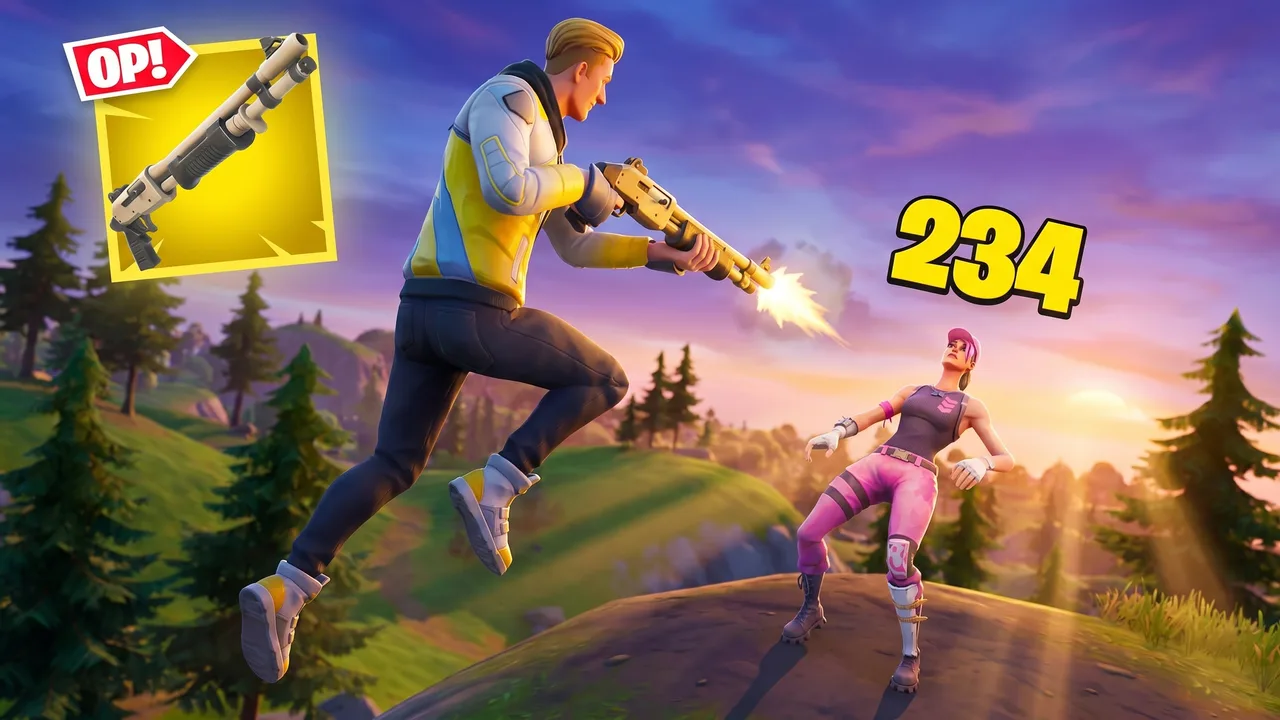
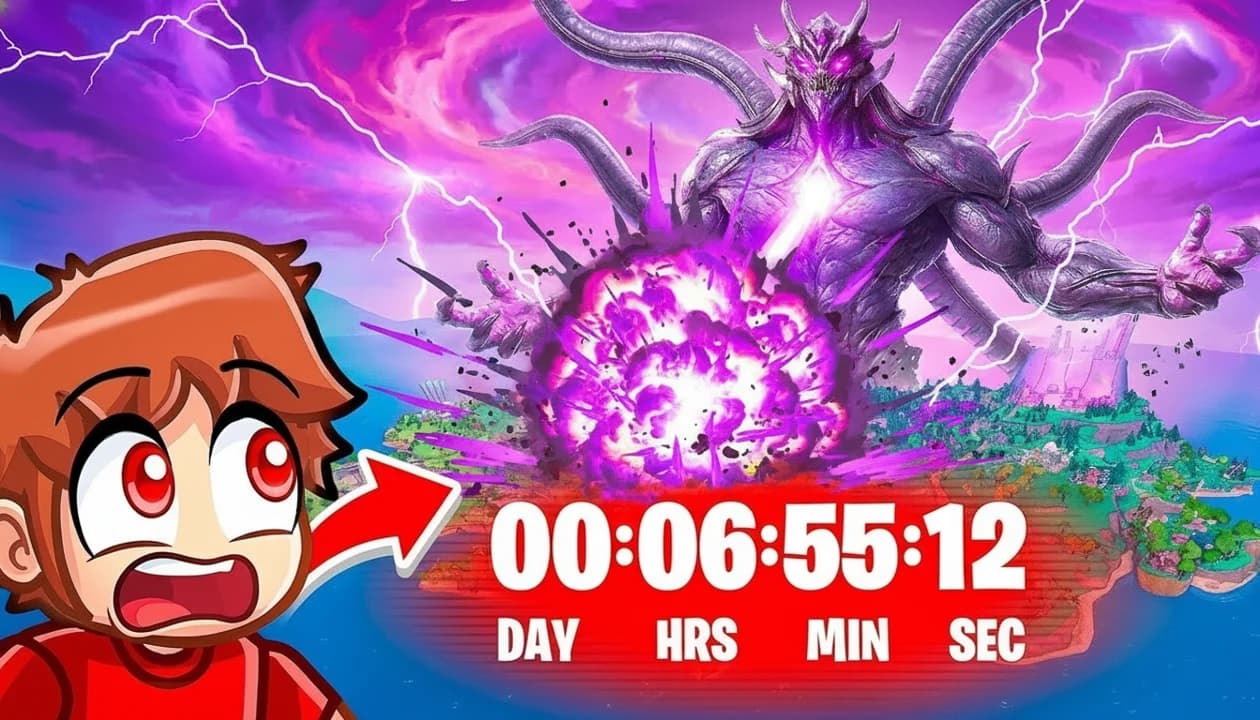
Island makers
Making a Creative map or UEFN island? Fortnite map thumbnail maker.
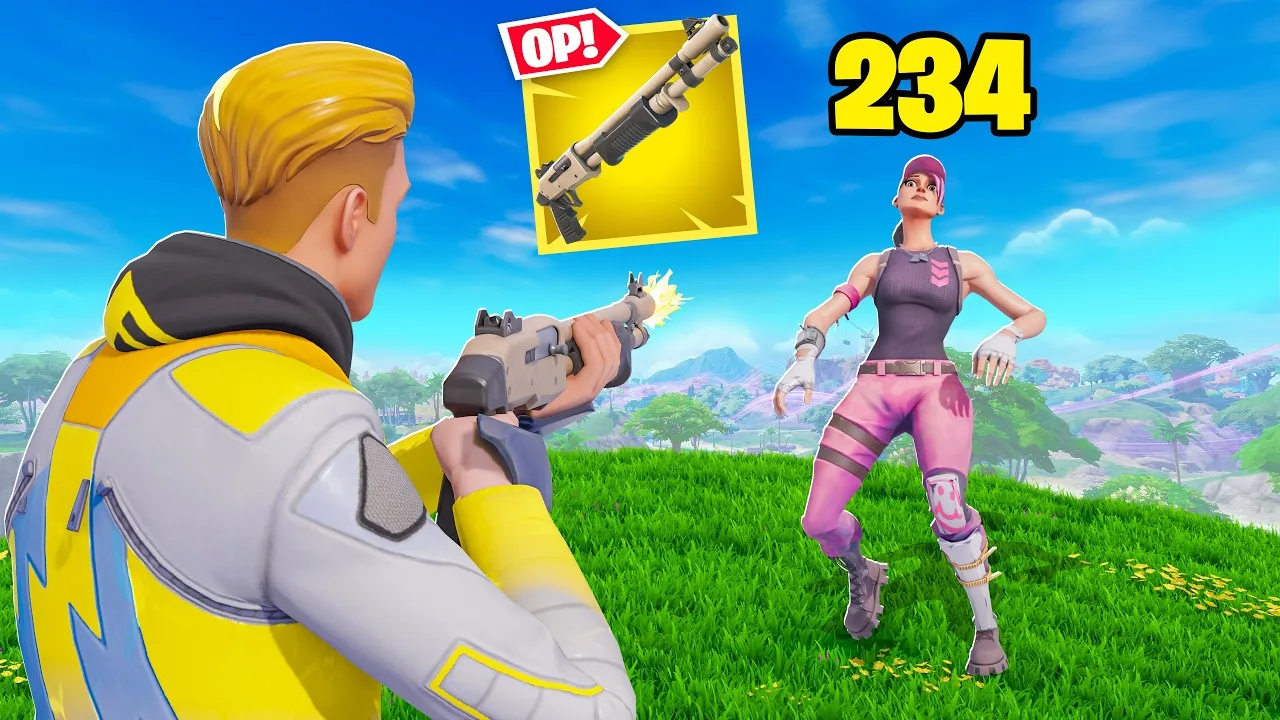 Before
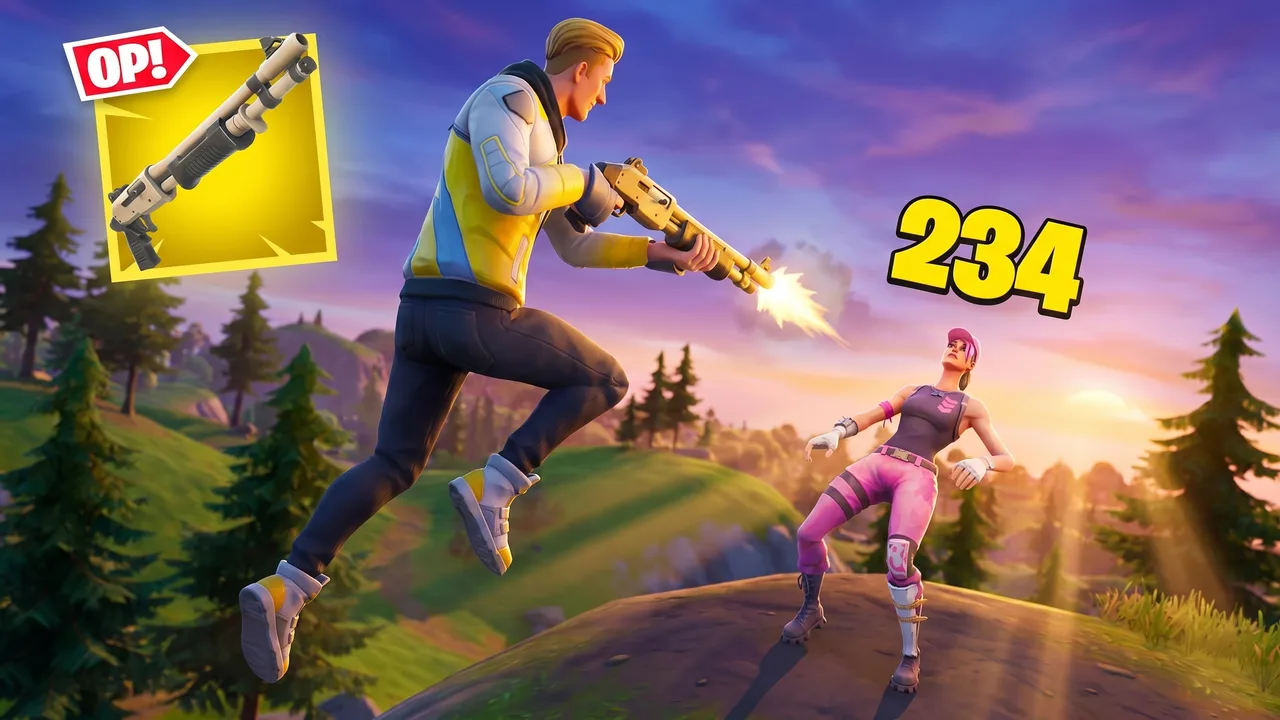 After
AfterReal Remaster output. Fortnite combat, one pass, June 2026.
Why this exists
Fortnite moves fast. Your packaging has to keep up
Every new season and chapter resets the meta and floods the feed with the same drop. Win streaks, clutch 1v1s, item shop pulls, and challenge runs all compete in the same thumbnail slot. LaunchLens is the packaging studio that takes you from raw footage to a finished upload, with the thumbnail as the finish line.
- +New season and chapter coverage that reads fresh, not recycled
- +Win streaks and clutch moments framed for the kill, not the loadout screen
- +Item shop and skin showcases where the fit is the hook
- +Challenge videos and zero build vs ranked breakdowns
How it works
Prompt, references, Remaster. No Fortnite preset, on purpose
There is no canned Fortnite filter here, and that is the point. You describe the thumbnail, drop in reference images for the skin or POI you want, and the studio builds from that. Already have a thumbnail that is close but not there? Remaster upgrades the one you have instead of starting over.
- +Generate from a prompt plus your own reference images
- +Remaster an existing thumbnail to sharpen it without restarting
- +Live YouTube inspiration search to see what is landing in your niche right now
- +Expression, Lighting, and Clean Up tools to fix the details
Your face, your call
Characters for face channels, fully faceless when you want it
Reaction face on the thumbnail? Use Characters to place yourself into the scene, then adjust expression and lighting until it sits right. Running a faceless or POV channel? Skip it entirely. Every tool works either way, no face required.
- +character placement for creator-forward thumbnails
- +Expression and Lighting tools to match the moment
- +Clean Up to kill the clutter around your subject
- +Faceless channels fully supported, no workarounds
Pricing
Start with 90 free credits. No card, no blurred results
Most rival thumbnail tools advertise free, then paywall your first generation or blur the result until you pay. We give you 90 credits on signup with no card. A thumbnail runs 30 credits, so your first one is on the house. Some rivals start at $17 a month for the thumbnail tool alone.
- +Free: 90 credits on signup, no card, nothing held hostage
- +Starter $9: 900 credits
- +Pro $25: 2,750 credits
- +Max $50: 6,000 credits
Thumbnail ideas
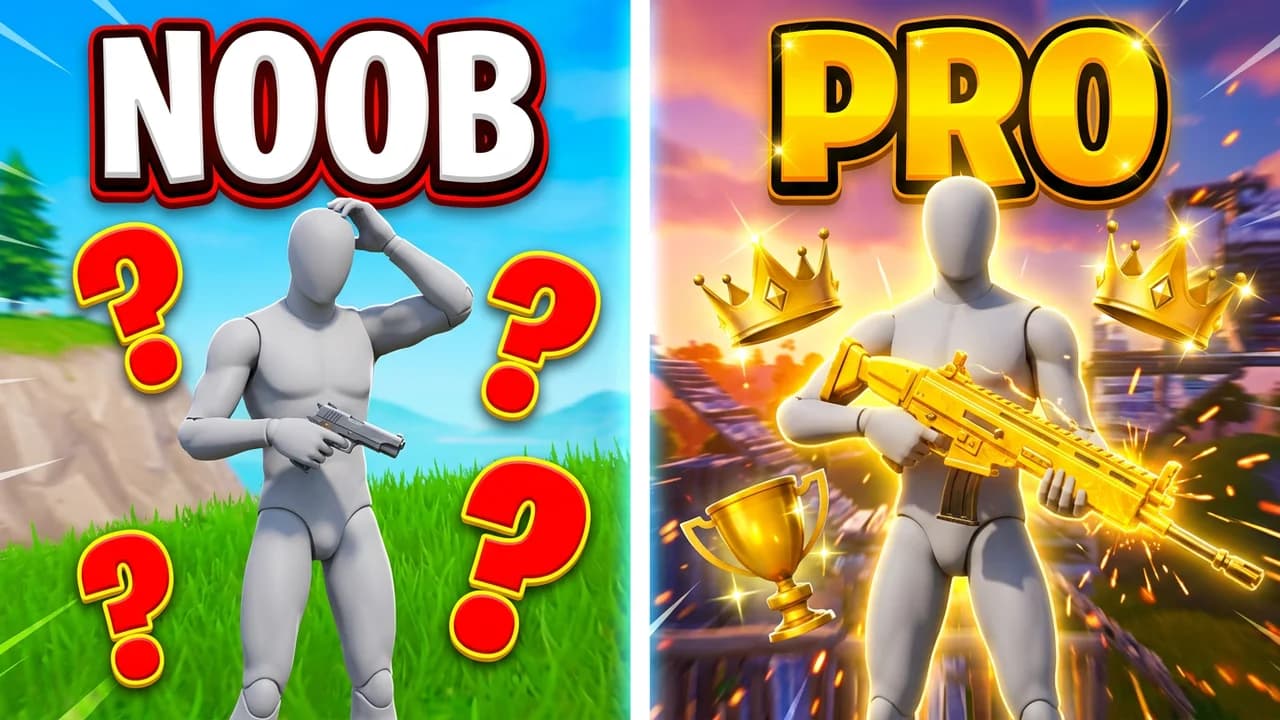
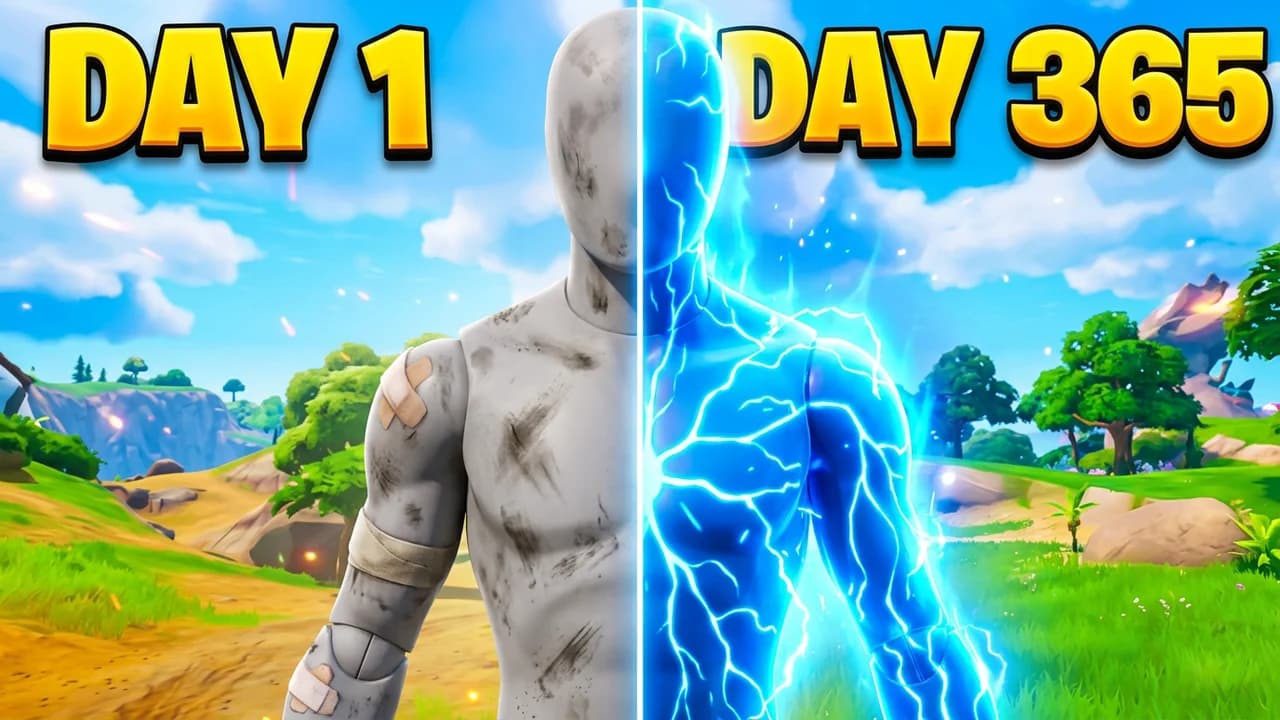
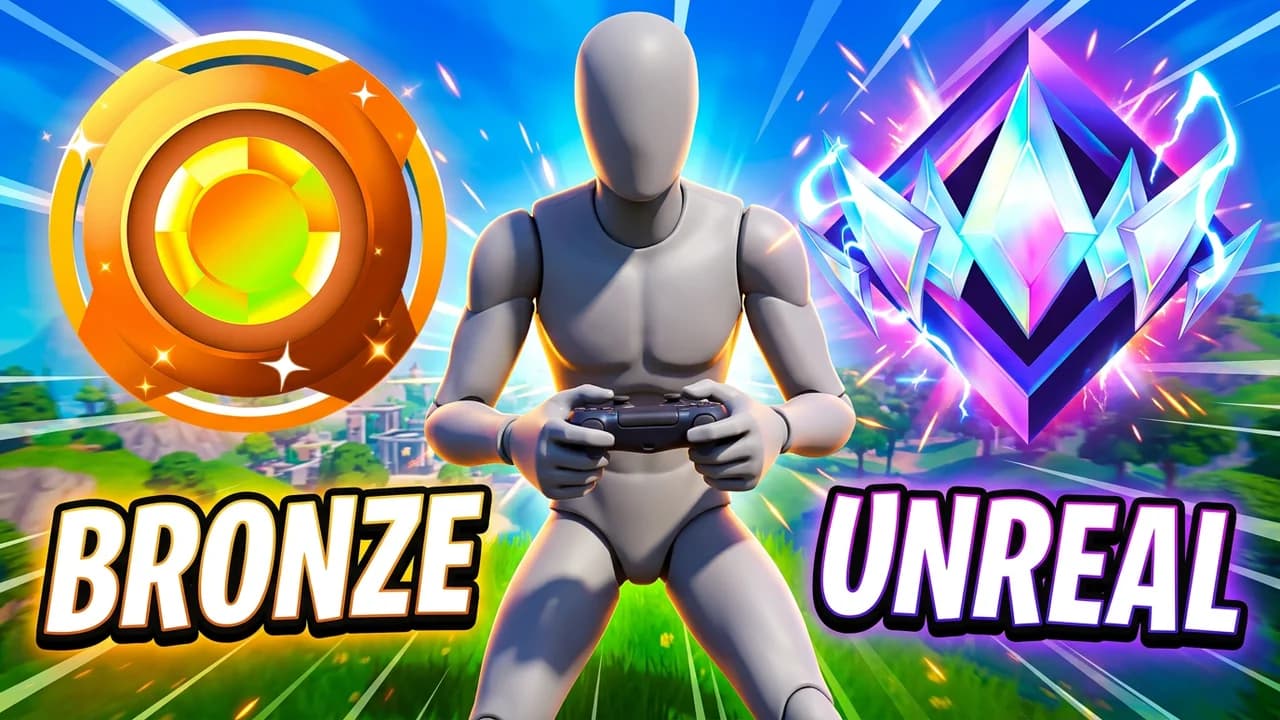
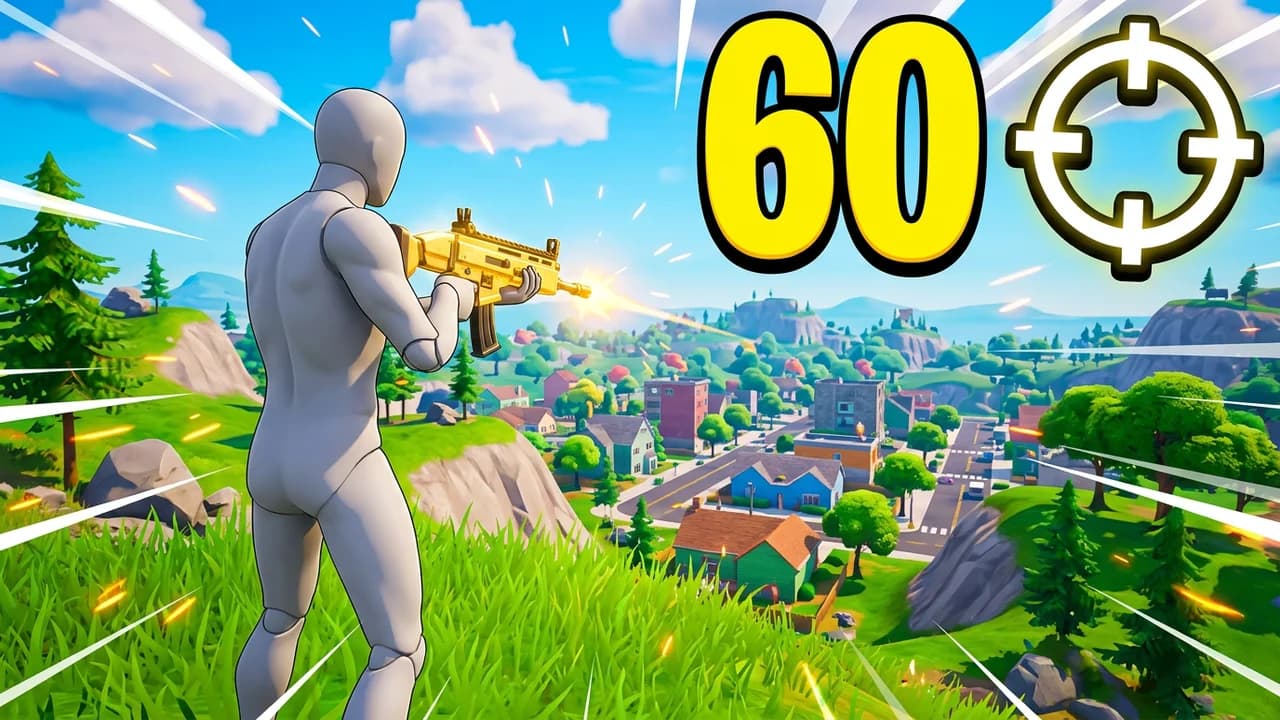
Fortnite thumbnails you can start from
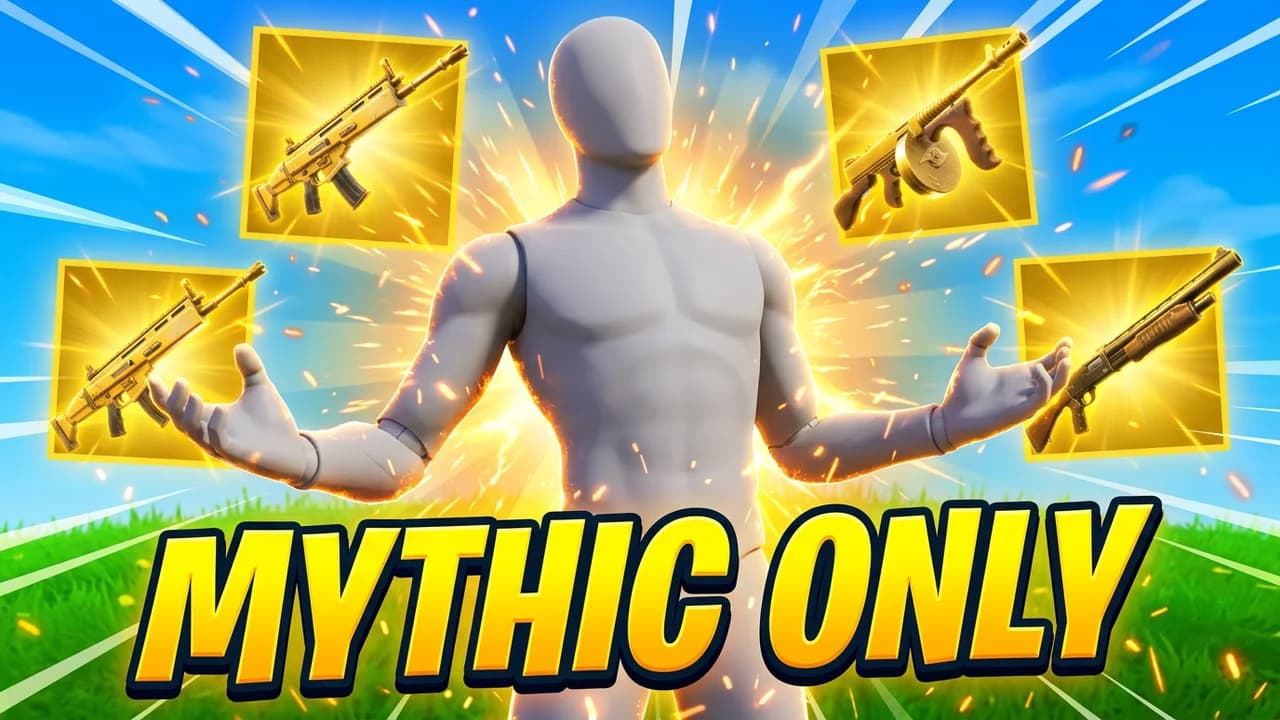
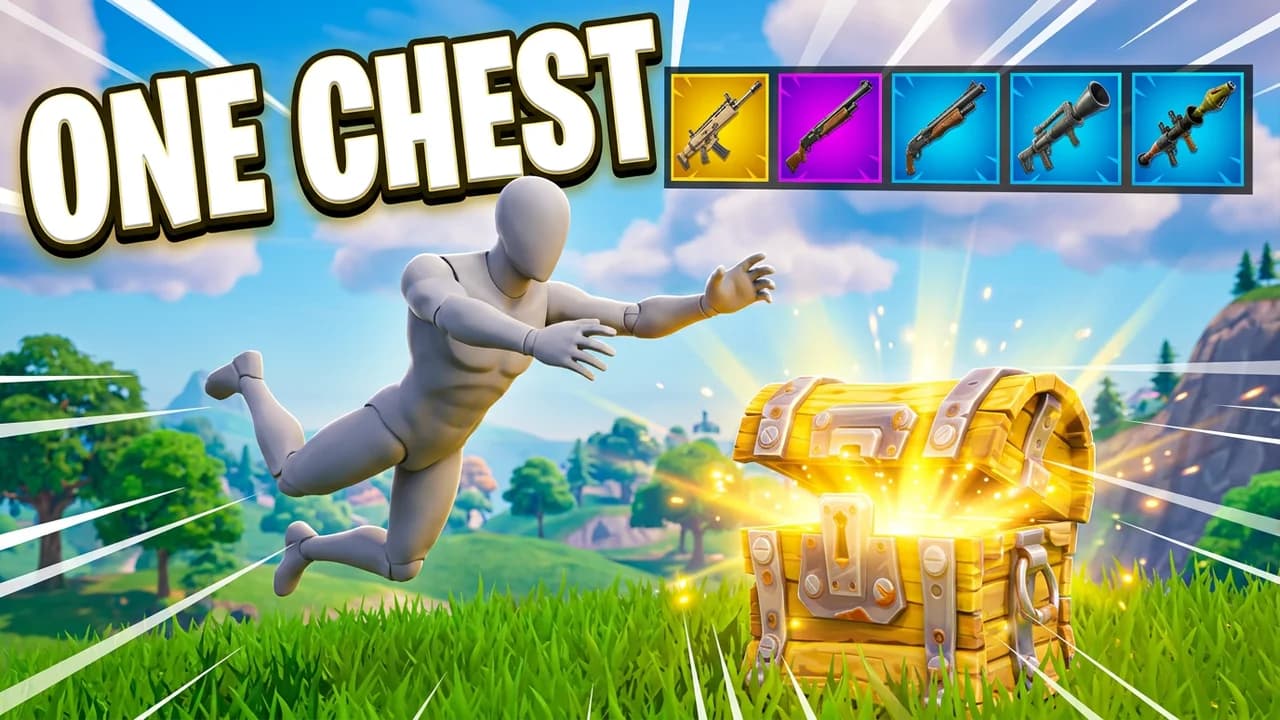
Built from the layouts getting the most clicks right now. Open one, put your character in and change it by typing.
Creator reviews
19,000+ creators have signed up and made 33,000+ thumbnails. Real reviews, collected through Senja.
"I used to spend 1 hour on thumbnails. Now with LaunchLens it takes 10 minutes. I love it. I recommend it for small creators just starting out."
"I used to spend 2-3 hours building 3D models of my Minecraft skin. Now it's fast and easy."
"I love how you can take a thumbnail and just replace anything in it. Love it."
Questions, answered straight.
What is the best Fortnite thumbnail maker for YouTube?+
LaunchLens is built for gaming creators specifically, so Fortnite thumbnails come from your own prompts and reference images rather than a generic template. You generate from a prompt, place your face with Characters if you want it, and Remaster existing thumbnails to sharpen them. It also covers the full upload pipeline, not just the thumbnail.
Is there a Fortnite preset or filter?+
No, and that is deliberate. Instead of a canned Fortnite preset, you drive the look with your own prompt and reference images, which keeps your season, skin, and POI accurate to what you are actually covering. Remaster lets you upgrade a thumbnail you already have without starting from scratch.
Can I make a Fortnite season or chapter thumbnail?+
Yes. New season and chapter coverage is one of the most common Fortnite formats, and the prompt-plus-references workflow handles it well because you can drop in the new skins or map references directly. We have real proof pairs showing chapter and season thumbnails reshot through the tool.
Do I have to put my face on the thumbnail?+
Never required. Character placement is there if you run a creator-forward channel and want a reaction face, with Expression and Lighting tools to make it fit. If you run a faceless or POV Fortnite channel, skip it entirely and every other tool still works.
How much does it cost and is there a free version?+
You get 90 credits free on signup with no card required, and a generation runs 30 credits, so your first one is covered. Paid plans are Starter $9 for 900 credits, Pro $25 for 2,750 credits, and Max $50 for 6,000 credits. Pro adds Upload Packages for titles, descriptions, chapters and tags.
What makes this different from other thumbnail tools?+
Most rival thumbnail tools advertise free, then paywall the first generation or blur the result until you pay, and some start at $17 a month for the thumbnail tool alone. LaunchLens gives you a real free generation, and Upload Packages adds titles, a description, chapters and tags to the thumbnail.
Does it help with win streak or clutch moment thumbnails?+
Yes. Win streaks, clutch 1v1s, and big-elim moments are core Fortnite formats, and you can frame them around the kill or the reaction rather than a loadout screen. Use the live YouTube inspiration search to see what is landing in your niche, then build from a prompt and references.
Can I make thumbnails for zero build, ranked, and challenge videos?+
Yes. Zero build vs ranked breakdowns, challenge runs, and item shop or skin showcases all work through the same prompt and reference workflow. There is no in-product game asset library, so you supply the references for the specific skins, POIs, or items you are featuring.
Ship your next Fortnite thumbnail tonight
Sign up, grab your 90 free credits, and run your first generation on the house. No card, no blurred preview, no held-back result. The whole packaging studio is included.
More for Fortnite
LaunchLens is an independent tool and is not affiliated, associated, authorized, endorsed by, or in any way officially connected with Mojang, Microsoft, Roblox Corporation, Epic Games, Take-Two Interactive, Rockstar Games, 2K, Riot Games, Activision Blizzard, Valve Corporation, Supercell, Electronic Arts, EA Sports, the Collegiate Licensing Company, TVGS, Arrowhead Game Studios, Sony Interactive Entertainment, or any of their subsidiaries. All game titles, logos, and characters are trademarks of their respective owners. College team names, marks, and college athlete names and likenesses are the property of their respective rights holders; build thumbnails from your own references and keep athlete and team art generic.