The Grow a Garden thumbnail maker built for the big harvest
Rare seeds, mutations, huge harvests, pet drops and update coverage. Grow a Garden thumbnails live on the reveal: the giant fruit, the rare pet, the number. Build that frame from your own Roblox screenshots, then edit it by typing.
Made in LaunchLens, one sentence each
A plain Roblox character next to an empty plot, then one typed sentence. Every image here is real output from the app.
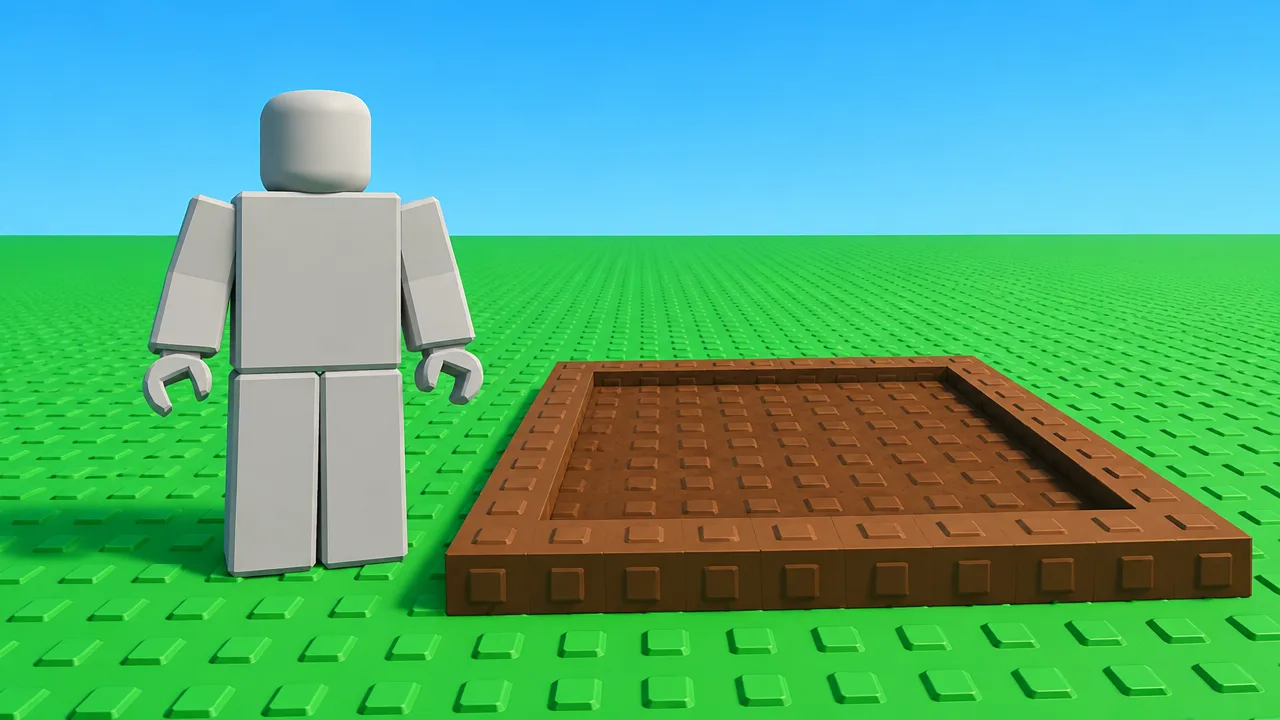
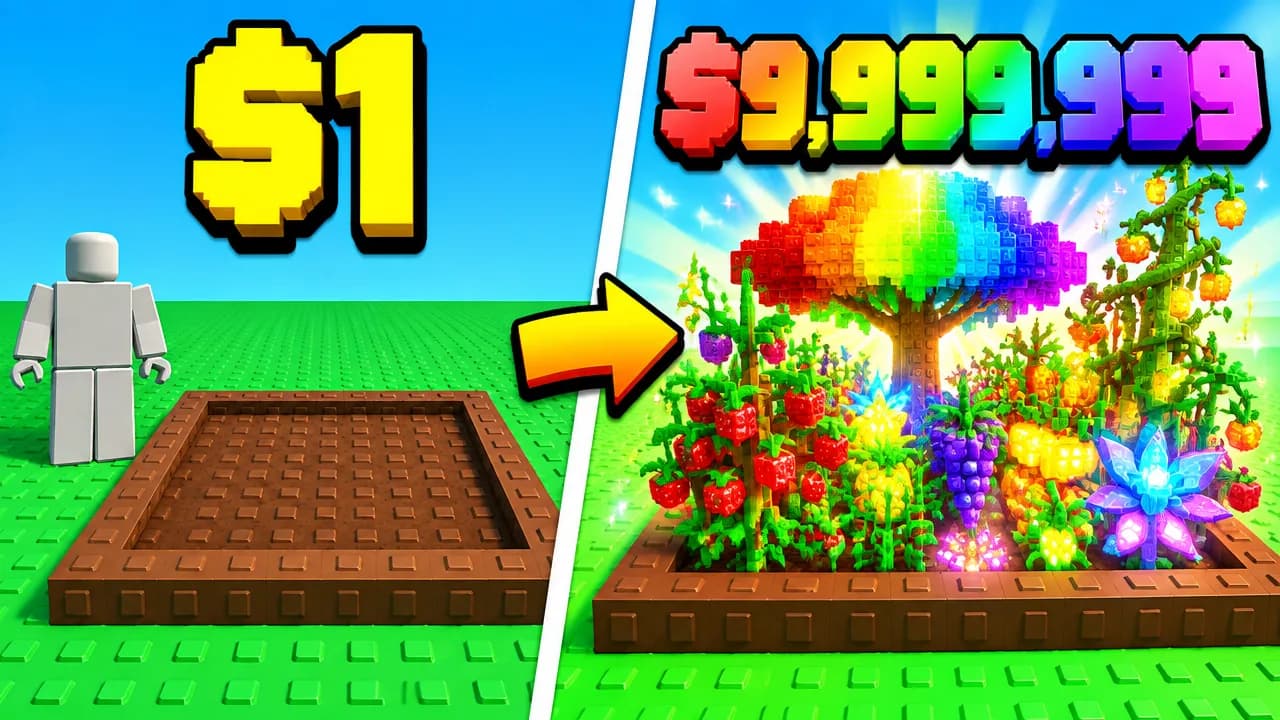
turn this into a Grow a Garden split screen thumbnail: empty dirt plot on the left with text $1, a glowing rainbow mega garden on the right with huge rainbow text $9,999,999
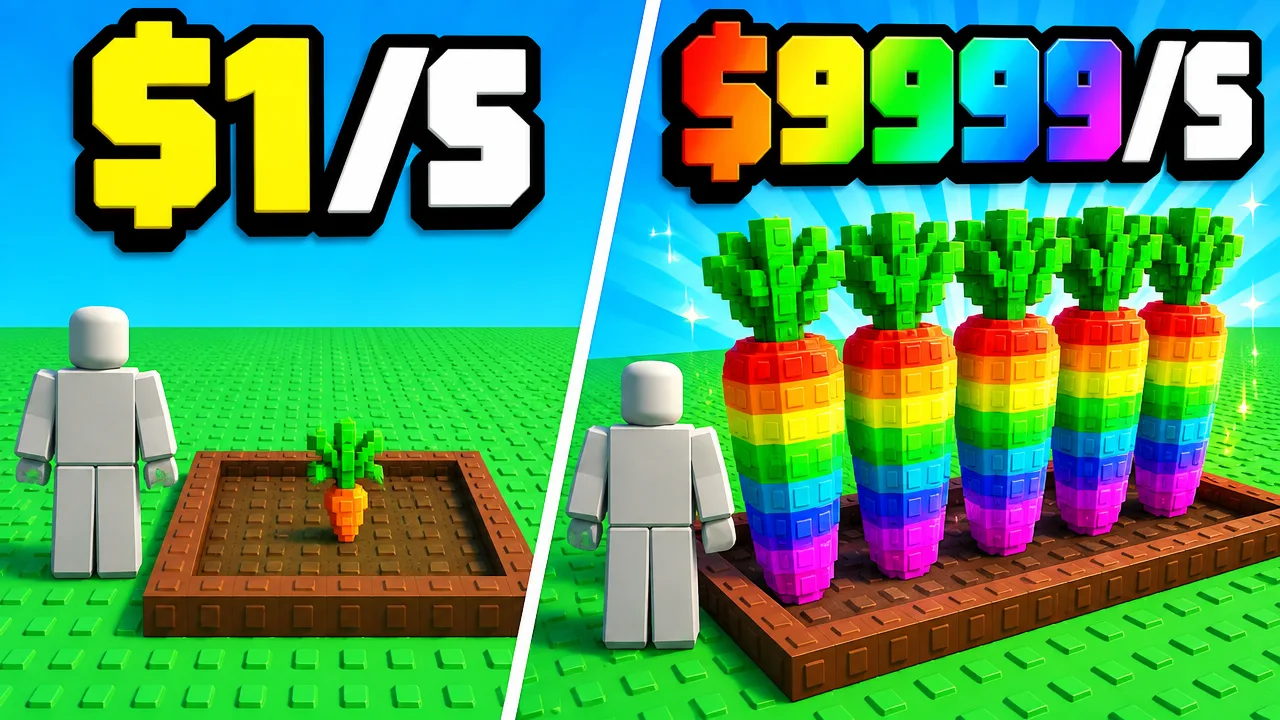
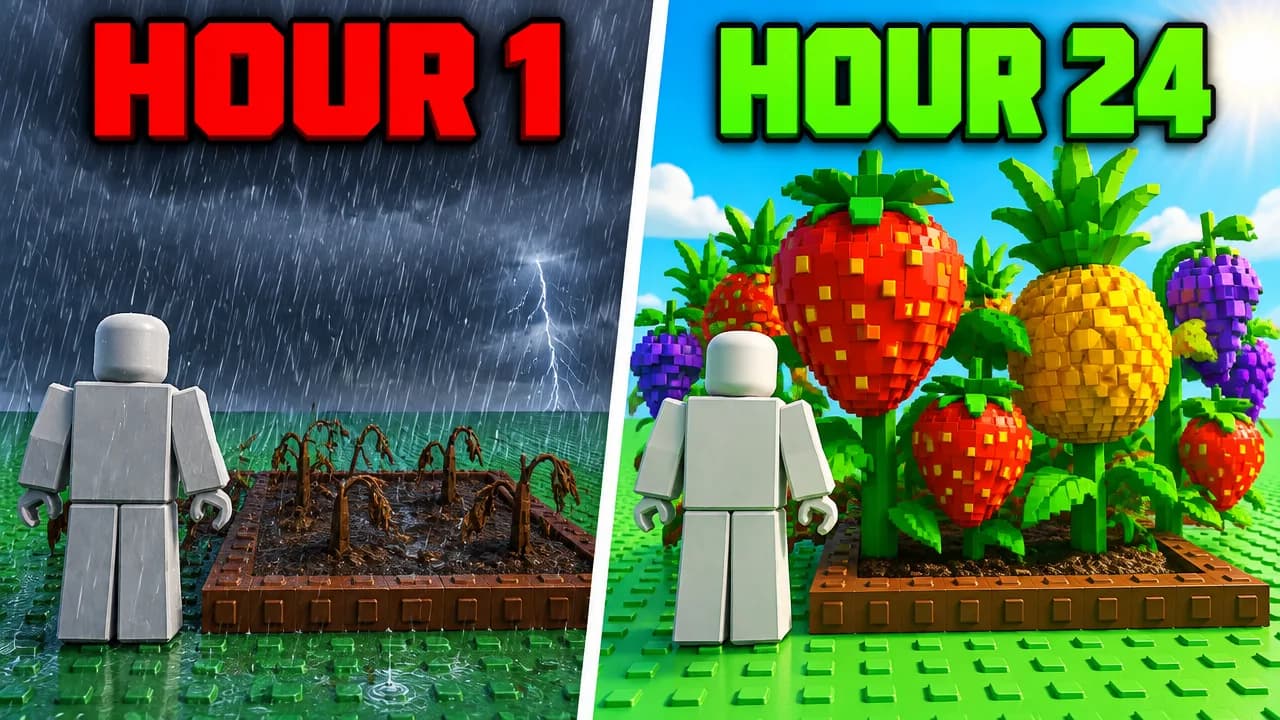
Why this exists
One of the biggest Roblox games, with a crowded feed.
Grow a Garden has been one of the most played games on Roblox, and its YouTube feed is packed with near-identical garden shots. The clicks go to thumbnails that show one clear reveal. LaunchLens builds from your own screenshots, so the blocky Roblox look stays right.
- +Rare seed and mutation reveals
- +Giant harvest and money milestones
- +Pet drops and trading
- +Update and event coverage that reads new at a glance
How it works
References, Characters, Edit by typing.
Describe the thumbnail, add screenshots of your garden, avatar and pets, and the studio builds from that. Want a starting layout? Our free Roblox templates open straight in the app.
- +Create from 1 to 3 reference thumbnails plus your own screenshots, so the game's look stays accurate
- +Characters put you or your avatar into the scene
- +Edit by typing: swap the item, fix the text, move the logo
- +Remaster an old thumbnail into two new versions for YouTube Test & Compare
Creator reviews
18,000+ creators have signed up and made 30,000+ thumbnails. Real reviews, collected through Senja.
"I used to spend 1 hour on thumbnails. Now with LaunchLens it takes 10 minutes. I love it. I recommend it for small creators just starting out."
"I used to spend 2-3 hours building 3D models of my Minecraft skin. Now it's fast and easy."
"I love how you can take a thumbnail and just replace anything in it. Love it."
Questions, answered straight.
Is there a free Grow a Garden thumbnail maker?+
Yes. LaunchLens gives you 90 credits on signup with no card required, and a generation runs 30 credits, so your first thumbnail is covered. No watermark.
Does LaunchLens have Grow a Garden assets built in?+
No, and we will not pretend otherwise. You drop in screenshots from your own gameplay or thumbnails you like as references, and the result follows that look. That keeps it accurate to the game and to your channel.
Can I put my Roblox avatar on a Grow a Garden thumbnail?+
Yes. Add your avatar as a Character and it goes into the scene.
Are there Grow a Garden templates?+
There are free Roblox thumbnail templates you can open in the app and change for Grow a Garden, like progression and noob vs pro layouts.
Make your next Grow a Garden thumbnail free
90 credits on signup, no card. Start from a free Roblox template or your own screenshots.
LaunchLens is an independent tool and is not affiliated, associated, authorized, endorsed by, or in any way officially connected with Mojang, Microsoft, Roblox Corporation, Epic Games, Take-Two Interactive, Rockstar Games, 2K, Riot Games, Activision Blizzard, Valve Corporation, Supercell, Electronic Arts, EA Sports, the Collegiate Licensing Company, TVGS, Arrowhead Game Studios, Sony Interactive Entertainment, or any of their subsidiaries. All game titles, logos, and characters are trademarks of their respective owners. College team names, marks, and college athlete names and likenesses are the property of their respective rights holders; build thumbnails from your own references and keep athlete and team art generic.