The College Football 27 thumbnail maker built for the dynasty rebuild grind
Dynasty rebuilds, Road to Glory runs, build reveals, signing day commits, and the rivalry game that came down to the wire. CFB packaging runs on team colors, a big number, and a player render that sells the moment. Pick a look, drop in your team and your player, and it comes together in the studio.
Pick a look. You land in the College Football studio with it loaded. No link to paste, no reshoot step.
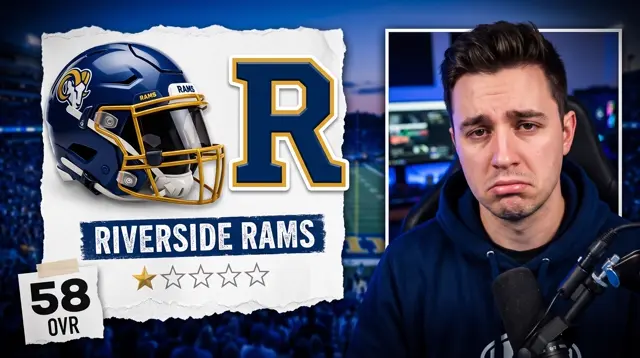 OpenDynasty Rebuild
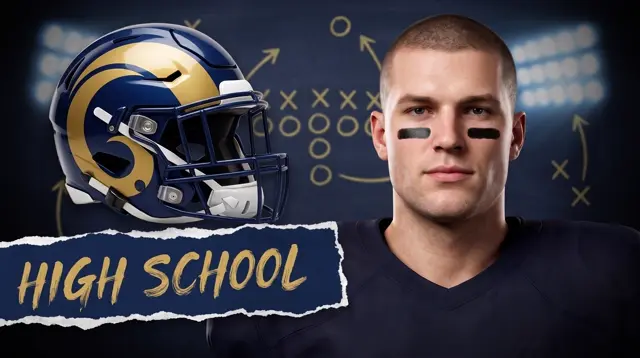 OpenRoad to Glory
 OpenHead-to-Head
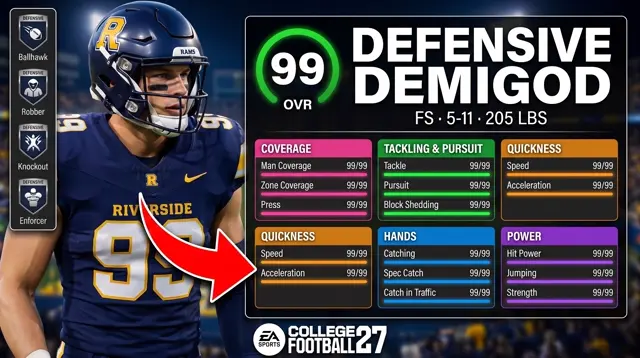 OpenBuild Reveal
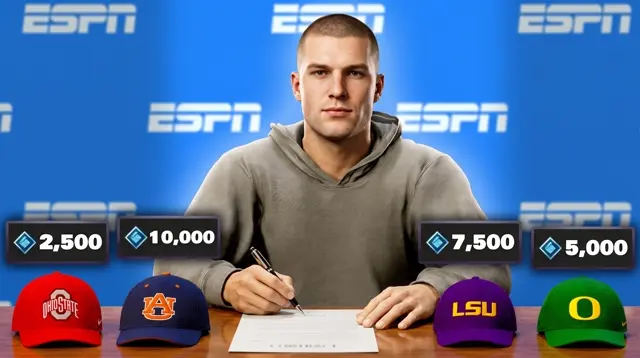 OpenSigning Day
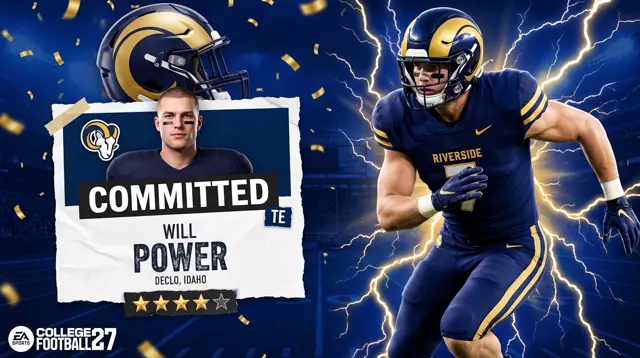 OpenCommit Reveal
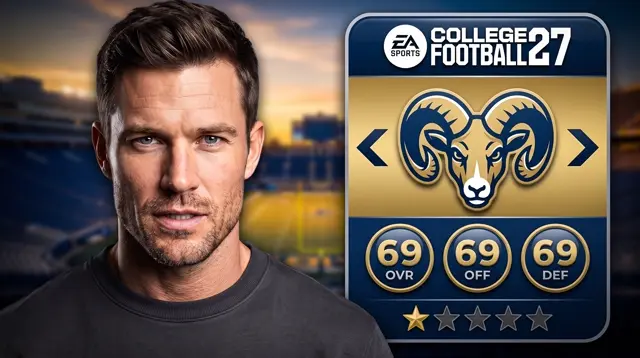 OpenTeam Rebuild
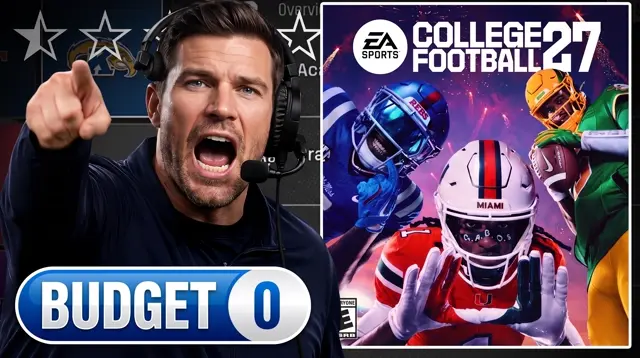 OpenCoach Mode
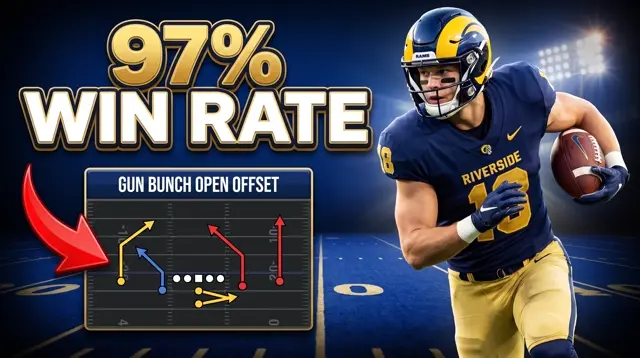 OpenMoney Plays
Why this exists
A new game drops and the whole feed looks the same by Friday.
Launch week for College Football 27 turns the feed into identical menu screenshots and stock team logos within days. Dynasty rebuilds, Road to Glory position runs, commit and signing day reveals, team rankings and tier lists, TeamBuilder reveals, and rivalry matchups all fight for the same click, and most of them read like a box score. Generalist AI tools do not know what a college football thumbnail is supposed to feel like, so you fight them for the team-color glow and get a generic stadium render instead. LaunchLens is built gaming-first: pick a look made for the moment and come out with a thumbnail you would actually click.
- +Dynasty rebuilds framed as a story the viewer reads in one glance
- +Road to Glory position runs, QB, WR, EDGE, RB, with the five-star read that carries a series
- +Commit reveals and signing day videos where the announcement is the hook
- +Head-to-head rivalry games and team rankings with a big, team-color layout
How it works
Start from a real template. Make it yours in the studio.
The College Football studio opens on seventeen templates across nine looks: dynasty rebuilds, Road to Glory, build reveals, head-to-head, signing day, commit reveals, team rebuilds, coach mode, and money plays. Pick the one that fits your video and you land in the studio with it loaded. Choose your school from the built-in team picker and the colors and logo come with it, or set custom colors for your own program. Swap in your player, set the text, and generate. No blank canvas, no prompt to write from scratch. Want to push further? The wider studio lets you drop in your own references, place your face with Characters, or Reshoot a thumbnail you already have.
- +Seventeen real templates across nine College Football looks, not a blank canvas
- +A built-in team picker: choose your school and the colors come with it
- +Facecam looks take your real reaction face, matched into the scene
- +Go deeper with your own references, or Reshoot a thumbnail you already have
Creator reviews
18,000+ creators have signed up and made 30,000+ thumbnails. Real reviews, collected through Senja.
"I used to spend 1 hour on thumbnails. Now with LaunchLens it takes 10 minutes. I love it. I recommend it for small creators just starting out."
"I used to pay for these on Fiverr. LaunchLens is way cooler."
"I love how you can take a thumbnail and just replace anything in it. Love it."
Questions, answered straight.
Is there a free College Football 27 thumbnail maker?+
Yes. LaunchLens gives you 90 credits on signup with no card required, and a generation runs 30 credits, so your first thumbnail is covered. There is no watermark and no blurred result you have to pay to reveal, which is how many rival tools run their free tier.
Can it make Dynasty and Road to Glory thumbnails?+
Yes. Those are templates in the studio. Pick the dynasty or road to glory look, swap in your team and your player, set the text, and generate. A dynasty rebuild can run thirty episodes or more, so starting from a consistent template is the difference between a series that looks like a brand and one that looks thrown together.
What size should a College Football 27 thumbnail be?+
1280 x 720 pixels, a 16:9 aspect ratio, under 2MB, as a JPG or PNG. That is YouTube's standard for every video, College Football 27 included. LaunchLens generates thumbnails at YouTube's ratio, so you download and upload without resizing.
What CFB 27 videos need custom thumbnails?+
The formats that run as series are where thumbnails pay off most: dynasty rebuilds (often thirty or more episodes), Road to Glory position runs like a QB, WR, or EDGE career, team rankings and tier lists, TeamBuilder program reveals, signing day and commit videos, and rivalry or playoff games. Each of those is a template in the College Football studio, so a series keeps one consistent look across every episode.
Will the thumbnails match my team colors and uniforms?+
Yes. The College Football studio has a built-in team picker, so you choose your school and the generation runs in its colors. Running a TeamBuilder program or your own custom school? Set custom colors and upload your own logo and the template adapts. You can also drop in screenshots as references when you want the output anchored to a specific uniform or stadium.
How do I keep College Football 27 thumbnails on the safe side of likeness?+
Lead with your own reaction and keep athlete art generic. The channels that scale this keep real athlete faces out of the art and let the framing, the score, and their own reaction carry the click. The studio templates are built that way by default: your team, your face, your text, and a generic player render selling the moment.
Can I put my own face on a College Football 27 thumbnail?+
Yes. Several College Football looks are built around a facecam reaction, so you upload your face in the studio and it gets matched into the scene. Outside the templates, Characters place your face into any thumbnail and matches the lighting so it does not look pasted on. Face tools are optional, so faceless dynasty channels are fully supported.
Make your next College Football 27 thumbnail free
90 credits on signup, no card, no blurred result. Pick a look, drop in your team, and package the whole video in one place.
Free templates
Start from a COLLEGE FOOTBALL layout that already works
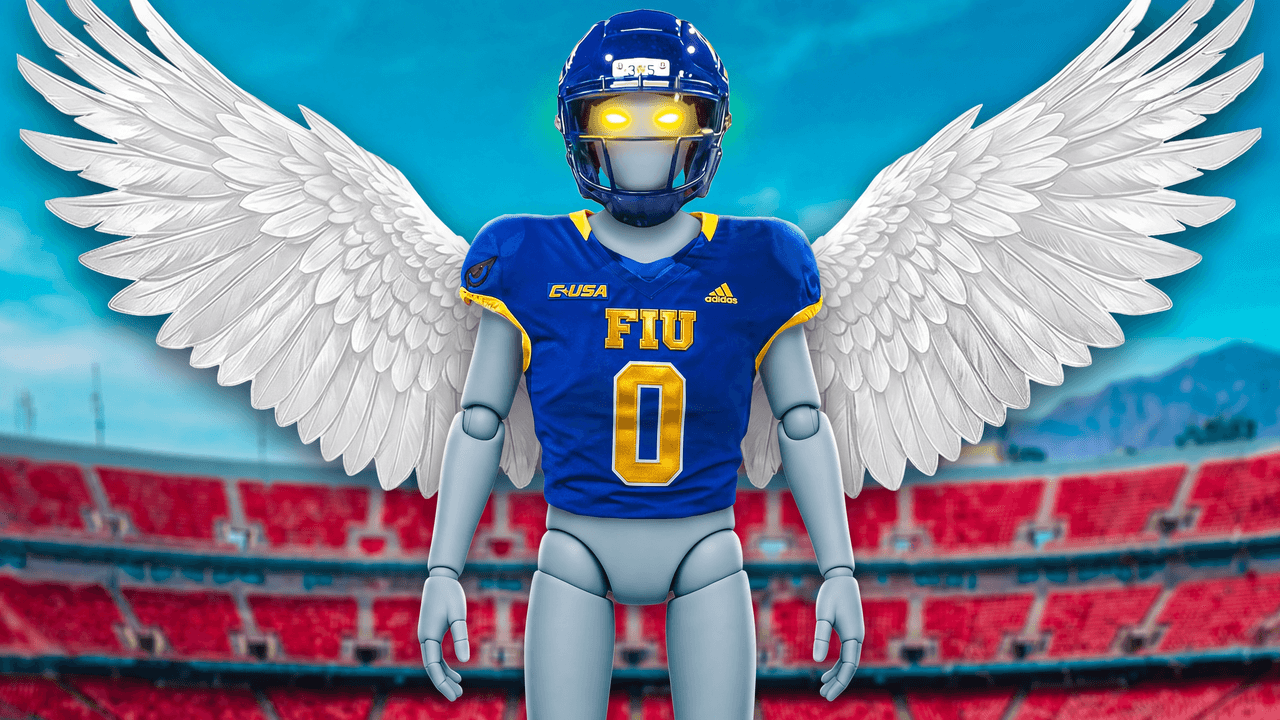
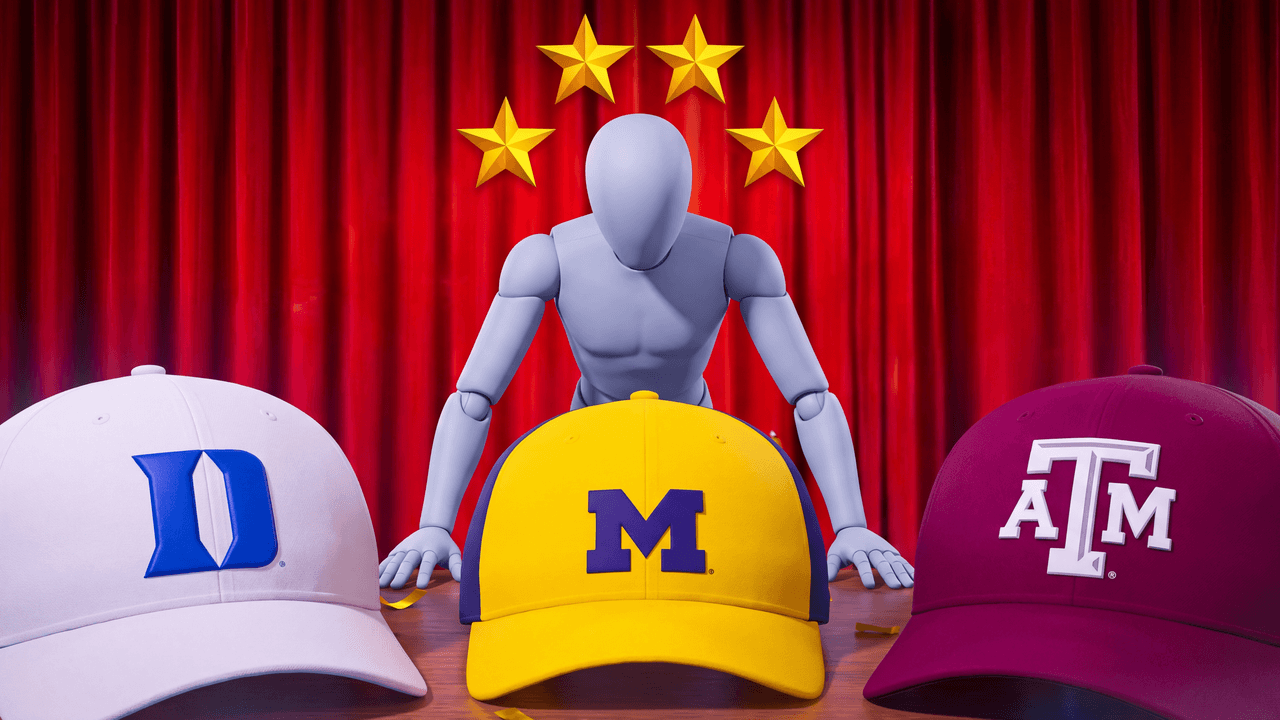
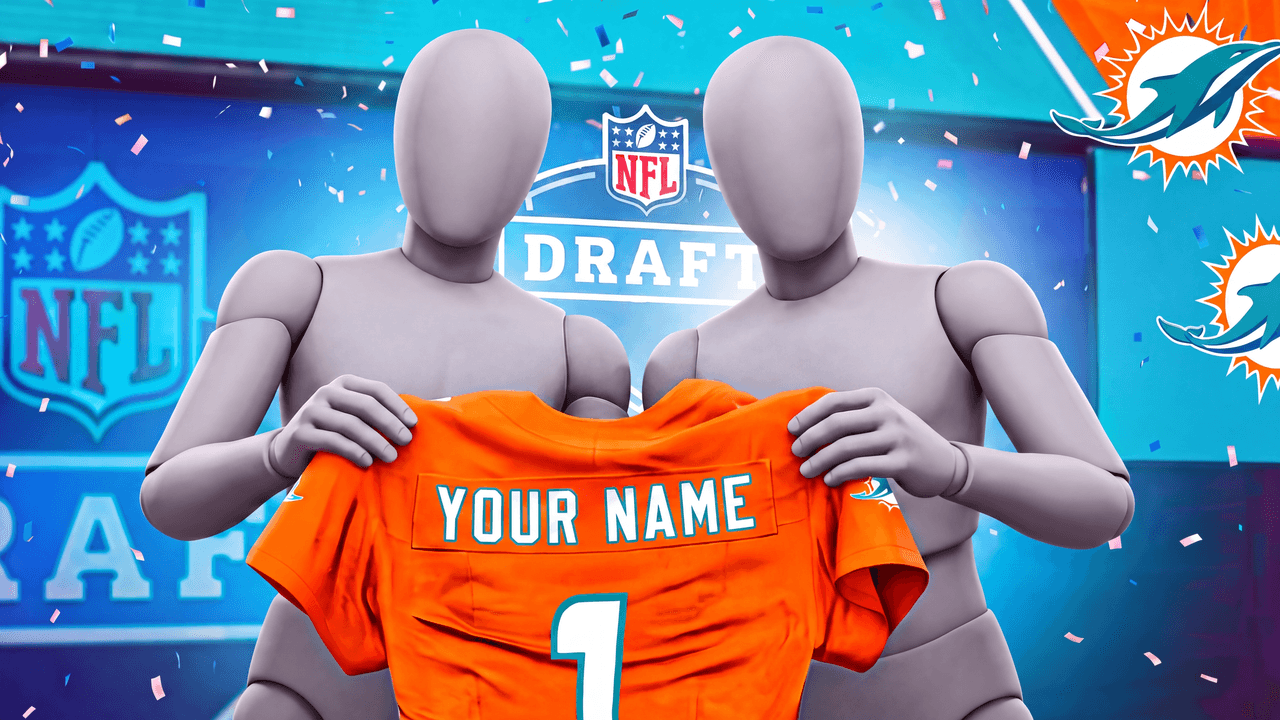
Every one opens straight in the studio. Swap the grey stand-in for yourself and change anything by typing.
LaunchLens is an independent tool and is not affiliated, associated, authorized, endorsed by, or in any way officially connected with Mojang, Microsoft, Roblox Corporation, Epic Games, Take-Two Interactive, Rockstar Games, 2K, Riot Games, Activision Blizzard, Valve Corporation, Supercell, Electronic Arts, EA Sports, the Collegiate Licensing Company, TVGS, Arrowhead Game Studios, Sony Interactive Entertainment, or any of their subsidiaries. All game titles, logos, and characters are trademarks of their respective owners. College team names, marks, and college athlete names and likenesses are the property of their respective rights holders; build thumbnails from your own references and keep athlete and team art generic.