Minecraft thumbnail backgrounds and how to pick the right world
We don't sell a downloadable pack of Minecraft backgrounds. Each look in the studio builds the world behind your skin. Here's how to choose.
Each look builds its own world. Open one to see it behind your skin.
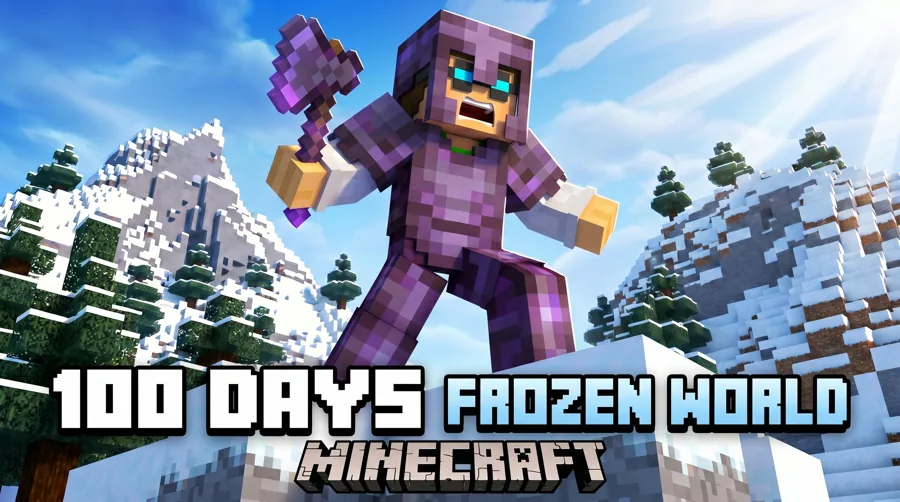
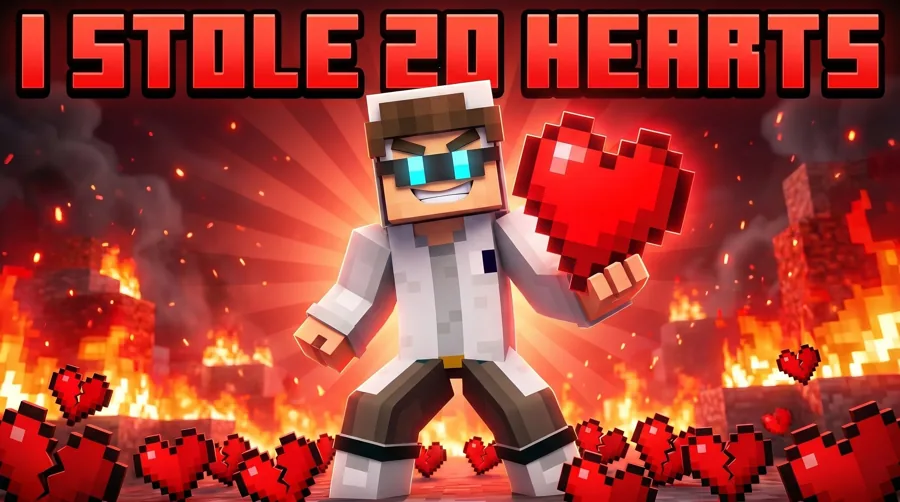
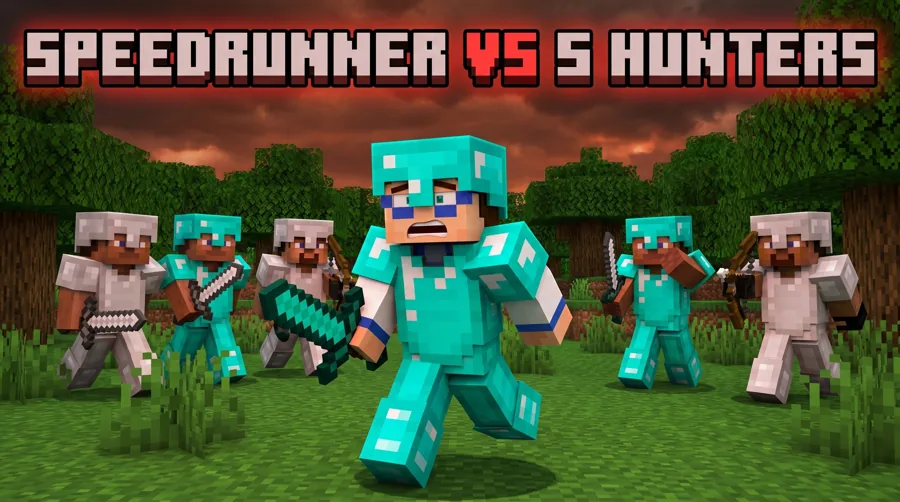
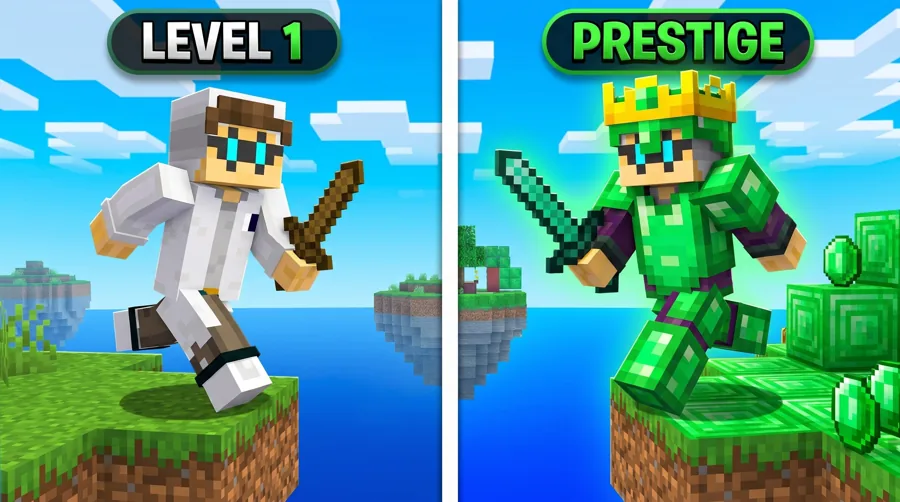
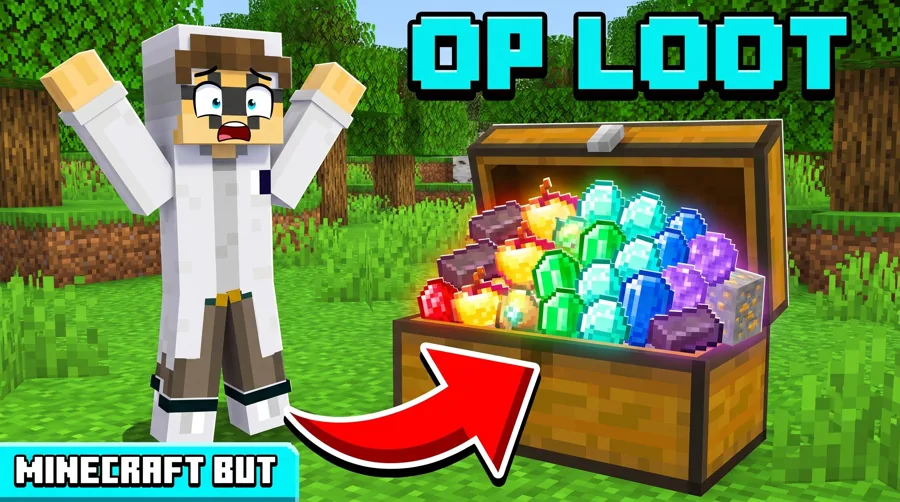
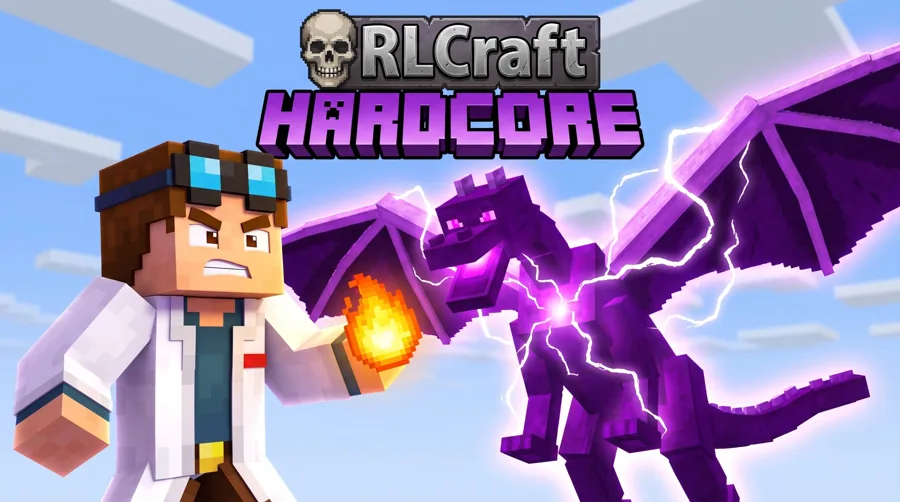
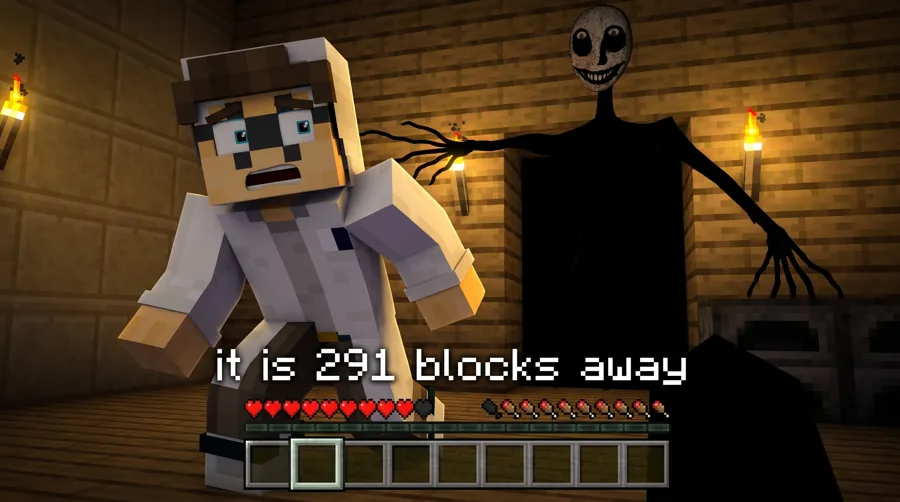
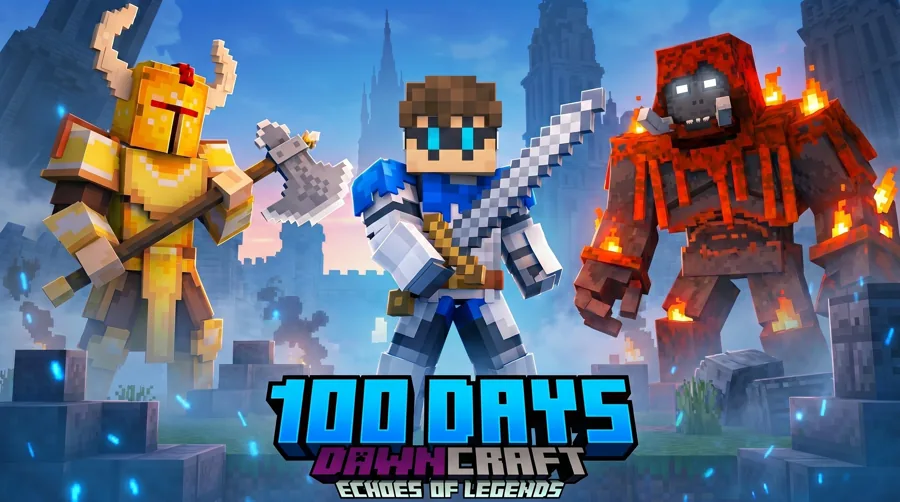
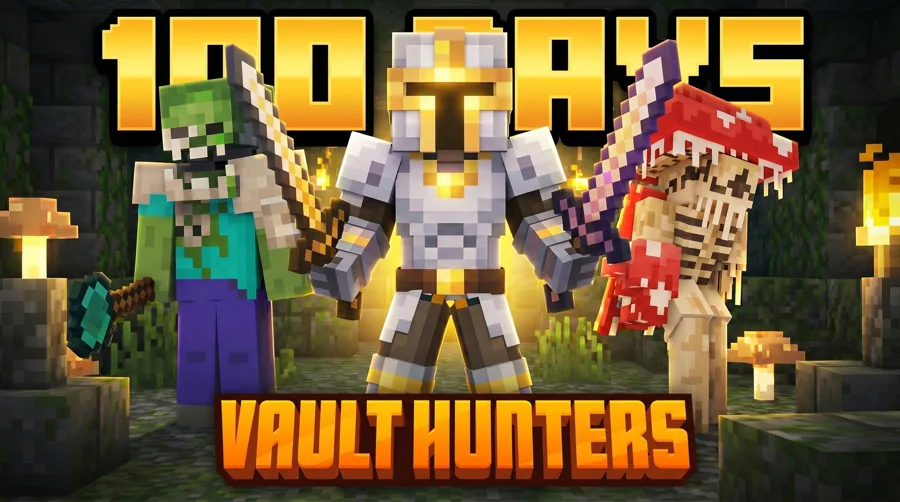
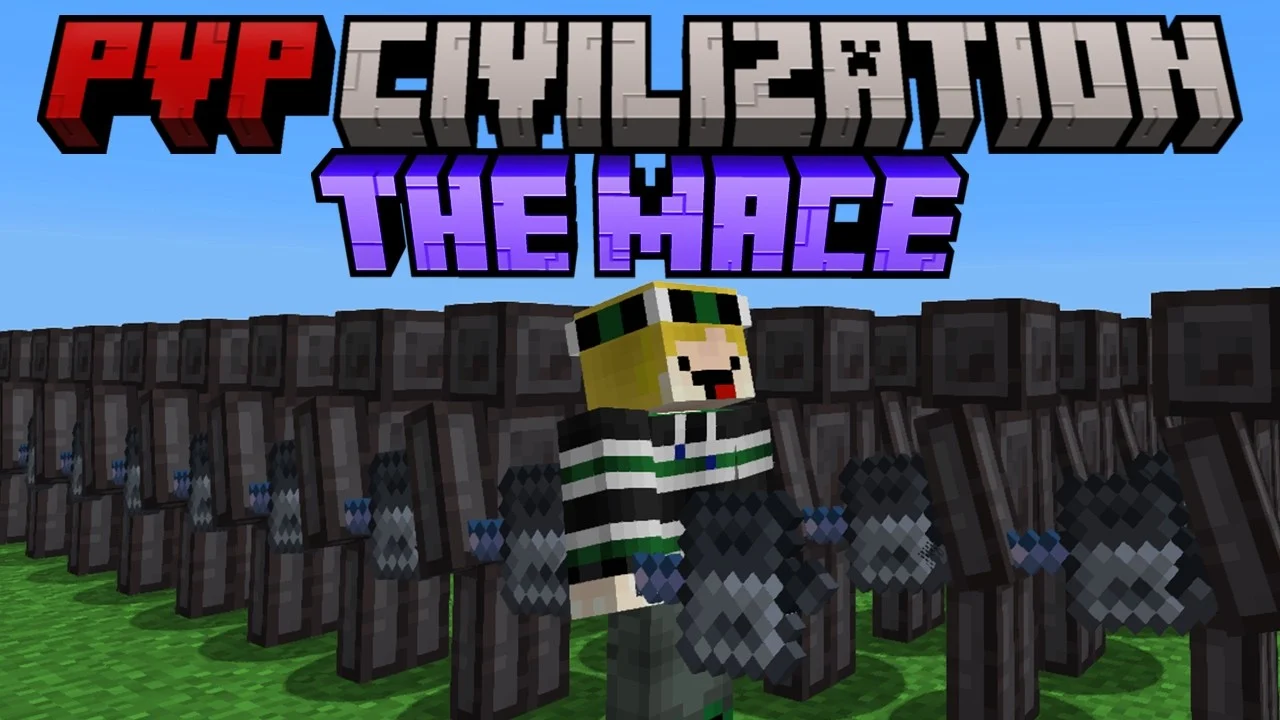 Before
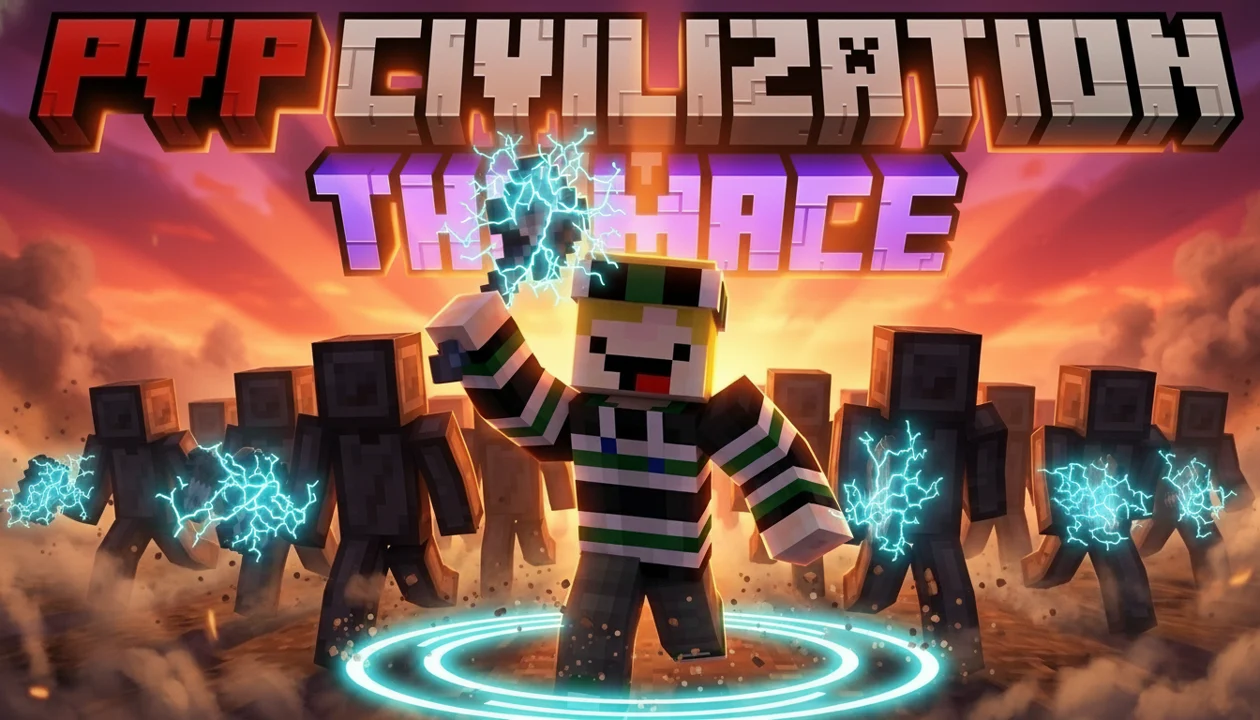 After
AfterReal Remaster output. PVP Civilization, one pass, May 2026.
What you get
A world, not a download
A background pack is a folder of screenshots you paste your skin onto. The studio builds the world around your character instead. There's no pack to download and no cutout to fight with.
- +The world comes from the look you pick
- +Your skin is lit to sit in that scene
- +Change the world by describing it or switching looks
- +Add your own world screenshots as references
Pick by video
Which look to start from
Each look sets up a different kind of Minecraft scene. Start from the one closest to your video, then describe any changes.
| Hardcore or 100 days | Survival / 100 Days |
|---|---|
| SMP war or lifesteal | SMP / Lifesteal |
| Manhunt chase | Manhunt |
| Bedwars or PvP | Bedwars / PvP |
| Challenge with a twist | Minecraft But |
| Dragon modpack | RLCraft |
| Scary map or entity | Horror |
| Boss modpack | DawnCraft |
| Vault and loot grind | Vault Hunters |
How to pick
Choose the world by the video
The background tells viewers what kind of Minecraft video they're about to watch, before they read anything.
- +Survival and hardcore: open, hostile terrain
- +PvP and Bedwars: a clear arena with a clear threat
- +Modpacks: the thing the pack is known for, big in frame
- +Horror: darkness and space, so one shape can scare
Keep it readable
Minecraft worlds are busy, so quiet them down
Blocks are high-detail by nature. A busy world behind your skin turns to noise at sidebar size, so the scene has to step back.
- +Darker or softer behind the skin than on it
- +One bright focal point, not ten
- +Leave a quiet third for two or three words
- +Skip the hotbar and HUD clutter
The spec
Size and format
Whatever scene sits behind your player, the finished Minecraft thumbnail exports at YouTube's size. Make sure the setting still reads once it shrinks to the sidebar.
| Recommended size | 3840 x 2160 px |
|---|---|
| Aspect ratio | 16:9 |
| Minimum width | 640 px |
| File types | JPG or PNG |
| Max file size | 2 MB from mobile, 50 MB from desktop |
Layouts built on these scenes
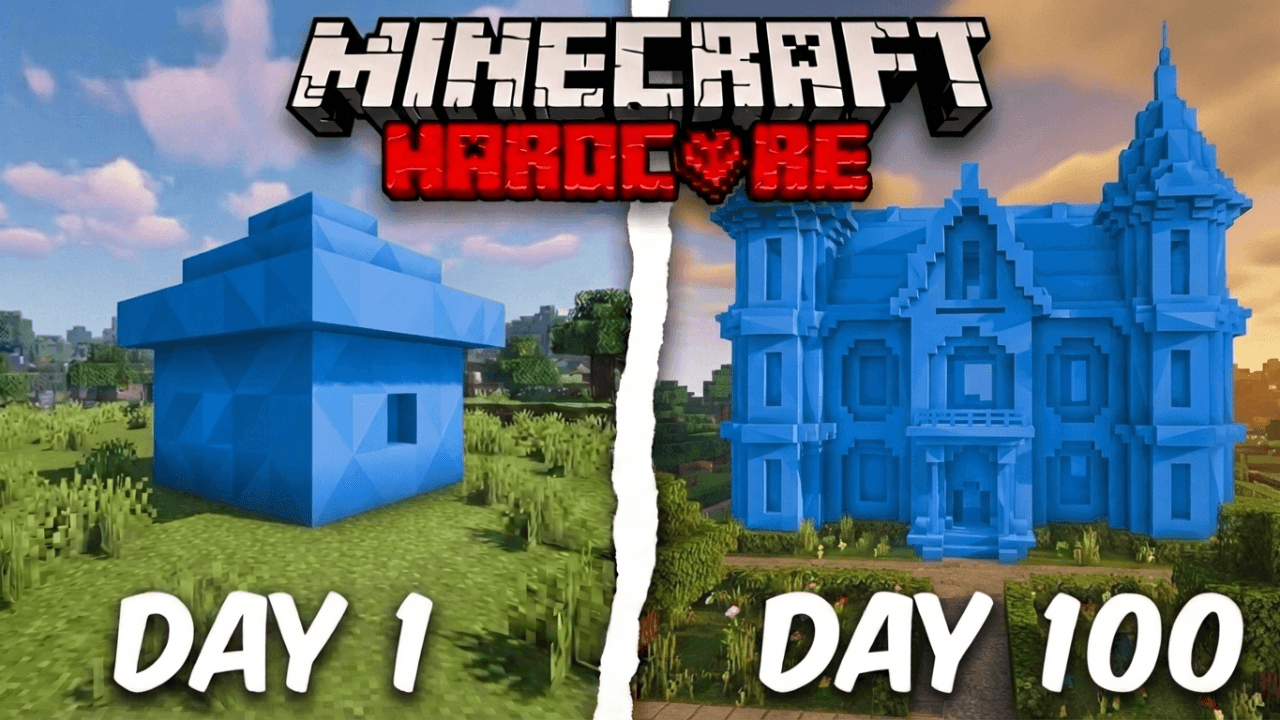
Start from a Minecraft layout that already works
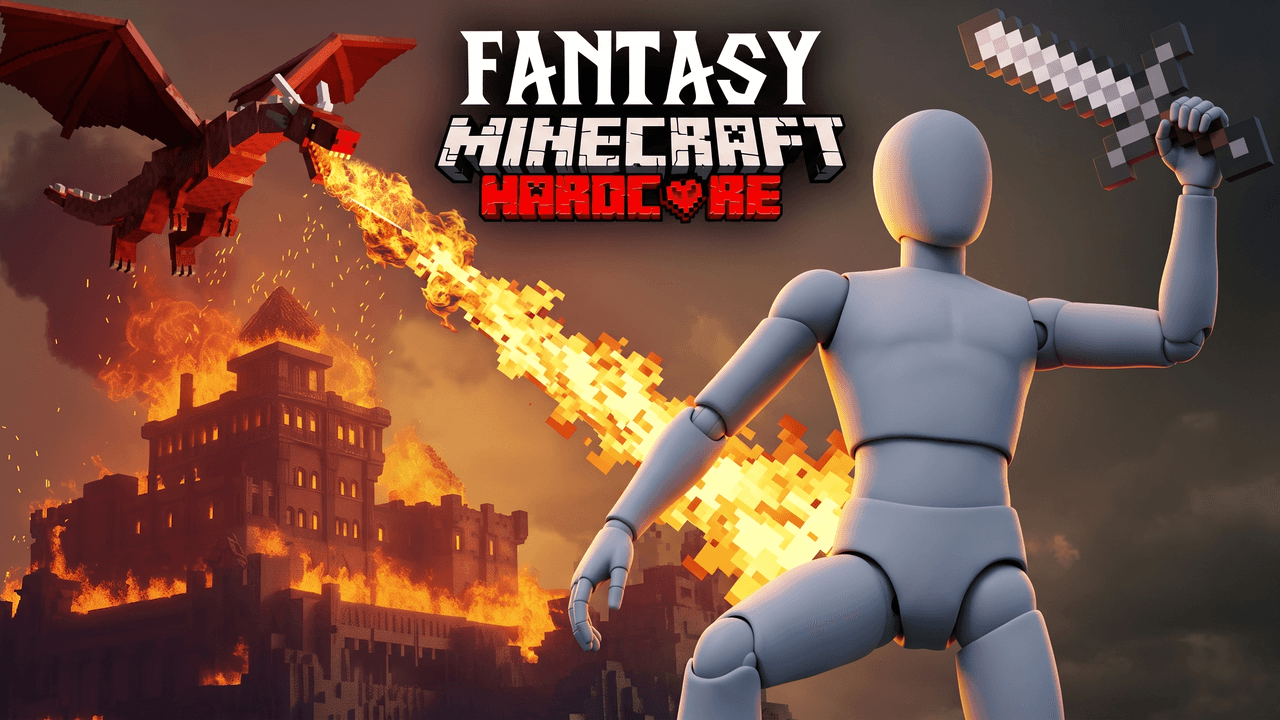
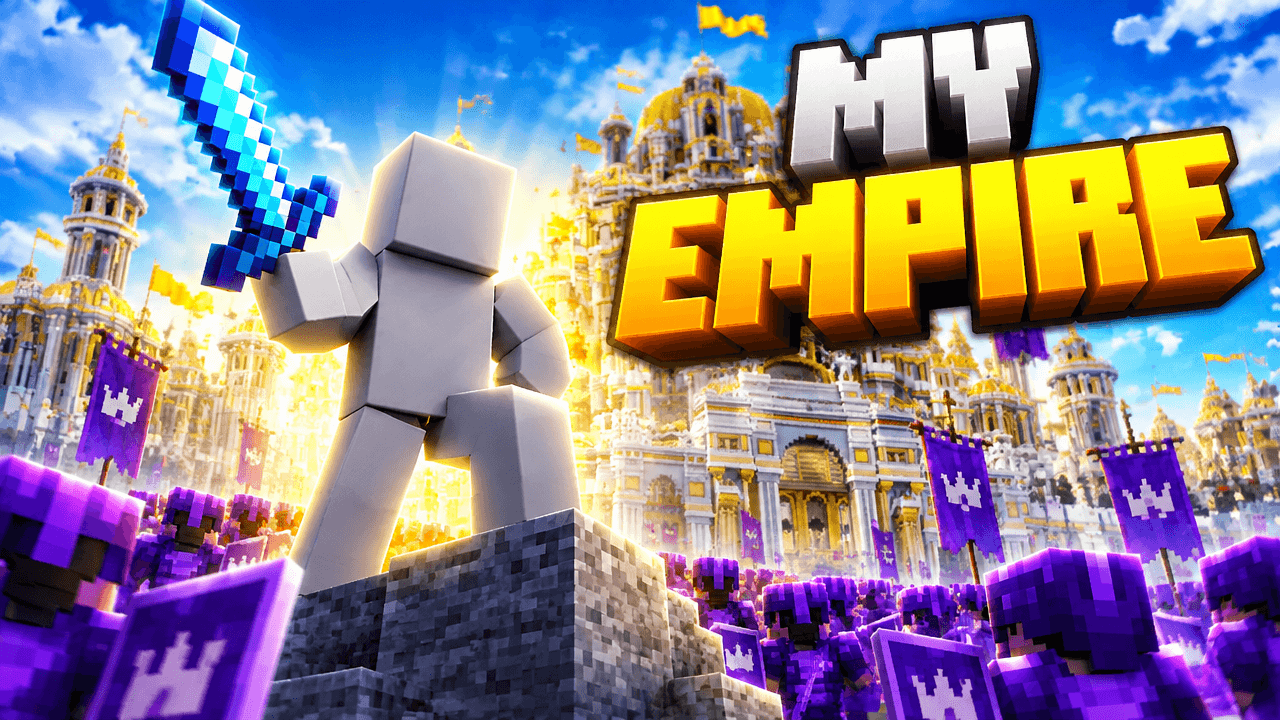
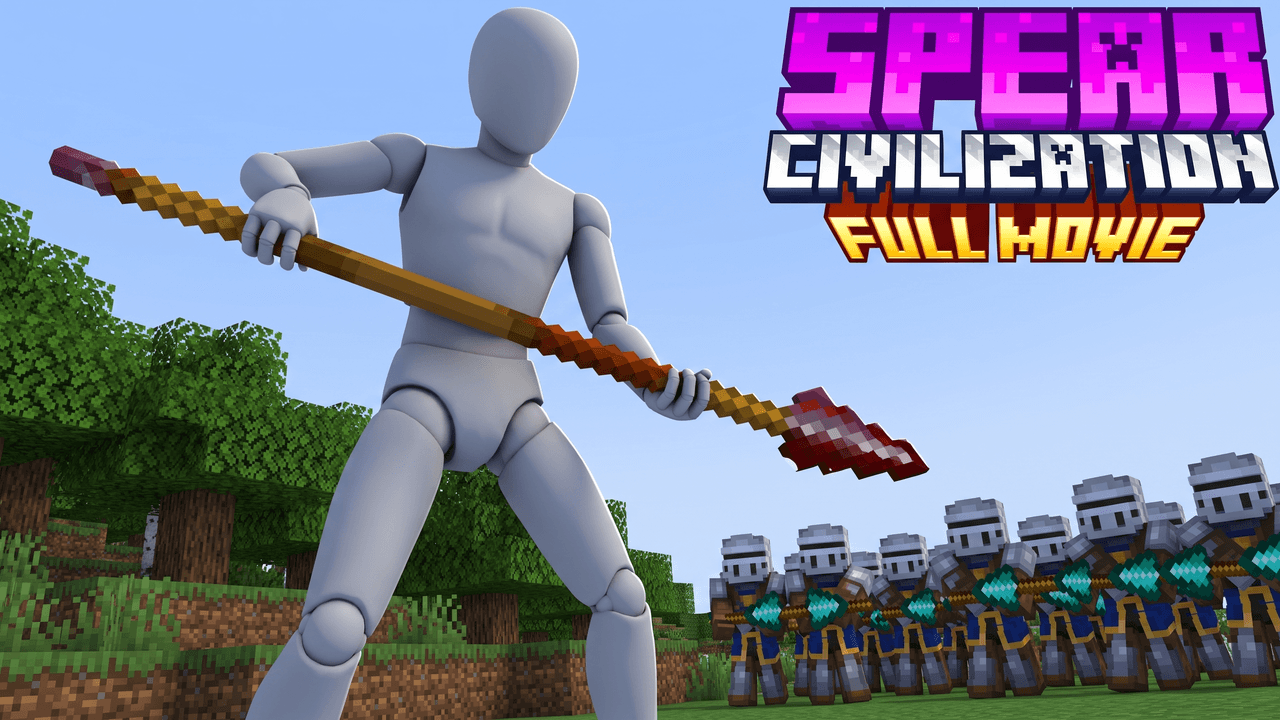
Every one opens straight in the studio. Swap the grey stand-in for yourself and change anything by typing.
Creator reviews
18,000+ creators have signed up and made 30,000+ thumbnails. Real reviews, collected through Senja.
"I used to spend 2-3 hours building 3D models of my Minecraft skin. Now it's fast and easy."
"I love how you can take a thumbnail and just replace anything in it. Love it."
"I used to spend 1 hour on thumbnails. Now with LaunchLens it takes 10 minutes. I love it. I recommend it for small creators just starting out."
Questions, answered straight.
Do you have downloadable Minecraft thumbnail backgrounds?+
No. We don't ship a background pack. Each studio look builds the world behind your skin, so you get a matching scene without cutting anything out.
How do I make a Minecraft thumbnail background?+
Open a look in the Minecraft studio, drop in your skin, and describe the world you want. You can add your own screenshots as references too.
What's the best background for a hardcore or 100 days thumbnail?+
Open, hostile terrain with a dark sky, so the stakes read. Start from the Survival / 100 Days look.
Can I use a screenshot from my own world?+
Yes, as a reference. The studio builds the scene from it rather than pasting your skin onto a flat screenshot.
Is it free to try?+
You get free credits at signup with no card, enough for your first thumbnail.
What size should a Minecraft thumbnail be?+
YouTube Help recommends 3840 x 2160 pixels at 16:9, with a minimum width of 640 pixels. Use JPG or PNG, under 2 MB from mobile or 50 MB from desktop.
See your skin in the world
Free credits on signup. No card. Your first thumbnail is on us.
Keep exploring
LaunchLens is an independent tool and is not affiliated, associated, authorized, endorsed by, or in any way officially connected with Mojang, Microsoft, Roblox Corporation, Epic Games, Take-Two Interactive, Rockstar Games, 2K, Riot Games, Activision Blizzard, Valve Corporation, Supercell, Electronic Arts, EA Sports, the Collegiate Licensing Company, TVGS, Arrowhead Game Studios, Sony Interactive Entertainment, or any of their subsidiaries. All game titles, logos, and characters are trademarks of their respective owners. College team names, marks, and college athlete names and likenesses are the property of their respective rights holders; build thumbnails from your own references and keep athlete and team art generic.