Minecraft thumbnail templates for 100 days, SMPs and modpacks
Nine looks for the videos Minecraft channels really make: survival runs, lifesteal wars, manhunts, Bedwars, Minecraft But challenges, horror and the big modpacks. Open one with your skin and go.
Pick a look to open it in the Minecraft studio with the style already loaded.
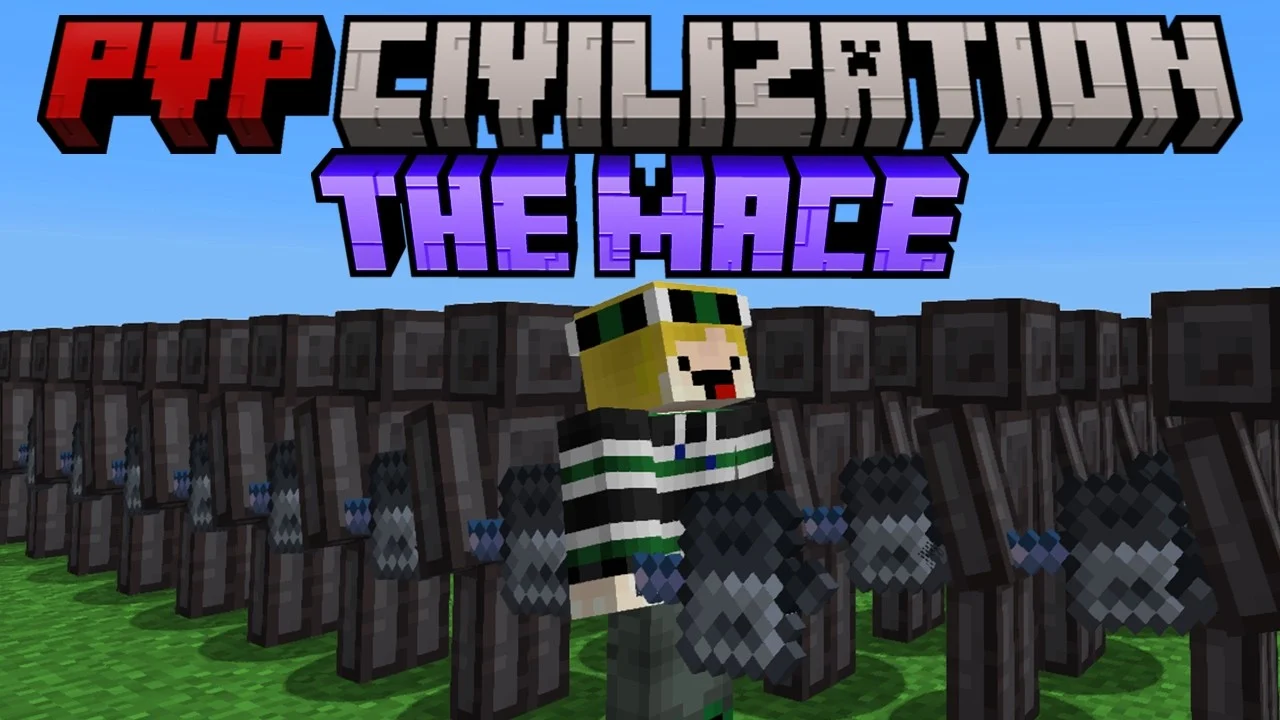 Before
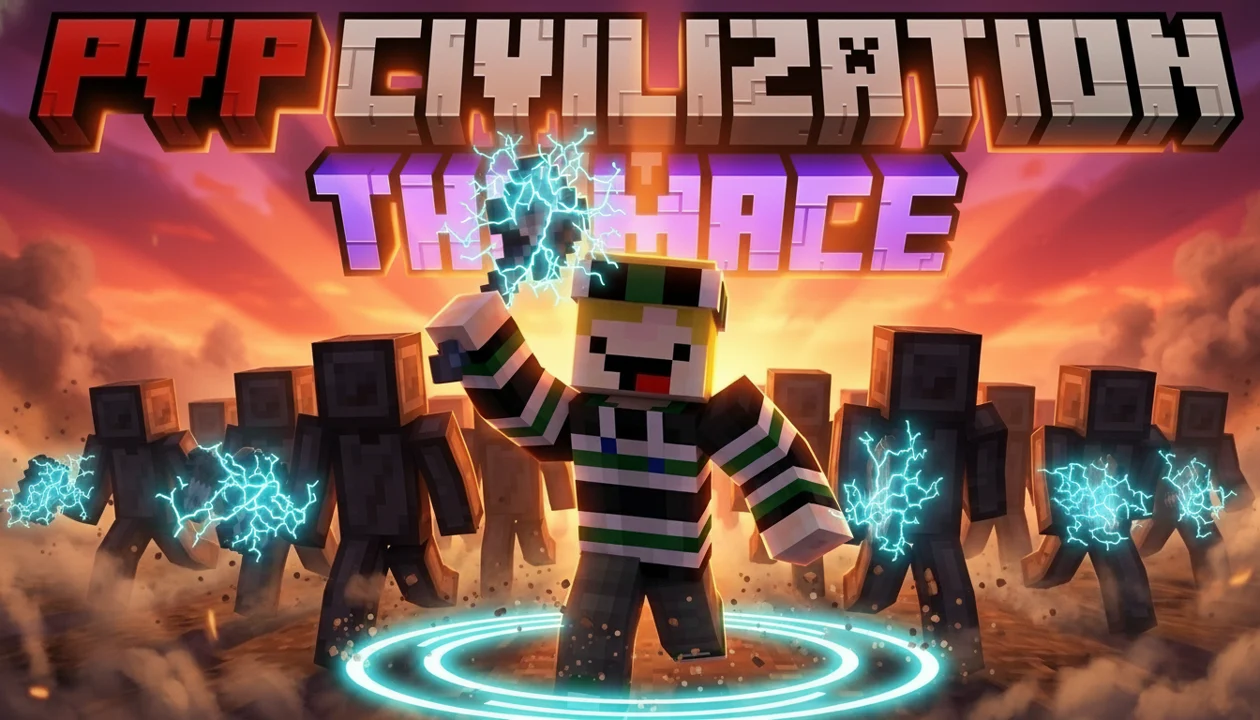 After
AfterReal Remaster output. PVP Civilization, one pass, May 2026.
By format
A look for every kind of Minecraft video
A hardcore thumbnail needs tension. An SMP war needs two sides. A modpack needs the boss front and center. One template can't do all of that, so these don't try to.
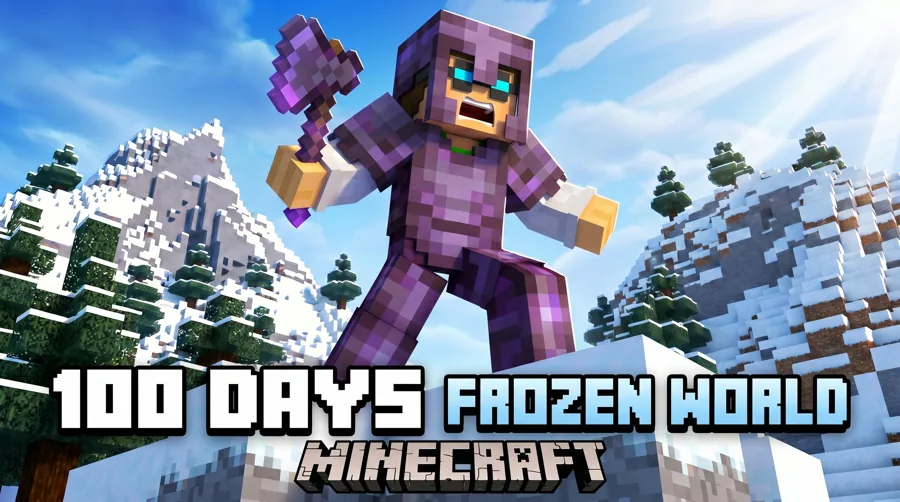
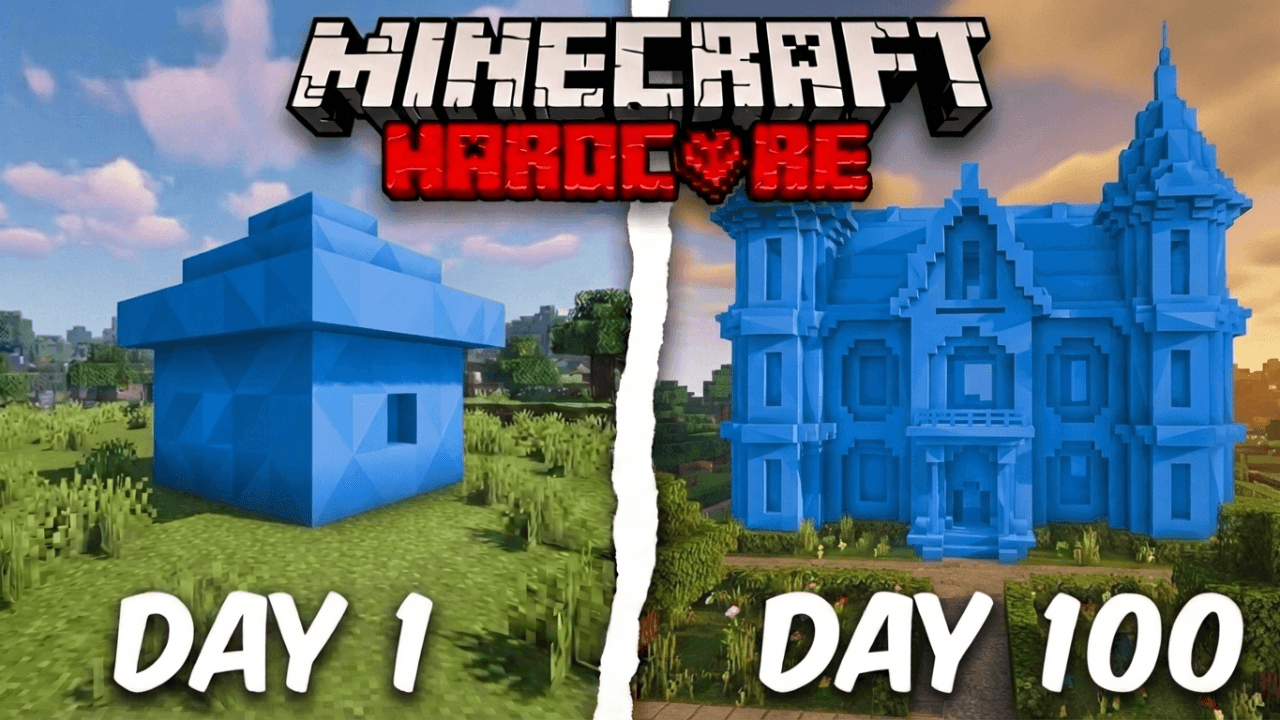
- +Survival / 100 Days: the stakes, the day counter, the long haul
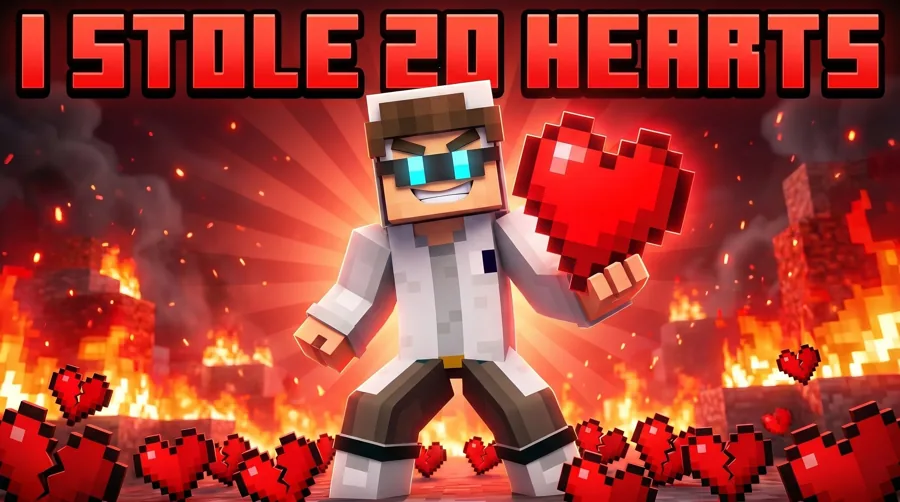
- +SMP / Lifesteal: faction drama and who's against who
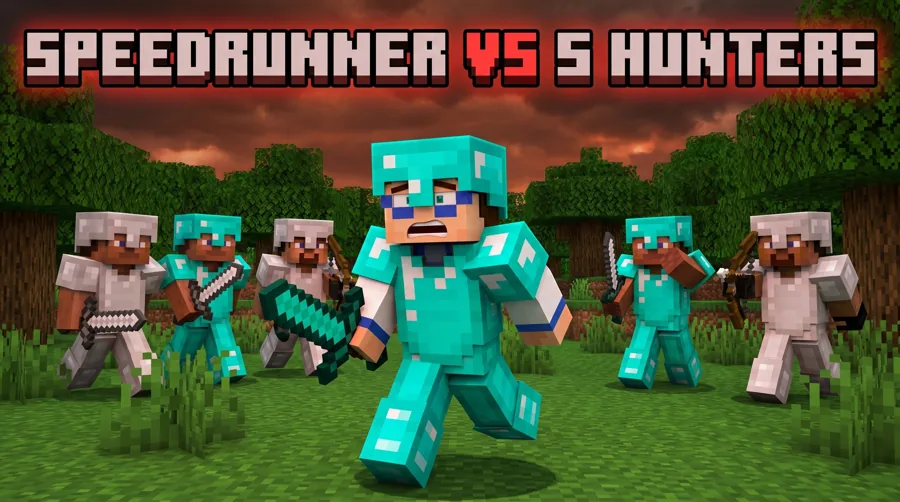
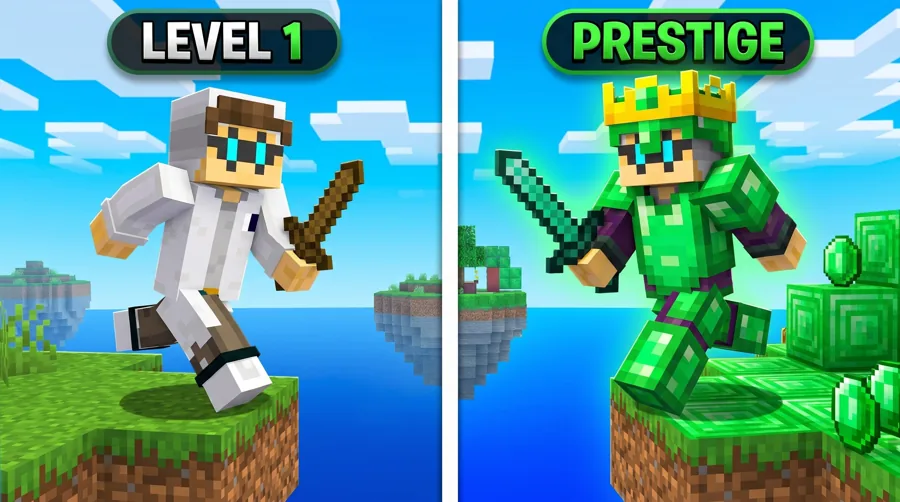
- +Manhunt and Bedwars / PvP: chase, threat, a clear winner
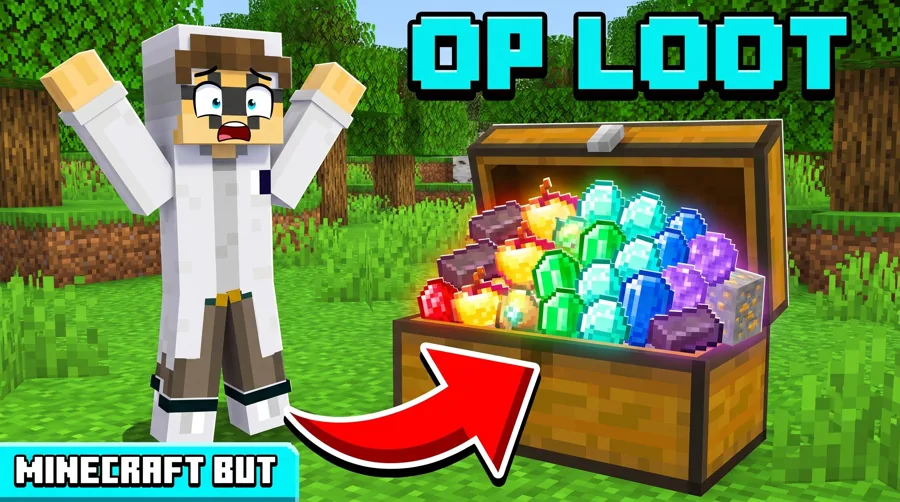
- +Minecraft But: the one twist, made impossible to miss
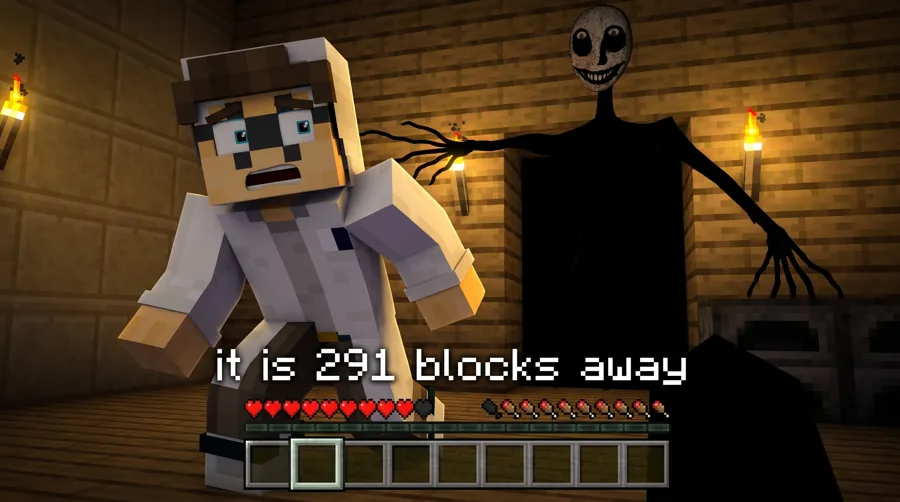
- +Horror: the entity in the dark and not much else
Modpacks
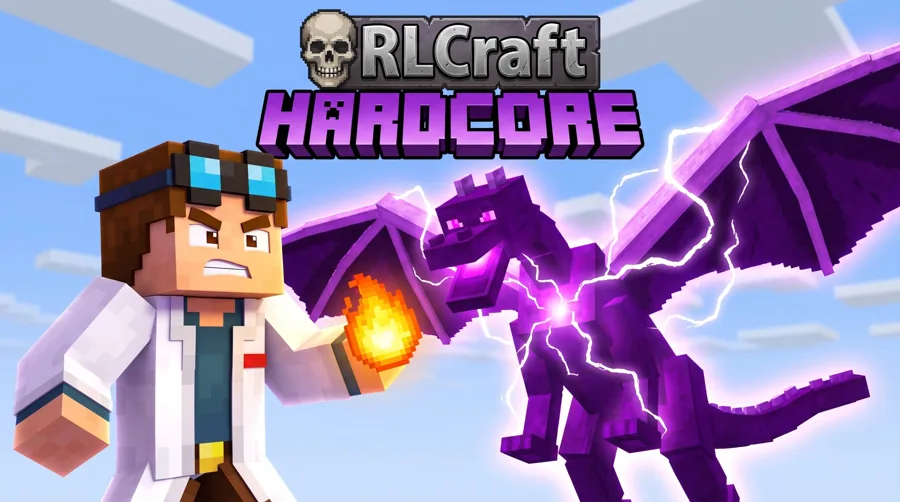
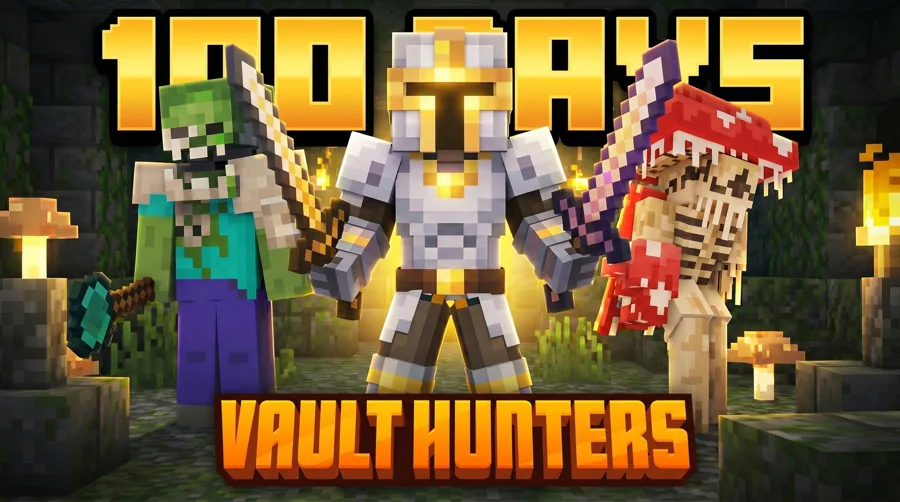
RLCraft, DawnCraft and Vault Hunters
Modpack videos live or die on the thing the pack is known for. These three looks are made for those videos, so viewers who search the pack recognize it right away.
- +RLCraft: the dragons and the danger that comes with them
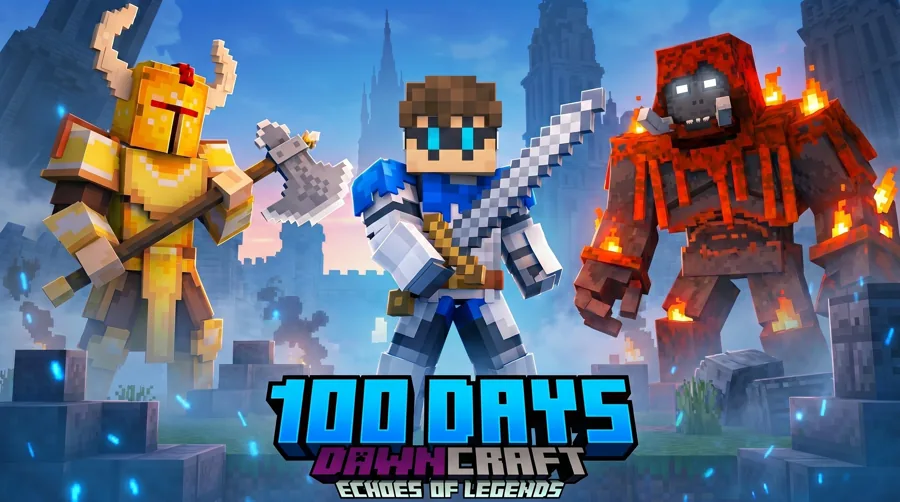
- +DawnCraft: the boss fights the pack is known for
- +Vault Hunters: the vault, the loot, the grind
Your skin
Your character, not a random Steve
Drop your skin or character render in and the look builds around it. Face channels can place a real reaction face with Characters. Faceless channels are fully supported, and most Minecraft thumbnails never need a face at all.
- +Start from a look or describe the scene yourself
- +Add screenshots from your own world as references
- +Fix lighting, expression or clutter without starting over
- +Remaster an old upload instead of rebuilding it
Readable at small size
What makes a Minecraft thumbnail read
Blocky worlds are busy by nature. The thumbnail has to be quieter than the game or it turns to noise in the sidebar.
- +One subject in front, one threat or goal behind
- +A bright focal point against a darker world
- +Three words or fewer, big enough for a phone
- +A number only when it's the hook (100 days, 1 heart)
The spec
Size and format
Every Minecraft thumbnail ends up in the same YouTube box. Build at full size, then check it at sidebar size, where detail disappears first.
| Recommended size | 3840 x 2160 px |
|---|---|
| Aspect ratio | 16:9 |
| Minimum width | 640 px |
| File types | JPG or PNG |
| Max file size | 2 MB from mobile, 50 MB from desktop |
Templates
Start from a Minecraft layout that already works
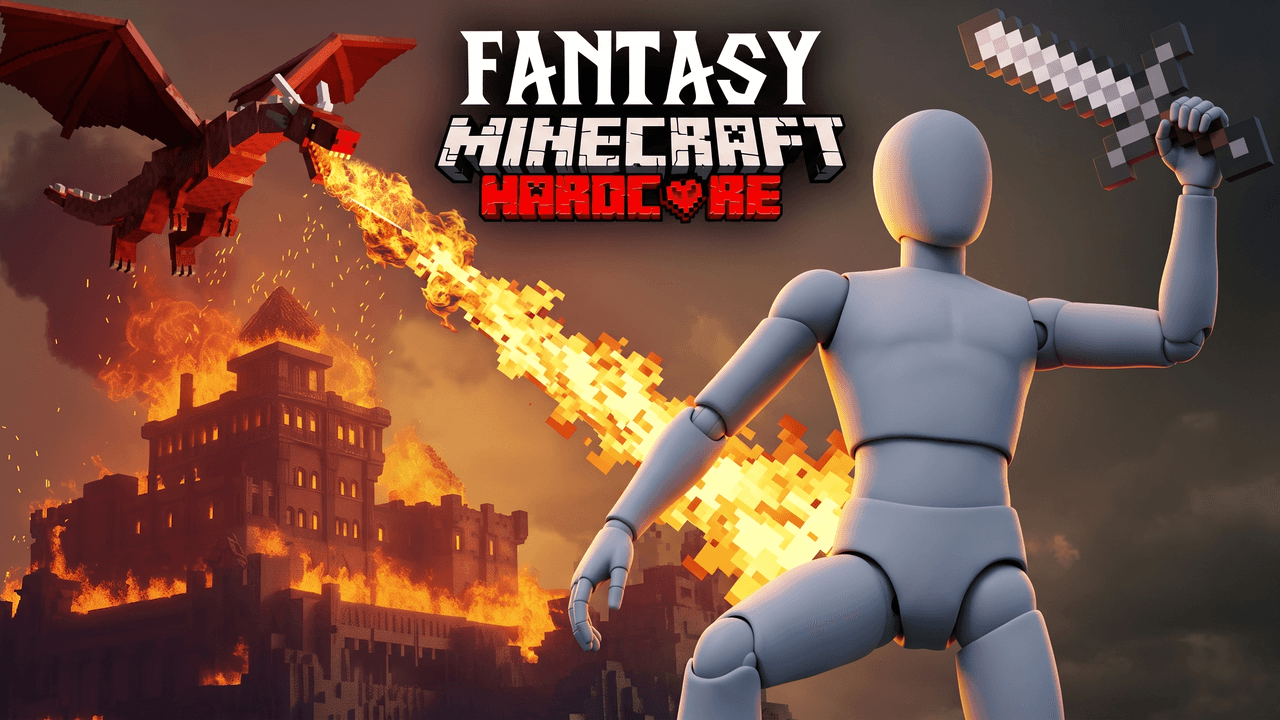
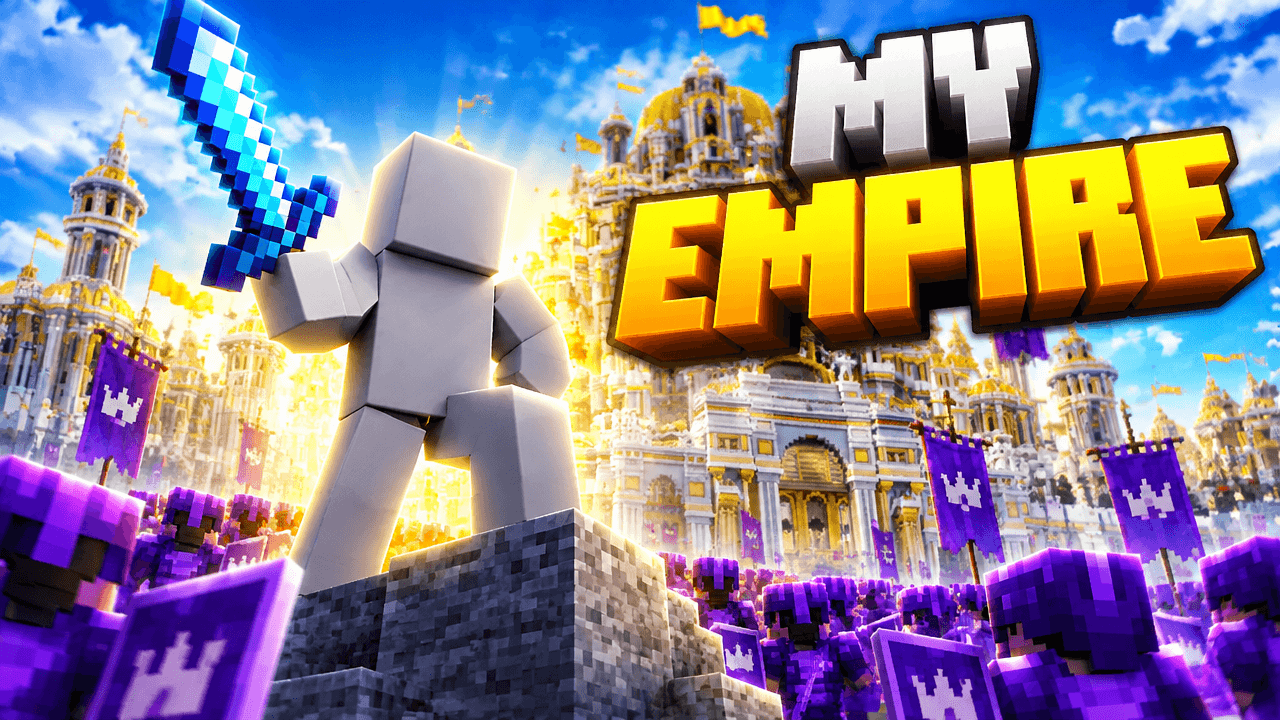
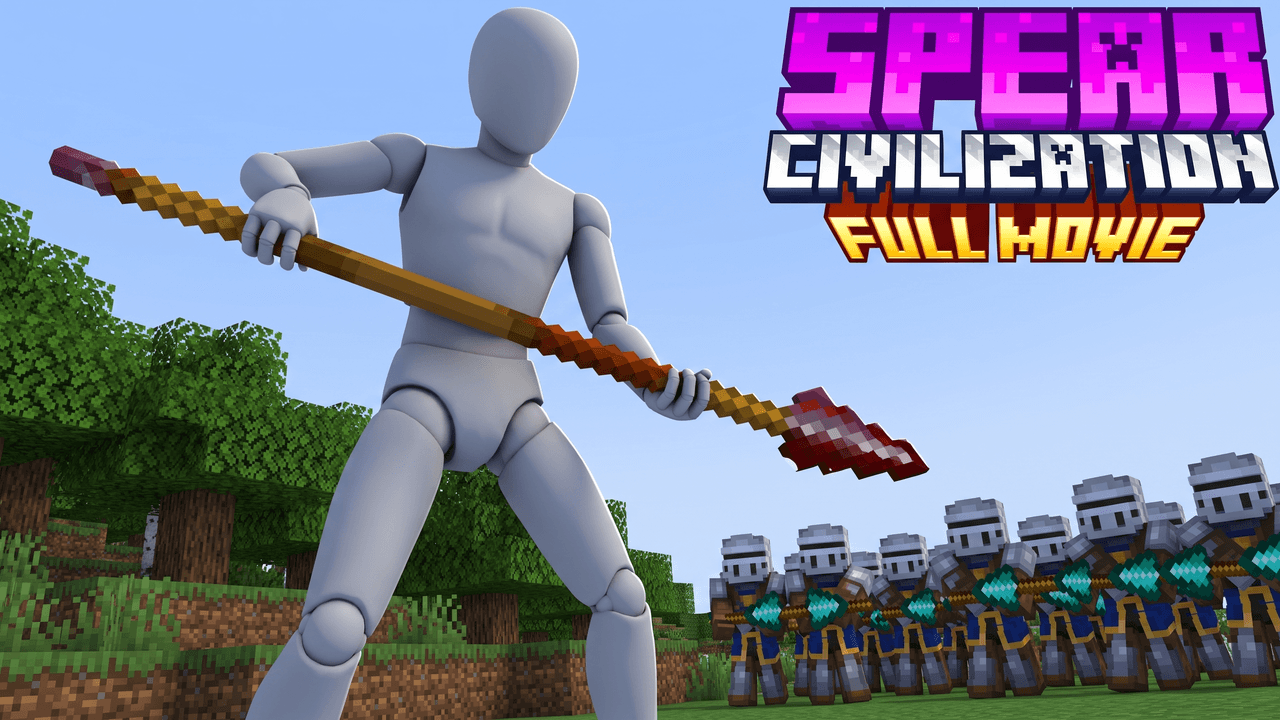
Every one opens straight in the studio. Swap the grey stand-in for yourself and change anything by typing.
Creator reviews
18,000+ creators have signed up and made 30,000+ thumbnails. Real reviews, collected through Senja.
"I used to spend 2-3 hours building 3D models of my Minecraft skin. Now it's fast and easy."
"I love how you can take a thumbnail and just replace anything in it. Love it."
"I used to spend 1 hour on thumbnails. Now with LaunchLens it takes 10 minutes. I love it. I recommend it for small creators just starting out."
Questions, answered straight.
What's the best thumbnail for a 100 days Minecraft video?+
Start from the Survival / 100 Days look. It's made for the stakes and the day count. Keep the number big and the rest of the frame simple.
Do you have modpack thumbnail templates?+
Yes. RLCraft, DawnCraft and Vault Hunters each have their own look. For other packs, describe the scene and add your own screenshots as references.
Can I use my own Minecraft skin?+
Yes. Drop your skin or a character render into the studio and the look builds around it. You can also place your face with Characters if you want a reaction shot.
Are these Minecraft thumbnail templates free?+
You can open any look and make your first thumbnails on the free credits you get at signup. No card is needed, and nothing is blurred behind a paywall.
Can I make a thumbnail for a Minecraft But video?+
Yes. The Minecraft But look is made for challenge videos. Put the twist in the headline and show it happening in the frame.
Do I need a face on my Minecraft thumbnail?+
No. Faceless channels work the same way. Your skin and the scene do the work, and the face tools are optional.
What size should a Minecraft thumbnail be?+
YouTube Help recommends 3840 x 2160 pixels at 16:9, with a minimum width of 640 pixels. Use JPG or PNG, under 2 MB from mobile or 50 MB from desktop.
Pick a look and make your Minecraft thumbnail
Free credits on signup. No card. Your first thumbnail is on us.
Keep exploring
LaunchLens is an independent tool and is not affiliated, associated, authorized, endorsed by, or in any way officially connected with Mojang, Microsoft, Roblox Corporation, Epic Games, Take-Two Interactive, Rockstar Games, 2K, Riot Games, Activision Blizzard, Valve Corporation, Supercell, Electronic Arts, EA Sports, the Collegiate Licensing Company, TVGS, Arrowhead Game Studios, Sony Interactive Entertainment, or any of their subsidiaries. All game titles, logos, and characters are trademarks of their respective owners. College team names, marks, and college athlete names and likenesses are the property of their respective rights holders; build thumbnails from your own references and keep athlete and team art generic.