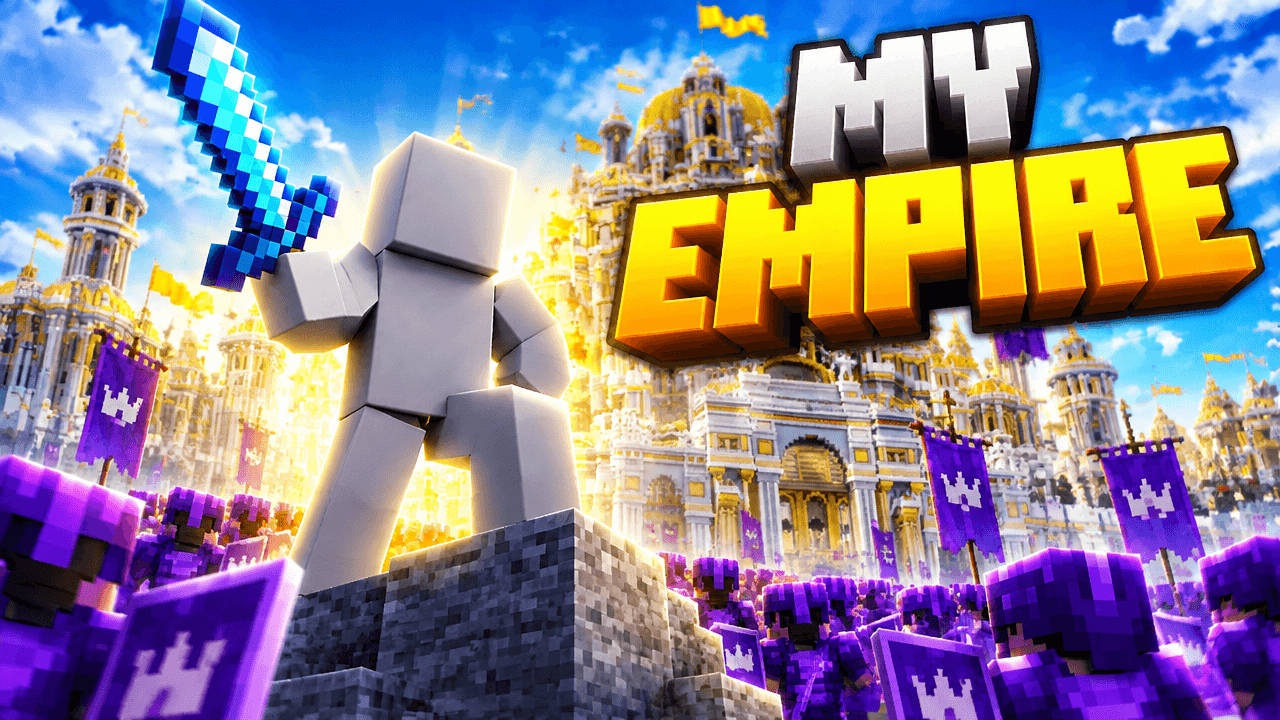
Second look, same template
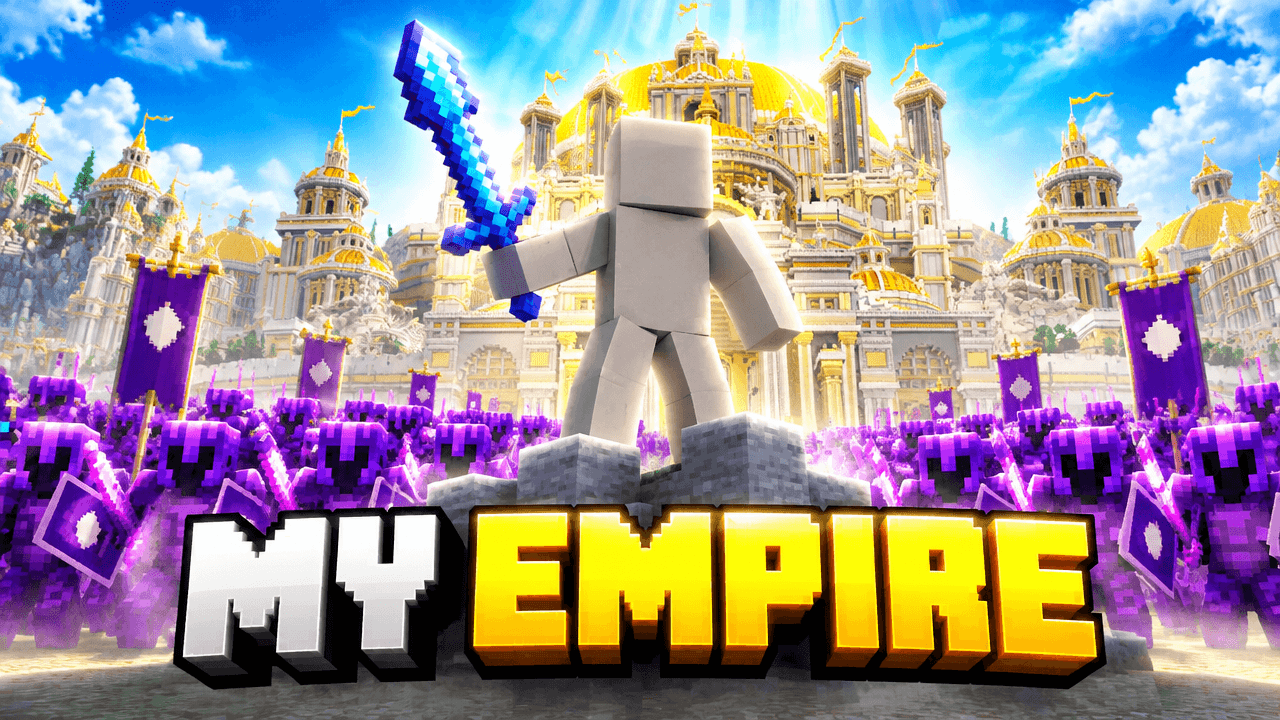
Alternate between the two across a series so your channel page does not look repetitive.
Minecraft Empire Thumbnail Template
100% Free • No Credit Card Required • Instant Access
Showcase your massive multiplayer server builds and army factions with this dramatic layout designed for epic storytelling.
Template Features
- Opens straight into LaunchLens
- Edit anything with plain-language AI prompts
- 1280x720 YouTube-ready export
- Free to start: 90 credits, no card
What creators search for
MINECRAFT thumbnail questions
What size should this thumbnail be?
Your image needs to be 1280x720 pixels with a 16:9 aspect ratio and stay under 2MB in file size. LaunchLens automatically formats your final image to meet these standard requirements.
Why does this layout work as a design?
This layout works as a design because the low camera angle makes the central figure look powerful while the contrasting yellow and purple colors separate the background city from the foreground army.
How do I add my own character to this image?
You simply add a picture of your character in LaunchLens to replace the placeholder figure. Just attach your character and type what should change in plain words without needing to drag files or select objects.
What text works best for this type of image?
Keep your words brief and use a thick blocky font to match the game style. Large letters with dark shadows ensure the text remains readable against a highly detailed background.
How do I change the colors of the army or banners?
Open the template in LaunchLens and type out the color changes you want in plain words.
About This Template
This minecraft thumbnail template is built for creators launching a new server faction, showcasing a sprawling city build, or taking over a minecraft empires smp. It uses a heroic low-angle shot to frame your character above a vast army. The layout gives your audience an immediate sense of scale and authority.
Why the design holds together
- Low-angle perspective. Placing the camera below the main character forces the viewer to look up. It establishes scale and power before a video even starts.
- Color separation. Bright golden architecture sits against a dark purple army. That stark contrast keeps the hero clearly separated from the background.
- Structural framing. The towering buildings of the sprawling city angle inward. They form natural lines that guide the eye straight to the central figure.
- Negative space. The army fills the lower third while keeping the center clear. That leaves plenty of room for your character to dominate the frame.
Where to use this layout
- Touring a massive hundred-day hardcore city build.
- Announcing a new faction on a multiplayer server.
- Declaring war or staging a server-wide takeover.
- Showcasing a finished mega-base after months of grinding.
- Recapping a major event for your next minecraft smp thumbnail.
Customizing the scene in LaunchLens
- Open the template in LaunchLens. You'll see the starting layout and a blank grey mannequin standing in for you.
- Upload an image of your own Minecraft player to replace the mannequin.
- Type a description of the army you want at the bottom of the frame. You can ask for a horde of zombies, a rival team, or an invading faction.
- Adjust the architecture by typing what the city should look like. You can swap the golden towers for deepslate castles or dark oak mansions.
- Change the overall mood by typing a new time of day or lighting setup.
If you're figuring out how to make minecraft thumbnails that communicate massive scale, this layout gives you a polished foundation.