NBA 2K thumbnail templates for every video you post
Nine looks built around the videos 2K channels actually upload: build guides, 60 to 99 grinds, park highlights, squad reveals, patch day. Pick one, drop in your MyPlayer, and it builds around you.
Pick a look to open it in the NBA 2K studio with the style already loaded.
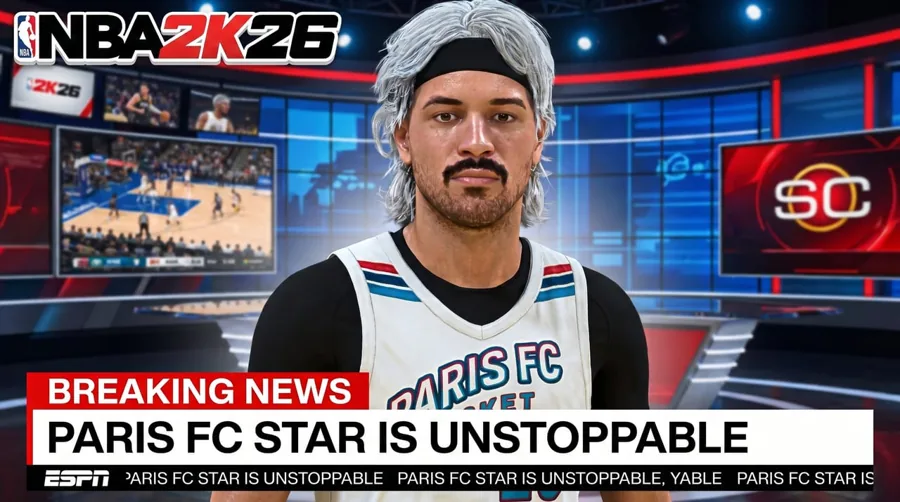
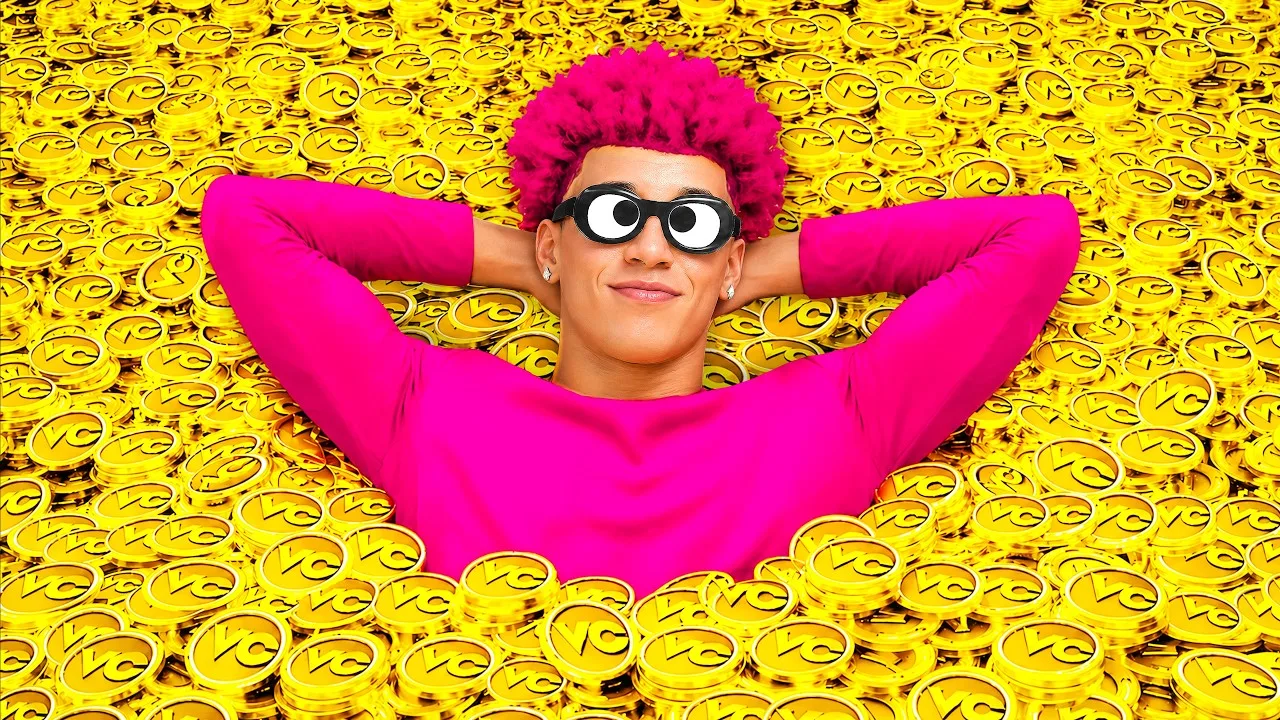 Before
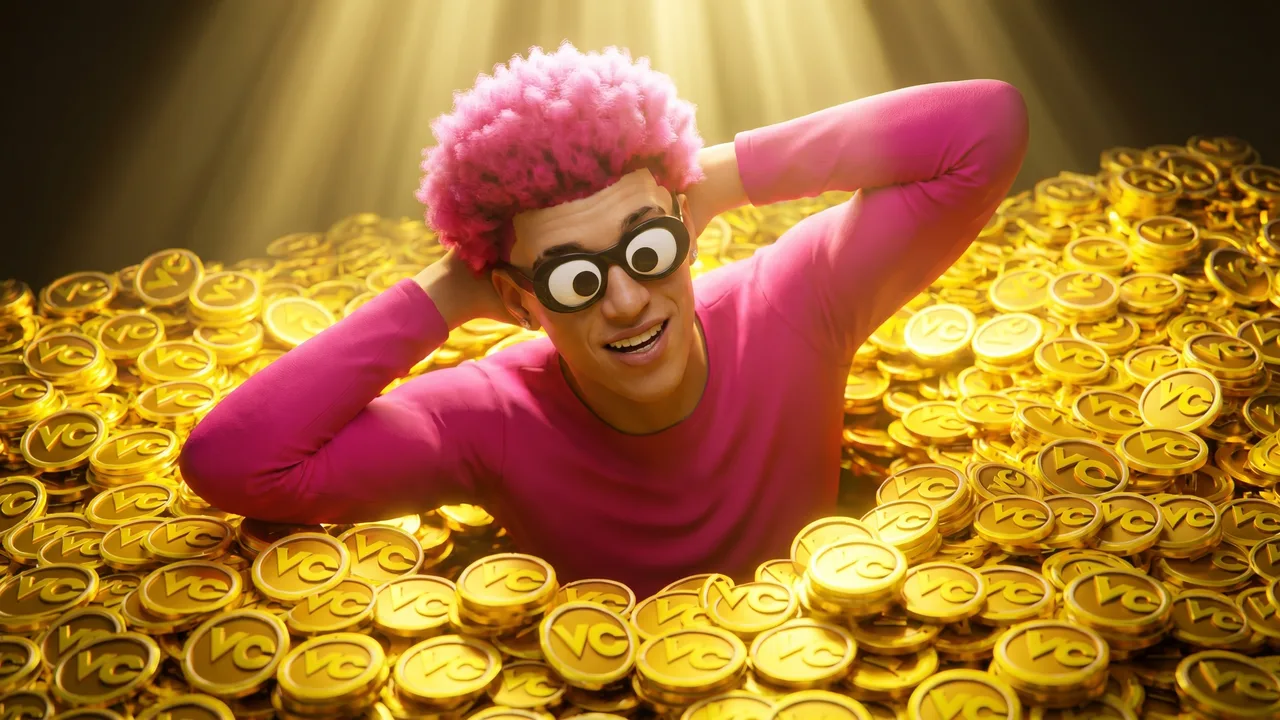 After
AfterReal Remaster output. MyTEAM, one pass.
Built for 2K
Templates that know the 2K feed
Generic templates make a 2K video look like any other gaming upload. These looks are shaped around what 2K channels post, so a build guide reads like a build guide before anyone reads the title.
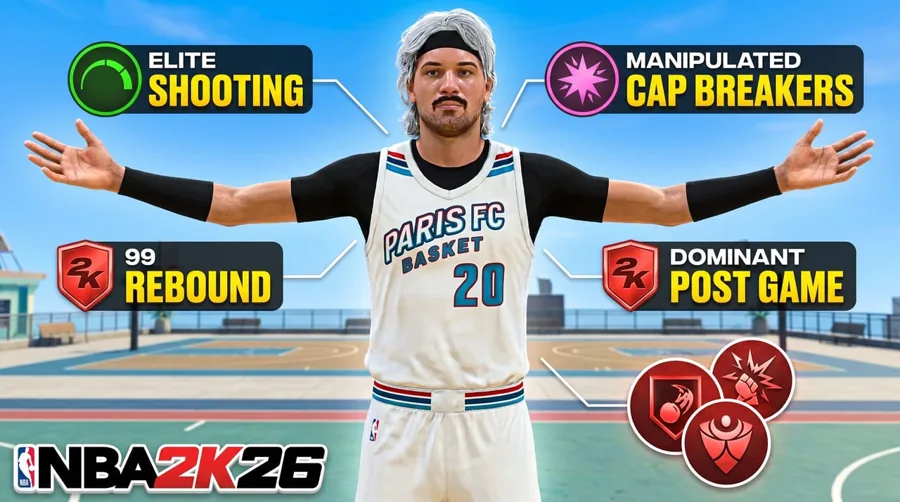
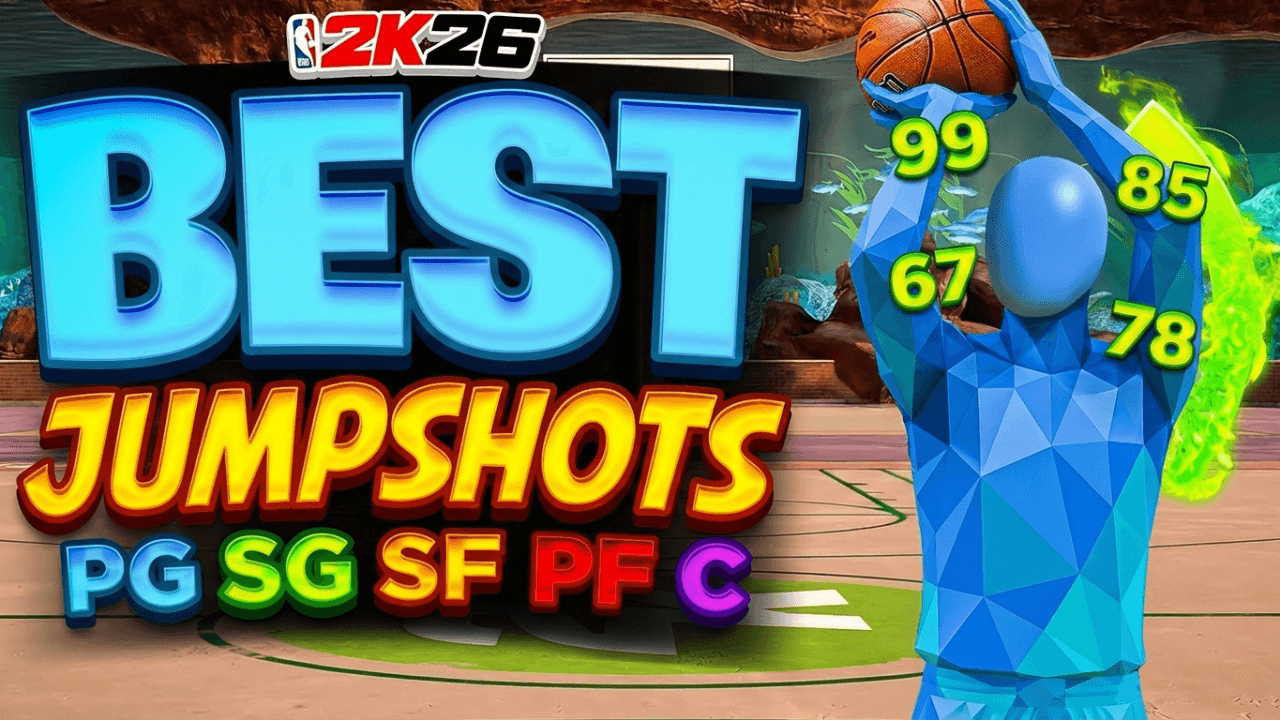
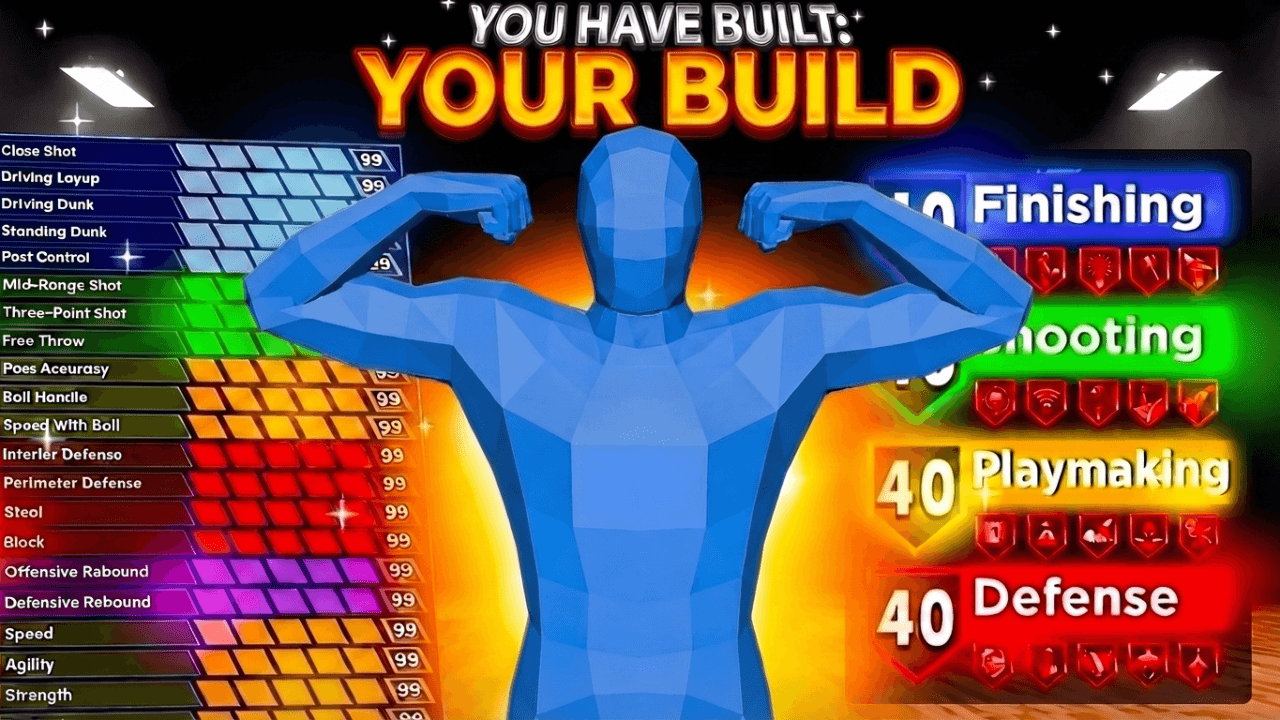
- +Build Spec Sheet: badges and attributes laid out like a build breakdown
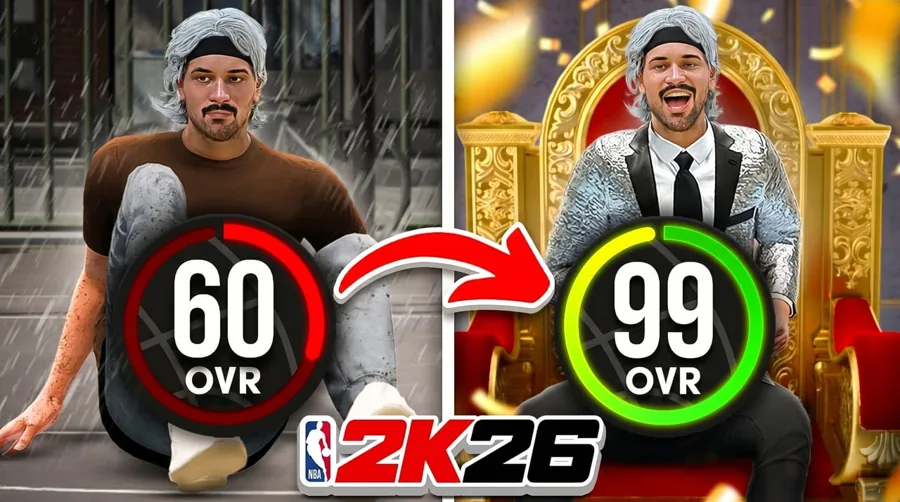
- +Glow-Up (60 to 99): the grind, with the starting and ending rating in frame
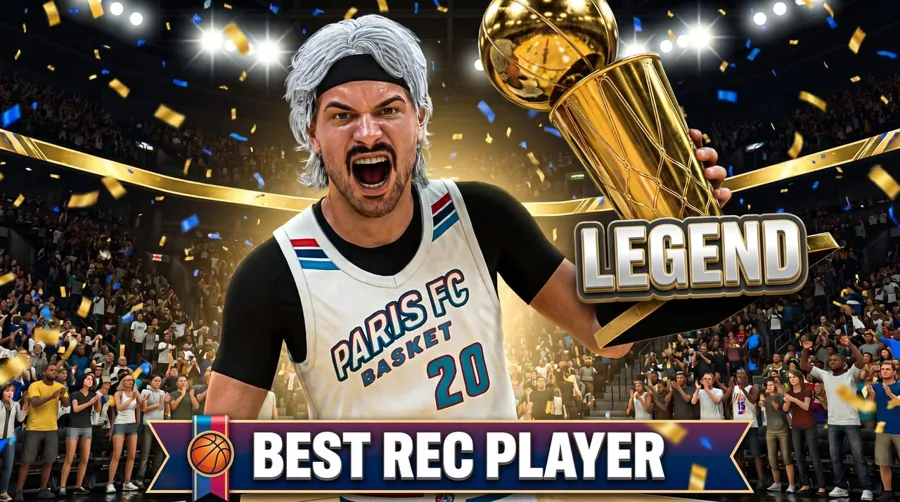
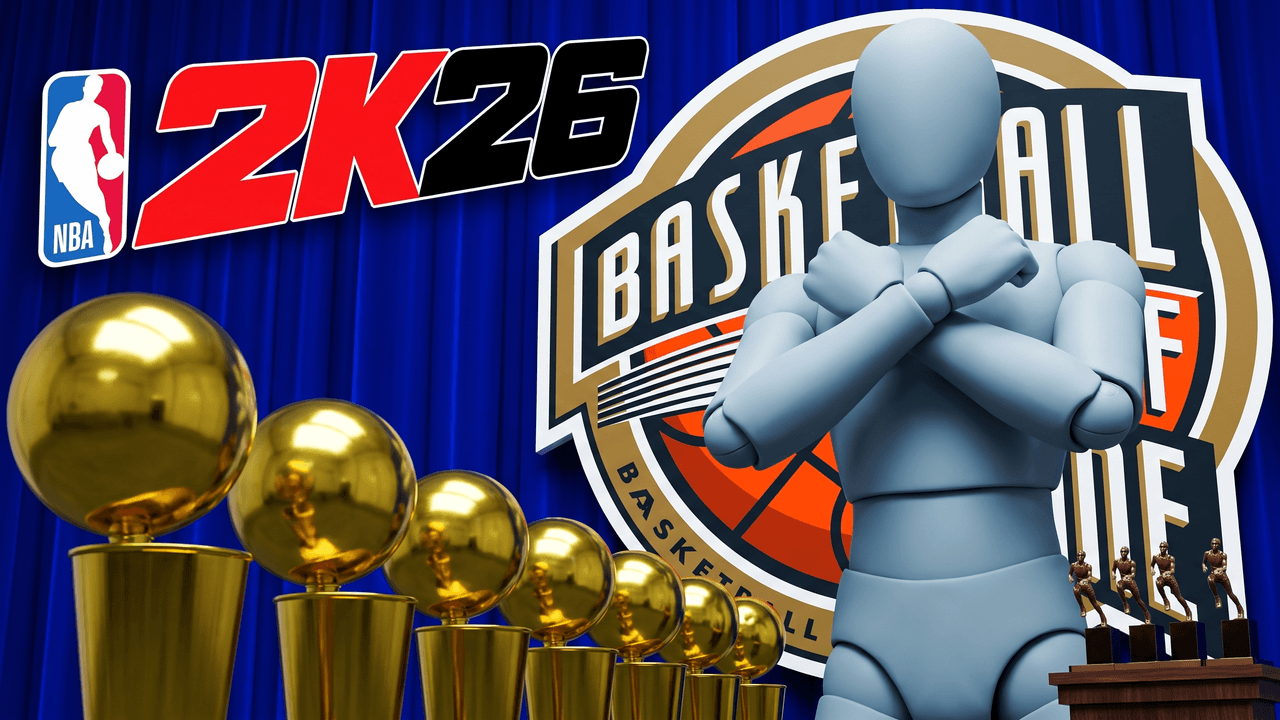
- +Champion / Award: the ring, the trophy, the finals moment
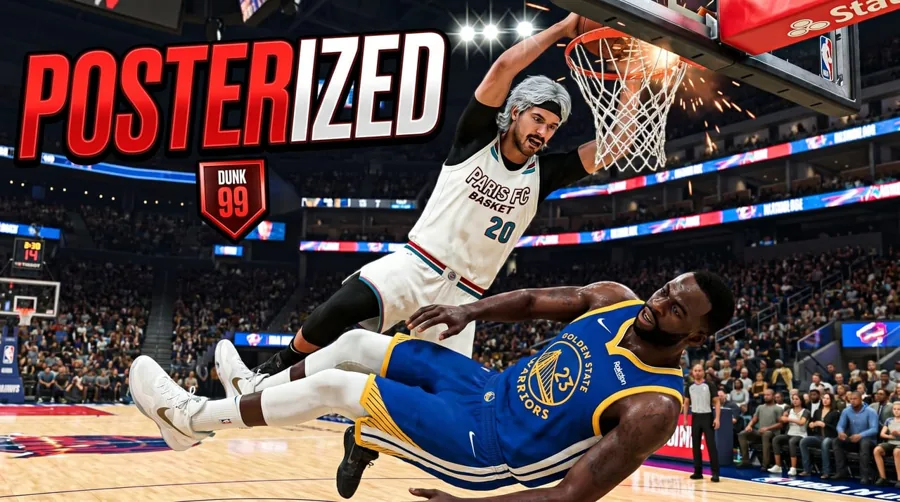
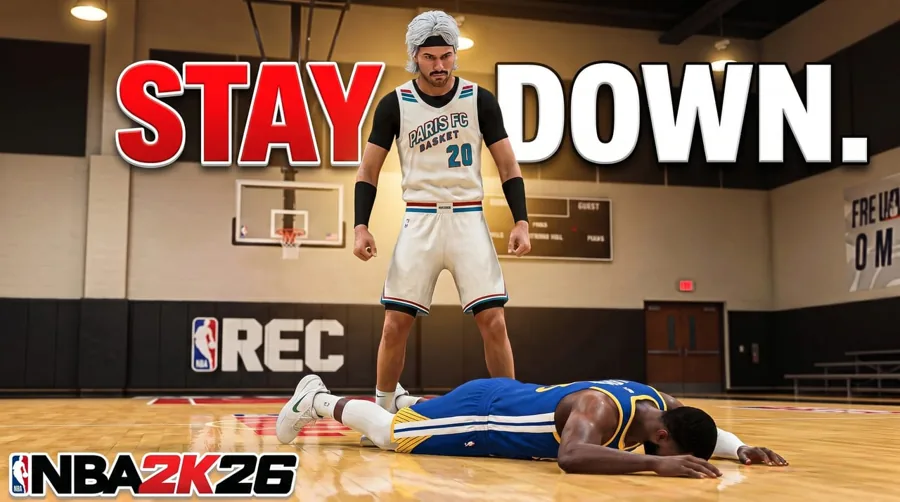
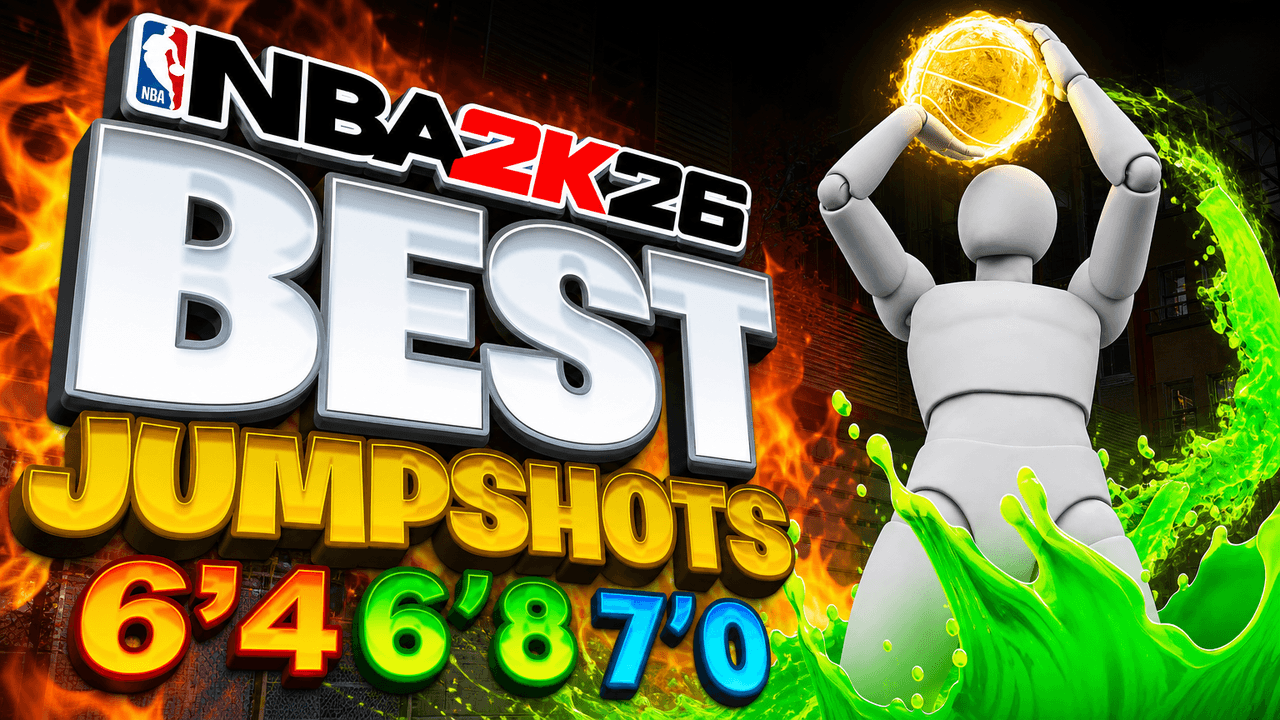
- +Standover and Poster Dunk: the single highlight, big and close
Match the video
Which look fits which upload
The look should say what the video is before the title does. Match it to the format and you're most of the way there.
| Build guide or badge breakdown | Build Spec Sheet |
|---|---|
| Rookie to 99 overall series | Glow-Up (60 to 99) |
| Park or Rec highlight reel | Poster Dunk or Standover |
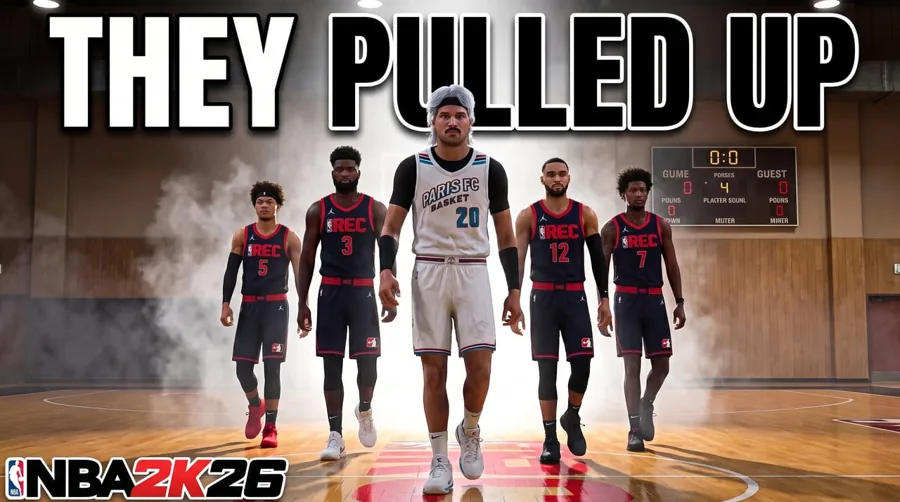
| MyTEAM lineup or squad reveal | Squad Walkout |
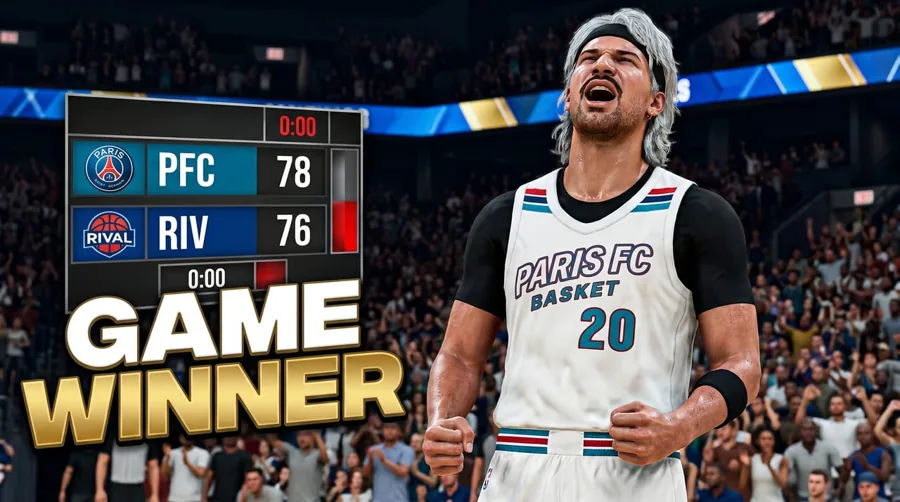
| Buzzer beater or clutch win | Final Score |
| Ratings drop, patch notes, roster update | News / Patch |
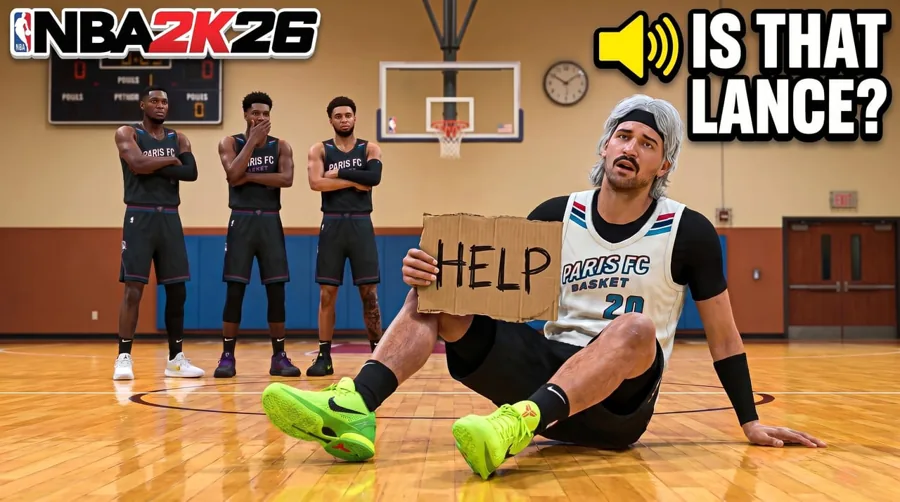
| Skits and storytime | Comedy / Story |
| Finals run or award win | Champion / Award |
Make it yours
Your MyPlayer in the shot
Drop your MyPlayer screenshot in and the look builds the thumbnail around your player, not a stock athlete. Add your own title text and finish it with the Expression, Lighting and Clean Up tools. Face channels can place their own face with Characters. Faceless is fully supported.
- +Start from a look, or describe the shot yourself
- +Add your own reference screenshots from the game
- +Fix one detail without regenerating the whole thing
- +Remaster a thumbnail you already posted
Keep it readable
What every 2K thumbnail needs
2K thumbnails fail the same way: too many badges, too much UI, text nobody can read on a phone. Keep it to one idea.
- +One player, big and close, with a clean edge
- +Three words or fewer for the headline
- +A single stake: a rating, a rank, a number
- +A quiet third for text, away from the bottom-right corner where the duration badge sits
The spec
Size and format
Every NBA 2K thumbnail ends up in the same YouTube box. Build at full size, then check it at sidebar size, where detail disappears first.
| Recommended size | 3840 x 2160 px |
|---|---|
| Aspect ratio | 16:9 |
| Minimum width | 640 px |
| File types | JPG or PNG |
| Max file size | 2 MB from mobile, 50 MB from desktop |
Templates
Start from a NBA 2K layout that already works
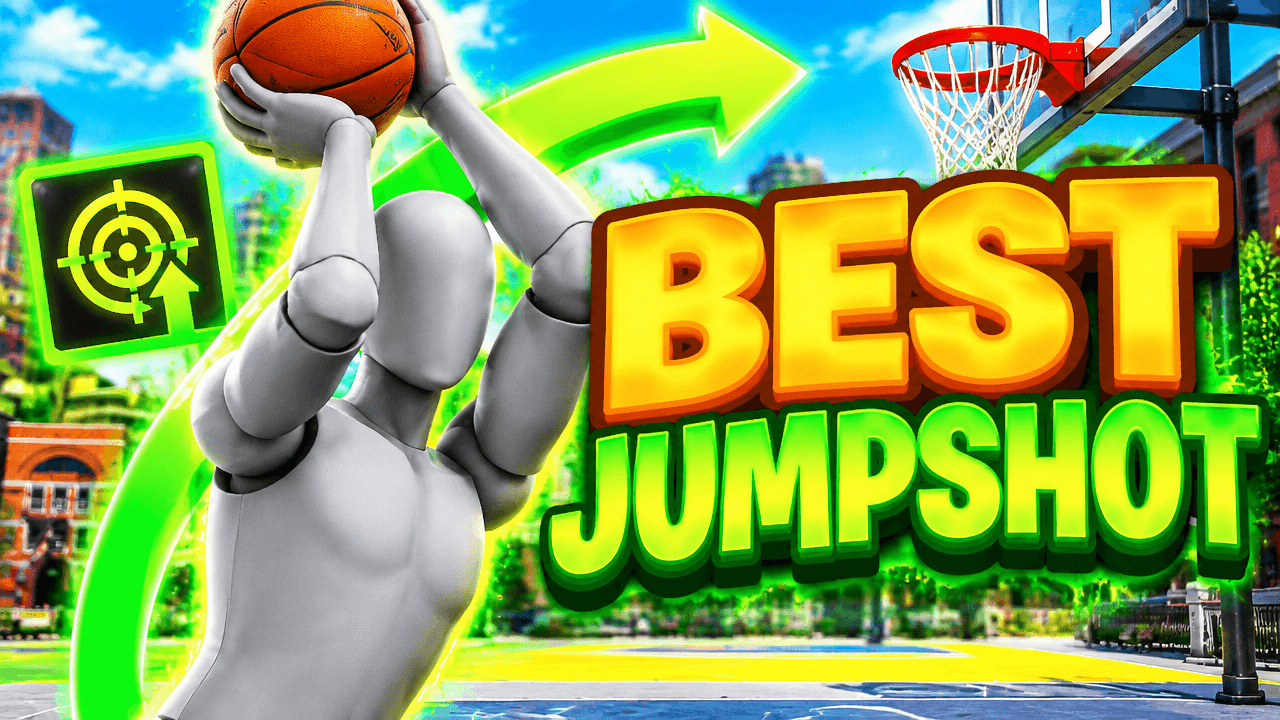
Every one opens straight in the studio. Swap the grey stand-in for yourself and change anything by typing.
Creator reviews
18,000+ creators have signed up and made 30,000+ thumbnails. Real reviews, collected through Senja.
"I used to spend 1 hour on thumbnails. Now with LaunchLens it takes 10 minutes. I love it. I recommend it for small creators just starting out."
"I used to pay for these on Fiverr. LaunchLens is way cooler."
"I love how you can take a thumbnail and just replace anything in it. Love it."
Questions, answered straight.
Are these NBA 2K thumbnail templates free?+
You can open any look and make your first thumbnails on the free credits you get at signup. No card is needed, and nothing is held back until you pay.
What's the best thumbnail for an NBA 2K build video?+
Start from the Build Spec Sheet look. It's made for badge and attribute breakdowns, so viewers know it's a build guide at a glance. Keep the headline to a few words.
Can I use my own MyPlayer?+
Yes. Drop your MyPlayer screenshot into the studio and the look builds around it. You can also add your own reference screenshots from the game.
Do these templates work for 2K26 and 2K27?+
Yes. The looks are about the format of the video, not one year of the game. Bring screenshots from whichever version you're playing.
Do I need to show my face?+
No. Plenty of 2K channels run faceless with the player model as the star. If you want your face on it, Characters places it in the shot. It's optional.
What size should a NBA 2K thumbnail be?+
YouTube Help recommends 3840 x 2160 pixels at 16:9, with a minimum width of 640 pixels. Use JPG or PNG, under 2 MB from mobile or 50 MB from desktop.
Pick a look and make your 2K thumbnail
Free credits on signup. No card. Your first thumbnail is on us.
Keep exploring
LaunchLens is an independent tool and is not affiliated, associated, authorized, endorsed by, or in any way officially connected with Mojang, Microsoft, Roblox Corporation, Epic Games, Take-Two Interactive, Rockstar Games, 2K, Riot Games, Activision Blizzard, Valve Corporation, Supercell, Electronic Arts, EA Sports, the Collegiate Licensing Company, TVGS, Arrowhead Game Studios, Sony Interactive Entertainment, or any of their subsidiaries. All game titles, logos, and characters are trademarks of their respective owners. College team names, marks, and college athlete names and likenesses are the property of their respective rights holders; build thumbnails from your own references and keep athlete and team art generic.