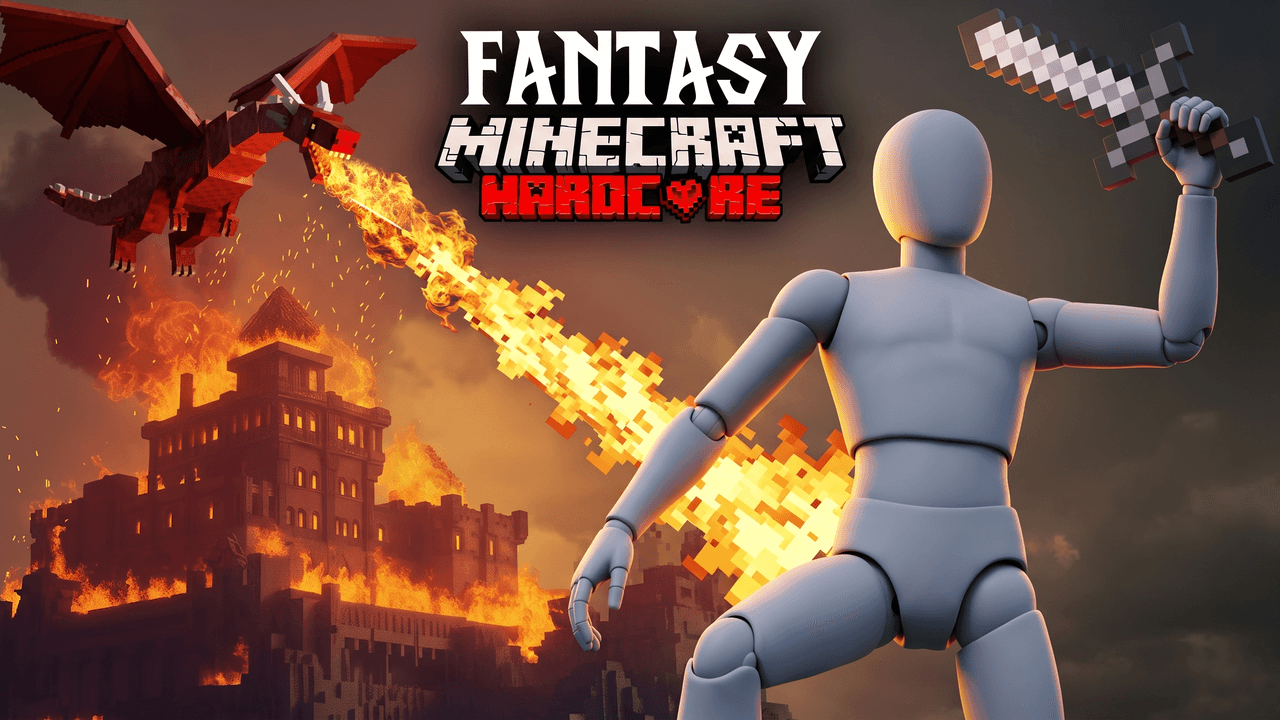
Second look, same template
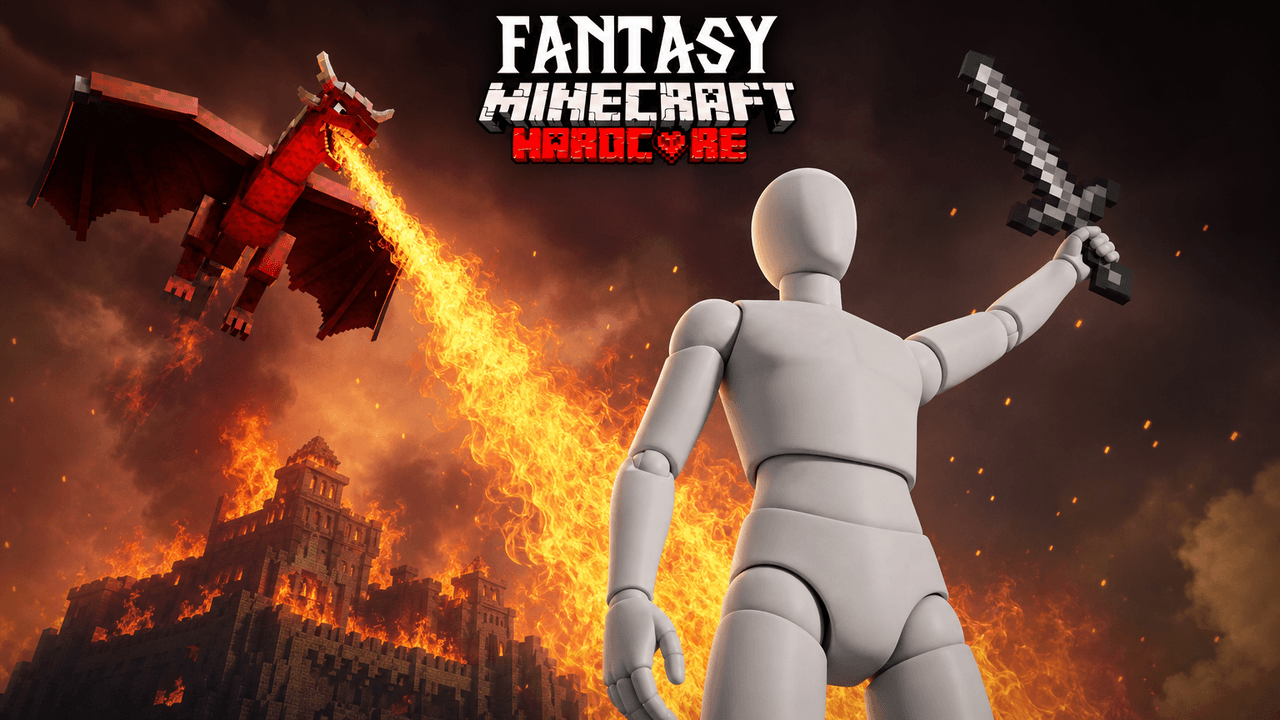
Alternate between the two across a series so your channel page does not look repetitive.
Minecraft Hardcore Thumbnail Template
100% Free • No Credit Card Required • Instant Access
A dramatic low-angle Minecraft thumbnail template featuring a hardcore survival player facing off against a red dragon and burning castle.
Template Features
- Opens straight into LaunchLens
- Edit anything with plain-language AI prompts
- 1280x720 YouTube-ready export
- Free to start: 90 credits, no card
What creators search for
MINECRAFT thumbnail questions
What is the correct size for a Minecraft YouTube thumbnail?
The ideal size is 1280x720 pixels with a 16:9 aspect ratio and a file size under 2MB. This template automatically exports your finished design at these exact dimensions.
Why does this low-hero-angle layout work well as a design?
The low angle makes the central character look powerful and dominant against the chaotic background. Positioning the threat on one side balances the composition while leaving clear, structured space at the bottom for bold text.
Can I use this template for the newest Minecraft updates?
Yes, you can easily update the text and elements in LaunchLens to reflect the latest Minecraft version or modpack. The core fantasy survival elements remain relevant for any new update.
Can I put my own Minecraft skin into this thumbnail?
Yes, the character in the template acts as a placeholder that you can swap out. You simply add a picture of your own character or skin directly inside LaunchLens to replace it.
How much text should I include on my Minecraft thumbnails?
Keep your text to a minimum, ideally three to four words, so it remains readable on small mobile screens. Use large, bold fonts that contrast heavily with the background.
About This Template
If you have ever wondered how to make a minecraft fantasy thumbnail that communicates immediate danger, this layout sets the stage. It serves as an epic minecraft dragon thumbnail maker, giving you a reliable minecraft hardcore survival thumbnail template right out of the box. You get a massive sense of scale without needing to sketch complex perspectives.
Why this design works
- The low hero angle. Placing the camera near the ground makes the dragon massive and the castle looming.
- Intense color contrast. The blazing orange of the destroyed castle pushes against the cold shadows in the foreground.
- Clear scale. A towering enemy needs a focal point for comparison. Your character provides that anchor.
- Directed light. The fire naturally highlights the edges of the dragon and your player model, separating them from the background.
Where to use this setup
- Facing custom boss mods in hardcore mode.
- Surviving 100 days in a hostile fantasy world.
- Raiding heavily guarded dragon lairs.
- Escaping massive structure fires with a fraction of your health left.
- Showcasing high-difficulty medieval modpacks.
Building your scene in LaunchLens
- Open the scene in this minecraft youtube thumbnail creator to load the base elements.
- Select the blank grey mannequin and upload a screenshot of your own Minecraft skin to replace it.
- Type a plain sentence describing the specific armor and weapons your character is holding.
- Describe exactly what type of dragon you need in the sky, from an icy wyrm to a classic ender dragon.
- Change the background ruins by typing out the exact blocks or architecture you want to see burning.
Your survival run already has the stakes, and now you have the composition to match it.