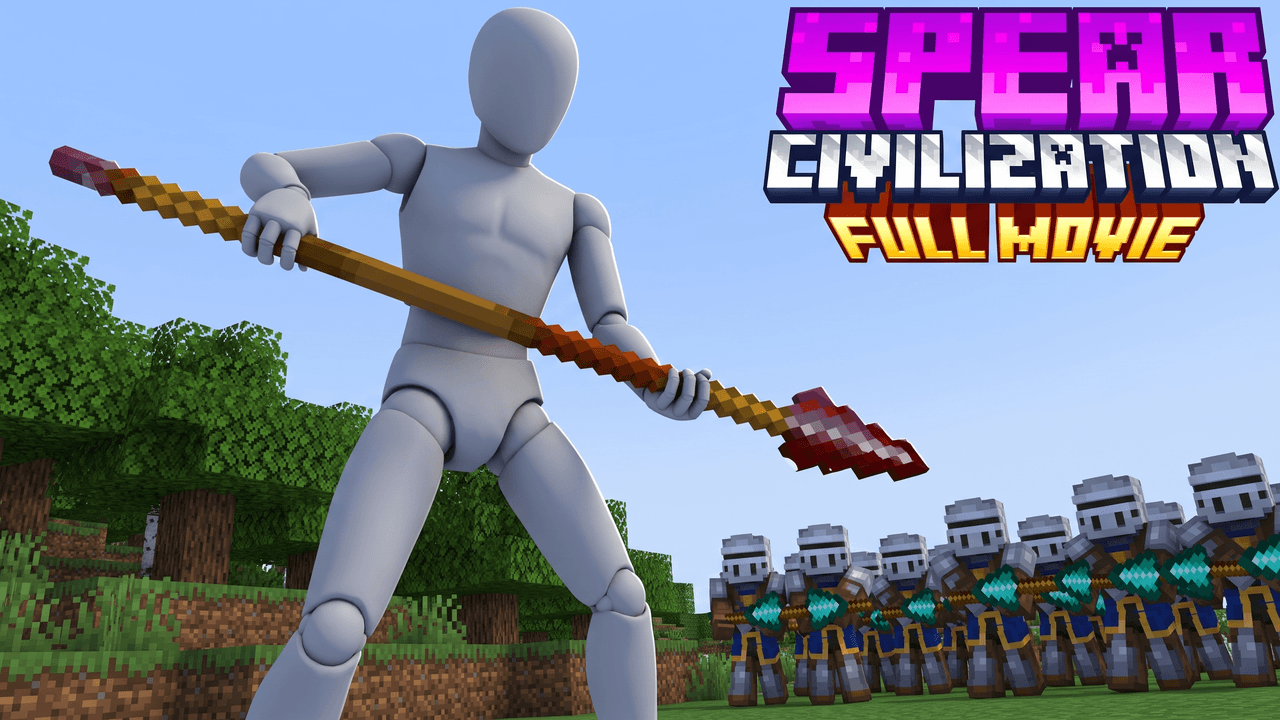
Second look, same template
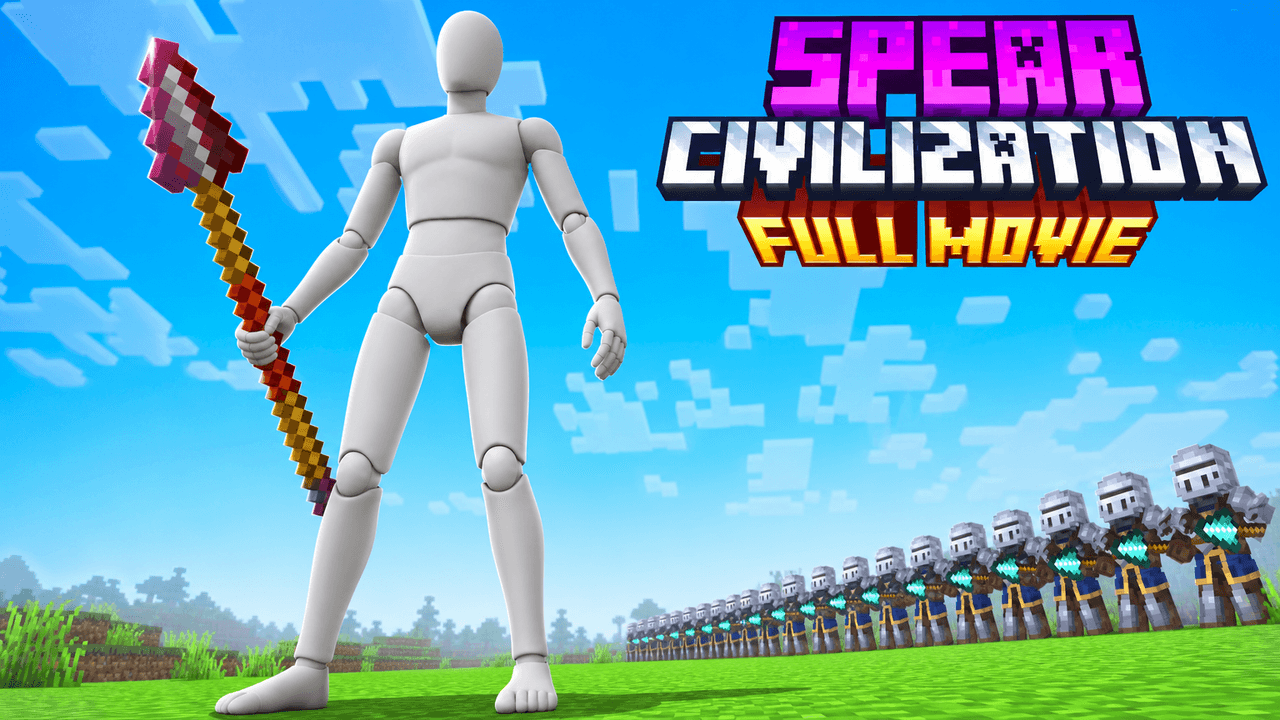
Alternate between the two across a series so your channel page does not look repetitive.
Minecraft Civilization Thumbnail Template
100% Free • No Credit Card Required • Instant Access
Epic Minecraft civilization movie thumbnail template featuring a dramatic low hero angle and massive army background.
Template Features
- Opens straight into LaunchLens
- Edit anything with plain-language AI prompts
- 1280x720 YouTube-ready export
- Free to start: 90 credits, no card
What creators search for
MINECRAFT thumbnail questions
What is the correct size for a Minecraft YouTube thumbnail?
The recommended size is 1280x720 pixels with a 16:9 aspect ratio, keeping the final file under 2MB. This template automatically exports your design to these exact specifications so it is ready to upload.
Why does this civilization movie layout work well visually?
The low-hero-angle makes the central character look imposing, while the flanking identical guards create strong leading lines and a sense of massive scale. This symmetry naturally directs the viewer's eye straight to the main subject.
Will this template work for future Minecraft updates and versions?
Yes, because all elements are customizable inside LaunchLens. You can easily prompt the system to swap out the weapons, armor, or environment to match the latest game updates.
Can I feature my own Minecraft character in this thumbnail?
Absolutely, the central figure is a placeholder that you can replace directly in LaunchLens. Simply upload an image of your own Minecraft skin or avatar, and the tool will place it perfectly into the scene.
What makes a Minecraft text logo easy to read on mobile devices?
Using a thick, blocky font with strong contrast against the sky ensures the text remains legible even when scaled down. Adding a drop shadow or a dark stroke around the letters helps separate them from bright, daytime backgrounds.
About This Template
This minecraft civilization movie thumbnail template frames your character at a low hero angle against a massive army. It gives your feature-length event cinematic scale right from the jump. You get the visual weight of a server war without needing a separate minecraft 100 players thumbnail maker or coordinating a huge server photo shoot.
Designing the server-wide war
- The low hero angle. Shooting from the ground up makes the central figure look imposing and anchors the foreground.
- Massive depth of field. The army formation stretches into the background to communicate a huge player count.
- Cinematic text placement. Heavy block letters sit at the top of the frame to balance the visual weight of the crowd below.
- High contrast silhouettes. Bright skies behind dark armor push the focal points forward so the layout reads clearly at smaller sizes.
Building your army in LaunchLens
- Open the layout to begin making a minecraft army youtube thumbnail.
- Select the blank grey mannequin and replace it with an image of your own character.
- Use LaunchLens as a minecraft custom skin thumbnail generator by letting it blend your uploaded player into the environment.
- Tell the tool what the crowd should look like by typing your instructions in plain English.
- Update the heavy text at the top to match your actual video title.
Events that fit this scale
- Civilization experiments and long-form sociologies.
- Factions server wars and massive base sieges.
- Feature-length documentary recaps of SMP lore.
- Hardcore survival challenges with large player groups.
- Mass build events where two distinct teams compete.
Start shaping your cinematic event right now in LaunchLens.