Roblox Obby Thumbnails
Easy obbies, towers, troll obbies, lava floors, speed runs and escapes. Pick an obby thumbnail below, open it as a template for your game, put your avatar in and change anything by typing.
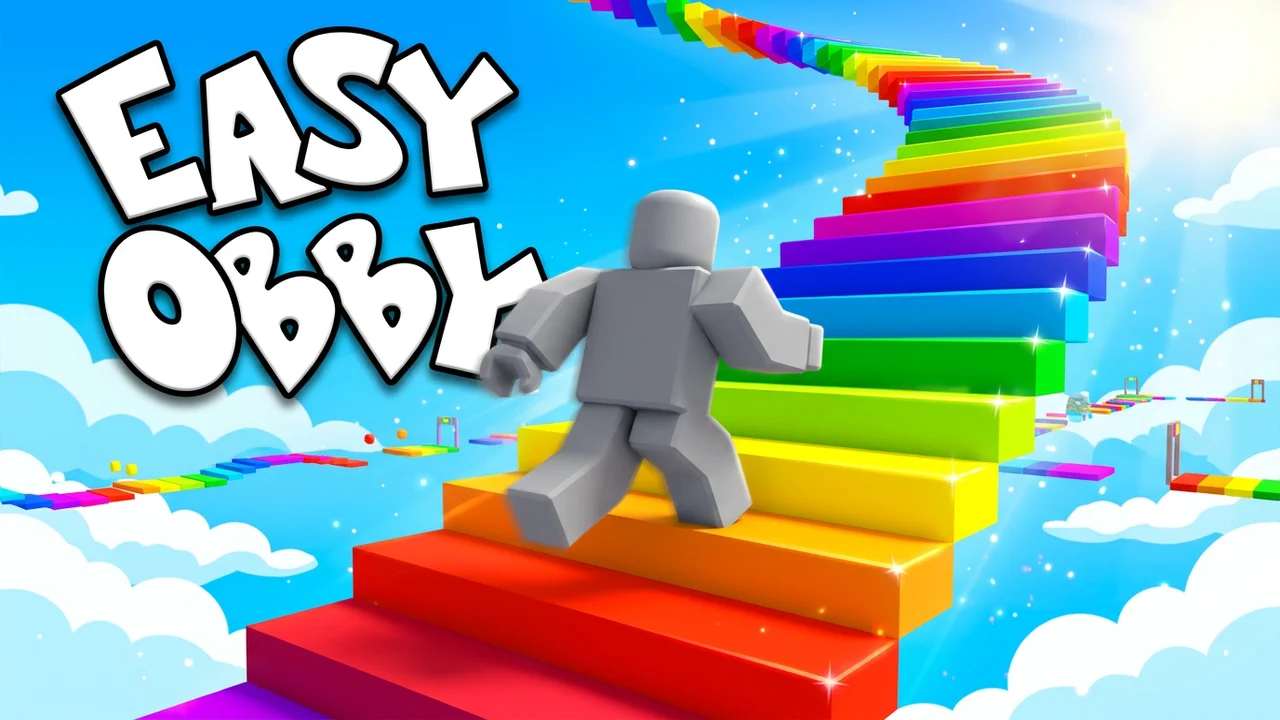 Use thisEasy ObbyObby thumbnail · Classic
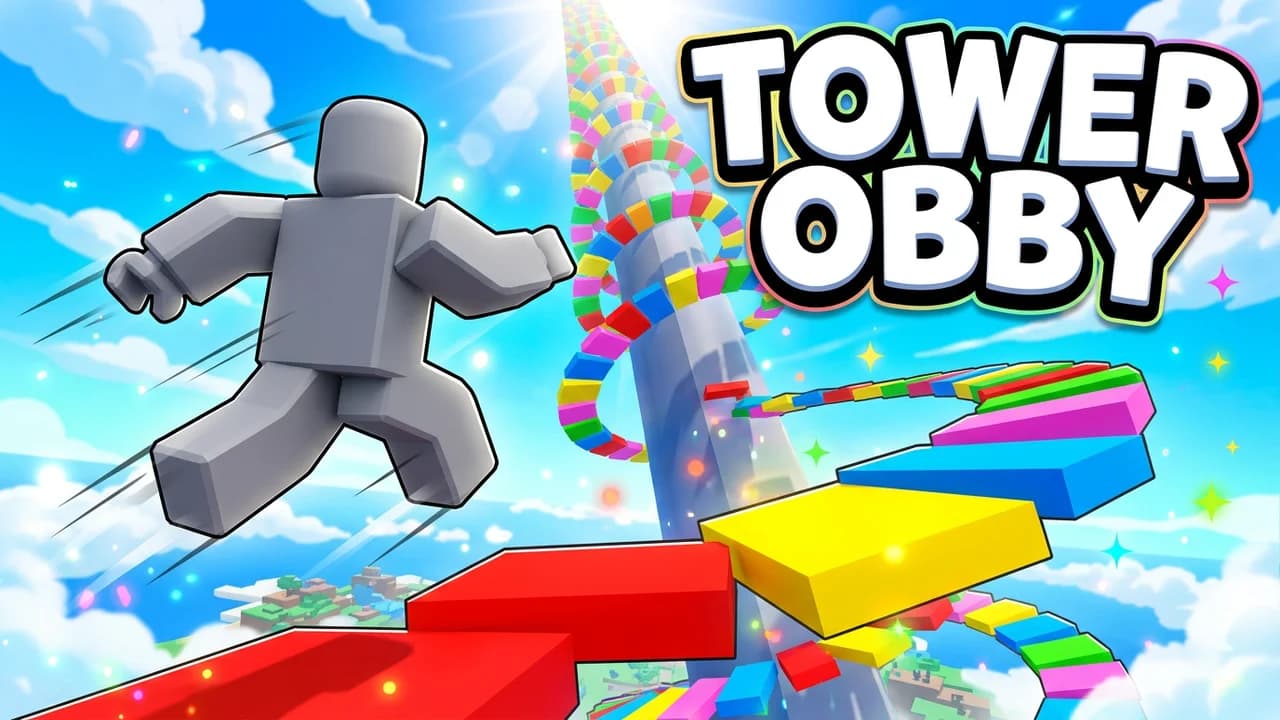 Use thisTower ObbyObby thumbnail · Classic
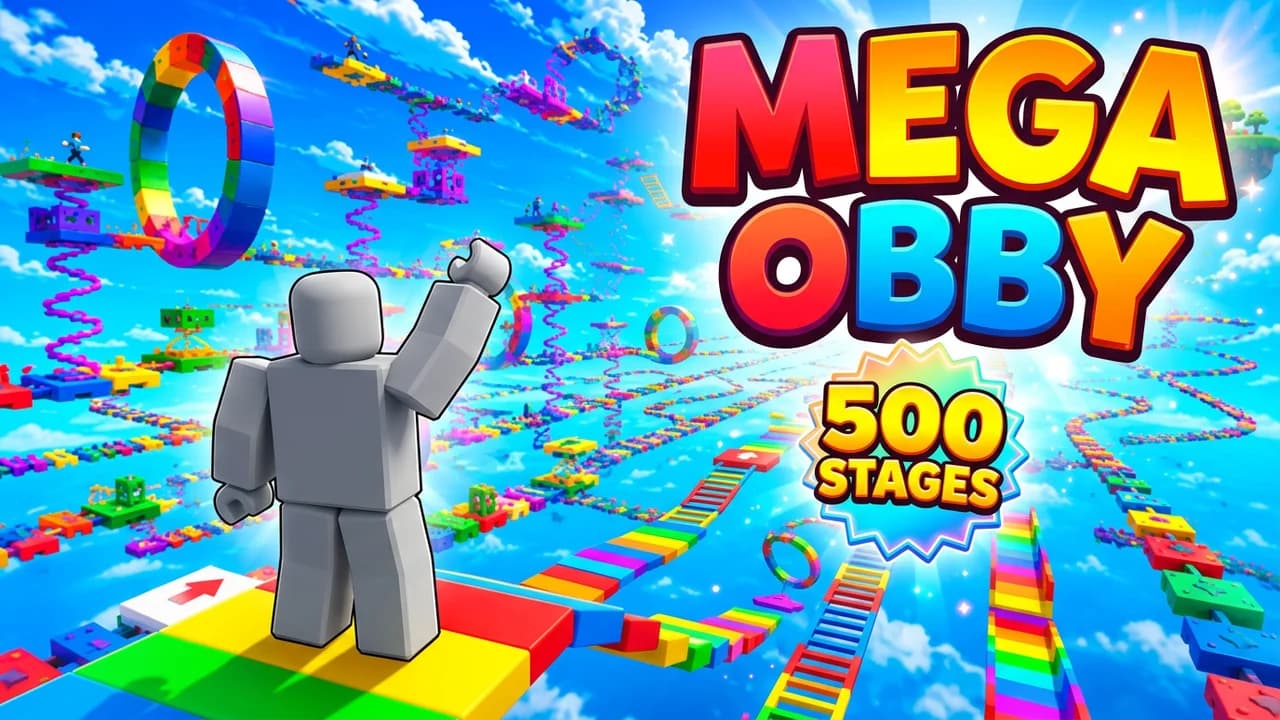 Use thisMega Obby: 500 StagesObby thumbnail · Classic
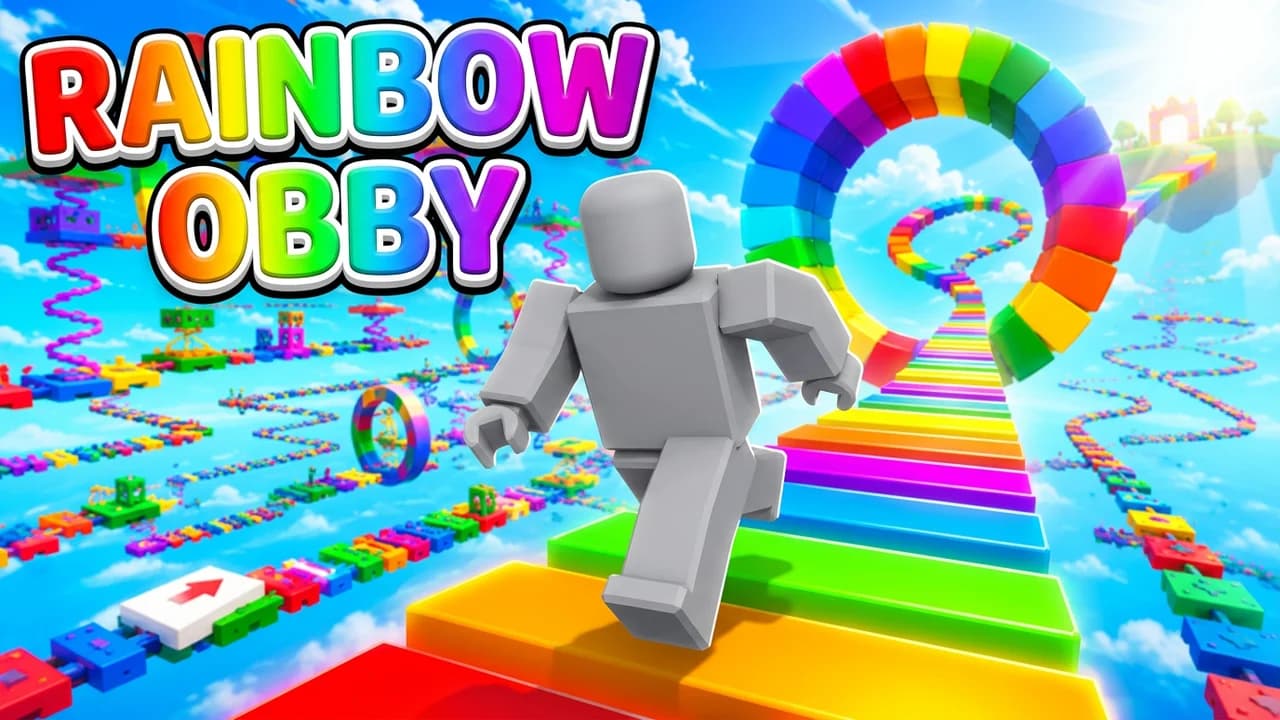 Use thisRainbow ObbyObby thumbnail · Classic
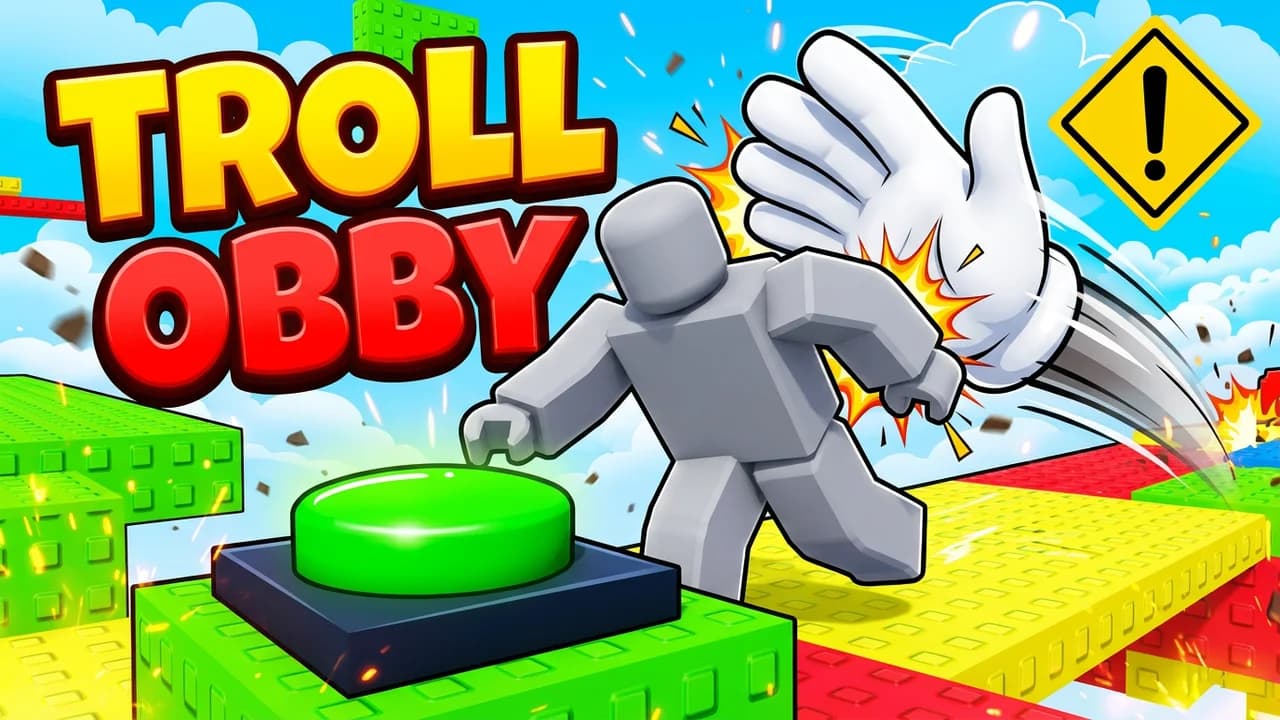 Use thisTroll ObbyObby thumbnail · Challenge
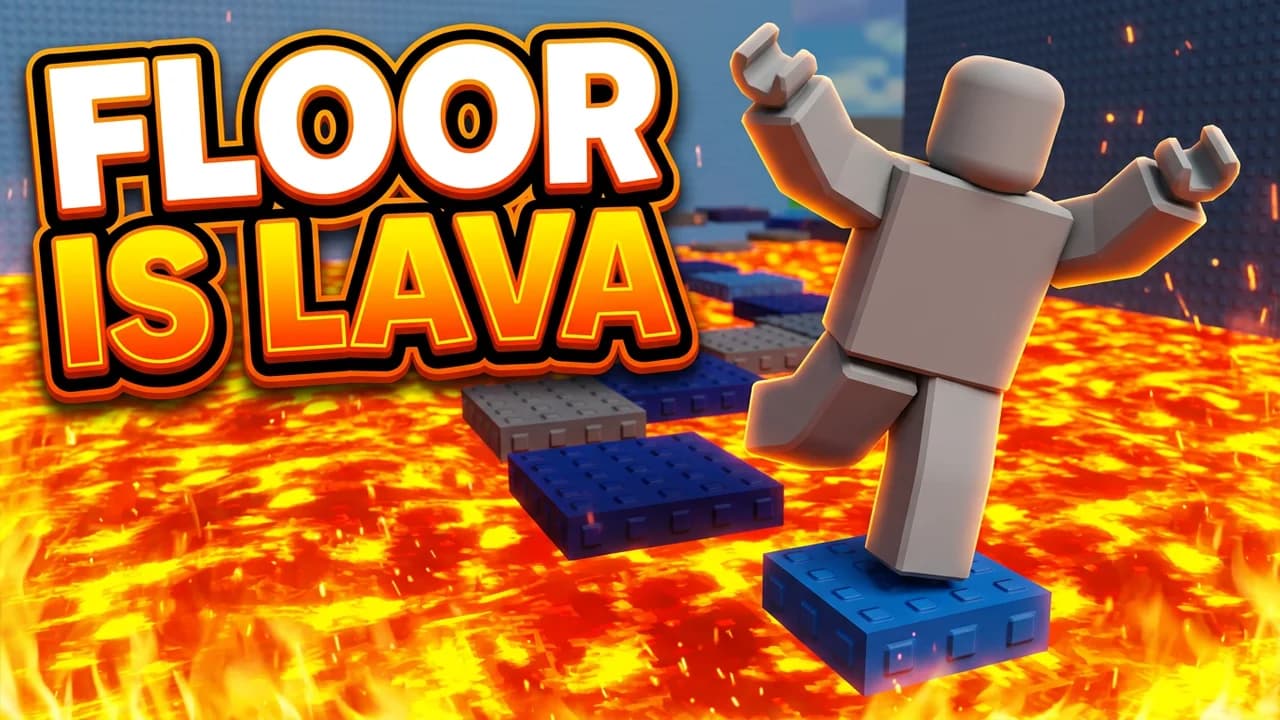 Use thisThe Floor Is LavaObby thumbnail · Challenge
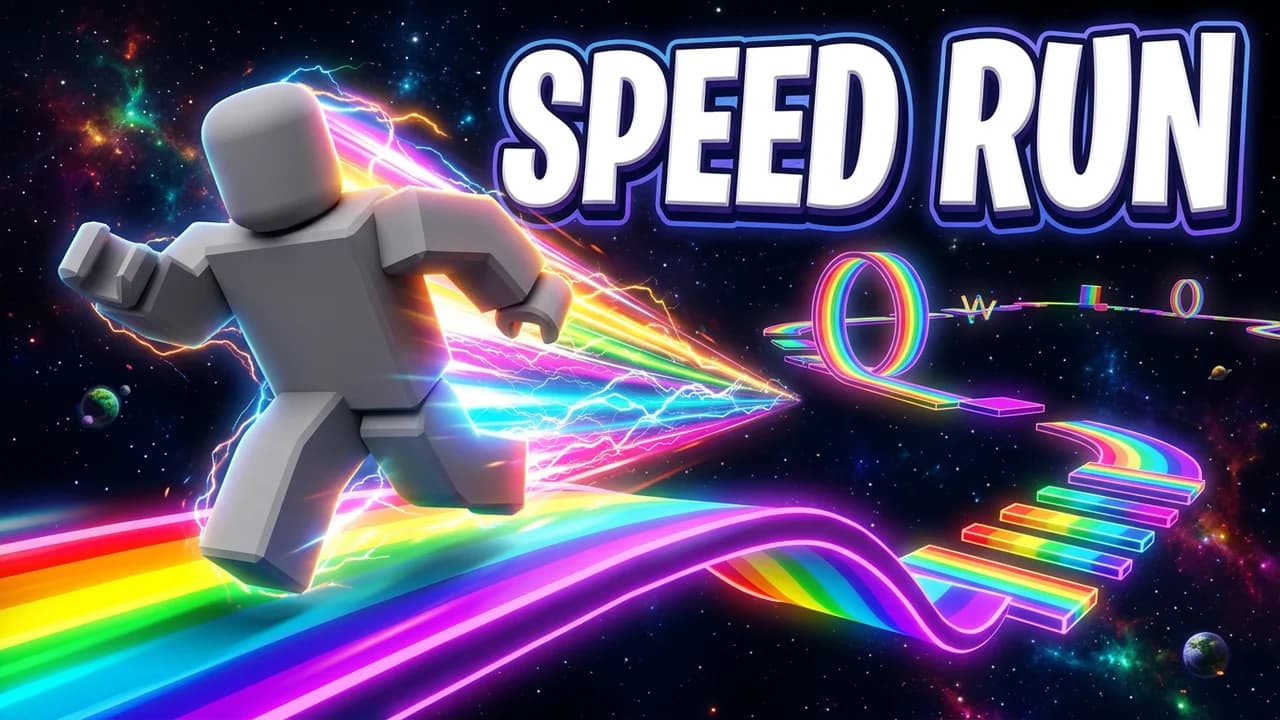 Use thisSpeed Run ObbyObby thumbnail · Challenge
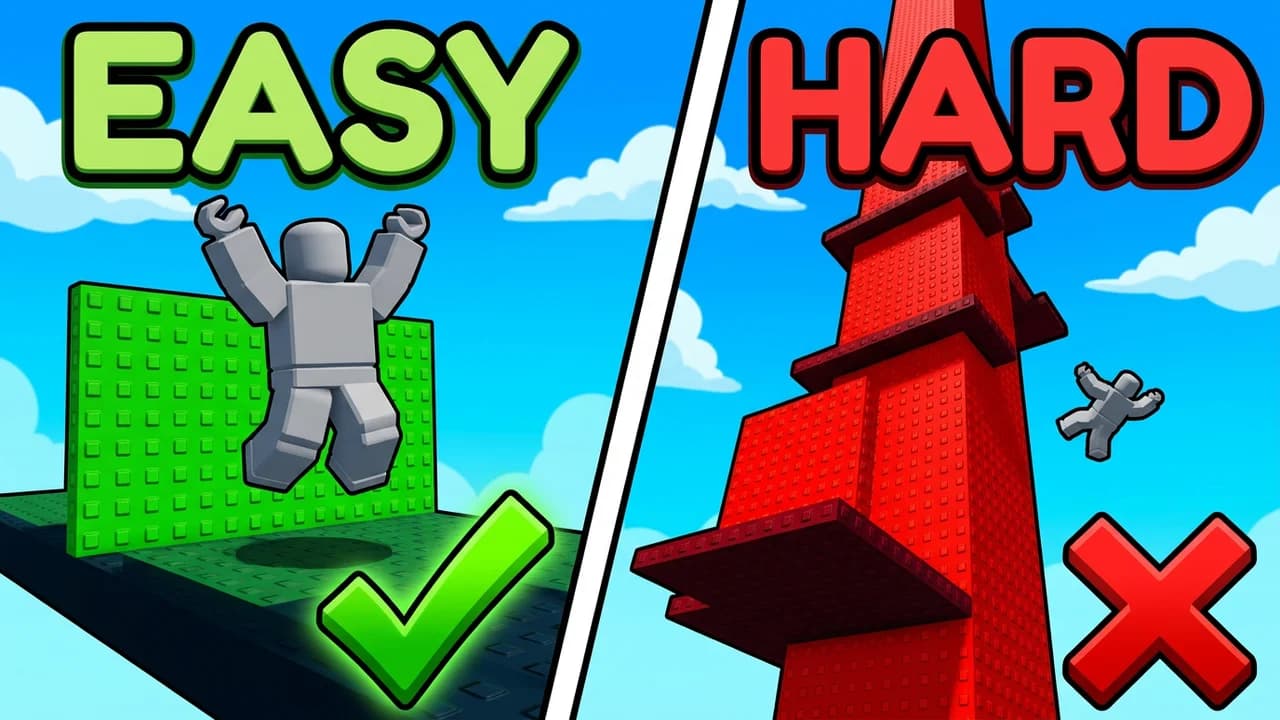 Use thisEasy vs HardObby thumbnail · Challenge
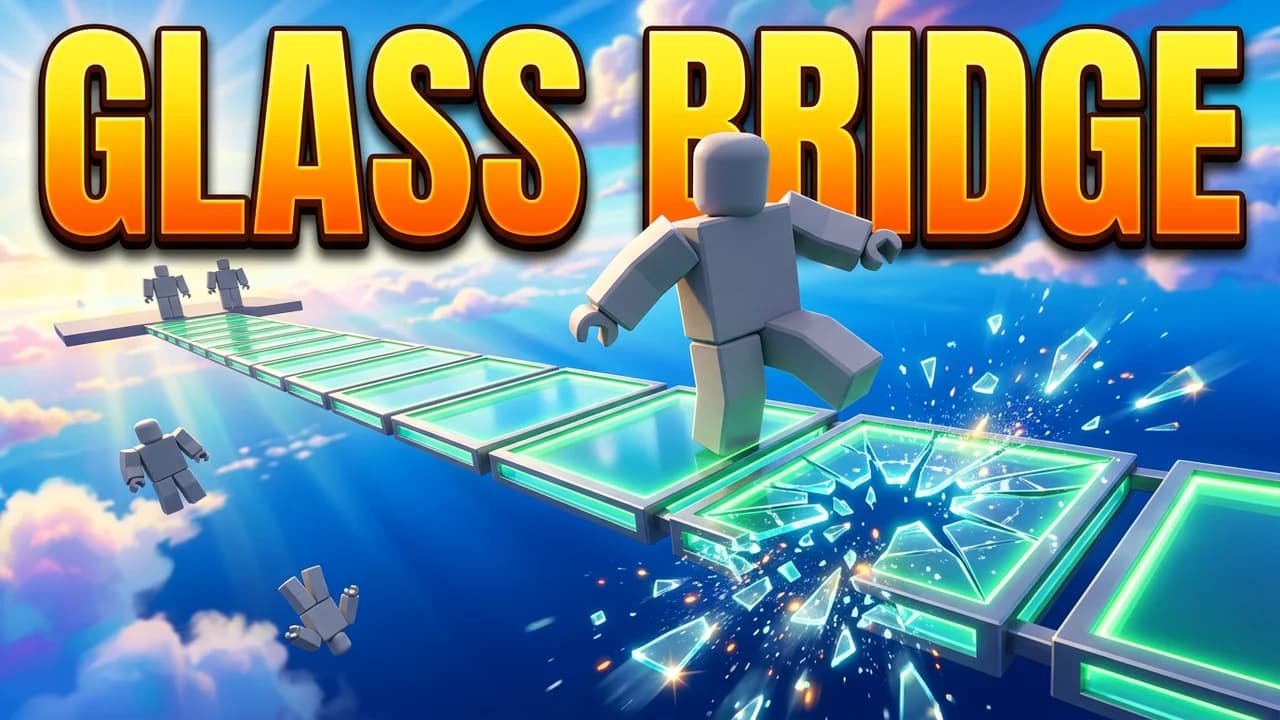 Use thisGlass BridgeObby thumbnail · Challenge
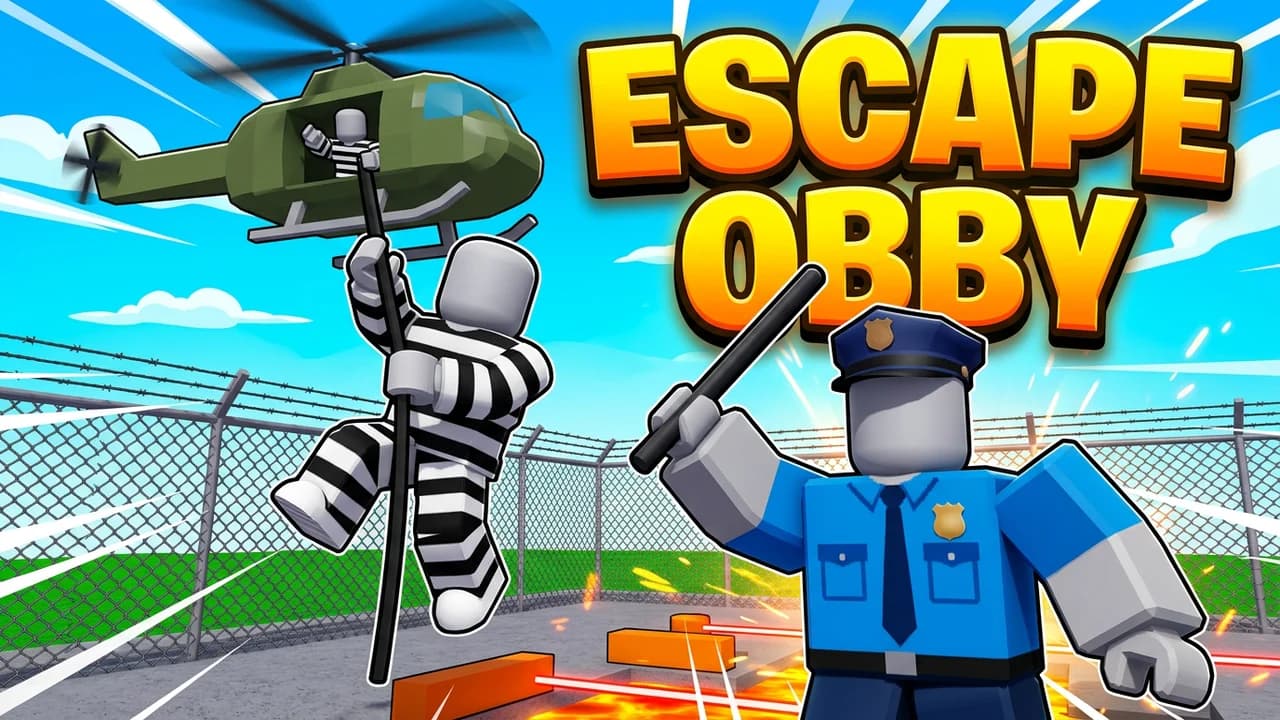 Use thisEscape ObbyObby thumbnail · Theme
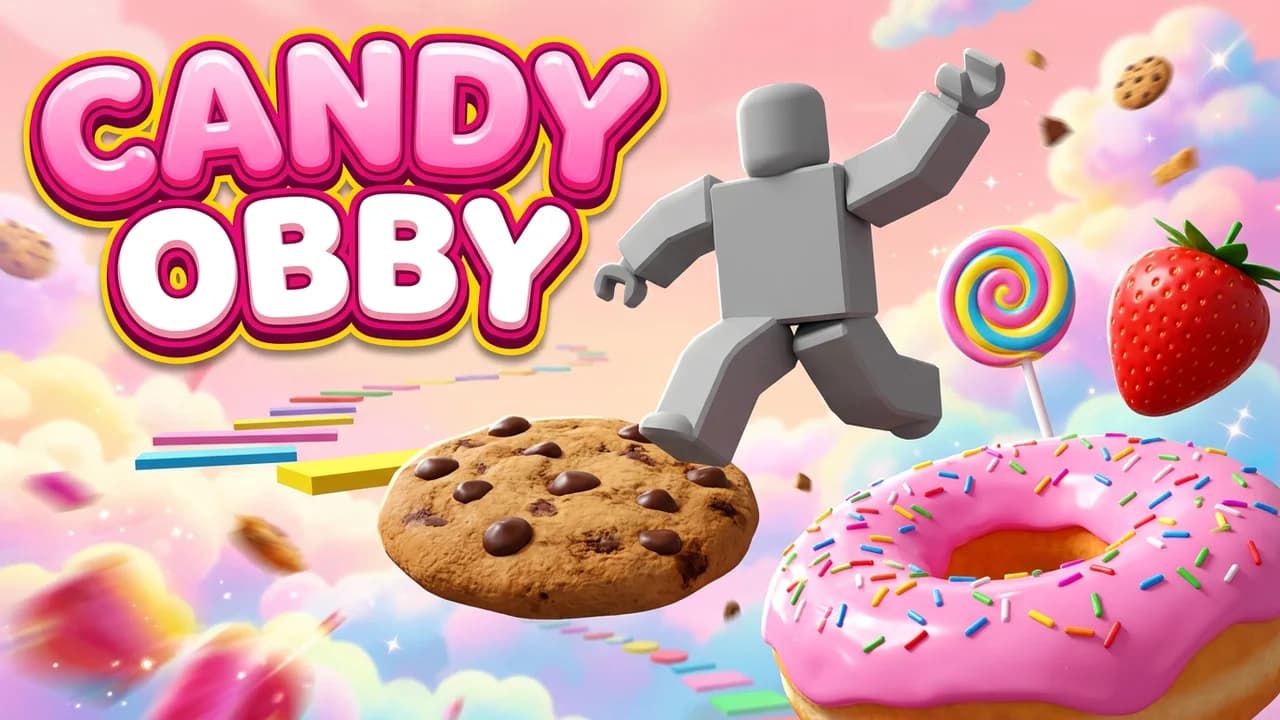 Use thisCandy ObbyObby thumbnail · Theme
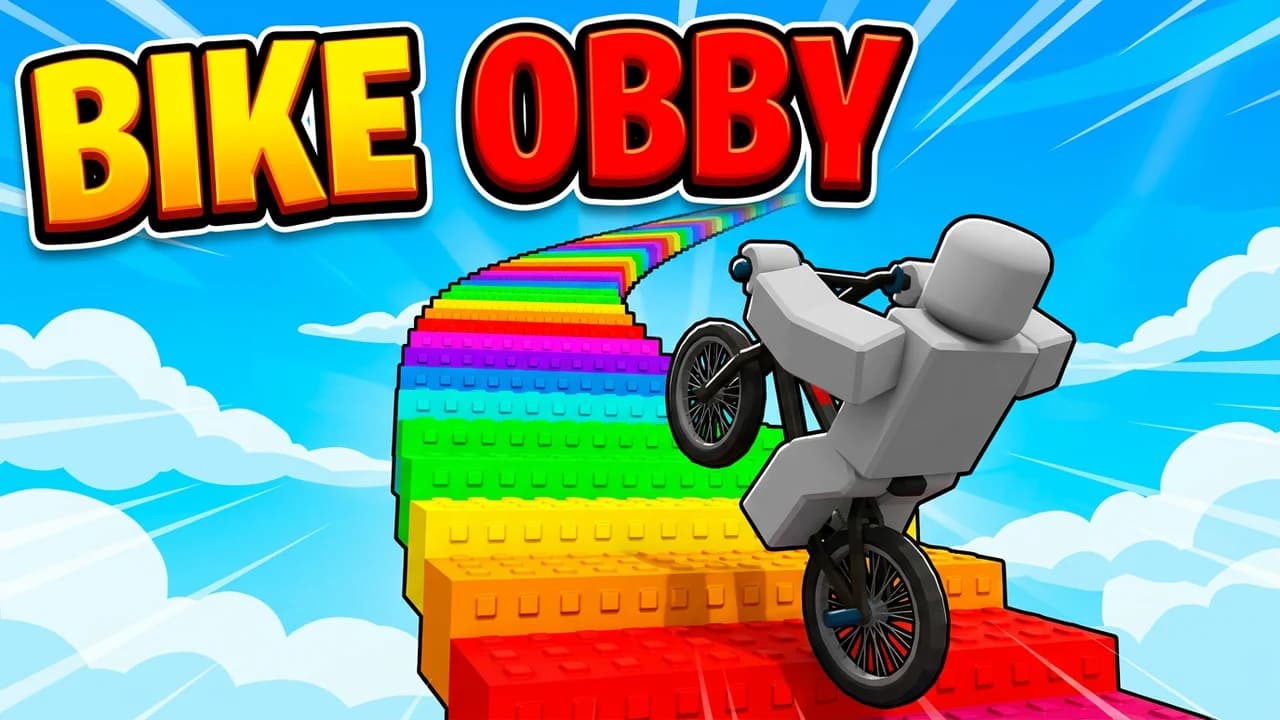 Use thisBike ObbyObby thumbnail · Theme
That's all 12 Obby layouts. Every one opens in the studio, ready to edit.
Make your own
Make a thumbnail for your obby
Add your avatar and a screenshot of your game, then say what you want in one sentence. You get a 16:9 thumbnail ready to upload to Roblox.
What works
What makes a good Obby thumbnail?
Say the obby type in two words
Easy Obby, Tower Obby, Troll Obby. The top obbies put the genre in huge text so a player scrolling the Discover page knows what they are getting before they read the title.
One player, mid jump
An avatar running, leaping or about to fall tells the player this is a parkour game. It also gives you the spot to put your own avatar.
Show the hazard
Lava, breaking glass, a slap glove, a long drop. The danger is the fun, so the best obby thumbnails make it the second thing you see.
Bright sky, rainbow blocks
Obbies that do well are loud: blue sky, saturated blocks, rainbow stairs. Dark or muddy thumbnails disappear next to them in the game list.
What size is an Obby thumbnail?
- Thumbnail
- 1920 x 1080
- Ratio
- 16:9
- Icon
- 512 x 512
- File
- Under 3MB
Questions, answered straight.
How do you make a Roblox obby thumbnail?+
Pick a layout above, add your Roblox avatar and a screenshot of your obby, then change anything by typing: the text, the hazard, the colours, the theme. Download it and upload it to your experience on Roblox.
What size is a Roblox obby thumbnail?+
A Roblox experience thumbnail is 1920x1080 (16:9) and under 3MB. The game icon is a separate square image, 512x512. Check Roblox Creator Docs before you publish in case the numbers change.
Are these obby thumbnail templates free?+
Opening a template is free. You get 90 free credits on signup with no card, enough to make and edit your first thumbnails.
Can I use these thumbnails for my own obby game?+
Yes. Every layout here is a template built around a grey stand-in. You make a new image with your avatar and your game in it, so the thumbnail you upload is yours.
Can I put my own Roblox avatar on it?+
Yes. Add your avatar as a Character and it goes into the scene in place of the grey stand-in.
Make your next Obby thumbnail free
90 credits on signup, no card. Start from any layout above.
LaunchLens is an independent tool and is not affiliated, associated, authorized, endorsed by, or in any way officially connected with Mojang, Microsoft, Roblox Corporation, Epic Games, Take-Two Interactive, Rockstar Games, 2K, Riot Games, Activision Blizzard, Valve Corporation, Supercell, Electronic Arts, EA Sports, the Collegiate Licensing Company, TVGS, Arrowhead Game Studios, Sony Interactive Entertainment, or any of their subsidiaries. All game titles, logos, and characters are trademarks of their respective owners. College team names, marks, and college athlete names and likenesses are the property of their respective rights holders; build thumbnails from your own references and keep athlete and team art generic.