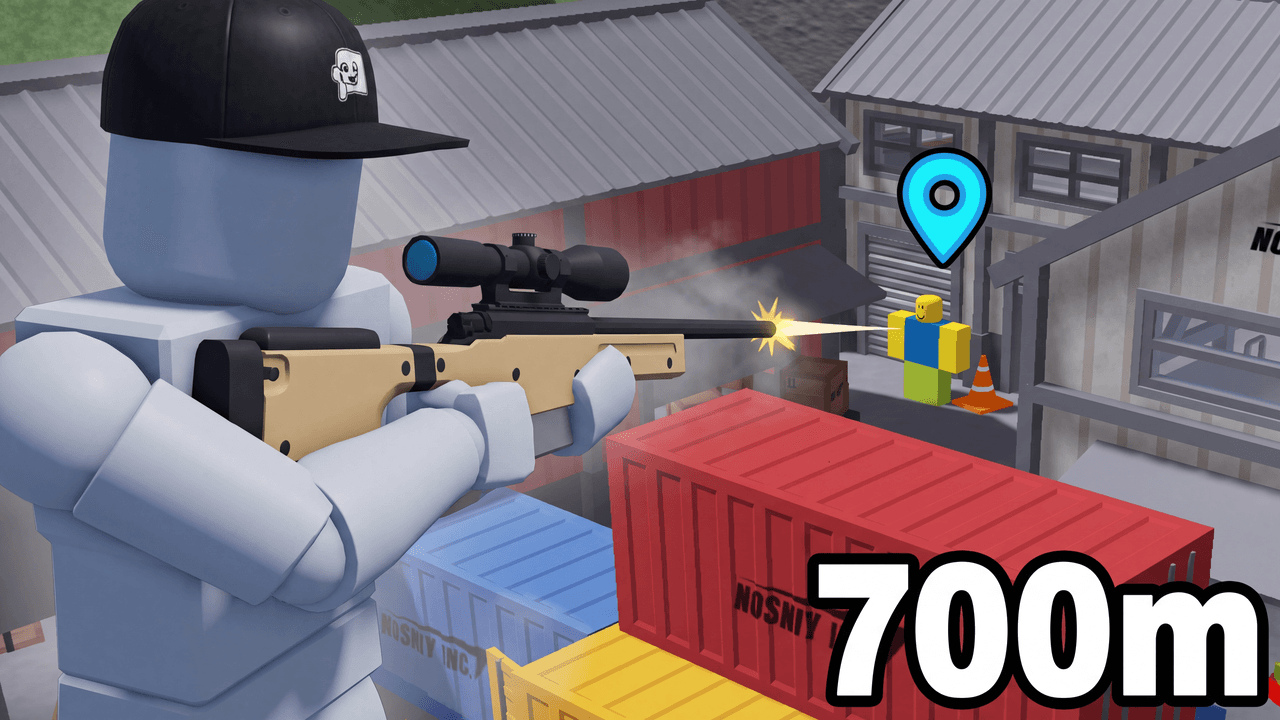
Second look, same template
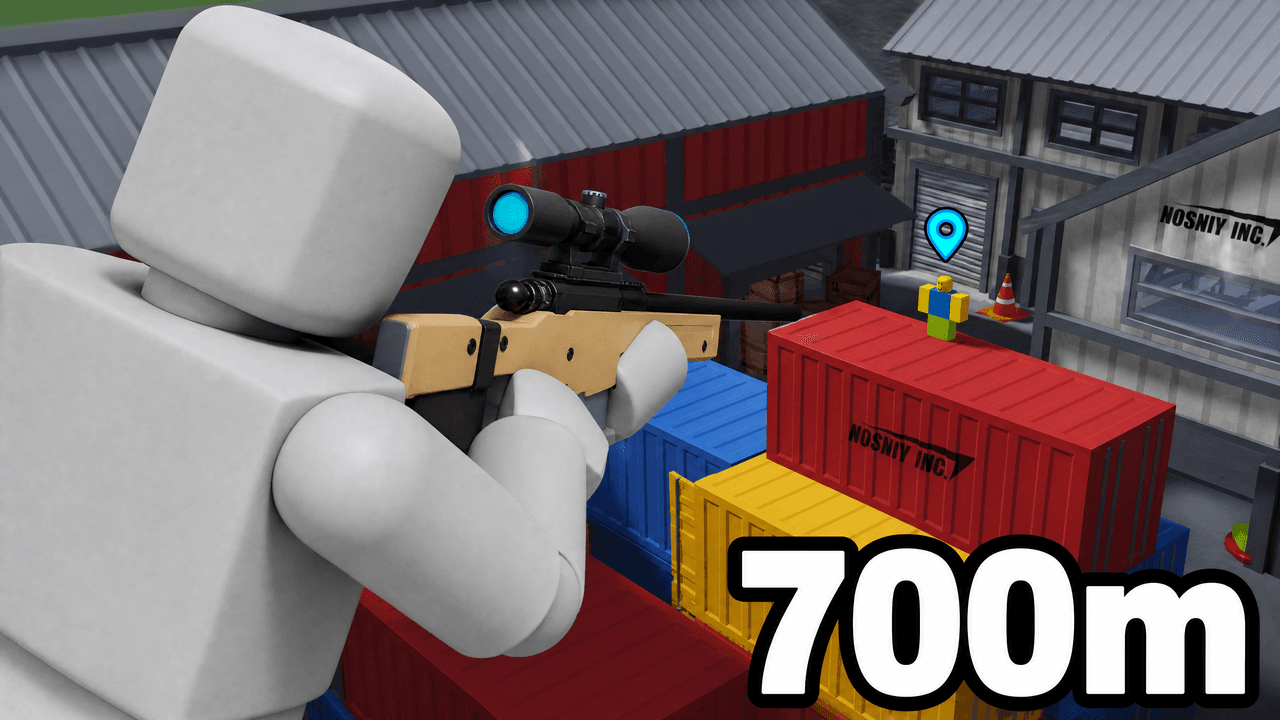
Alternate between the two across a series so your channel page does not look repetitive.
Roblox Sniper Thumbnail Template
100% Free • No Credit Card Required • Instant Access
A Roblox thumbnail template featuring an extreme close-up of a sniper aiming at a distant noob target, perfect for long-shot gameplay videos.
Template Features
- Opens straight into LaunchLens
- Edit anything with plain-language AI prompts
- 1280x720 YouTube-ready export
- Free to start: 90 credits, no card
What creators search for
ROBLOX thumbnail questions
What size is this thumbnail template?
The template is built at standard YouTube 1280x720 (16:9) resolution. This ensures it displays perfectly across all devices.
Why does this layout work better than the original?
It uses an extreme close-up to create forced perspective and depth. This visually demonstrates the 700m distance rather than just stating it with text.
Can I use this for any Roblox FPS game?
Yes, this template works for Phantom Forces, Arsenal, or any Roblox shooter. Just swap your own blocky avatar into the grey mannequin slot.
Do I need to keep the background target as a noob?
The classic Roblox noob is baked into this template to maintain the original narrative, but the main focus remains on your avatar in the foreground.
About This Template
This roblox sniper thumbnail template sets up an intense extreme-close-up of your shooter against an impossibly distant target. It is built for creators figuring out how to make a roblox fps thumbnail that clearly communicates massive scale. You start with the heavy composition work finished and edit the entire scene inside LaunchLens just by typing.
The mechanics of this layout
- Foreground dominance: The massive extreme-close-up of the shooter gives the viewer an immediate physical presence in the scene.
- Extreme scale contrast: Placing a tiny target deep in the background establishes the sheer size of the map.
- Directional framing: The angle of the weapon acts as a leading line that guides the eye straight toward the distant subject.
- Integrated typography: The bold distance text sits directly in the visual path to provide immediate context for the shot.
Where this framing fits your channel
- Cross-map trick shots in Phantom Forces or Arsenal.
- Setting a new personal distance record.
- A roblox long distance shot thumbnail for specialized challenge runs.
- Testing the drop-off physics of a newly updated sniper rifle.
- Compilations focusing on precise shots across large server maps.
Building your scene inside LaunchLens
- Open the layout in LaunchLens to start shaping your composition.
- Upload an image of your Roblox avatar or your own face to replace the blank grey mannequin in the foreground.
- Type a plain description of the specific map or environment you want to see in the background.
- Adjust the distance text to reflect the exact numbers from your gameplay.
- Swap the default weapon by typing the name of the exact rifle you used.
Take control of your visual spacing to build your free roblox gaming thumbnails directly in your browser.