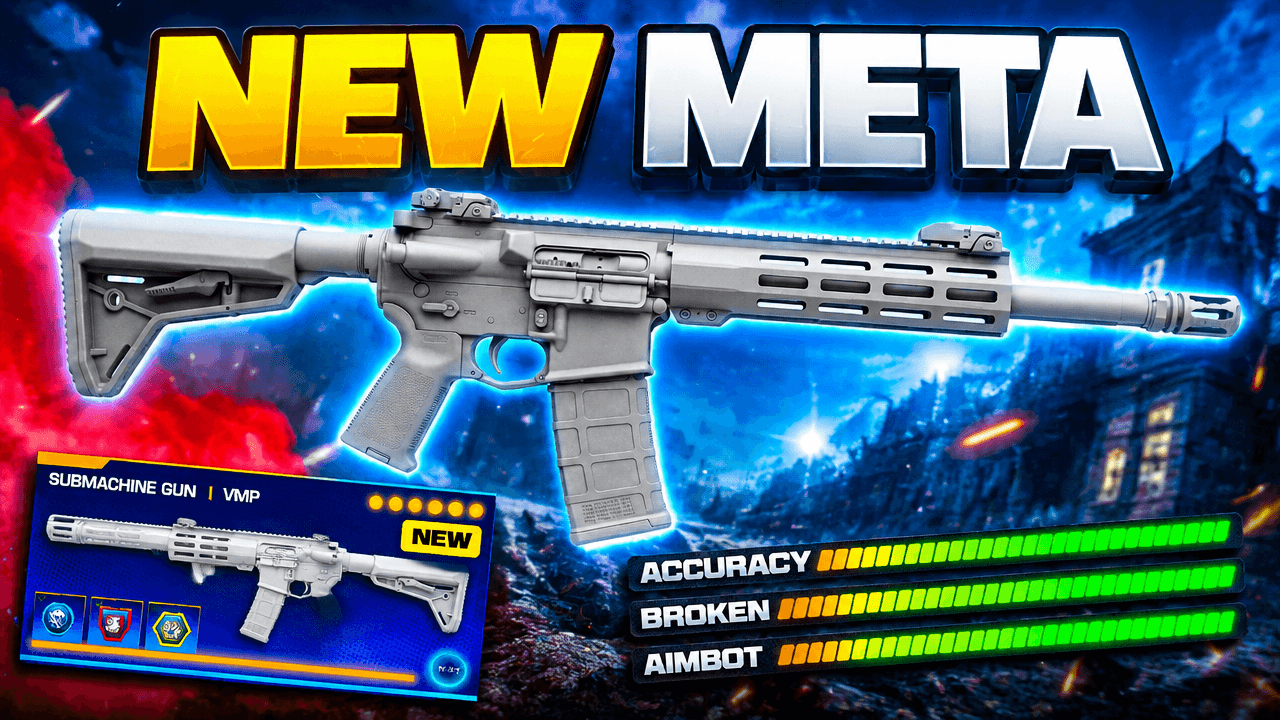
Second look, same template
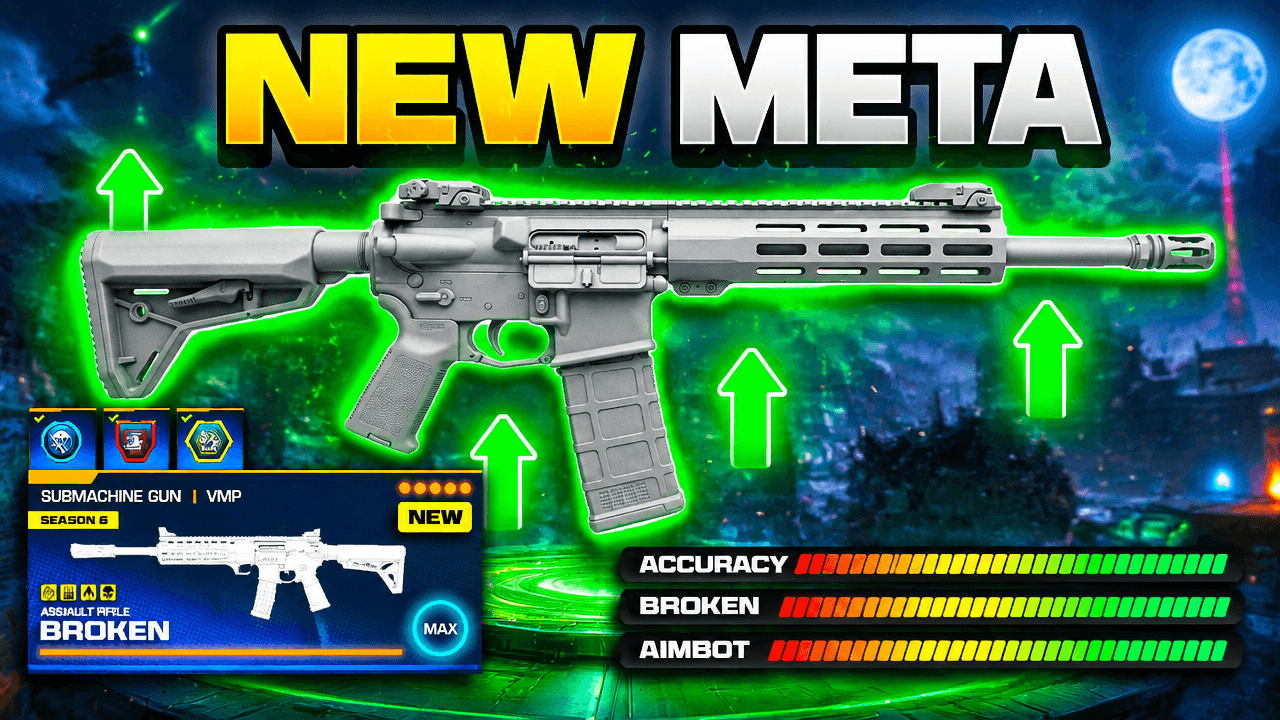
Alternate between the two across a series so your channel page does not look repetitive.
Call of Duty Warzone Meta Loadout Thumbnail Template
100% Free • No Credit Card Required • Instant Access
Easily create a Call of Duty video thumbnail using this bold Warzone meta loadout layout designed to showcase powerful new weapon builds and stats.
Template Features
- Opens straight into LaunchLens
- Edit anything with plain-language AI prompts
- 1280x720 YouTube-ready export
- Free to start: 90 credits, no card
What creators search for
CALL OF DUTY thumbnail questions
What size should a Call of Duty YouTube thumbnail be?
Your thumbnail needs to be 1280x720 pixels with a 16:9 aspect ratio and under 2MB in file size. This standard format ensures your graphics display perfectly across desktop and mobile YouTube apps.
Why does this Warzone loadout layout work well as a design?
This layout commands attention through high contrast between the glowing neon text and the dark battlefield background. The inclusion of maxed-out stat bars instantly communicates that the featured subject is powerful without requiring extra reading.
How do I put my own gun into this template?
Add a screenshot of your weapon build in LaunchLens to replace the grey placeholder gun, then type what should change in plain words.
How much text should I use on a Warzone thumbnail?
Keep your text incredibly short by using only two to four highly legible words. Large, bold phrases like 'New Meta' or 'Broken' grab attention much faster than full sentences.
What colors stand out best for Call of Duty videos?
Bright colors like yellow, cyan, and neon green create excellent contrast against the typically dark and gritty backgrounds of Call of Duty gameplay. Using these vibrant hues for text and highlights helps your design stand out in a crowded feed.
About This Template
This warzone meta loadout template gives your channel a massive sense of scale. A huge central weapon sits in front of the battlefield behind it to create a stark visual contrast. It's a composition that pushes your warzone loadout right to the front of the frame.
The mechanics of the layout
- Immediate hierarchy: The oversized central placeholder forces the eye straight to the subject before it wanders.
- Atmospheric depth: A busy background provides deep spatial context without muddying the main focal point.
- Luminous contrast: Bright glowing text separates itself cleanly from the darker environmental tones behind it.
- Information graphics: Exaggerated stat bars communicate the specifics of the setup without relying on heavy text blocks.
Videos that fit this cod thumbnail
- Season updates detailing a new warzone meta loadout.
- Deep dives into specific weapon attachments and tuning.
- Direct comparisons of two dominant guns in the current warzone meta.
- Match replays driven by a highly specific class setup.
- Breakdowns of patch notes that shift the overall weapon balance.
Editing the frame in LaunchLens
- Add a screenshot of your own weapon build to replace the plain grey placeholder gun.
- Type in the name of your specific weapon build to update the glowing text.
- Ask LaunchLens to adjust the stat bars so they reflect your exact gun stats.
- Type a description of a new map location to swap out the chaotic battlefield background.
Give your next weapon breakdown a clear visual hierarchy from the very first frame.