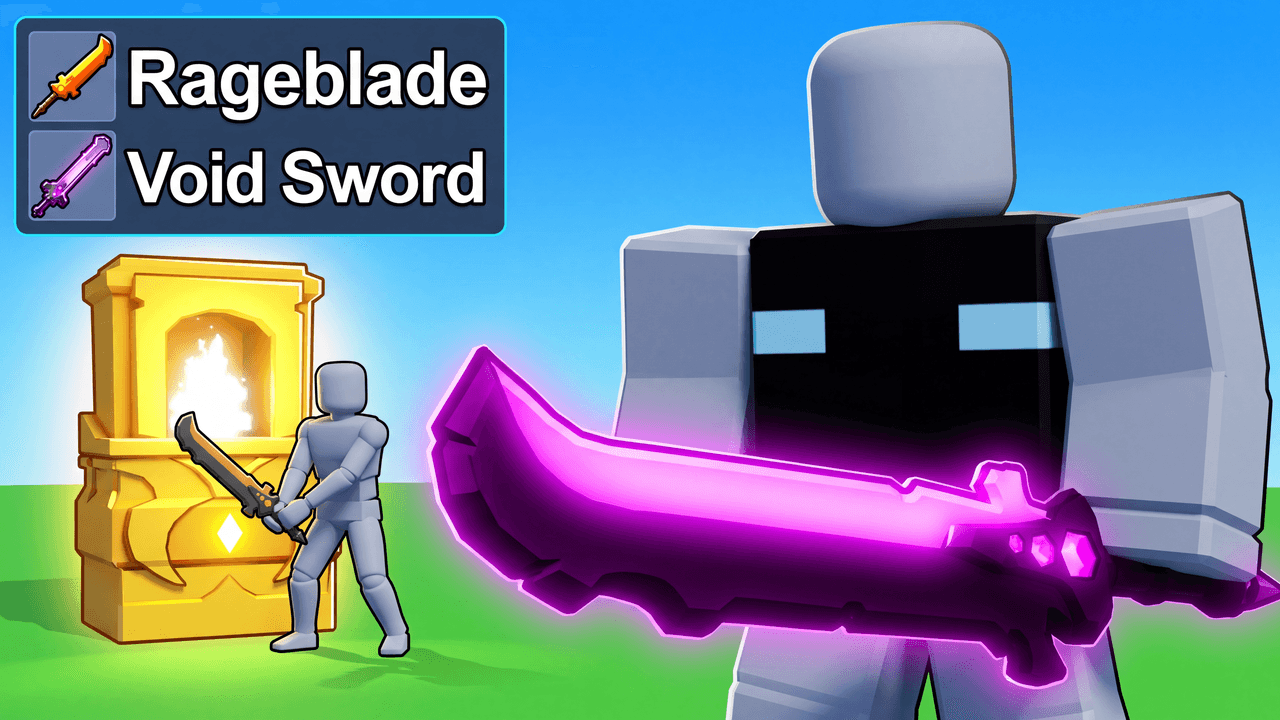
Second look, same template
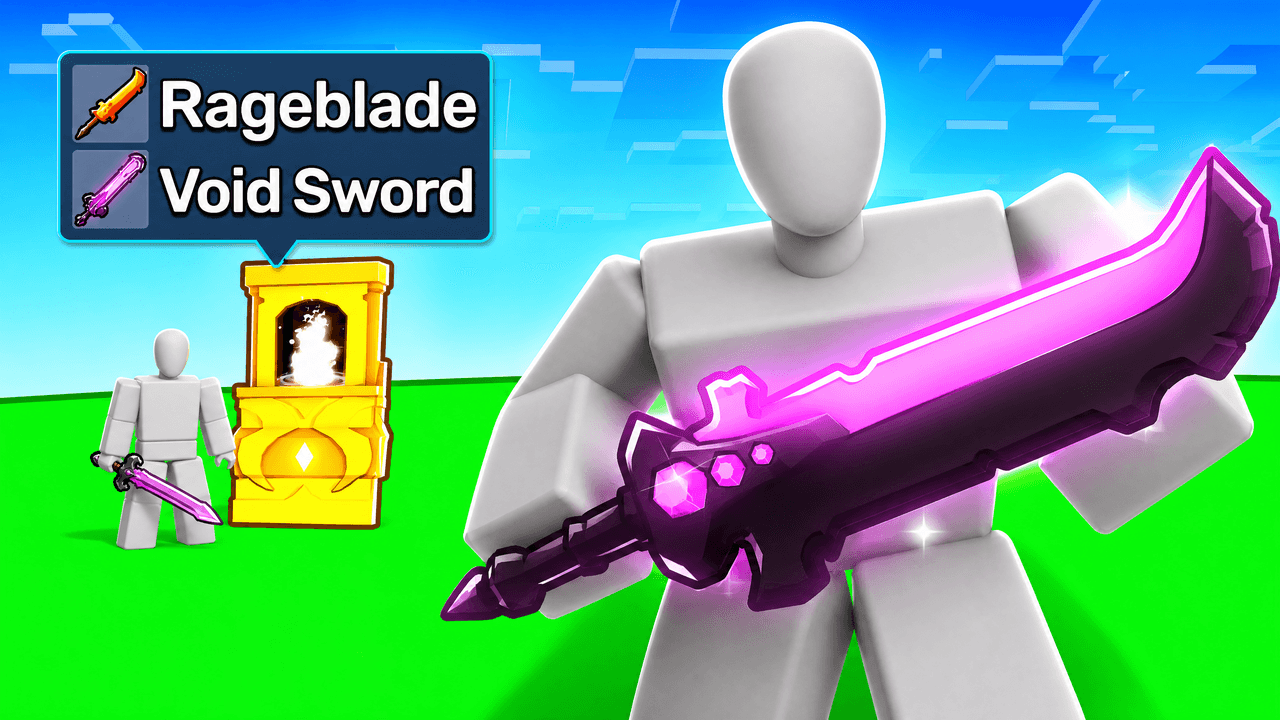
Alternate between the two across a series so your channel page does not look repetitive.
Roblox Weapon Upgrade Thumbnail Template
100% Free • No Credit Card Required • Instant Access
A dynamic Roblox foreground-background split thumbnail template for showcasing weapon upgrades or comparisons.
Template Features
- Opens straight into LaunchLens
- Edit anything with plain-language AI prompts
- 1280x720 YouTube-ready export
- Free to start: 90 credits, no card
What creators search for
ROBLOX thumbnail questions
What is the correct size for a Roblox YouTube thumbnail?
The ideal size for a Roblox YouTube thumbnail is 1280x720 pixels with a 16:9 aspect ratio, and the file must be under 2MB. This template automatically exports at these exact specifications to ensure a perfect fit on YouTube.
Why does a foreground-background-split layout work well for weapon evolutions?
This layout creates a clear visual narrative by showing a starting point on one side and a powerful result on the other. Splitting the scene establishes an immediate contrast, helping viewers understand the progression being featured in the video.
Will this template work for upcoming Roblox games and future updates?
Yes, this template is built to adapt to new updates and game releases. While the default art reflects current popular game styles, you can easily swap out text, UI elements, and item names directly inside the LaunchLens studio to match whatever is trending.
Can I replace the character with my own Roblox avatar?
Yes, you can easily replace the default character with your own avatar. Simply upload a picture of your player into LaunchLens, and the studio handles the integration without you needing to use masking tools or external editing software.
How do I make sure text is readable against bright glowing weapons?
To keep text legible against the neon elements common in Roblox, it is best to place your text within a solid UI box or use heavy drop shadows. This template uses dark backing panels to separate important text from the bright action happening in the foreground.
About This Template
This roblox weapon comparison thumbnail template places a basic starter item right in the foreground against a massive glowing upgrade towering in the back. It serves as a custom roblox avatar thumbnail generator for progression videos where the visual contrast between level one and max level carries the narrative. You get a classic roblox before and after youtube thumbnail by simply typing what you want to see.
Why this visual layout works
- Extreme scale. The tiny starter sword sits close to the lens while the final form completely dominates the background.
- Clear hierarchy. The foreground-background-split divides the canvas cleanly so the viewer reads the small item first and the large item second.
- Color contrast. A dull base item against a bright neon glow creates a massive visual gap between the starting point and the finish line.
- A solid anchor. The blank grey mannequin grounds the composition and gives both weapons a physical point of reference.
Where this format fits best
- Zero to hero progression guides.
- A roblox bedwars thumbnail maker for new kit showcases.
- Weapon and armor tier list rankings.
- Grinding simulator final evolution reveals.
- RPG legendary item drop logs.
Shaping it for your video
- Type out the exact starter weapon you want resting in the foreground.
- Describe the massive max-level upgrade you need glowing in the background.
- Upload an image of your own character to replace the grey mannequin.
- Tell the workspace what color the background glow should be to match your game tier.
- Adjust the environment setting to reflect the actual map you played on.
Build the exact comparison you need and get back to your edit.