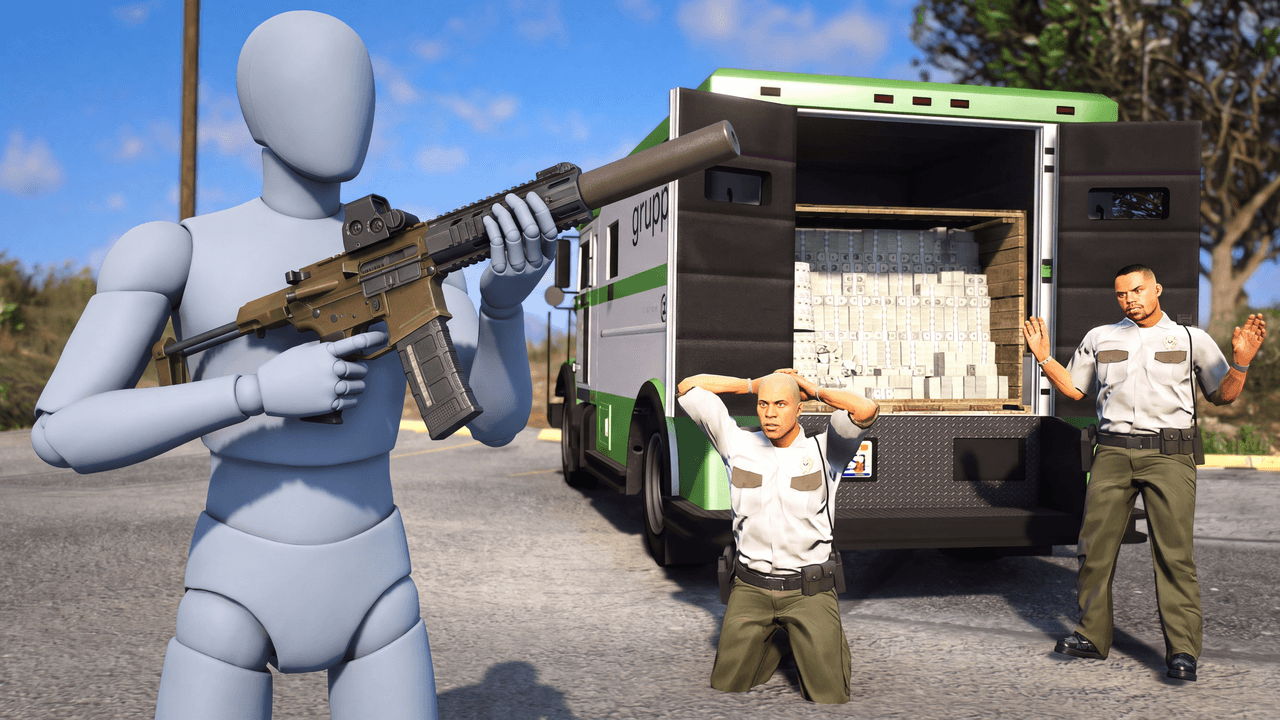
Second look, same template
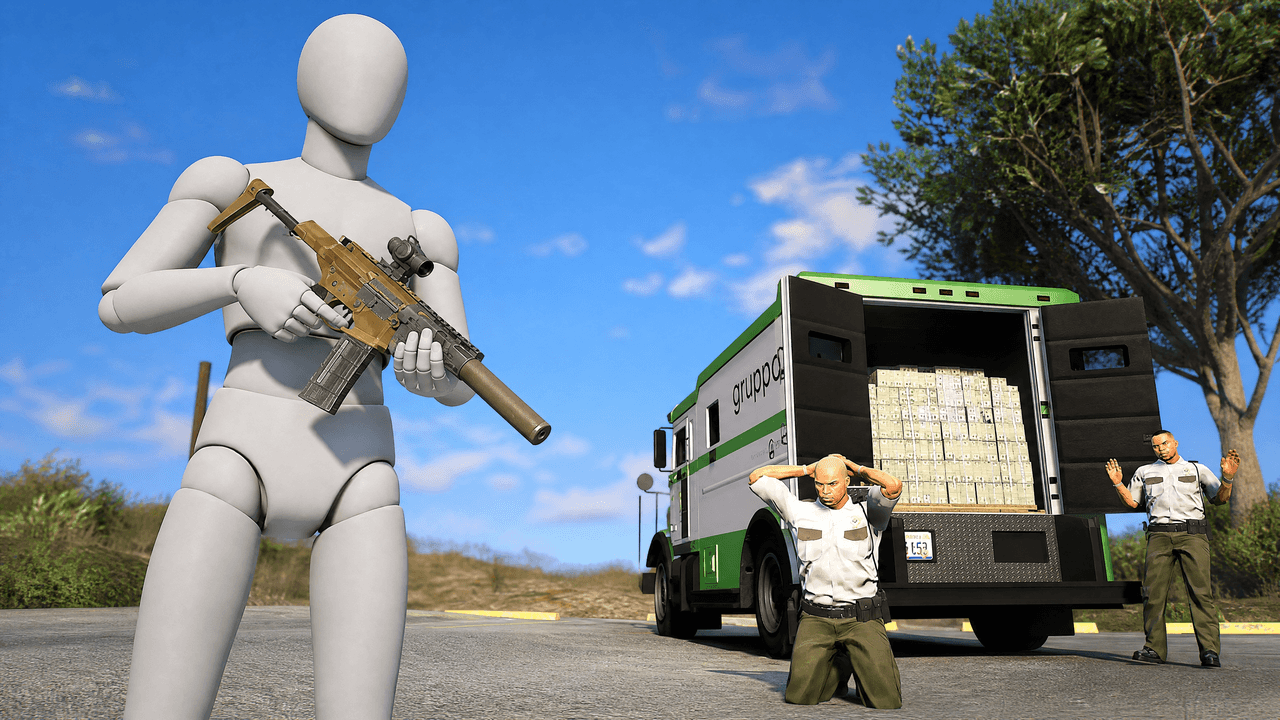
Alternate between the two across a series so your channel page does not look repetitive.
GTA Heist Thumbnail Template
100% Free • No Credit Card Required • Instant Access
A dynamic low-angle GTA thumbnail template featuring a massive player character dominating an armored truck heist.
Template Features
- Opens straight into LaunchLens
- Edit anything with plain-language AI prompts
- 1280x720 YouTube-ready export
- Free to start: 90 credits, no card
What creators search for
GTA thumbnail questions
What size is this GTA thumbnail template?
It is 1280x720 pixels, the standard 16:9 resolution required by YouTube. This ensures no cropping or black bars when uploaded.
Why does the low hero angle work better here?
It forces perspective to make the player character look dominant and powerful. It also allows the armored truck and cash to loom impressively in the background.
Can I use this for GTA 6 videos when it comes out?
Yes, the core elements of a heist and an armored truck are universal to the franchise. You can easily swap your GTA 6 character into the mannequin slot.
How do I replace the grey mannequin with my GTA character?
Screenshot your character holding a rifle in-game, cut them out using a background remover, and paste them over the grey placeholder.
Do I need to keep the security guards in the final thumbnail?
Yes, they provide essential context that this is an active robbery, not just a parked truck. They scale the action and add narrative tension.
About This Template
If you are building a GTA 5 cash truck thumbnail, this layout surrounds your character with a massive payload of cash. It gives roleplayers and crews a solid foundation for a robbery background that communicates a highly successful heist.
Anatomy Of The Score
- The low hero angle. Shooting from the pavement looks up at the truck. This makes the vehicle look heavy and gives your character an imposing silhouette.
- Scale of the payout. The overwhelming display of cash fills the negative space. It instantly signals the narrative of a high-value target.
- Central framing. The open doors of the armored truck create a natural frame right in the middle of the image. The viewer's eye travels straight to the vault.
- Color contrast. The cool greys of the street and the dark metal of the truck push the bright green money forward. The cash becomes the brightest element on the canvas.
Fits Into Your GTA Roster
- Full walkthroughs for the latest GTA Online robbery updates.
- Story recaps of a massive score in your GTA RP server.
- Guides covering the fastest ways to grind money in the city.
- Crew highlights showing off a flawless armored truck ambush.
- Challenges where you try to steal the maximum payout.
Claim The Cash In LaunchLens
- Open the template right here in LaunchLens.
- Select the blank grey mannequin standing in front of the truck. Upload a screenshot of your GTA character or a photo of yourself to replace it.
- Type a description of what your character should be holding. A heavy duffel bag or a crowbar grounds them in the scene.
- Change the time of day by typing in a new lighting request. Tell the canvas you want the glow of a neon night scene or a harsh midday sun.
- Adjust the environment. Type a request to add police cruisers in the distance or swap the downtown block for a desert highway.
Drop your character into the scene and let the money do the talking.