Gaming YouTube Thumbnails: What Works for NBA 2K, Minecraft, and Beyond
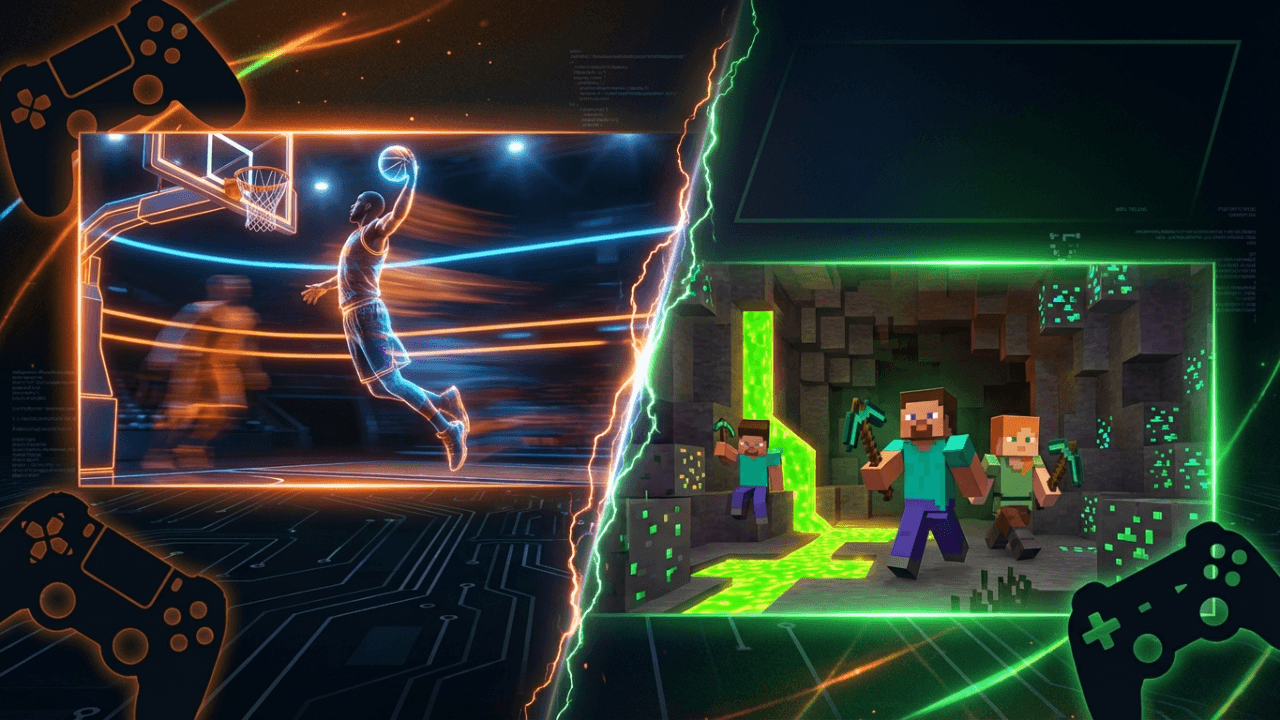
Gaming thumbnails are a different game.
The gaming category on YouTube is one of the most competitive. Millions of creators upload daily, and viewers scroll through hundreds of thumbnails looking for something worth watching.
Generic advice doesn't cut it. Each gaming community has its own visual language, expectations, and trends. What works for Minecraft doesn't work for NBA 2K.
This guide breaks down what actually performs in the biggest gaming niches.
Why Gaming Thumbnails Are Different
Gaming audiences are:
- Highly visual: they know what good graphics look like
- Community-driven: they recognize trends and memes instantly
- Game-specific: a Minecraft player knows Minecraft aesthetics
- Click-savvy: they've seen thousands of thumbnails
This means gaming thumbnails need to:
- Speak the visual language of the specific game
- Show genuine gameplay or results
- Stand out while feeling authentic
- Match the energy of the content
NBA 2K Thumbnail Strategies
NBA 2K content has exploded. MyCareer builds, Park gameplay, and competitive content dominate the niche. Here's what the top 2K creators do.
The Build Showcase
Format: Player build with key stats highlighted
Why it works: 2K viewers searching for builds want to see the proof immediately. They want to know height, position, and whether the build actually performs.
Key elements:
- Clear screenshot of MyPlayer or player card
- Stats visible (height, weight, position)
- "Demigod" or performance language in title coordination
- Before/after badge progression
Example pattern: 6'9 PG build screenshot + "UNSTOPPABLE" text + green release indicator
The Gameplay Clip Freeze
Format: Frozen moment from exciting gameplay
Why it works: Shows the action viewers want to see. A perfect green, a poster dunk, or a game-winning shot.
Key elements:
- High-action moment captured
- HUD elements visible (confirms real gameplay)
- Your player clearly featured
- Expression overlays optional but common
The Stats Proof
Format: Screenshot showing impressive stats or records
Why it works: 2K community values results. Showing 50-point games, win streaks, or Rep progress builds credibility.
Key elements:
- Actual game stats visible
- Highlight the key achievement
- Add context (game mode, competition level)
- Your reaction optional
What NBA 2K Viewers Expect
- Real gameplay: fake or pre-rendered thumbnails get called out
- Current game version: outdated 2K23 thumbnails hurt clicks on 2K25 content
- Community references: "comp stage," "rec takeover," "demigod build"
- Authenticity: 2K viewers can spot manufactured content
Color Palette That Works
- Green (associated with perfect releases)
- Gold (badges, achievements)
- Team colors (Lakers purple/gold, Celtics green)
- High contrast against dark gym/park backgrounds
Minecraft Thumbnail Strategies
Minecraft has been on YouTube for 15+ years. The thumbnail meta has evolved significantly. Here's what works now.
The Reaction + Build Combo
Format: Creator face reacting to impressive build or moment
Why it works: Minecraft builds are visual spectacles. Adding human reaction creates emotional connection.
Key elements:
- Face showing genuine reaction (shock, excitement)
- Build or scene clearly visible
- Bright, saturated Minecraft colors
- Clean composition (face on one side, build on other)
The Cinematic Render
Format: Dramatic, high-quality render of Minecraft scene
Why it works: Shows production value and commitment. Signals premium content.
Key elements:
- Custom lighting and shaders
- Dramatic angles
- Minimal text (let the visual speak)
- Often darker/moodier than standard Minecraft
Note: This requires rendering skills or commissioning artwork.
The Challenge Setup
Format: Visual showing the challenge premise
Why it works: Minecraft thrives on challenges (100 days, hardcore, speedruns). The thumbnail sets up the stakes.
Key elements:
- Clear visual of challenge (enemy, goal, obstacle)
- "100 Days" or challenge duration visible
- Player character in context
- Danger or stakes implied
The Mod/Update Showcase
Format: New content front and center
Why it works: Minecraft community constantly wants new experiences. Mods and updates drive curiosity.
Key elements:
- New item, mob, or feature prominently displayed
- Clean background to highlight new content
- "NEW" indicators if relevant
- Comparison to vanilla optional
Minecraft Aesthetic Rules
- Bright and saturated: Minecraft's blocky style pops with color
- Recognizable elements: Creeper, diamond, iconic blocks
- Clean composition: clutter kills Minecraft thumbnails
- Match the era: modern Minecraft looks different than 2015 Minecraft
Fortnite Thumbnail Strategies
Fortnite thumbnails are among the most stylized on YouTube. The community has developed strong visual expectations.
The Skin Feature
Format: Character skin as primary focus
Why it works: Fortnite players care about cosmetics. New or rare skins drive clicks.
Key elements:
- Skin rendered clearly (official art or in-game)
- Dynamic pose
- Complementary background colors
- Rarity indicators if relevant
The Victory Moment
Format: Victory royale or elimination gameplay
Why it works: Shows success. Viewers want to see wins.
Key elements:
- Action shot from gameplay
- Victory screen elements
- Kill count or placement visible
- Your character prominently featured
The News/Update Style
Format: Information-dense thumbnail about game changes
Why it works: Fortnite changes constantly. Players need to stay informed.
Key elements:
- New items/features clearly shown
- Bold text announcing the news
- Fortnite color palette (purple, blue, gold)
- Urgency indicators ("NOW," "NEW")
Fortnite Visual Language
- Render art is expected (not raw screenshots)
- Purple/blue gradient backgrounds are standard
- Clean, cartoon style matching game aesthetic
- Multiple elements okay if well-organized
- Bold, block fonts for any text
Other Gaming Niches
Call of Duty / Shooter Games
What works:
- Loadout showcases
- Kill feed screenshots
- Red/orange/aggressive colors
- Scope overlays for sniper content
- Stats proof (K/D, win rate)
Horror Games
What works:
- Dark, moody lighting
- Reaction faces (fear, shock)
- Monster/threat visible but partially obscured
- Minimal text (atmosphere over information)
Simulation Games (Stardew, Animal Crossing)
What works:
- Cozy, warm aesthetics
- Colorful and inviting
- Achievement or progress showcases
- Cute characters featured
Speedrun Content
What works:
- Timer prominently displayed
- Split comparison (world record vs. your run)
- Intense action moments
- Clean, focused composition
Esports/Competitive
What works:
- Team logos and player photos
- Tournament branding
- Versus layouts
- Score/bracket information
- Professional, broadcast quality
Universal Gaming Thumbnail Principles
1. Match Game Aesthetic
A Minecraft thumbnail should feel like Minecraft. An NBA 2K thumbnail should feel like basketball. Don't force a style that doesn't match the game's visual identity.
2. Show Real Gameplay
Gaming audiences are skeptical. Pre-rendered or obviously fake thumbnails get called out in comments. Use actual in-game footage or clearly-labeled artwork.
3. Respect the Community
Each gaming community has inside jokes, references, and visual shortcuts. Learn them. Using them correctly signals you're part of the community.
4. Update With the Game
Games change. A thumbnail style that worked in 2023 might look dated in 2025. Keep up with visual trends in your specific game.
5. Faces Are Optional
Unlike other niches, gaming thumbnails don't always need your face. Some successful gaming creators never show their face in thumbnails. Match what your audience expects.
Technical Tips for Gaming Thumbnails
Screenshot Quality
- Use highest in-game graphics settings for screenshots
- Disable HUD elements you don't want visible
- Use photo modes if available
- Consider external capture for cleaner images
Render Resources
Many gaming communities have:
- Free render packs (Fortnite, Minecraft)
- Thumbnail artists for commission
- Discord servers sharing assets
- Official press kits from developers
Color Grading
Gaming thumbnails often benefit from:
- Increased saturation
- Slight contrast boost
- Game-specific color grading (warm for Minecraft, cool for horror)
- Consistent style across your channel
The Gaming Thumbnail Checklist
Before publishing, verify:
- [ ] Does this feel like it belongs in this game's community?
- [ ] Is the game/content type immediately clear?
- [ ] Would I click this if I saw it in my feed?
- [ ] Does it stand out from similar content?
- [ ] Is it readable at mobile thumbnail size?
- [ ] Does it accurately represent what's in the video?
- [ ] Am I using current visual trends (not outdated styles)?
Finding Your Thumbnail Style
Watch the top 10 creators in your specific game. Notice:
- What colors do they use?
- How much text appears?
- Do they show faces?
- What compositions repeat?
- What makes the #1 creator's thumbnails different?
Don't copy exactly. Understand the patterns, then add your unique spin.
The goal is to look like you belong in the niche while standing out from the crowd. That's the balance.
Creating gaming content? LaunchLens analyzes your video to suggest titles and descriptions that match what you actually recorded. Built for creators who want AI that understands their content.
Share this article:
Ready to Optimize Your YouTube Channel?
Try LaunchLens today and see how AI can transform your YouTube optimization strategy with data-driven insights.
Get Started Free